AppRecs review analysis
AppRecs rating 2.5. Trustworthiness 65 out of 100. Review manipulation risk 29 out of 100. Based on a review sample analyzed.
★★☆☆☆
2.5
AppRecs Rating
Ratings breakdown
5 star
20%
4 star
20%
3 star
20%
2 star
20%
1 star
20%
What to know
✓
Low review manipulation risk
29% review manipulation risk
About X1 RGB
The X1 RGB App is the perfect companion for your TT Premium hardware.
With a host of convenient features, the X1 RGB app transforms your smartphone & tablet into a powerful tool that lets you get the most out of your device.
APP Features:
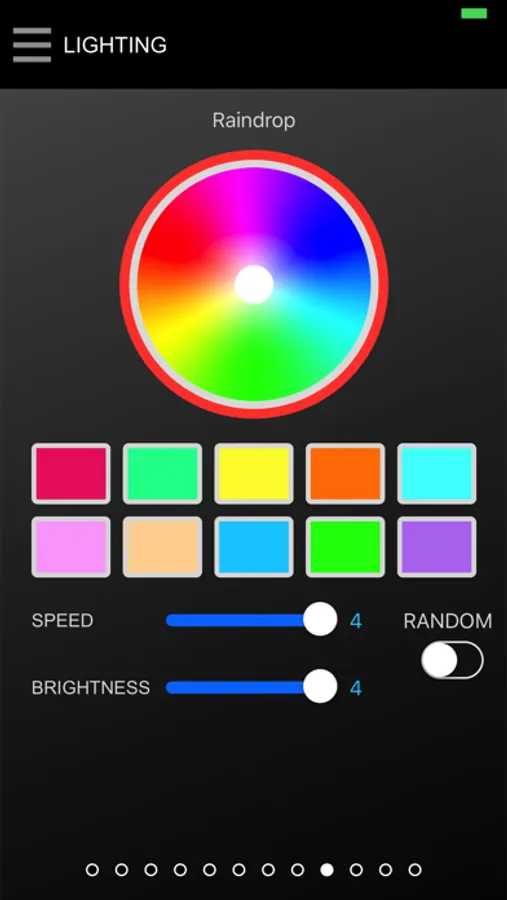
• Users can switch between 12 illumination effects, adjust illumination effect speed and adjust illumination brightness
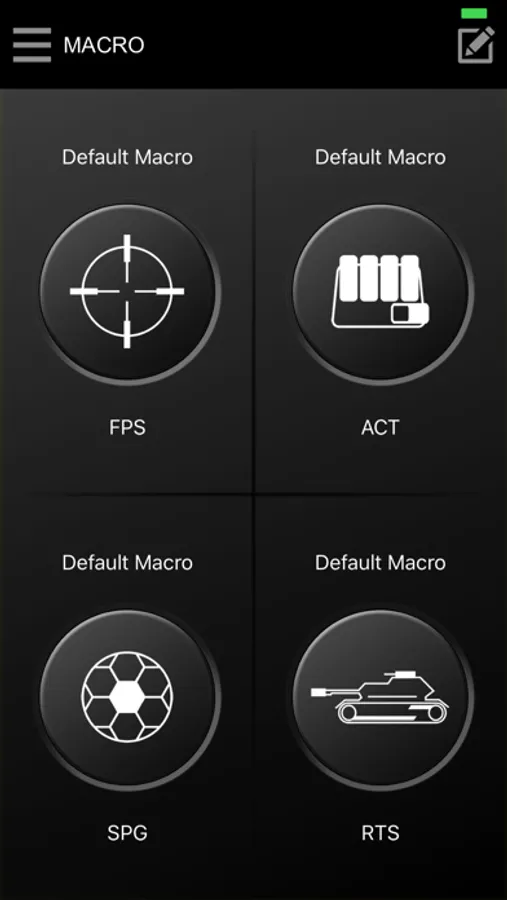
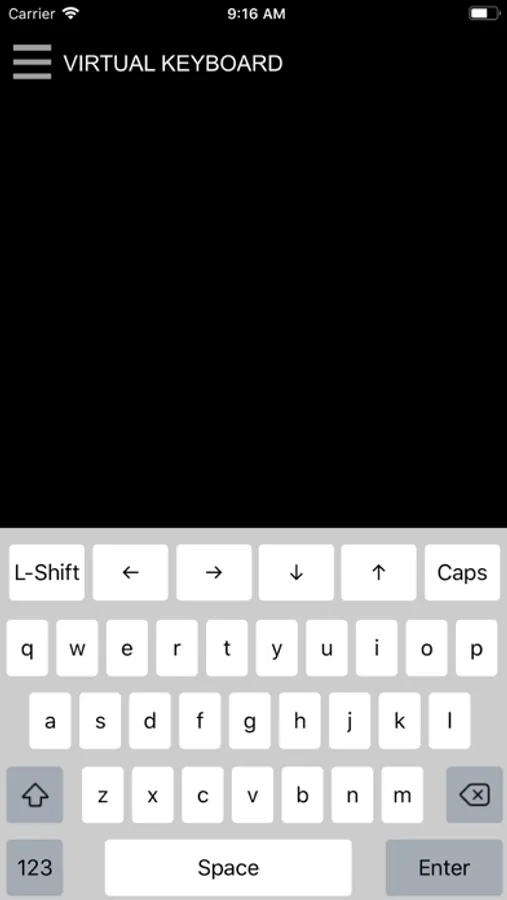
• App comes with a four key macro function which allows users to load up registered key commands from the gaming software and to executive a chain of commands in-game without interruption.
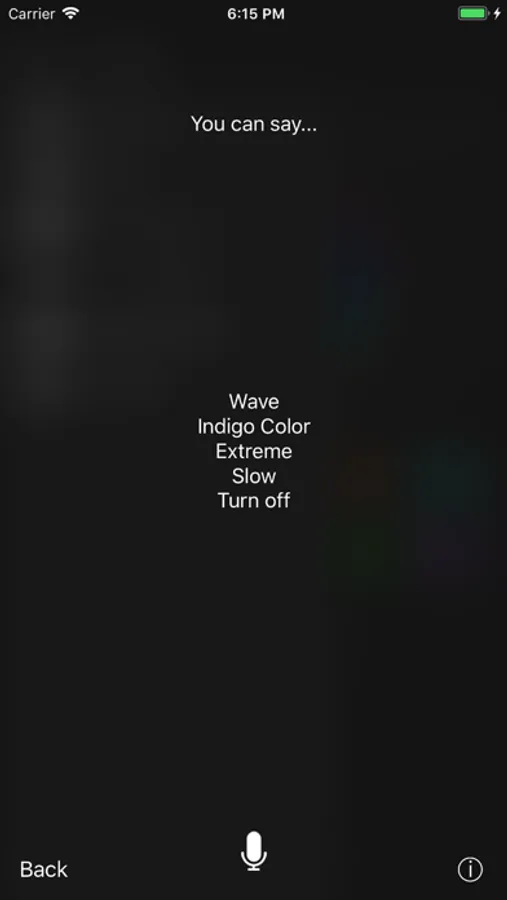
• Featuring a specially designed voice controlled AI, users gain access to all light functions: color, effects, speed, and brightness with easy-to-use voice recognition commands for a truly hands-free gaming experience
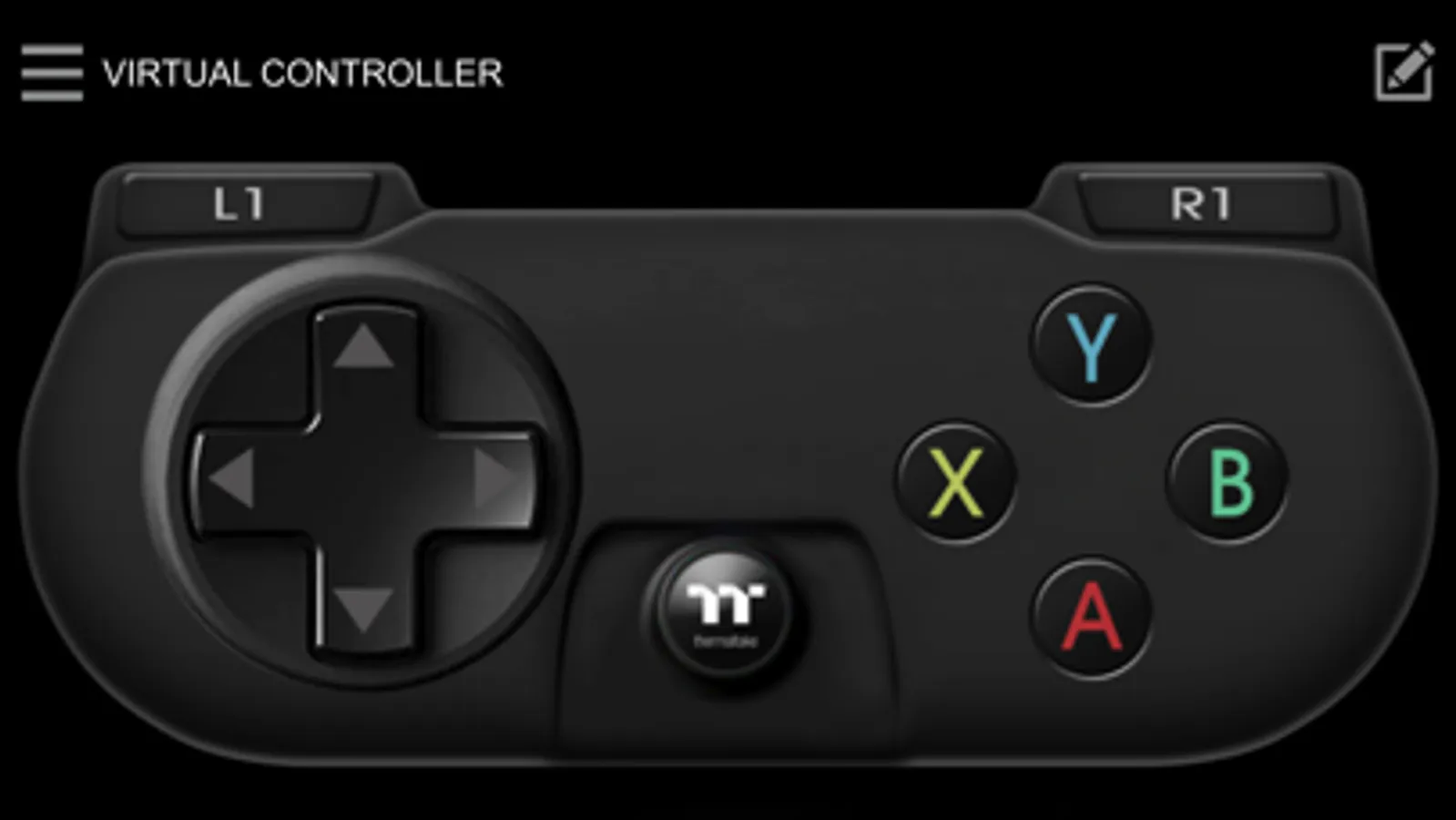
• Play your favorite games using your smartphone/tablet device with exclusive patented designed (VGC) virtual game controller mode on your mobile device in order to play your favorite games for a truly wireless mobile gaming experience
INSTALLATION:
1) Download the X1 RGB app.
2) Download, install and start the X1 RGB driver software on your computer.
3) Ensure computer and mobile device are connected to the same WiFi network.
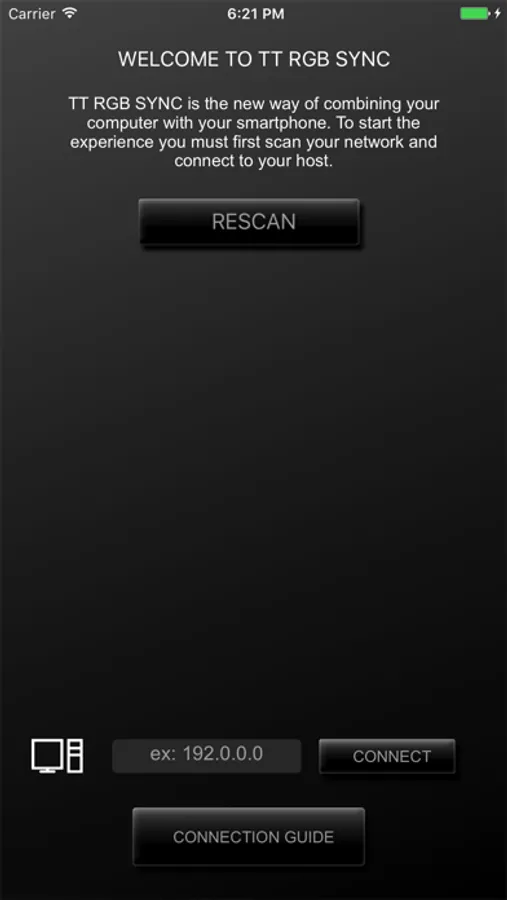
4) Start the app on your mobile device, then follow the on-screen pairing instructions.
With a host of convenient features, the X1 RGB app transforms your smartphone & tablet into a powerful tool that lets you get the most out of your device.
APP Features:
• Users can switch between 12 illumination effects, adjust illumination effect speed and adjust illumination brightness
• App comes with a four key macro function which allows users to load up registered key commands from the gaming software and to executive a chain of commands in-game without interruption.
• Featuring a specially designed voice controlled AI, users gain access to all light functions: color, effects, speed, and brightness with easy-to-use voice recognition commands for a truly hands-free gaming experience
• Play your favorite games using your smartphone/tablet device with exclusive patented designed (VGC) virtual game controller mode on your mobile device in order to play your favorite games for a truly wireless mobile gaming experience
INSTALLATION:
1) Download the X1 RGB app.
2) Download, install and start the X1 RGB driver software on your computer.
3) Ensure computer and mobile device are connected to the same WiFi network.
4) Start the app on your mobile device, then follow the on-screen pairing instructions.