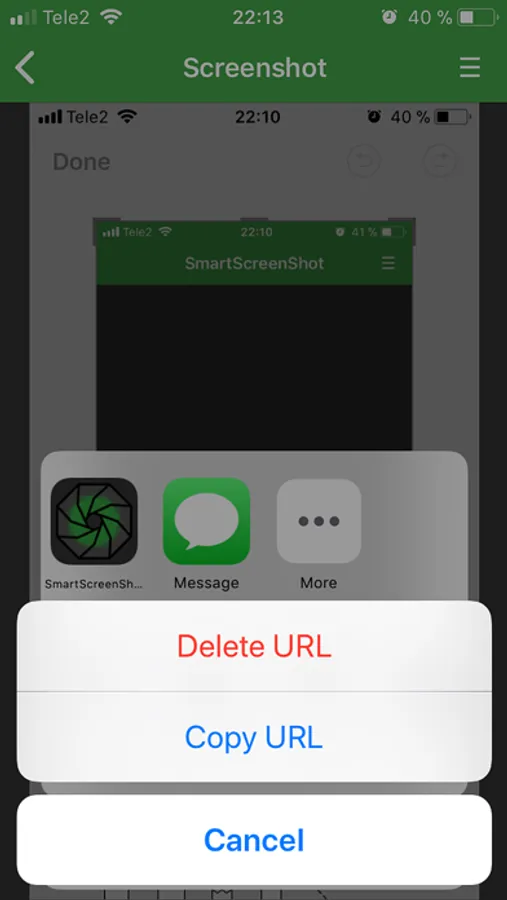
With this app, you can capture screenshots and easily share them via generated URLs. Includes screenshot sharing, URL management, and storage options.
AppRecs review analysis
AppRecs rating 2.8. Trustworthiness 79 out of 100. Review manipulation risk 23 out of 100. Based on a review sample analyzed.
★★☆☆☆
2.8
AppRecs Rating
Ratings breakdown
5 star
34%
4 star
11%
3 star
8%
2 star
8%
1 star
40%
What to know
✓
Low review manipulation risk
23% review manipulation risk
⚠
Mixed user feedback
Average 2.9★ rating suggests room for improvement
⚠
High negative review ratio
48% of sampled ratings are 1–2 stars
About Smart ScreenShot
SmartScreenShot enhances standard screenshot capture with additional features.
Each time you take a screenshot, you can share the screenshot as a permanent URL.
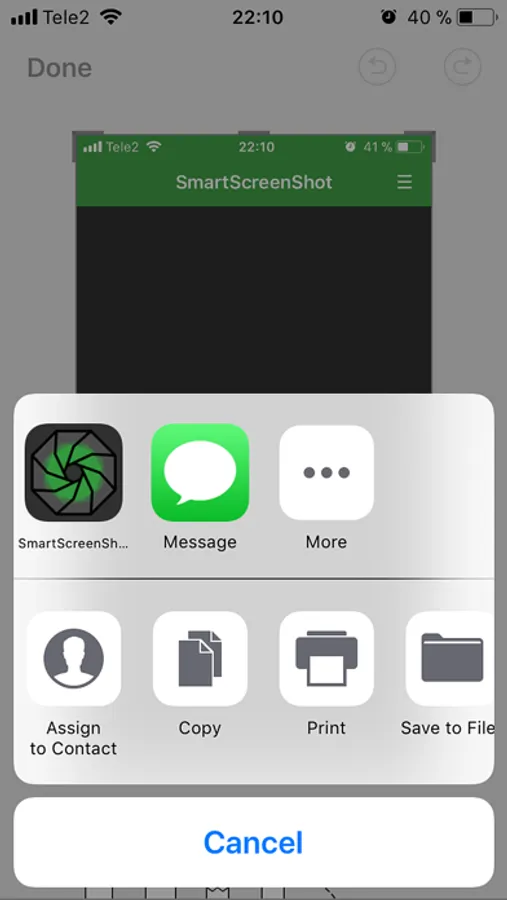
After taking a screenshot, tap on it, then tap "Share" icon and select SmartScreenShot.
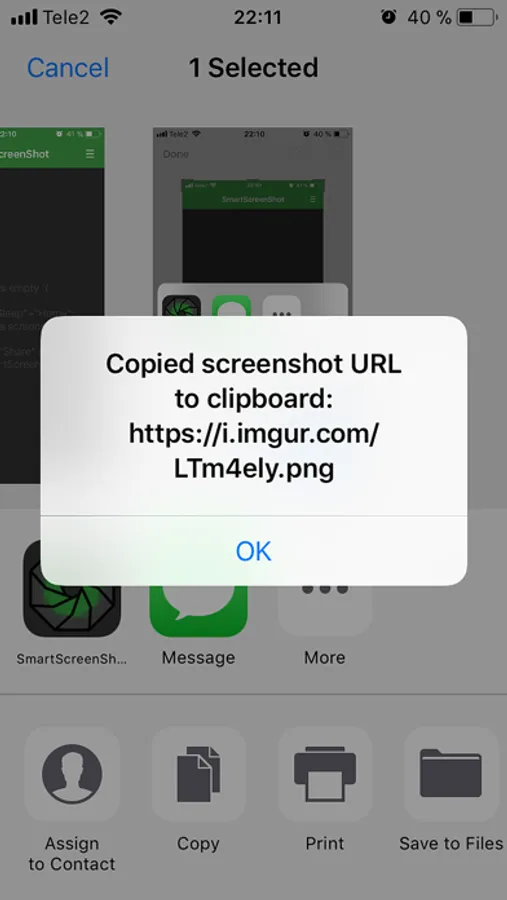
It will be anonymously uploaded to https://imgur.com and the uploaded screenshot’s URL will be copied to the clipboard.
You can simply paste the screenshot URL in any IM service to share with your friends.
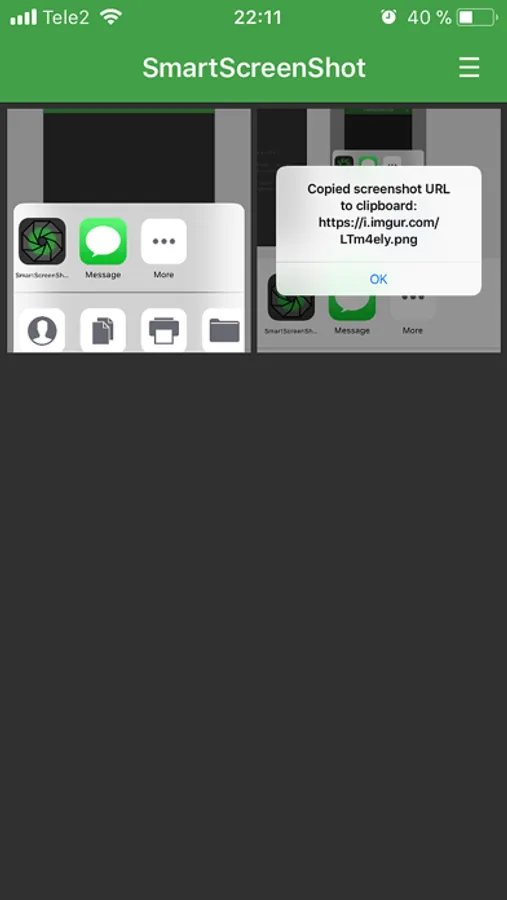
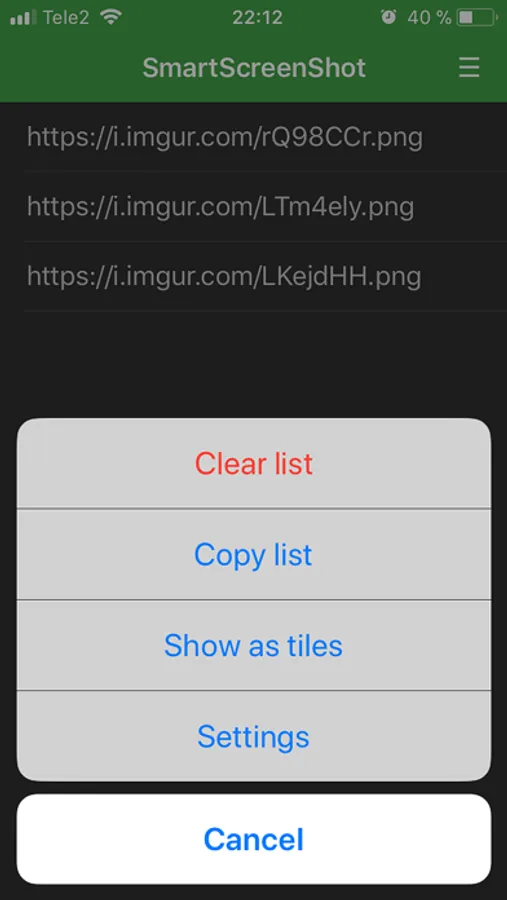
Screenshot URLs are saved in the application and you can copy them again or remove them via the main menu.
Each time you take a screenshot, you can share the screenshot as a permanent URL.
After taking a screenshot, tap on it, then tap "Share" icon and select SmartScreenShot.
It will be anonymously uploaded to https://imgur.com and the uploaded screenshot’s URL will be copied to the clipboard.
You can simply paste the screenshot URL in any IM service to share with your friends.
Screenshot URLs are saved in the application and you can copy them again or remove them via the main menu.