GPS Race Timer
Thomas Hagenau
4.5 ★
store rating
Free
AppRecs review analysis
AppRecs rating 4.0. Trustworthiness 76 out of 100. Review manipulation risk 25 out of 100. Based on a review sample analyzed.
★★★☆☆
4.0
AppRecs Rating
Ratings breakdown
5 star
74%
4 star
13%
3 star
5%
2 star
2%
1 star
6%
What to know
✓
Low review manipulation risk
25% review manipulation risk
✓
Credible reviews
76% trustworthiness score from analyzed reviews
⚠
Ad complaints
Many low ratings mention excessive ads
About GPS Race Timer
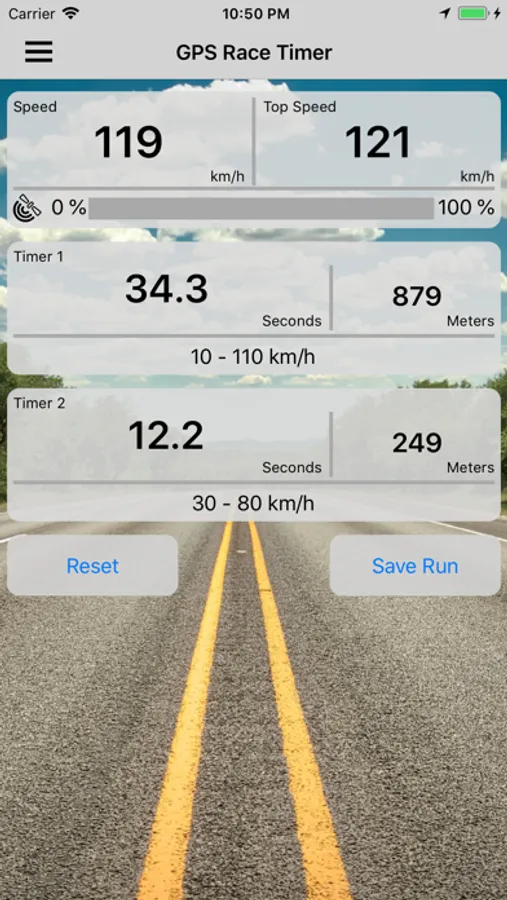
Measure acceleration times such as 0–60 mph, 60–120 mph and 1/4 mile directly with your iPhone — accurately and without extra hardware.
The app is designed so it doesn’t need to be operated while driving; you just set everything up beforehand while stationary.
Measurements then start automatically — when the target speed is reached or when a start is detected.
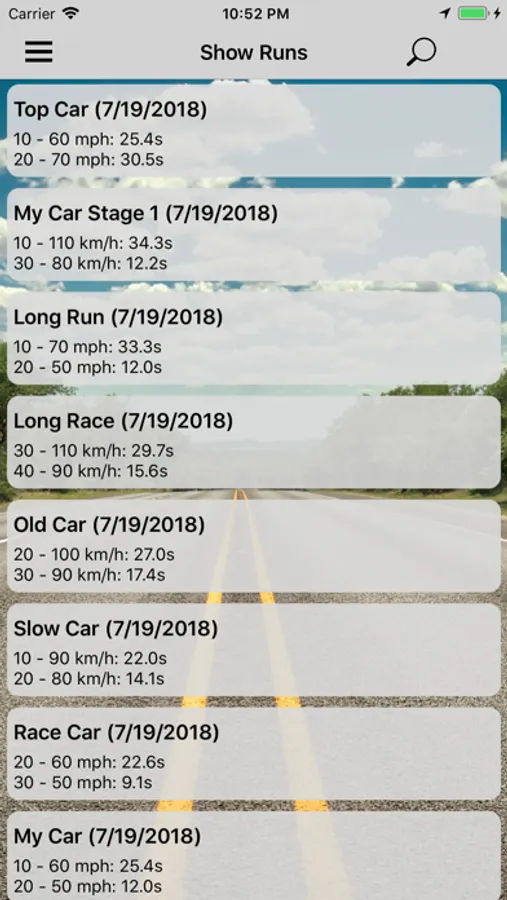
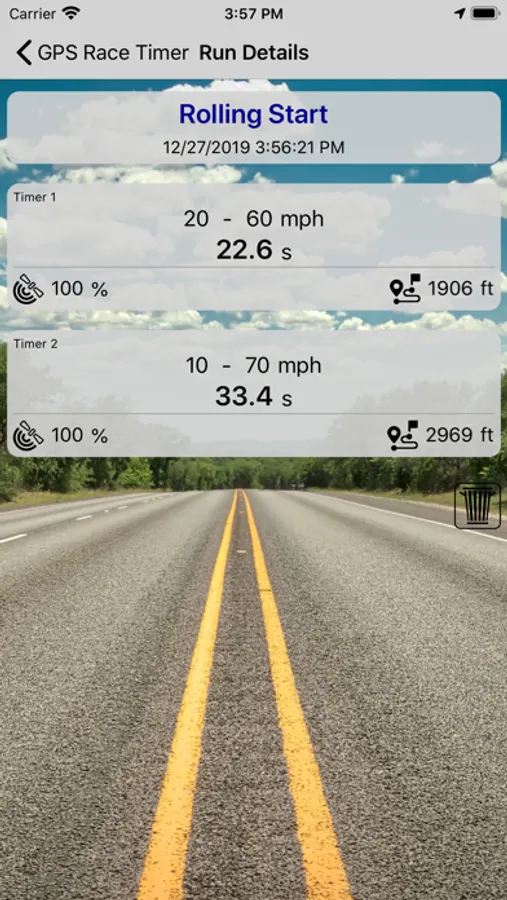
You can save results locally on your iPhone and, if needed, export them or transfer them to other devices.
Preset timers: 60 ft, 1/8 mile, 1/4 mile, 1/2 mile, 1 mile, 0 – 60 mph, 0 – 120 mph, 50 – 75 mph, 60 – 120 mph, 0 – 100 km/h, 0 – 200 km/h, 80 – 120 km/h, 100 – 200 km/h. All timers are, of course, fully adjustable.
The free version measures up to two times per run.
How to use the app:
Check the timer settings on the start screen. If everything looks good, place your iPhone in the car where it has good GPS reception and is held securely, then start the acceleration test.
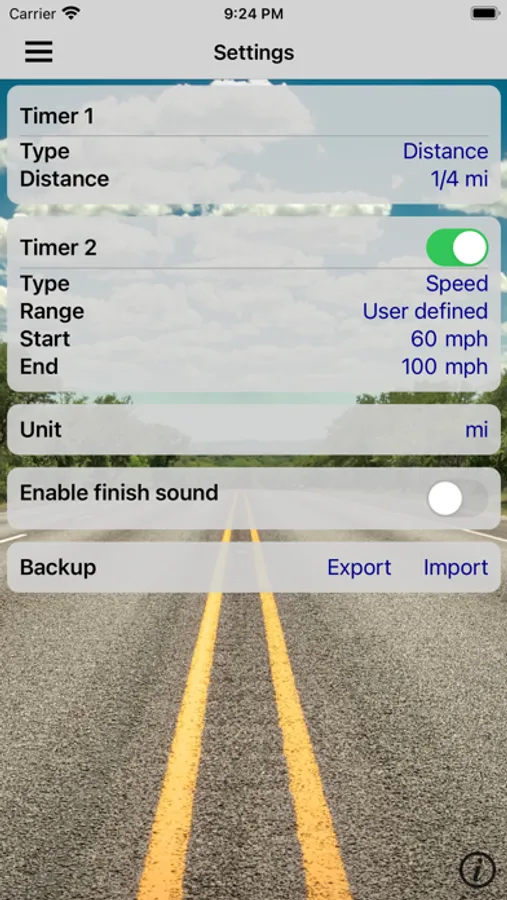
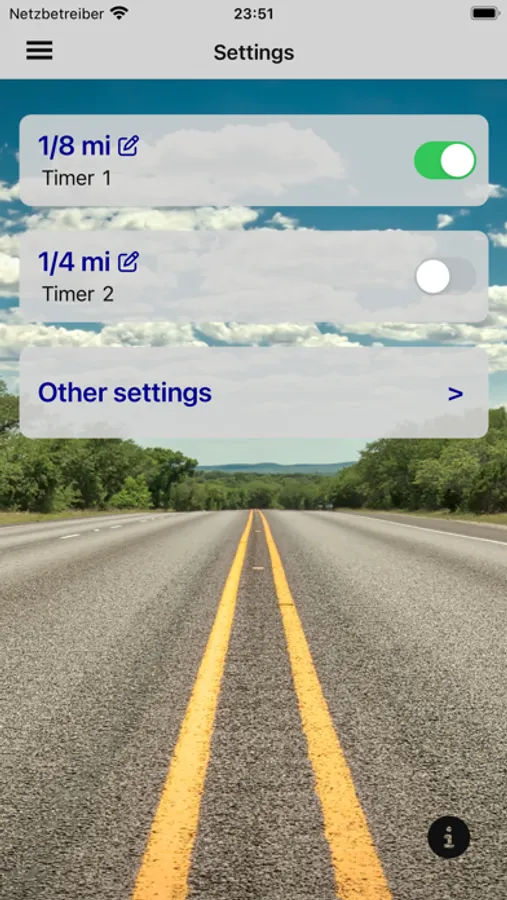
You can adjust the timer configuration in the Settings screen (just tap the relevant timer). Then return to the race screen and follow the previous instruction.
Optional PRO version (in-app purchase):
1. Up to four timers in parallel (instead of two)
2. Precise determination of elevation differences
3. Simulation of a Sportsman start and reaction-time measurement
4. No ad banners
The app is designed so it doesn’t need to be operated while driving; you just set everything up beforehand while stationary.
Measurements then start automatically — when the target speed is reached or when a start is detected.
You can save results locally on your iPhone and, if needed, export them or transfer them to other devices.
Preset timers: 60 ft, 1/8 mile, 1/4 mile, 1/2 mile, 1 mile, 0 – 60 mph, 0 – 120 mph, 50 – 75 mph, 60 – 120 mph, 0 – 100 km/h, 0 – 200 km/h, 80 – 120 km/h, 100 – 200 km/h. All timers are, of course, fully adjustable.
The free version measures up to two times per run.
How to use the app:
Check the timer settings on the start screen. If everything looks good, place your iPhone in the car where it has good GPS reception and is held securely, then start the acceleration test.
You can adjust the timer configuration in the Settings screen (just tap the relevant timer). Then return to the race screen and follow the previous instruction.
Optional PRO version (in-app purchase):
1. Up to four timers in parallel (instead of two)
2. Precise determination of elevation differences
3. Simulation of a Sportsman start and reaction-time measurement
4. No ad banners