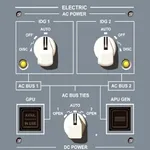
E-JETS Virtual Panel
Jorge Gonzalez Galvan
4.9 ★
store rating
$19.99
AppRecs review analysis
AppRecs rating 4.7. Trustworthiness 72 out of 100. Review manipulation risk 26 out of 100. Based on a review sample analyzed.
★★★★☆
4.7
AppRecs Rating
Ratings breakdown
5 star
90%
4 star
9%
3 star
0%
2 star
1%
1 star
0%
What to know
✓
Low review manipulation risk
26% review manipulation risk
✓
Credible reviews
72% trustworthiness score from analyzed reviews
✓
High user satisfaction
90% of sampled ratings are 5 stars
About E-JETS Virtual Panel
E-JETS Virtual Panel App
The E-JETS Virtual Panel App is a powerful self-study tool designed to help pilots prepare for initial or recurrent E-JETS training.
By simulating cockpit functionality, it allows pilots to become familiar with every panel, switch, and system, significantly reducing study time and boosting training efficiency.
Exclusive Feature – Full Interactive Electrical Diagram
(Available on iPad version only)
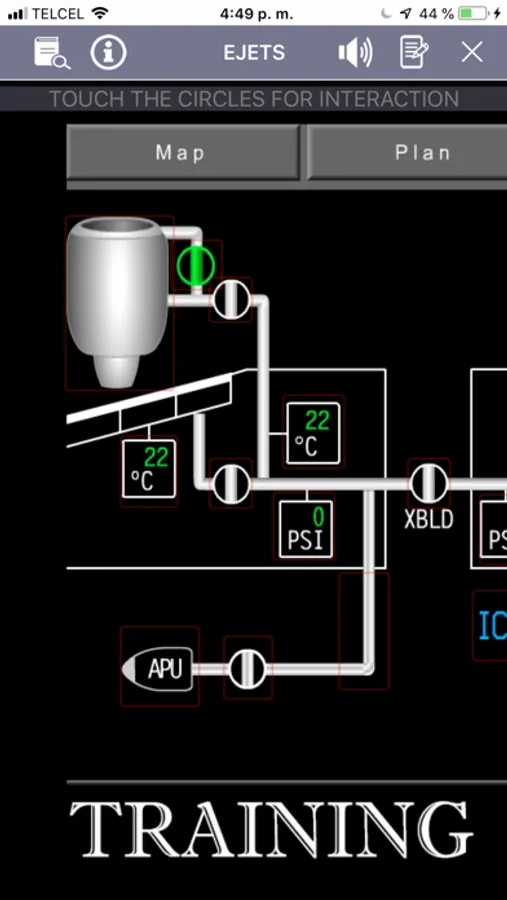
The interactive electrical diagram helps pilots understand the E-JETS electrical system by manipulating switches and visually analyzing real-time results, offering a realistic and engaging way to learn both normal and abnormal configurations.
-------------------------------
Key Features
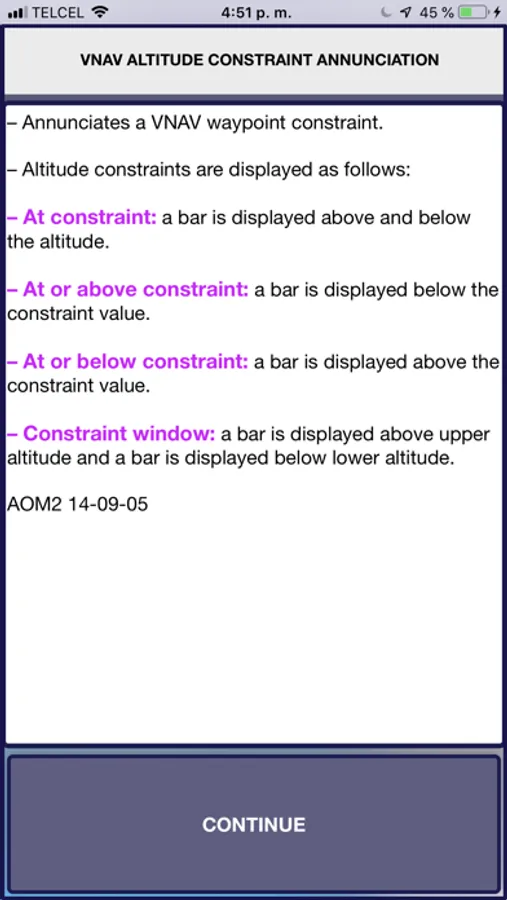
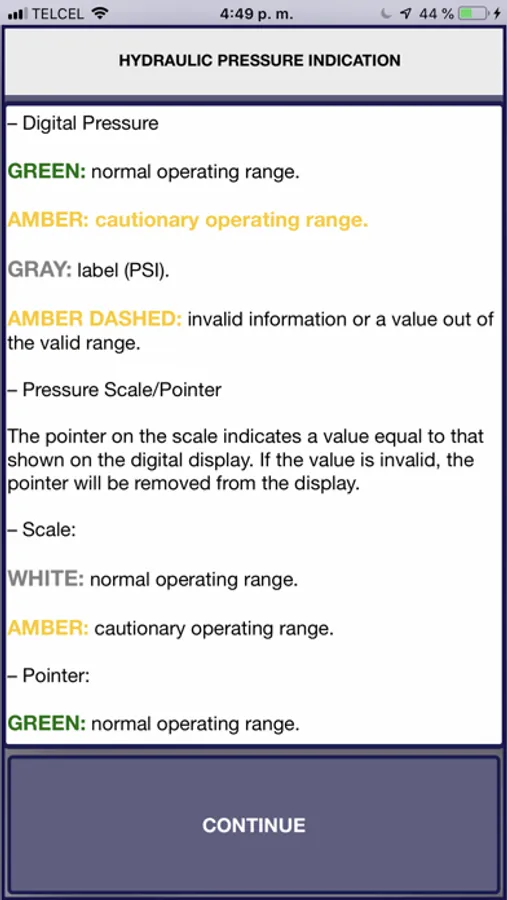
1,100+ Fully Functional Buttons with explanations, images, and references (and growing).
Pan and Zoom capabilities for precise navigation.
Full Interactive Electrical Diagram for realistic system training.
Detailed E170 / E175 / E190 button explanations.
Memory Items – Fast search, edit, add, and delete capabilities.
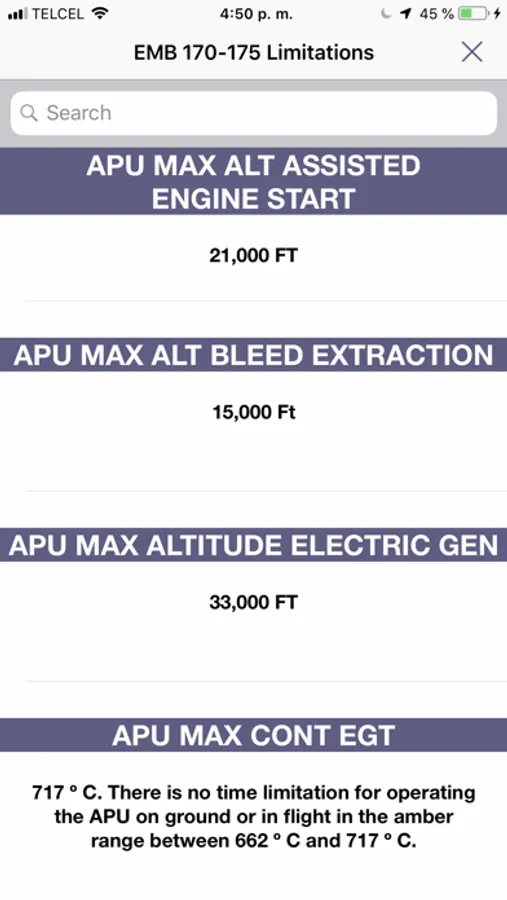
Limitations – Fast search, edit, add, and delete capabilities.
Definitions – Fast search, edit, add, and delete capabilities.
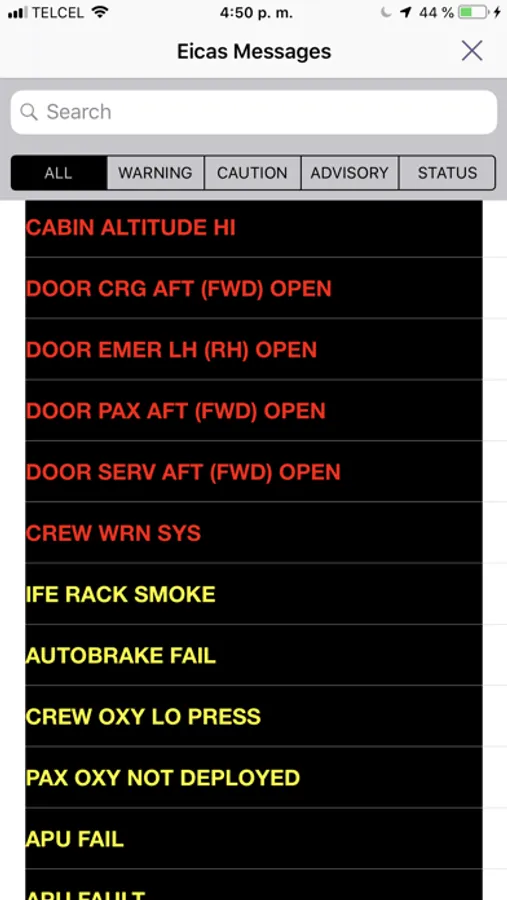
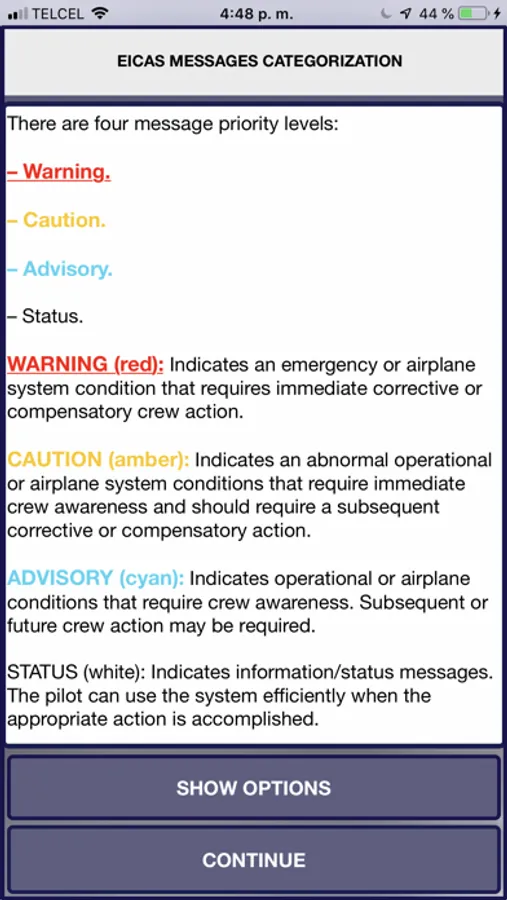
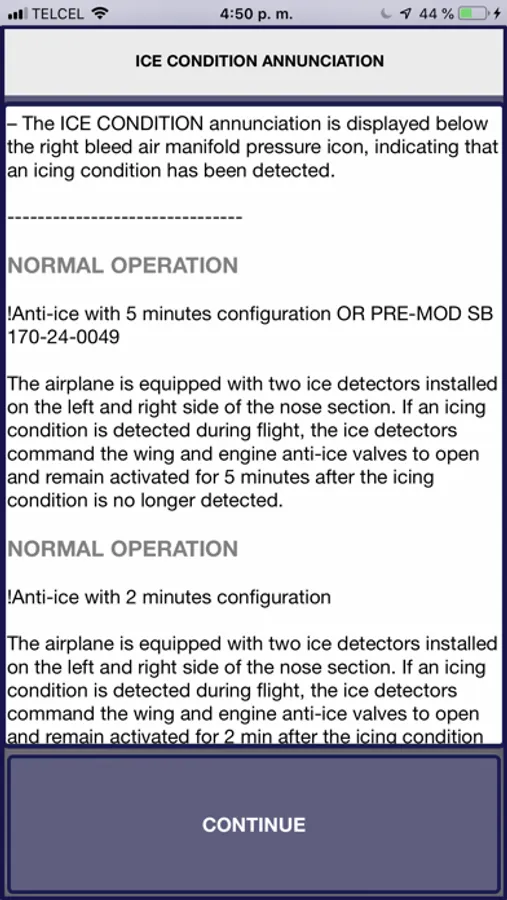
EICAS Message List – Fast search tool.
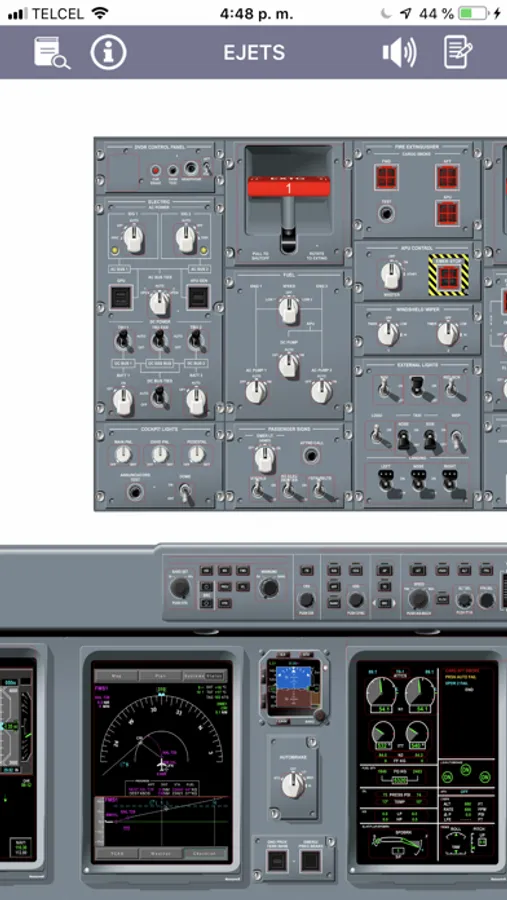
High-fidelity cockpit images for an authentic experience.
260+ FMS screens to practice navigation and setup.
Dark Mode for low-light training environments.
Save your notes and keep them safe, even when your device is powered off.
Included Virtual Interactive Panels
This version now includes 45 interactive panels, such as:
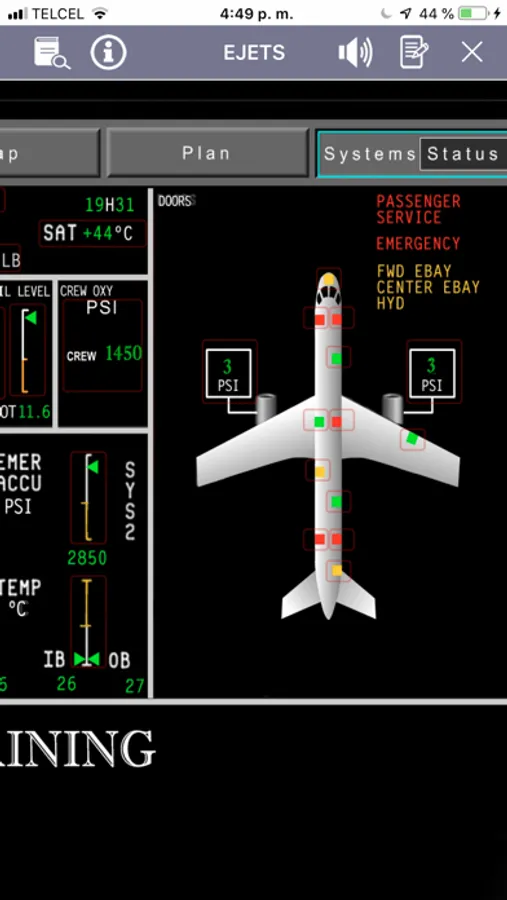
E190 Status Synoptic
E170/175 Status Synoptic
Electrical Synoptic
Hydraulic Synoptic
ECS Synoptic
Controls Synoptic
Fuel Synoptic
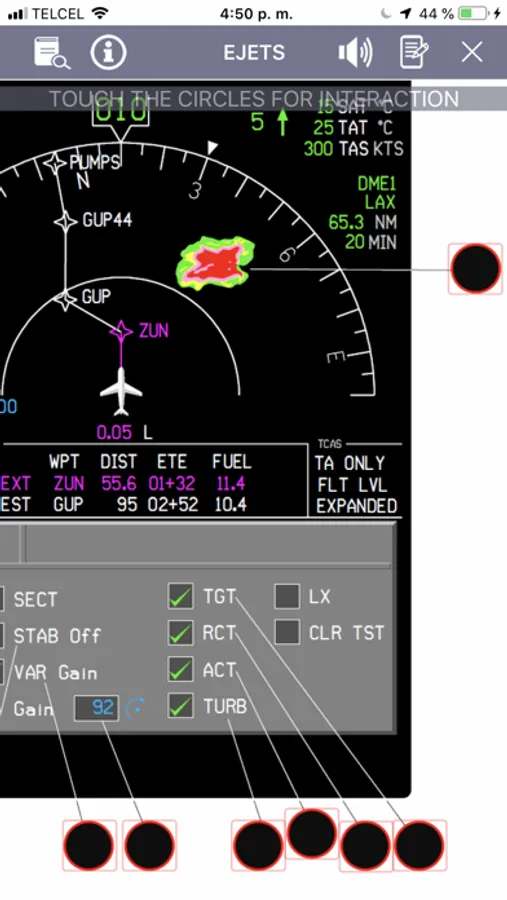
TCAS Map Overlay
EGPWS Display on MFD
HSI (Full Compass, ARC, ARC Mode 2)
Weather Radar Displays (MFD & PFD)
Airspeed, Vertical Speed, and Altitude Tapes
ADI (Annunciations, Takeoff, Failures, Miscompares)
Flight Mode Annunciations
MCDU Basic Functions (Detailed functions coming soon)
Horizontal and Vertical Profiles
Full EICAS Functions
Thrust Lever Buttons
DVDR (Universal)
Reinforced Door Panel
Attendant Rainbow Lights
Engine Schematics
Glareshield Lights Panel
Cockpit Lights Control Panel
Passenger Signs Panel
External Lights Panel
Pressurization Panel
Passenger Oxygen Panel
Lavatory Fire
----------------------------------
Why Pilots Love E-JETS Virtual Panel
Train anytime, anywhere
Reduce preparation time before recurrent or type-rating checks.
Gain hands-on understanding of cockpit workflows and systems.
Constant updates with new interactive content.
----------------------------------
Note: Cockpit configurations vary slightly by aircraft. The panels, buttons, and switches in this app represent a specific configuration from the E-JETS family.
This app includes complete information for the E170, E175, and E190 models — all in one place.
The E-JETS Virtual Panel App is a powerful self-study tool designed to help pilots prepare for initial or recurrent E-JETS training.
By simulating cockpit functionality, it allows pilots to become familiar with every panel, switch, and system, significantly reducing study time and boosting training efficiency.
Exclusive Feature – Full Interactive Electrical Diagram
(Available on iPad version only)
The interactive electrical diagram helps pilots understand the E-JETS electrical system by manipulating switches and visually analyzing real-time results, offering a realistic and engaging way to learn both normal and abnormal configurations.
-------------------------------
Key Features
1,100+ Fully Functional Buttons with explanations, images, and references (and growing).
Pan and Zoom capabilities for precise navigation.
Full Interactive Electrical Diagram for realistic system training.
Detailed E170 / E175 / E190 button explanations.
Memory Items – Fast search, edit, add, and delete capabilities.
Limitations – Fast search, edit, add, and delete capabilities.
Definitions – Fast search, edit, add, and delete capabilities.
EICAS Message List – Fast search tool.
High-fidelity cockpit images for an authentic experience.
260+ FMS screens to practice navigation and setup.
Dark Mode for low-light training environments.
Save your notes and keep them safe, even when your device is powered off.
Included Virtual Interactive Panels
This version now includes 45 interactive panels, such as:
E190 Status Synoptic
E170/175 Status Synoptic
Electrical Synoptic
Hydraulic Synoptic
ECS Synoptic
Controls Synoptic
Fuel Synoptic
TCAS Map Overlay
EGPWS Display on MFD
HSI (Full Compass, ARC, ARC Mode 2)
Weather Radar Displays (MFD & PFD)
Airspeed, Vertical Speed, and Altitude Tapes
ADI (Annunciations, Takeoff, Failures, Miscompares)
Flight Mode Annunciations
MCDU Basic Functions (Detailed functions coming soon)
Horizontal and Vertical Profiles
Full EICAS Functions
Thrust Lever Buttons
DVDR (Universal)
Reinforced Door Panel
Attendant Rainbow Lights
Engine Schematics
Glareshield Lights Panel
Cockpit Lights Control Panel
Passenger Signs Panel
External Lights Panel
Pressurization Panel
Passenger Oxygen Panel
Lavatory Fire
----------------------------------
Why Pilots Love E-JETS Virtual Panel
Train anytime, anywhere
Reduce preparation time before recurrent or type-rating checks.
Gain hands-on understanding of cockpit workflows and systems.
Constant updates with new interactive content.
----------------------------------
Note: Cockpit configurations vary slightly by aircraft. The panels, buttons, and switches in this app represent a specific configuration from the E-JETS family.
This app includes complete information for the E170, E175, and E190 models — all in one place.