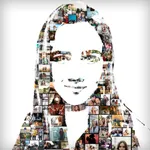
VISUALS - Image Split Frames
Awesome Cool and Free Fun Games LLC
4.7 ★
store rating
Free
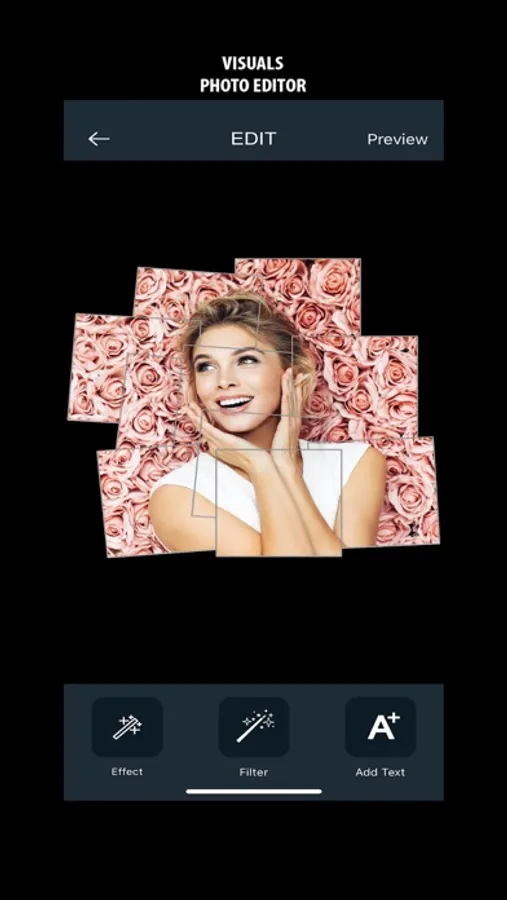
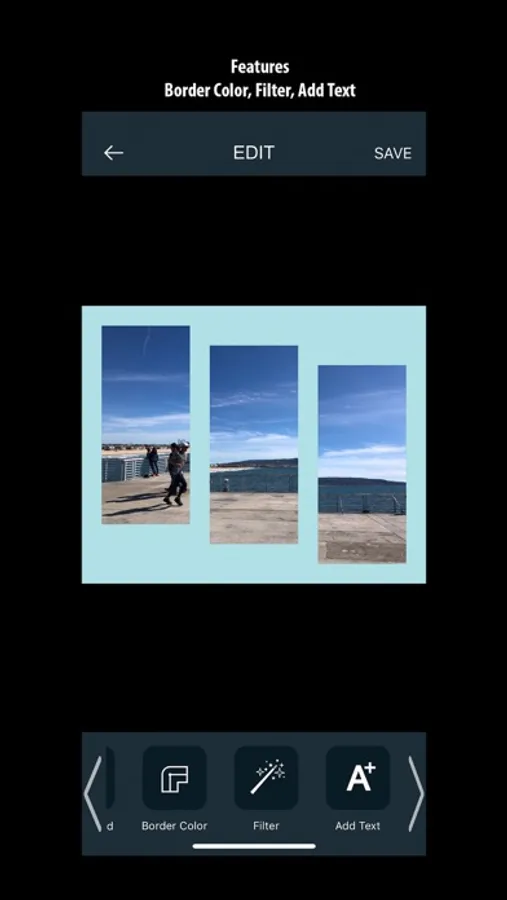
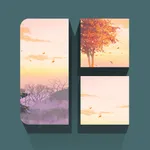
In this photo editing app, you can import images, apply effects, and customize borders and backgrounds. Includes filters, text options, and color adjustments.
About VISUALS - Image Split Frames
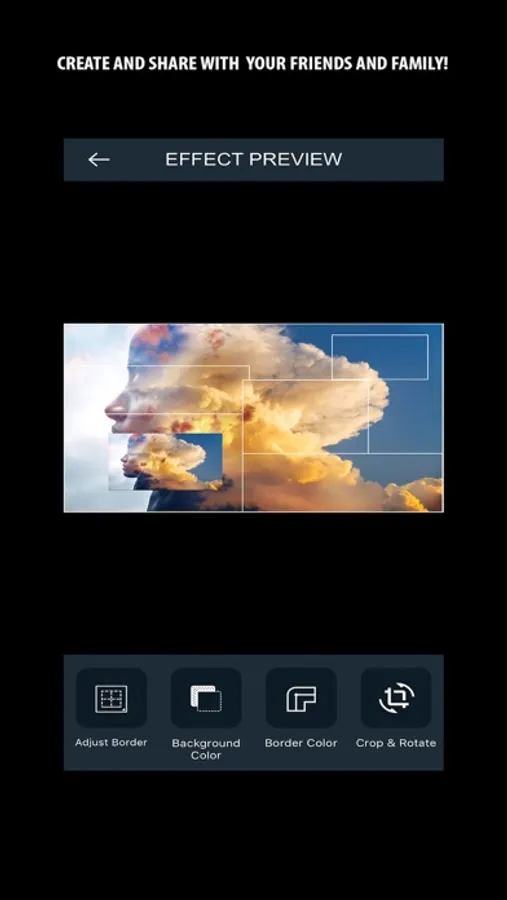
Explore new ways of editing your photo into a creative work of art.
What’s New
- 13 New Effects – Added to Pro Version
- New Filters
- Crop and Rotate Features
- New and custom colors available for Background, Border, and Text
Visuals Features:
* Import photo from library
* Take a photo with your camera
* Export your photo into your library
* 23 Effects Available
* 5 Effects available for free version
* 18 Effects available for pro version
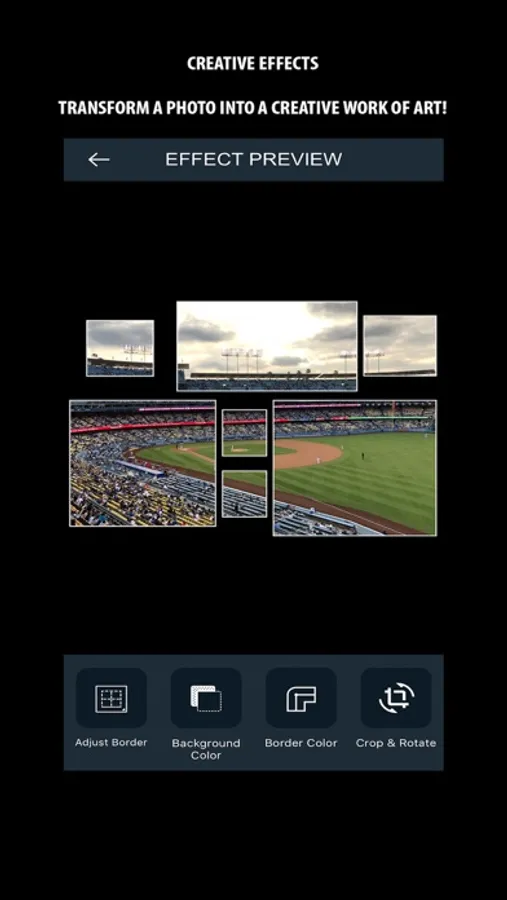
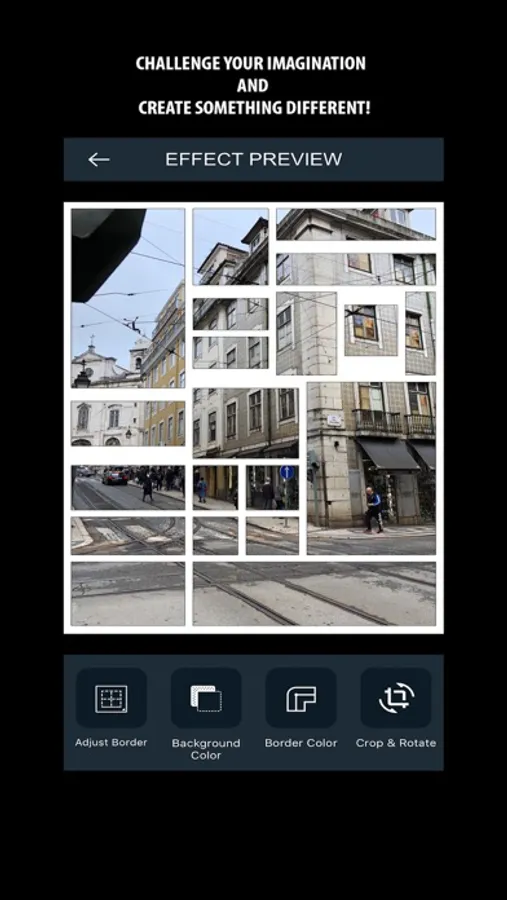
* Adjust Border
* Increase/Decrease size of border applied to your Effect
* Background Color
* Change background color applied to your Effect
* Background color change may not be available with all Effects
* Border Color
* Change border color applied to your Effect
* Filter
* Apply different filters to your photo that changes colors, tone, and contrast
* Add Text
* Add text to your photo
* Choose different colors for your text
* Resize and re-position your text
VISUALS was founded by Jacob Naranjo and Shawn, which was
inspired by their interest in technology and creativity.
What’s New
- 13 New Effects – Added to Pro Version
- New Filters
- Crop and Rotate Features
- New and custom colors available for Background, Border, and Text
Visuals Features:
* Import photo from library
* Take a photo with your camera
* Export your photo into your library
* 23 Effects Available
* 5 Effects available for free version
* 18 Effects available for pro version
* Adjust Border
* Increase/Decrease size of border applied to your Effect
* Background Color
* Change background color applied to your Effect
* Background color change may not be available with all Effects
* Border Color
* Change border color applied to your Effect
* Filter
* Apply different filters to your photo that changes colors, tone, and contrast
* Add Text
* Add text to your photo
* Choose different colors for your text
* Resize and re-position your text
VISUALS was founded by Jacob Naranjo and Shawn, which was
inspired by their interest in technology and creativity.