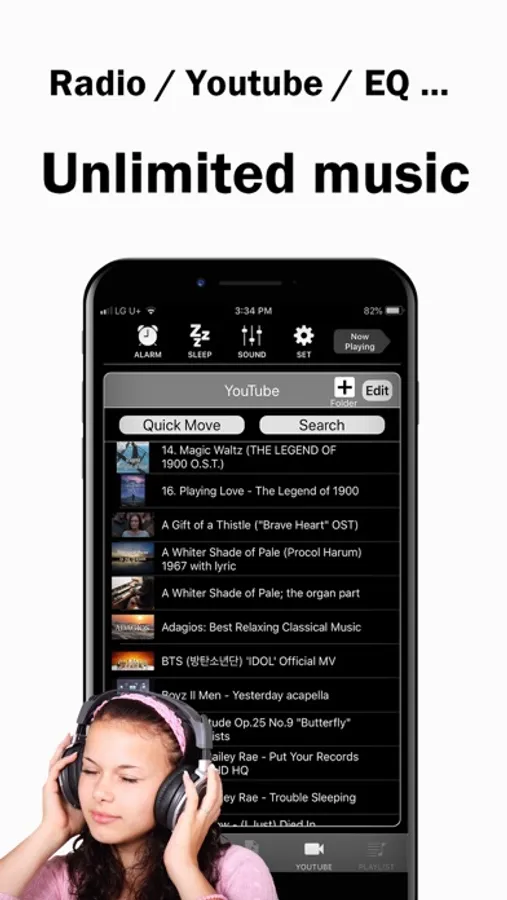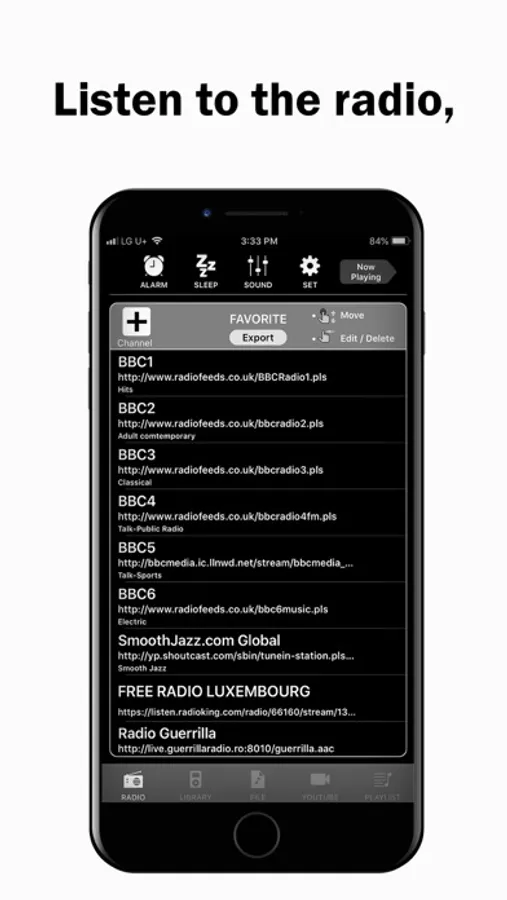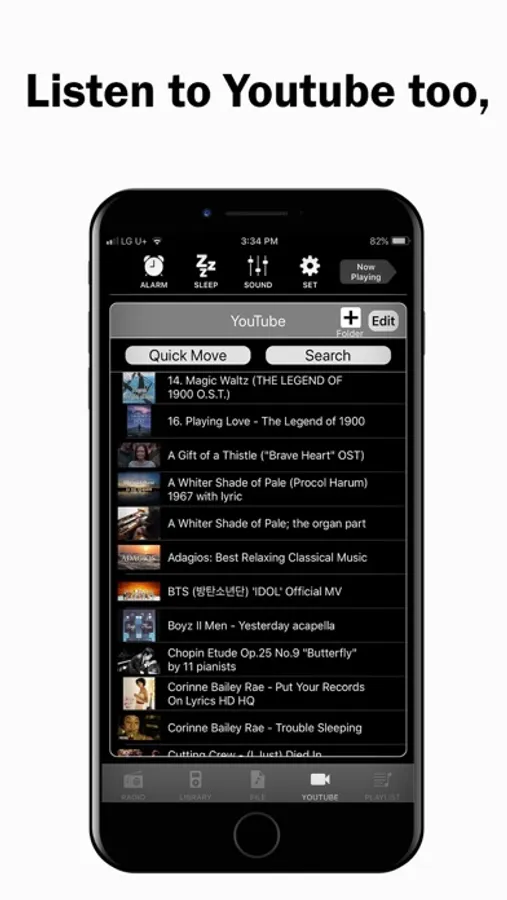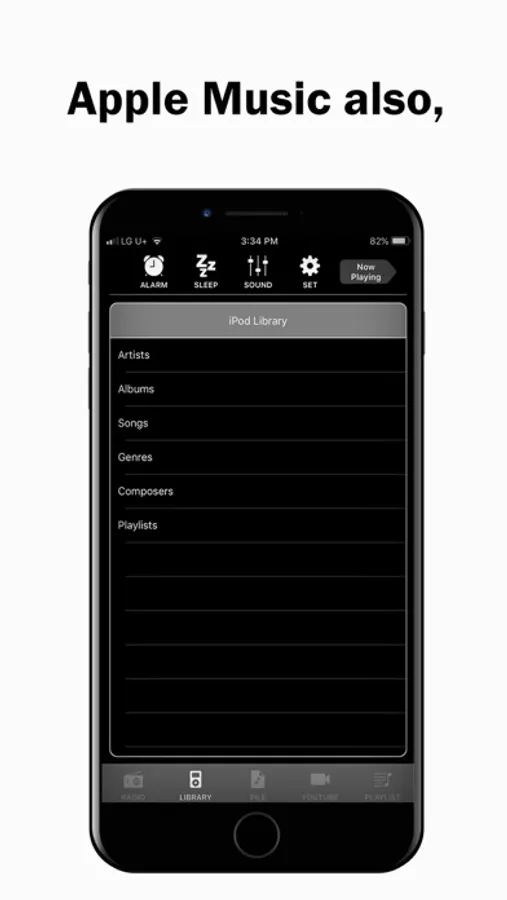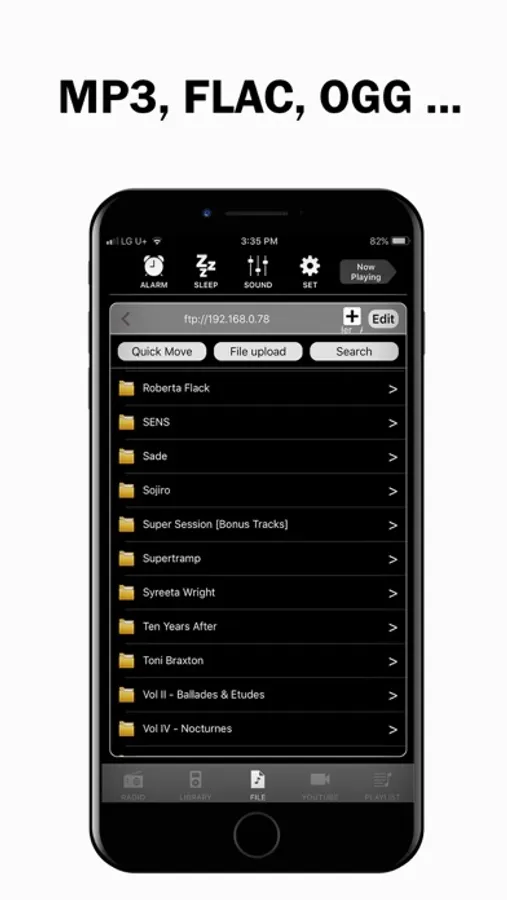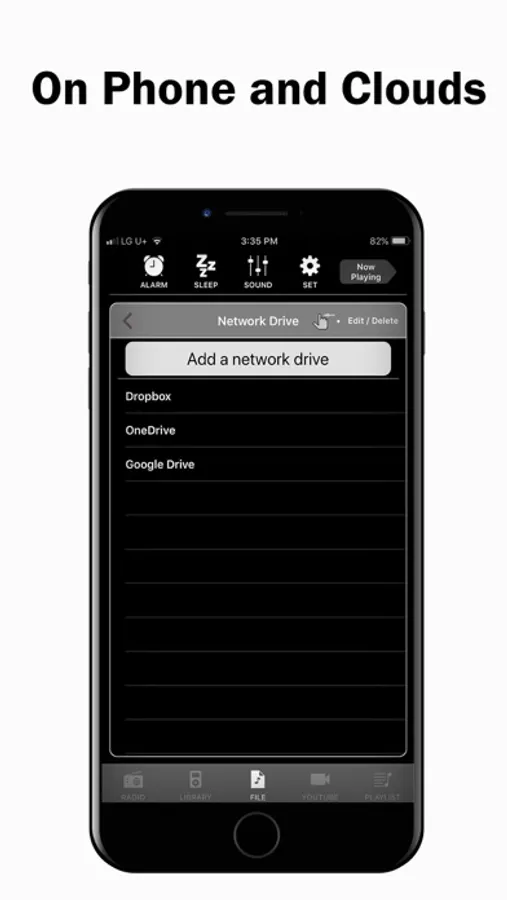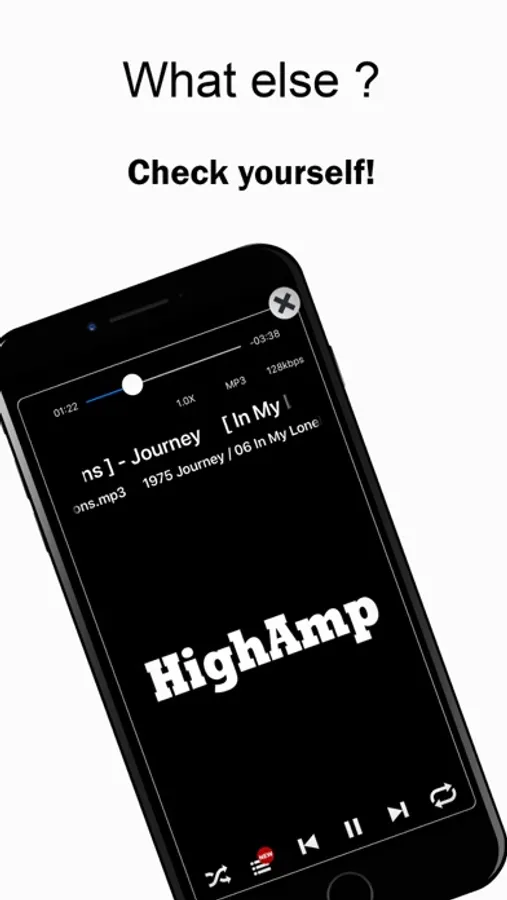
In this music app, you can create and manage playlists, customize sound settings, and play music from multiple sources. Includes support for various audio formats, radio streaming, and integration with cloud stores and YouTube.
AppRecs review analysis
AppRecs rating 4.0. Trustworthiness 71 out of 100. Review manipulation risk 35 out of 100. Based on a review sample analyzed.
★★★☆☆
4.0
AppRecs Rating
Ratings breakdown
5 star
64%
4 star
12%
3 star
6%
2 star
5%
1 star
13%
What to know
✓
Credible reviews
71% trustworthiness score from analyzed reviews
✓
High user satisfaction
77% of sampled ratings are 4+ stars (4.1★ average)
⚠
Ad complaints
Many low ratings mention excessive ads
About HighAmp - MP3 Music Player
Here's HighAmp for you who want everything about Music in one place.
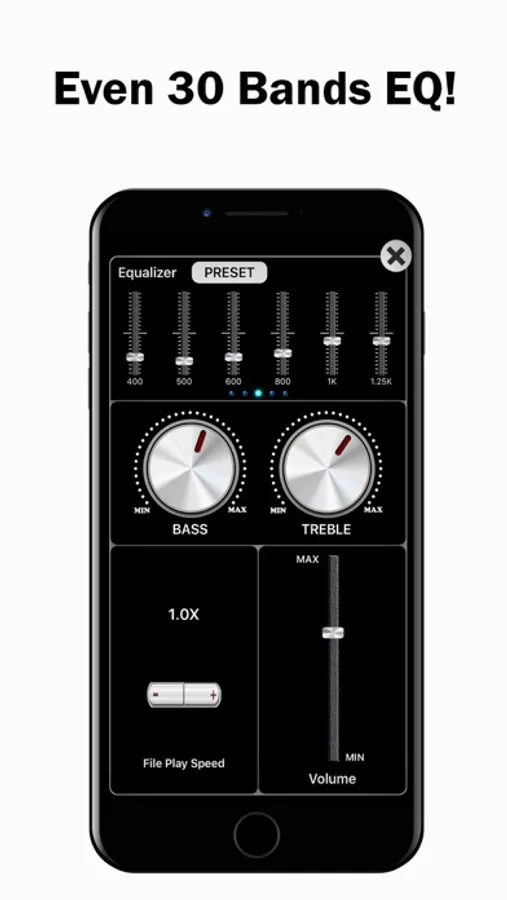
- Better sounds quality with Bass, Treble and Equalizer
- All music collections including Youtube, Apple Music, iPod library, files in your PC and files in Clouds.
- Supports various audio formats such as mp3, flac, ape, opus, ogg etc.
- 100K radio stations.
- Sleeping with music.
- Waking up with music.
With all your music collections and better sound quality, you can easily start a playing queue and add, delete songs, and change play order whenever, while you're listening.
[Usage Help]
- swipe left in the play view : play next song
- swipe right in the play view : play previous song
- long press on 'Alarm' button : Alarm on/off toggle
- long press on 'Sleep' button : Sleep on/off toggle
- long press on a directory/playlist : shuffle play for the directory/playlist selected
[Note]
- YTPlayer is used for Youtube playback.
- Bass, Treble and Equalizer do not work while Youtube and Apple Music playback.
- Better sounds quality with Bass, Treble and Equalizer
- All music collections including Youtube, Apple Music, iPod library, files in your PC and files in Clouds.
- Supports various audio formats such as mp3, flac, ape, opus, ogg etc.
- 100K radio stations.
- Sleeping with music.
- Waking up with music.
With all your music collections and better sound quality, you can easily start a playing queue and add, delete songs, and change play order whenever, while you're listening.
[Usage Help]
- swipe left in the play view : play next song
- swipe right in the play view : play previous song
- long press on 'Alarm' button : Alarm on/off toggle
- long press on 'Sleep' button : Sleep on/off toggle
- long press on a directory/playlist : shuffle play for the directory/playlist selected
[Note]
- YTPlayer is used for Youtube playback.
- Bass, Treble and Equalizer do not work while Youtube and Apple Music playback.