AppRecs review analysis
AppRecs rating 2.9. Trustworthiness 80 out of 100. Review manipulation risk 24 out of 100. Based on a review sample analyzed.
★★☆☆☆
2.9
AppRecs Rating
Ratings breakdown
5 star
40%
4 star
7%
3 star
13%
2 star
0%
1 star
40%
What to know
✓
Low review manipulation risk
24% review manipulation risk
✓
Credible reviews
80% trustworthiness score from analyzed reviews
About IPEVO Visualizer
Visualizer software for IPEVO cameras to maximize teaching presentation and sharing efficiency.
Key Features Overview:
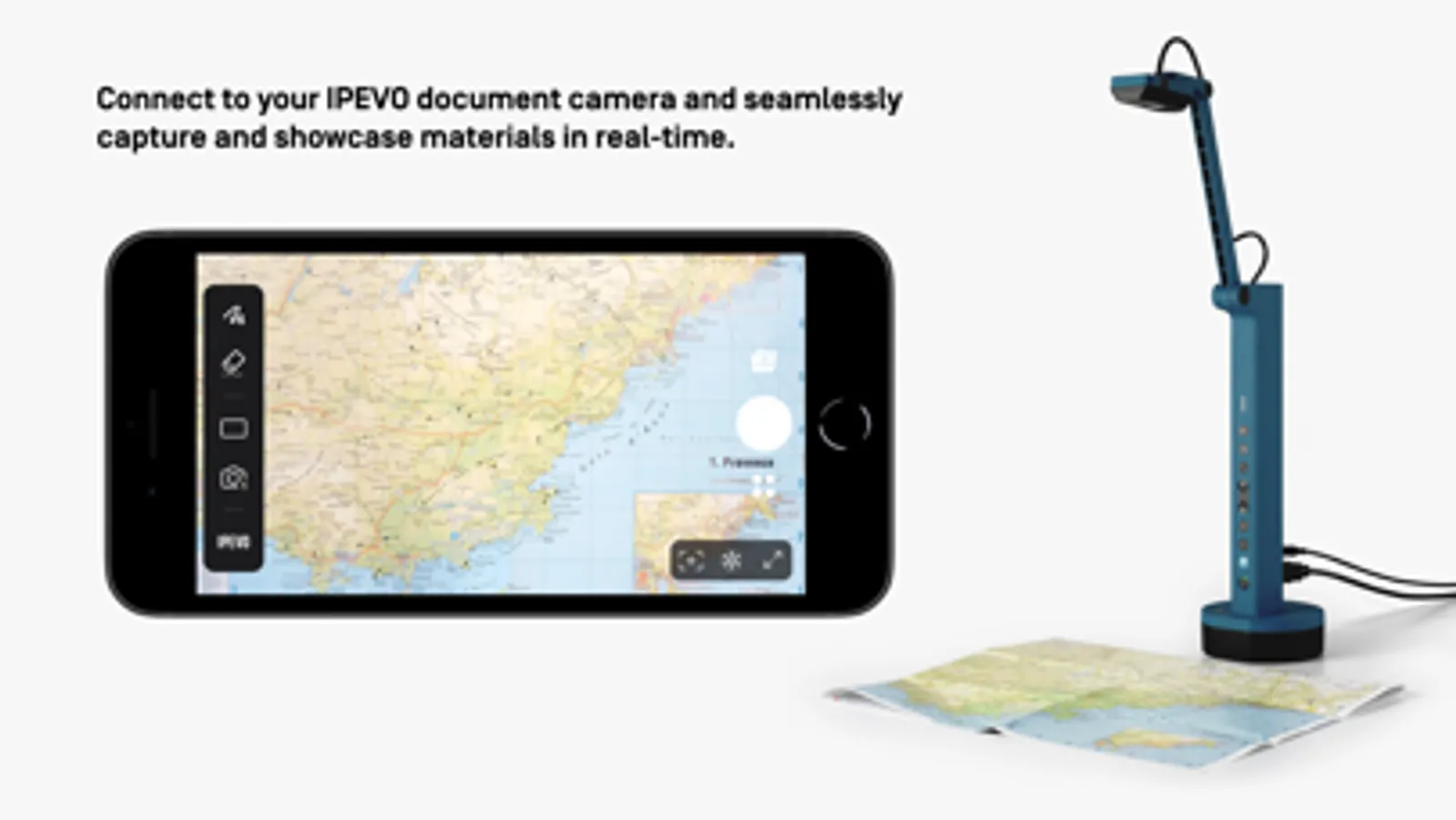
• Effortlessly connect to your IPEVO educational camera via Wi-Fi or a wired connection, enabling image display on your mobile device. Compatible with both front and rear camera
options to meet diverse needs.
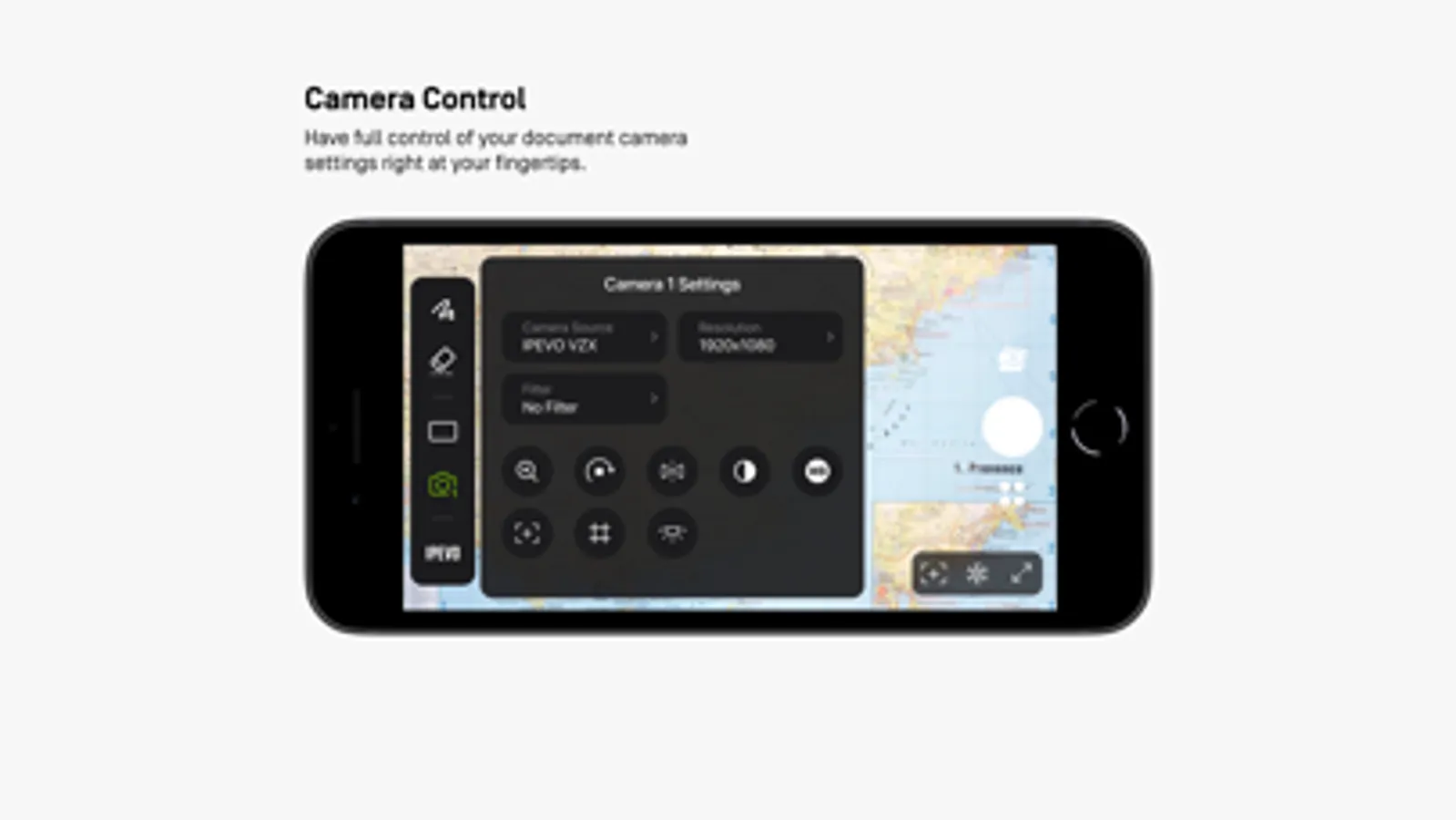
• Total camera control: Adjust screen size, rotate images, fine-tune resolution, and manage exposure settings, all at your fingertips.
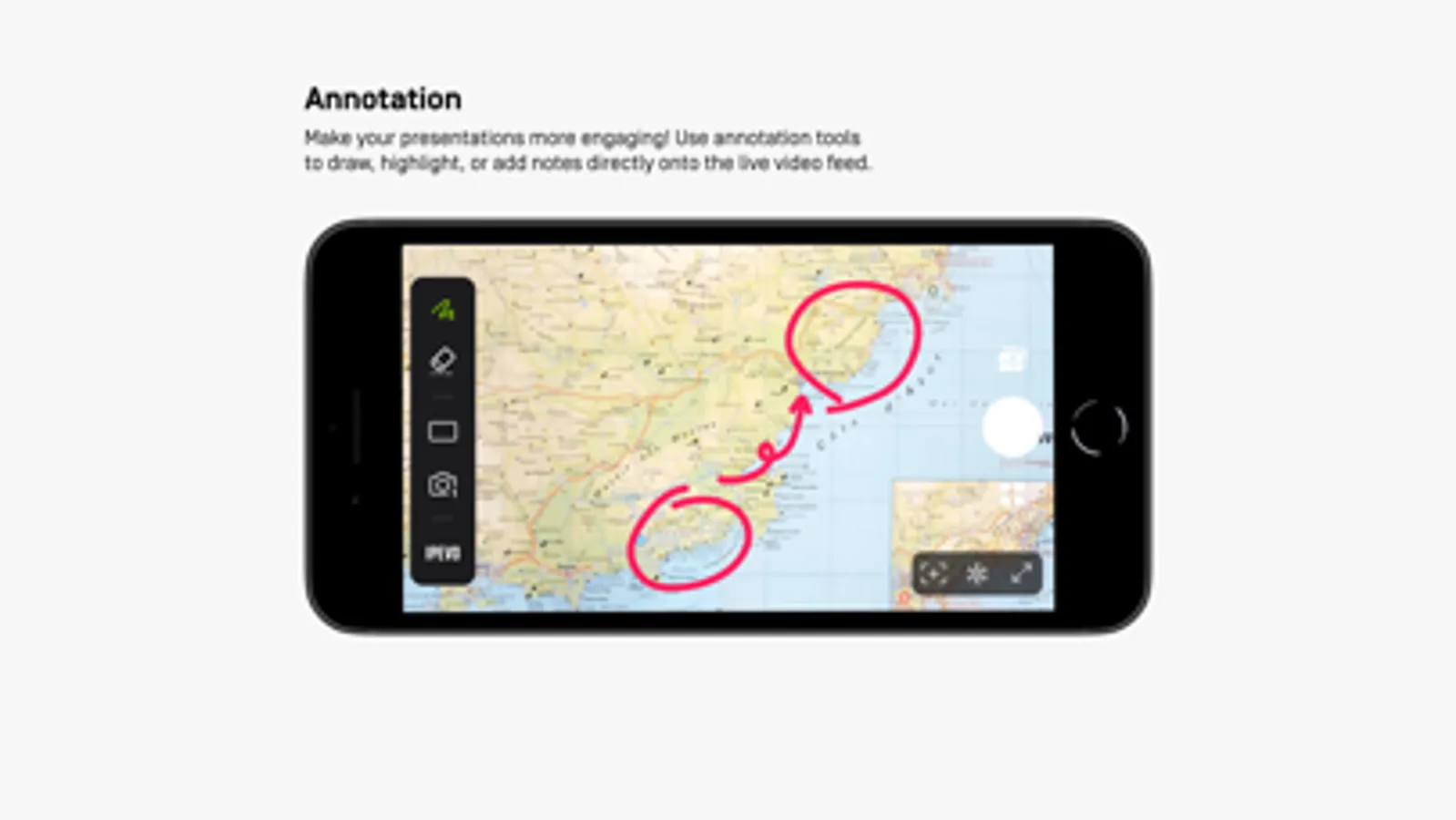
• Captivating on-screen annotations: Elevate your presentations with our annotation tools, allowing you to draw, mark, and add comments directly on live images, adding more
engagement to your content.
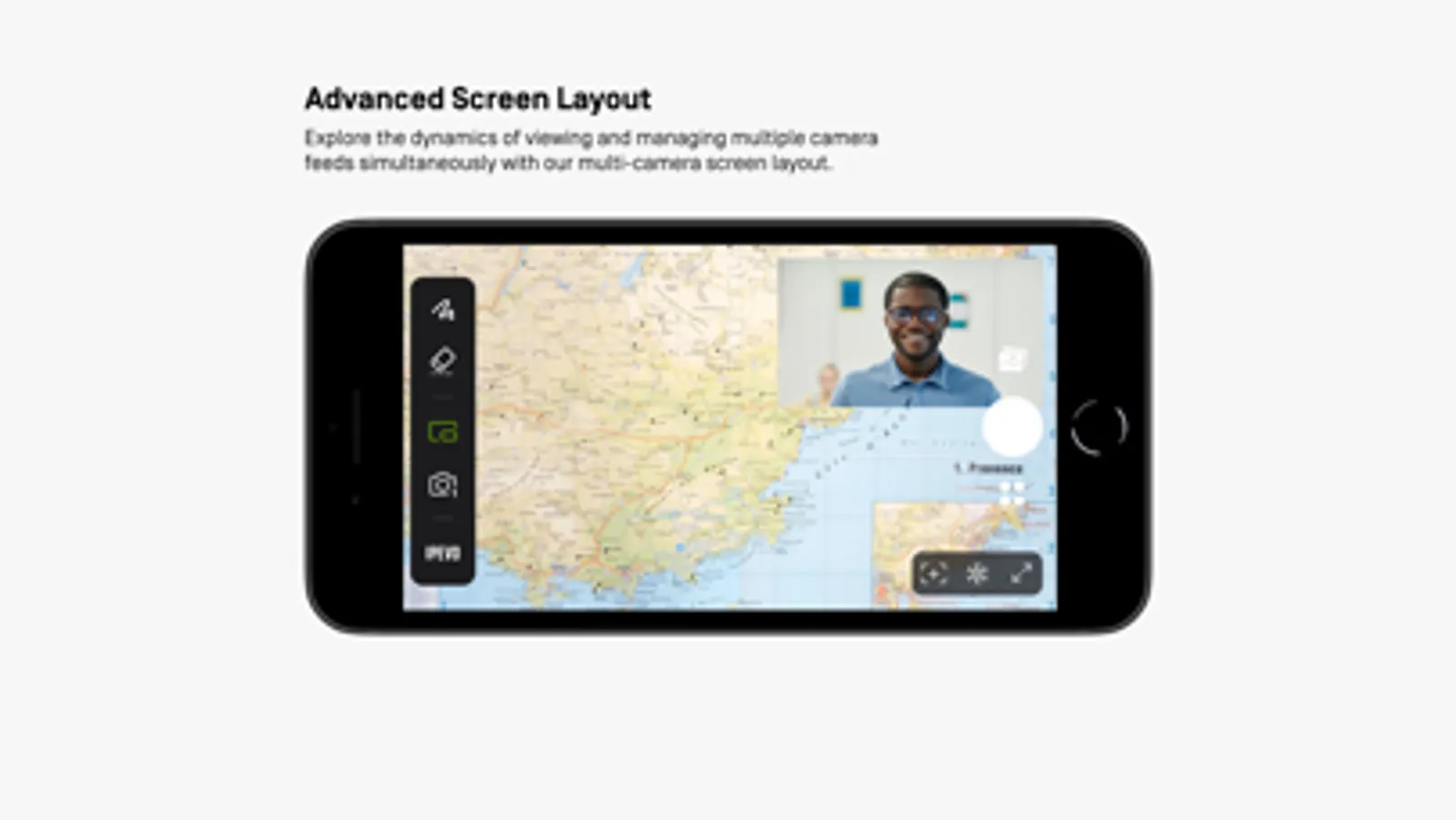
• Advanced screen layouts: Showcase real-time content from two cameras simultaneously using split-screen and picture-in-picture functionality. Furthermore, utilize the floating
window mode to interactively display content alongside your desktop or other software, offering endless presentation possibilities.
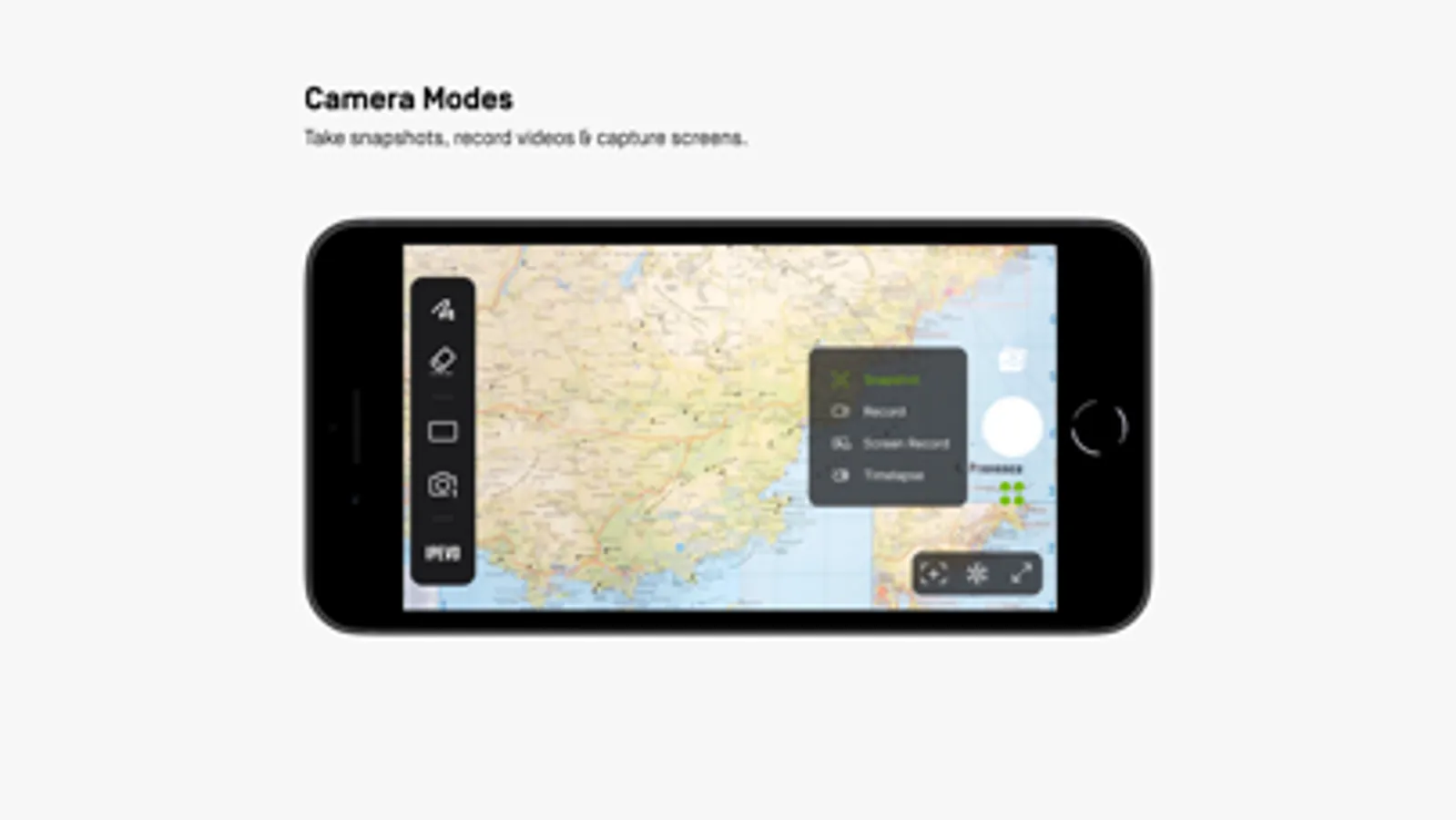
• Image capture capabilities: Easily capture images from your camera or device screen, record videos, and even enjoy time-lapse photography functionality.
Experience the Visualizer educational software now, unlocking a whole new realm of teaching potential and delivering an unparalleled educational experience!
Key Features Overview:
• Effortlessly connect to your IPEVO educational camera via Wi-Fi or a wired connection, enabling image display on your mobile device. Compatible with both front and rear camera
options to meet diverse needs.
• Total camera control: Adjust screen size, rotate images, fine-tune resolution, and manage exposure settings, all at your fingertips.
• Captivating on-screen annotations: Elevate your presentations with our annotation tools, allowing you to draw, mark, and add comments directly on live images, adding more
engagement to your content.
• Advanced screen layouts: Showcase real-time content from two cameras simultaneously using split-screen and picture-in-picture functionality. Furthermore, utilize the floating
window mode to interactively display content alongside your desktop or other software, offering endless presentation possibilities.
• Image capture capabilities: Easily capture images from your camera or device screen, record videos, and even enjoy time-lapse photography functionality.
Experience the Visualizer educational software now, unlocking a whole new realm of teaching potential and delivering an unparalleled educational experience!