PiHelper
茜 沙
4.1 ★
store rating
Free
AppRecs review analysis
AppRecs rating 3.6. Trustworthiness 80 out of 100. Review manipulation risk 26 out of 100. Based on a review sample analyzed.
★★★☆☆
3.6
AppRecs Rating
Ratings breakdown
5 star
66%
4 star
10%
3 star
6%
2 star
4%
1 star
14%
What to know
✓
Low review manipulation risk
26% review manipulation risk
✓
Credible reviews
80% trustworthiness score from analyzed reviews
✓
High user satisfaction
76% of sampled ratings are 4+ stars (4.1★ average)
About PiHelper
Get started with PiHelper:
https://medium.com/swlh/using-pihelper-to-monitor-and-manage-raspberry-pis-9a24065febed
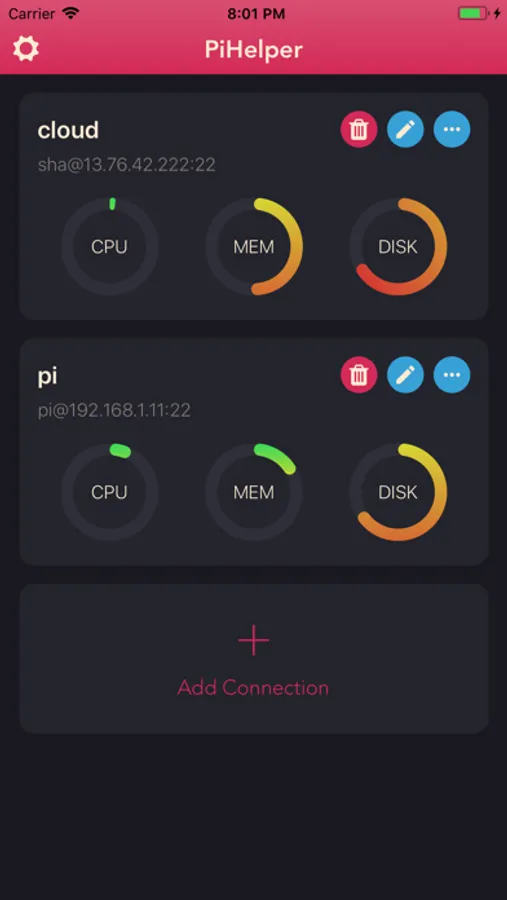
PiHelper lets you connect and manage your Raspberry Pi or Linux machine easily.
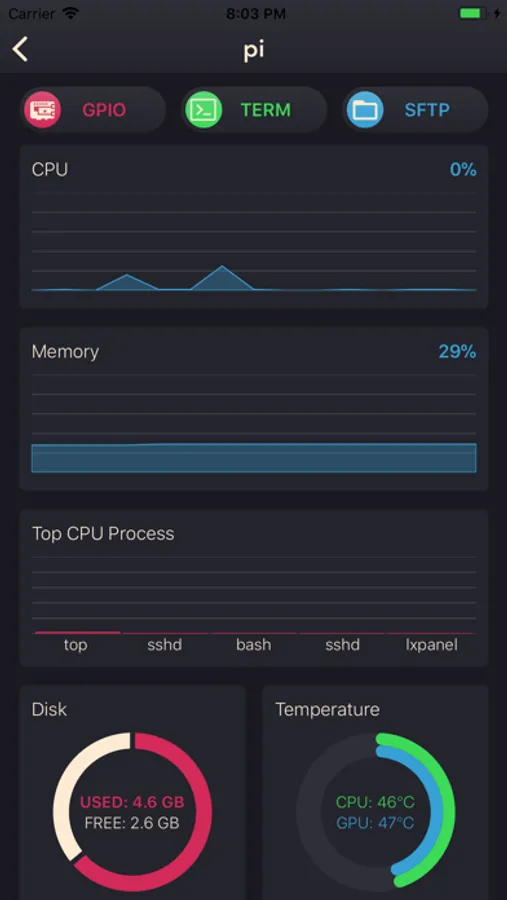
- Monitor
CPU, memory, disk usage, processes and/or temperature statics in realtime.
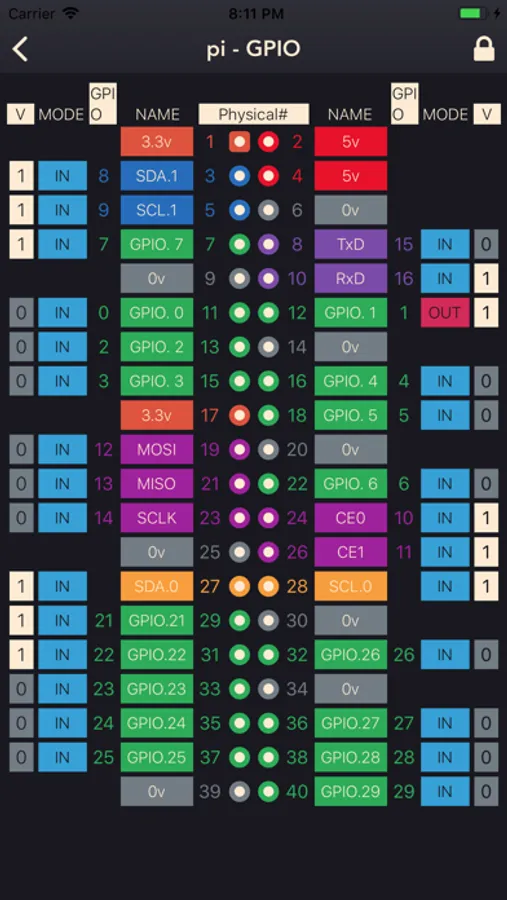
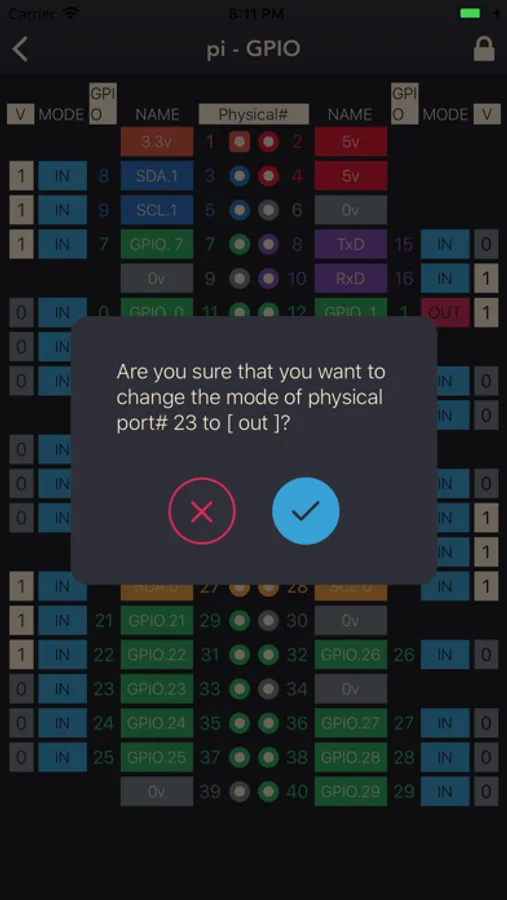
- GPIO
Colorful pinout. Tap to change GPIO mode and output.
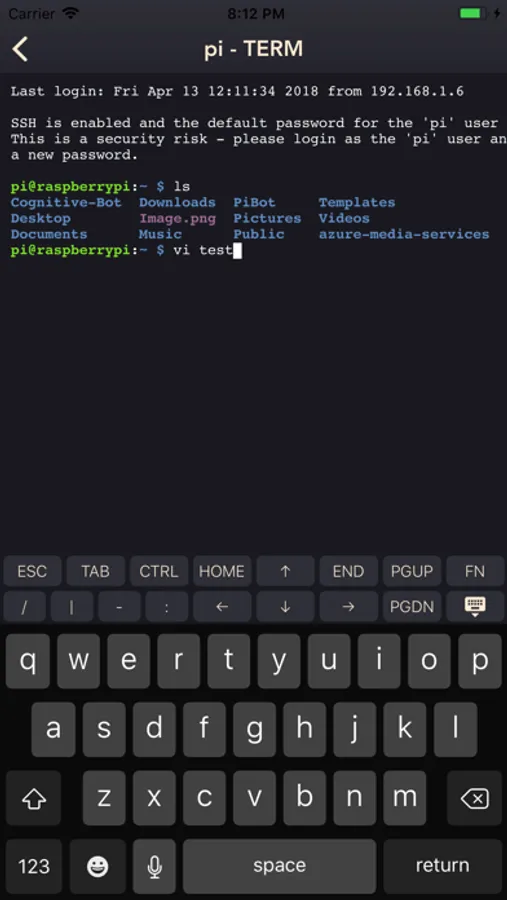
- SSH Terminal
Realtime shell with full xterm experience.
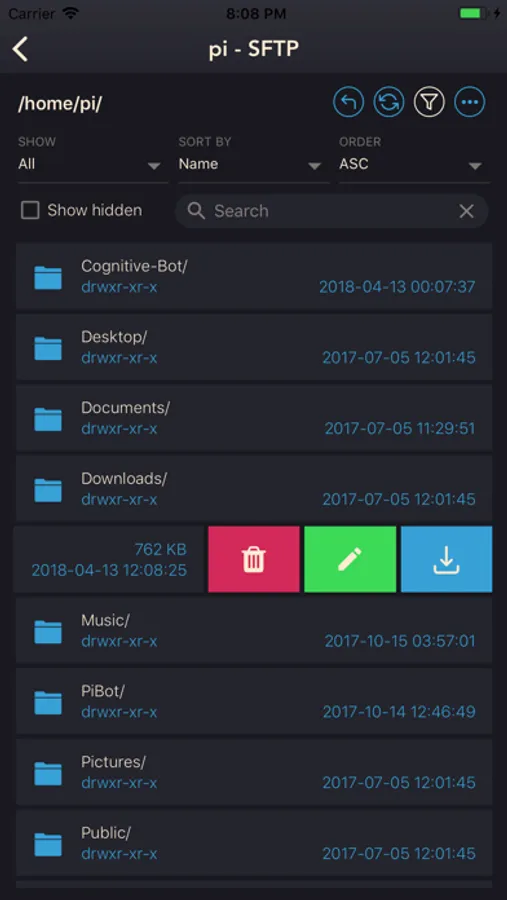
- SFTP / File browser
Browse files and directories. Easy upload, download, rename and delete.
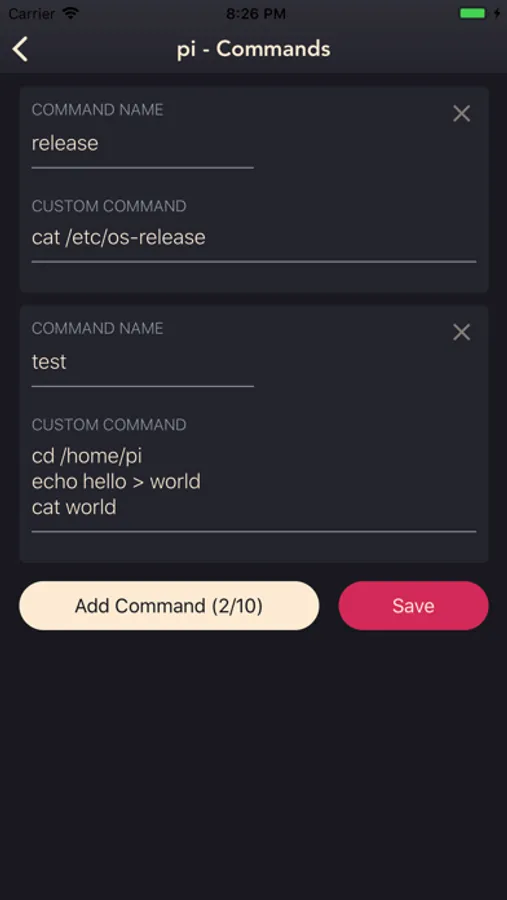
- Single tap to reboot / halt server. Custom commands are also supported.
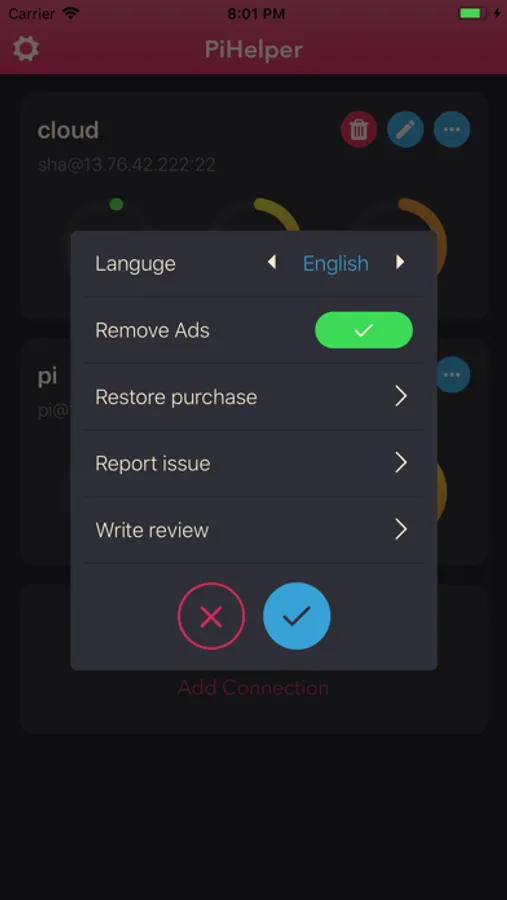
- Multi-language support:
-- English
-- 中文
-- 日本語
-- Русский (Thanks to Sergey Britov)
-- Deutsche (Thanks to Daniel Wolf)
-- Français (Thanks to Dorian Eydoux)
-- Lietuvis (Thanks to Ernestas Kardzys)
Report issue:
- Email: pihelper@outlook.com
- Twitter: @shaqian629
Notes:
- Public/Private key authentication only supports RSA keys.
- To use the GPIO tool with RPi 4, please upgrade wiringPi to 2.52+:
cd /tmp
wget https://project-downloads.drogon.net/wiringpi-latest.deb
sudo dpkg -i wiringpi-latest.deb
Reference: http://wiringpi.com/wiringpi-updated-to-2-52-for-the-raspberry-pi-4b/
https://medium.com/swlh/using-pihelper-to-monitor-and-manage-raspberry-pis-9a24065febed
PiHelper lets you connect and manage your Raspberry Pi or Linux machine easily.
- Monitor
CPU, memory, disk usage, processes and/or temperature statics in realtime.
- GPIO
Colorful pinout. Tap to change GPIO mode and output.
- SSH Terminal
Realtime shell with full xterm experience.
- SFTP / File browser
Browse files and directories. Easy upload, download, rename and delete.
- Single tap to reboot / halt server. Custom commands are also supported.
- Multi-language support:
-- English
-- 中文
-- 日本語
-- Русский (Thanks to Sergey Britov)
-- Deutsche (Thanks to Daniel Wolf)
-- Français (Thanks to Dorian Eydoux)
-- Lietuvis (Thanks to Ernestas Kardzys)
Report issue:
- Email: pihelper@outlook.com
- Twitter: @shaqian629
Notes:
- Public/Private key authentication only supports RSA keys.
- To use the GPIO tool with RPi 4, please upgrade wiringPi to 2.52+:
cd /tmp
wget https://project-downloads.drogon.net/wiringpi-latest.deb
sudo dpkg -i wiringpi-latest.deb
Reference: http://wiringpi.com/wiringpi-updated-to-2-52-for-the-raspberry-pi-4b/