About A Special Day
Are you throwing a party?
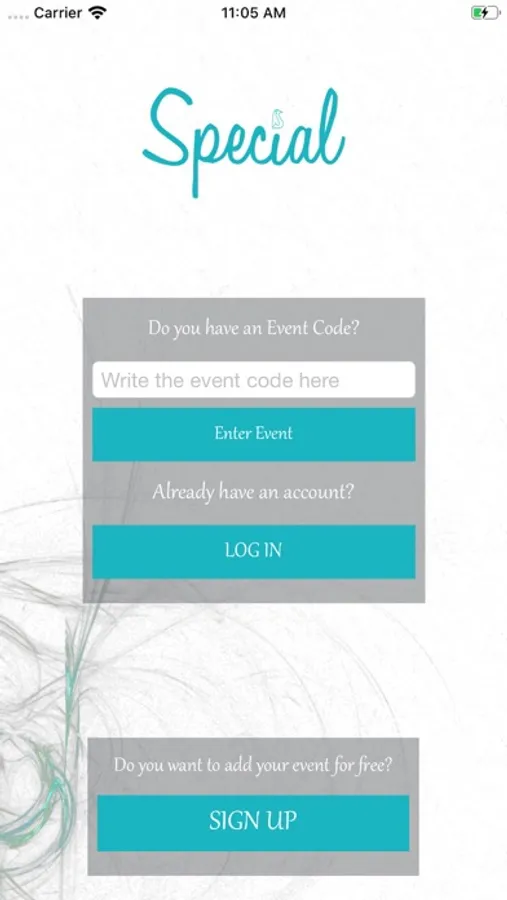
Don't JUST send an invitation, CREATE your own invitation App.
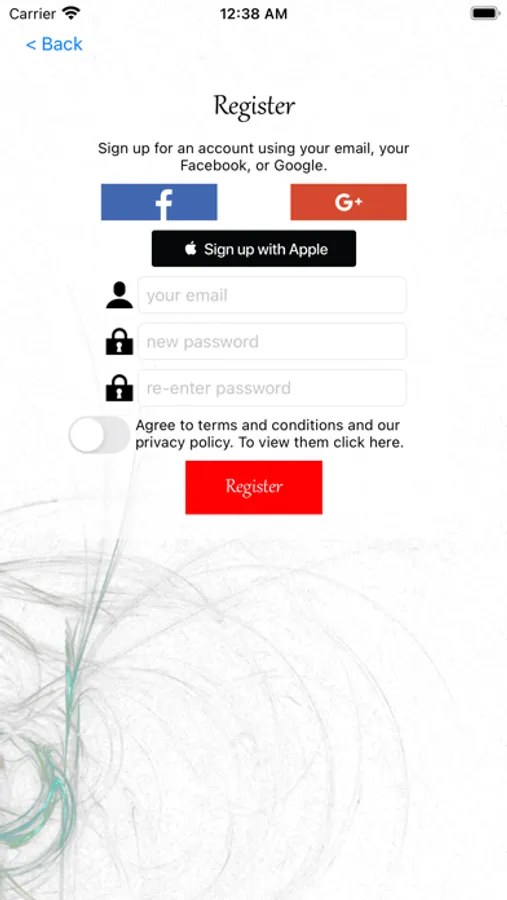
Step 1
-Register on Special
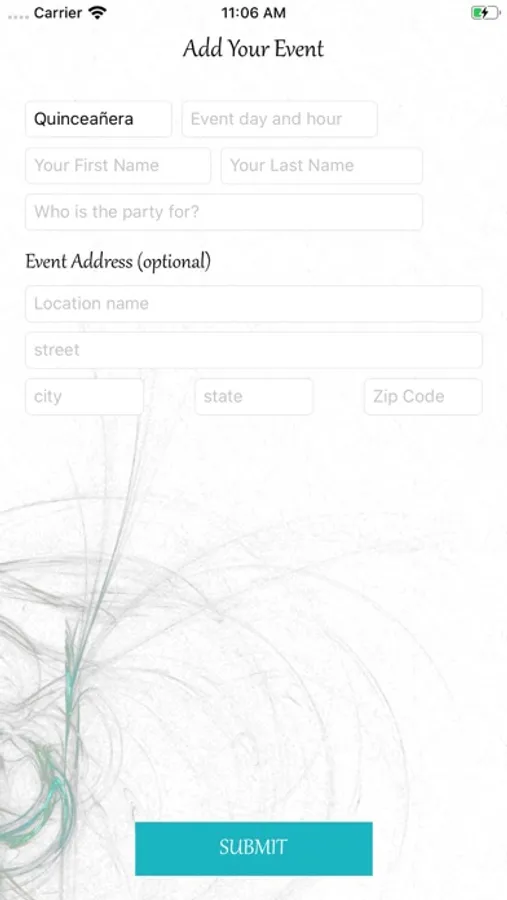
Step 2
- Select your kind of event and give all the information your guest are going to need
-Write a history about your event that all your guest can read
-Choose your access button colors for your App
-Choose the letter colors for your App
-Add your guest and the amount of tickets for the RSVP
-Send your code to every guest and they will be able to connect to YOUR App.
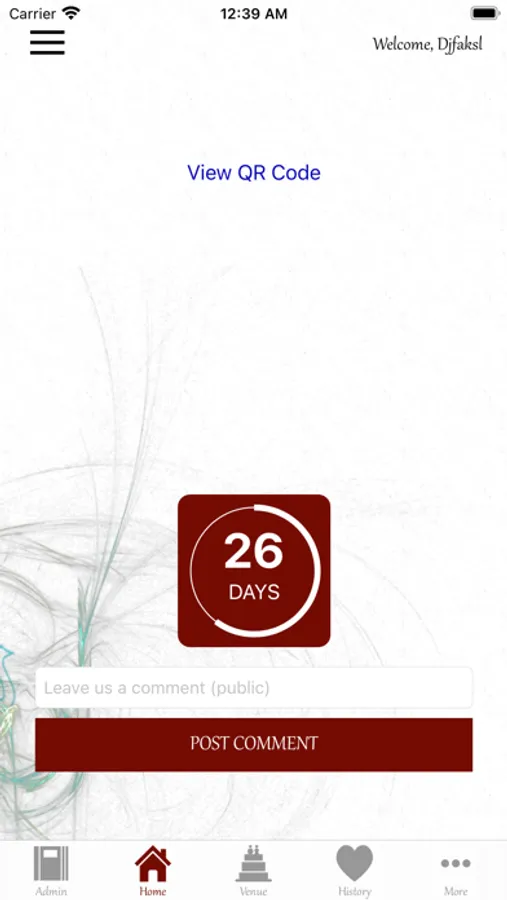
Now every one can enjoy your very own customized App created specifically for your event.
Your guest would have:
-RSVP
-A countdown to the event
-Direct access to the event address, with Google maps or Wazze, you can also add an Uber button*
-Social page for comments
-Registry
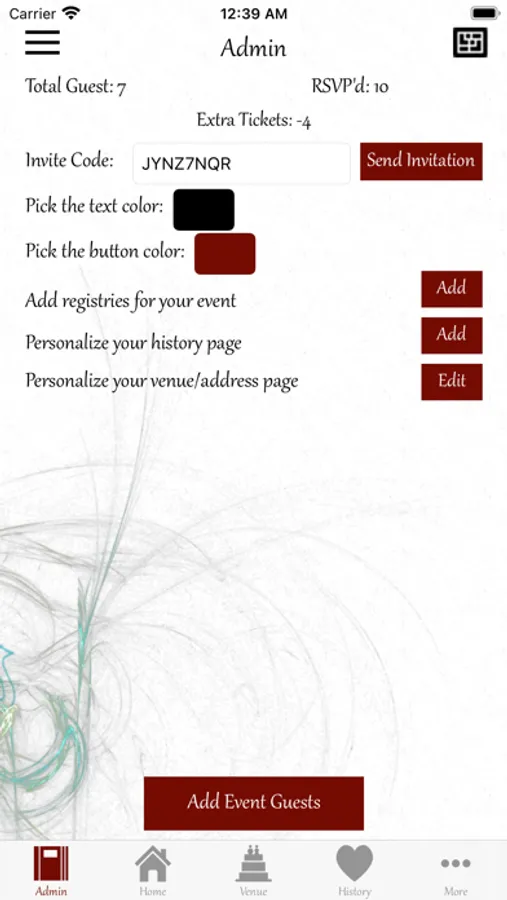
You as Admin would be able to
-Track RSVP in real time
-Read all the beautiful comments that your guest write on the social media page
-Write history and details for the party
-Add guest and manage RSVP
-Add registry in case you have more than one
-Change the colors of your App whenever you want
Don't JUST send an invitation, CREATE your own invitation App.
Step 1
-Register on Special
Step 2
- Select your kind of event and give all the information your guest are going to need
-Write a history about your event that all your guest can read
-Choose your access button colors for your App
-Choose the letter colors for your App
-Add your guest and the amount of tickets for the RSVP
-Send your code to every guest and they will be able to connect to YOUR App.
Now every one can enjoy your very own customized App created specifically for your event.
Your guest would have:
-RSVP
-A countdown to the event
-Direct access to the event address, with Google maps or Wazze, you can also add an Uber button*
-Social page for comments
-Registry
You as Admin would be able to
-Track RSVP in real time
-Read all the beautiful comments that your guest write on the social media page
-Write history and details for the party
-Add guest and manage RSVP
-Add registry in case you have more than one
-Change the colors of your App whenever you want