AppRecs review analysis
AppRecs rating 2.9. Trustworthiness 79 out of 100. Review manipulation risk 26 out of 100. Based on a review sample analyzed.
★★☆☆☆
2.9
AppRecs Rating
Ratings breakdown
5 star
60%
4 star
0%
3 star
0%
2 star
0%
1 star
40%
What to know
✓
Low review manipulation risk
26% review manipulation risk
✓
Credible reviews
79% trustworthiness score from analyzed reviews
About Scoreboard FR
- SCOREBOARD
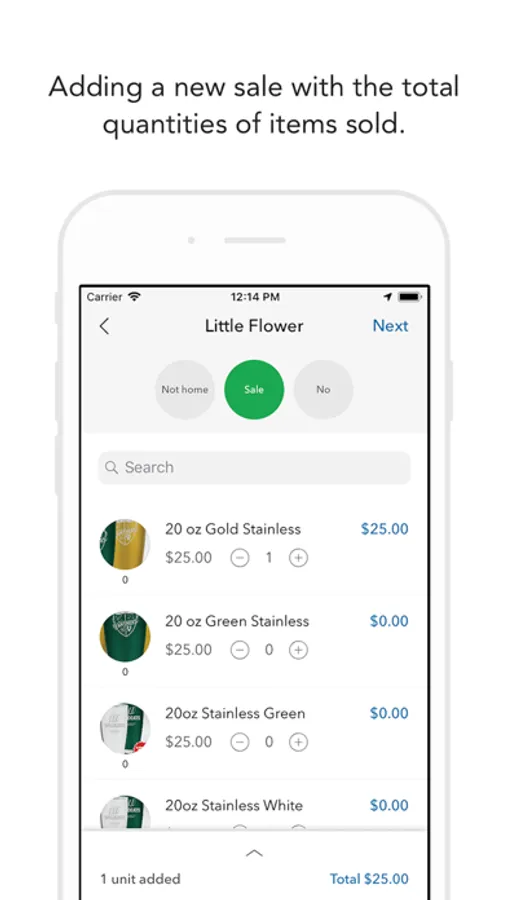
Scoreboard is a fast, secure, and free* service for fundraisers and their families. It is optimized for iOS devices and available 24/7 using your existing Scoreboard Username and Password.
- FEATURES
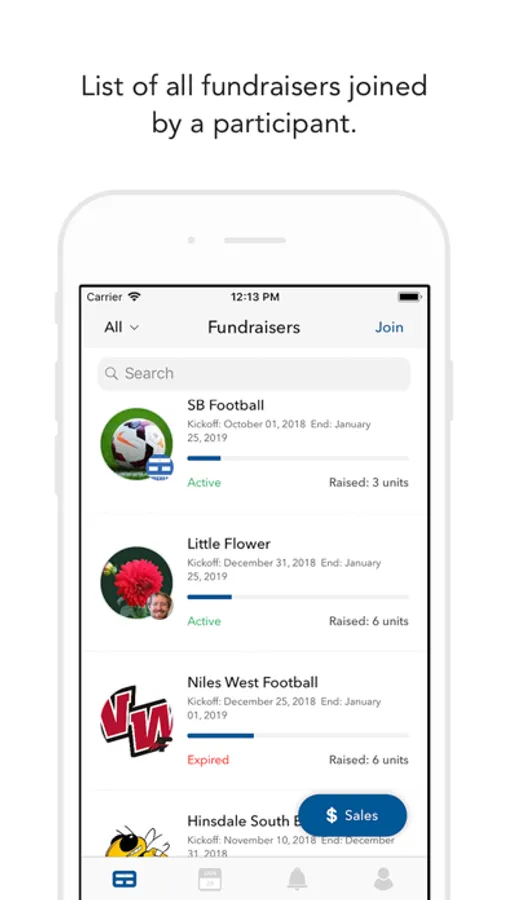
CURRENT ACTIVE CAMPAIGNS
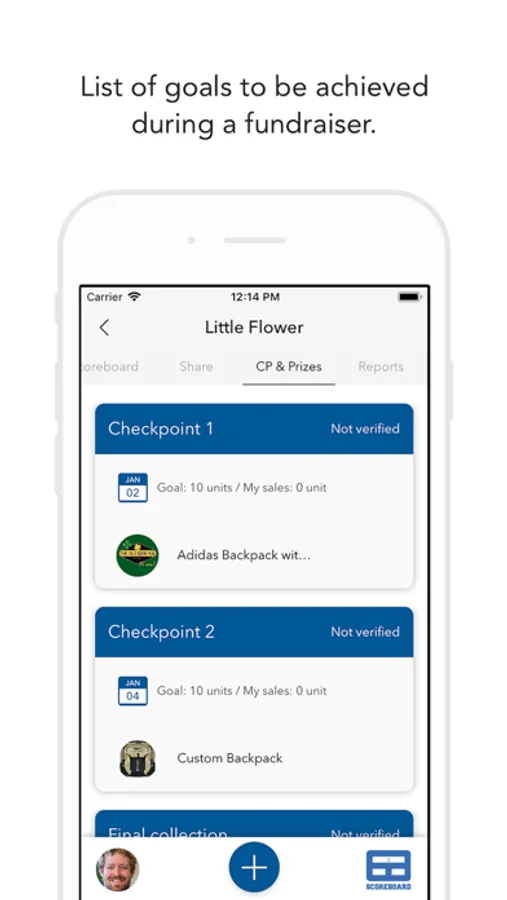
Participate in current fundraising campaigns.
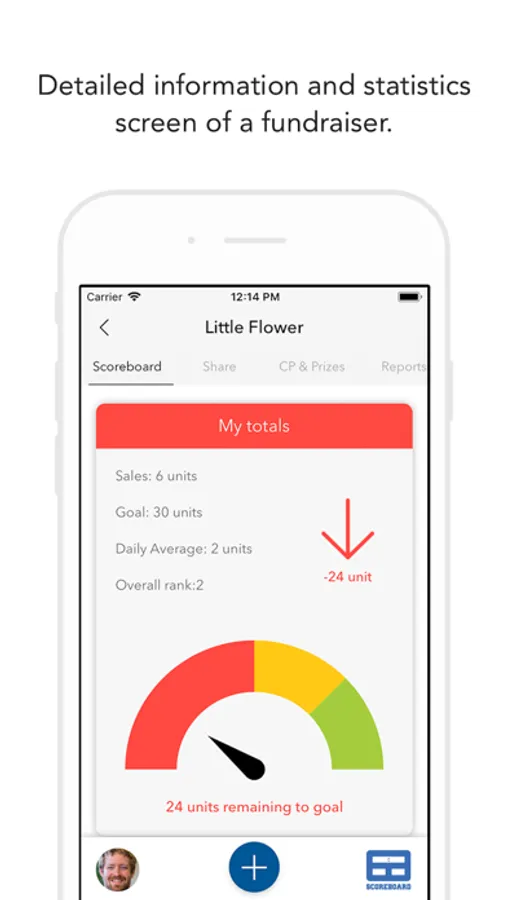
View sales totals for campaign.
Mark sales as delivered once completed.
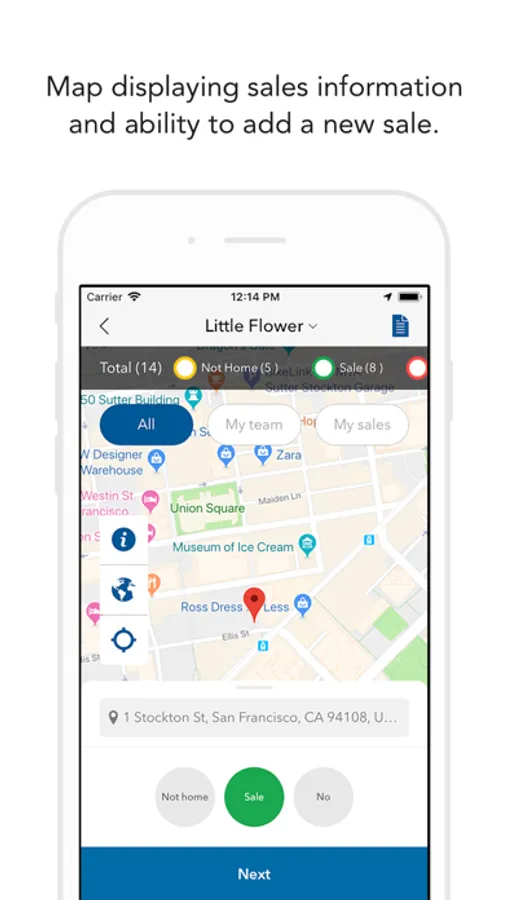
Filter sales map to see only your pins or the pins of your troop or council.
- VIEW PAST DATA
View Sales Map for previous fundraising campaigns that you've participated in.
View sales totals for previous campaigns.
- Your mobile carrier's message and data rates may apply.
- Location Services should be enabled to make full use of the mapping features. To enable Location Services, go to Settings>Privacy> Location Services and turn on. Once turned on, scroll down to find Scoreboard and ensure that Scoreboard is allowed location access while using the app
Terms-of-service: https://scoreboardfundraising.com/terms-of-service/
Faq: https://scoreboardfundraising.com/faq/
Scoreboard is a fast, secure, and free* service for fundraisers and their families. It is optimized for iOS devices and available 24/7 using your existing Scoreboard Username and Password.
- FEATURES
CURRENT ACTIVE CAMPAIGNS
Participate in current fundraising campaigns.
View sales totals for campaign.
Mark sales as delivered once completed.
Filter sales map to see only your pins or the pins of your troop or council.
- VIEW PAST DATA
View Sales Map for previous fundraising campaigns that you've participated in.
View sales totals for previous campaigns.
- Your mobile carrier's message and data rates may apply.
- Location Services should be enabled to make full use of the mapping features. To enable Location Services, go to Settings>Privacy> Location Services and turn on. Once turned on, scroll down to find Scoreboard and ensure that Scoreboard is allowed location access while using the app
Terms-of-service: https://scoreboardfundraising.com/terms-of-service/
Faq: https://scoreboardfundraising.com/faq/