HTD MC
HTD
2.1 ★
store rating
Free
With this control app, you can view and manage all zones, adjust settings, and create presets. Includes zone grouping, source customization, and shortcuts to popular audio apps.
About HTD MC
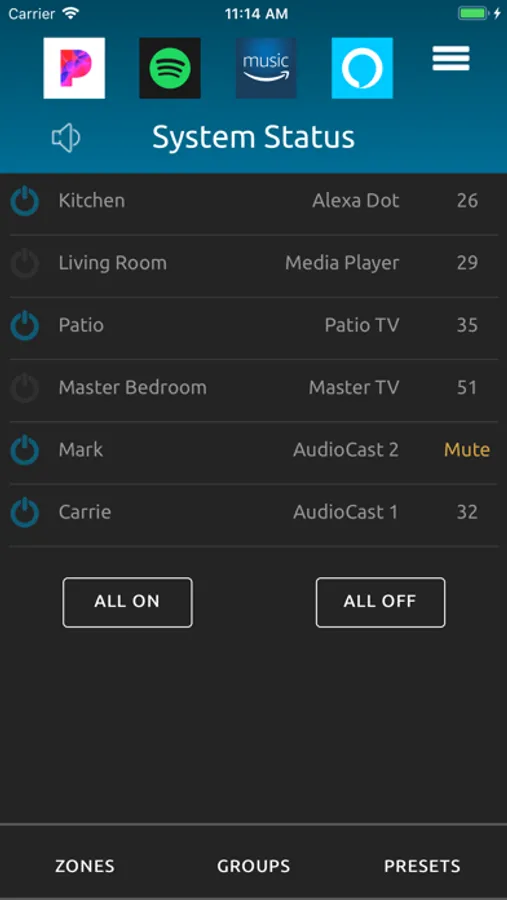
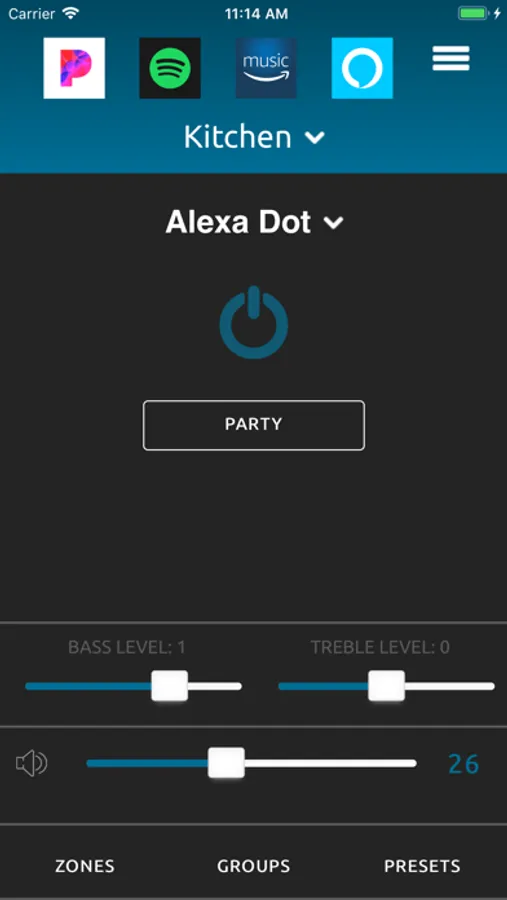
View and control all zones from a single system status page or drill down into each zone for more granular control. For every zone, set power on/off, source, volume, treble, bass, and balance.
Control volume with both a scroll wheel and slide control. Mute/Un-Mute all zones with a single button press. Power off all zones with a single button press. Power on all zones to their previous state with a single button press.
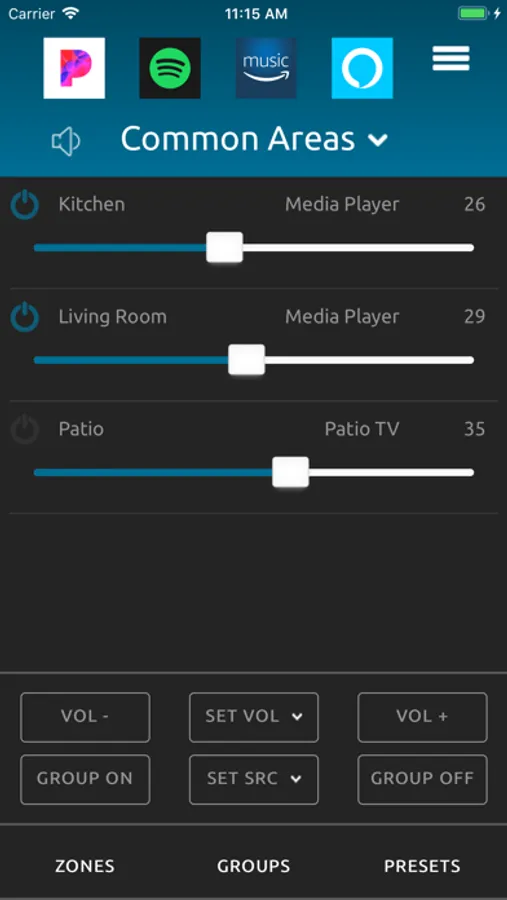
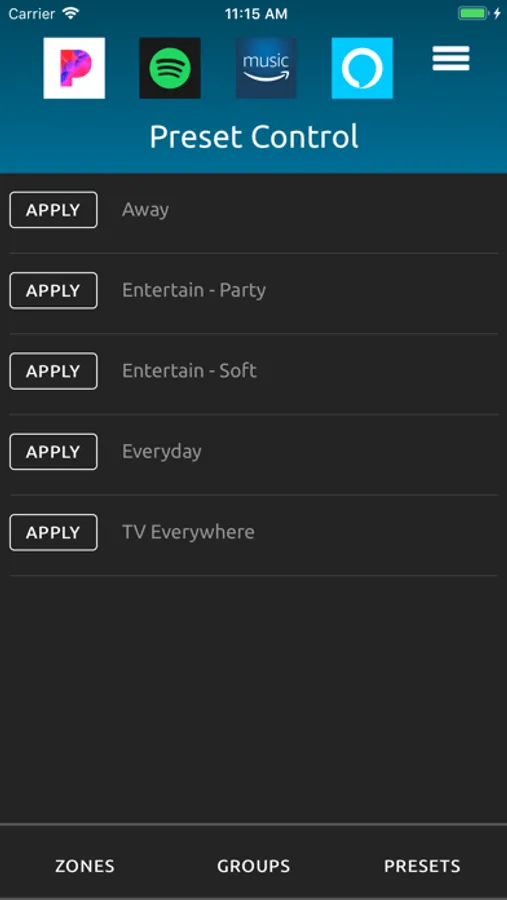
Add up to four shortcuts to popular music and audio apps, making it easy to toggle between selecting what you want to hear and where you want to hear it. Create groups of zones to set a common source, set a common volume, or relatively control volume across multiple zones. Create audio scenes called presets that set up one or more zones in your home with a single button press.
Customize the zone names and source names that appear in the app. Hide zones and sources you don’t want to appear in the app. With current model systems, create unique 7-character source names to display on KC7 keypads.
Automatic system detection with most Wi-Fi networks has you using the app in under a minute. A simple, one-time process for manually configuring the app to your system is also provided. Automatic account creation with backup and restore functionality via our free cloud makes it easy to configure the app one time and then restore to other phones and tablets. No username/password required.
Works in portrait mode on smaller screens and both portrait and landscape mode on larger screens.
Please note: This app will only control the HTD MC-66 and MCA-66. Control of Lync is available through the HTD Lync app.
Control volume with both a scroll wheel and slide control. Mute/Un-Mute all zones with a single button press. Power off all zones with a single button press. Power on all zones to their previous state with a single button press.
Add up to four shortcuts to popular music and audio apps, making it easy to toggle between selecting what you want to hear and where you want to hear it. Create groups of zones to set a common source, set a common volume, or relatively control volume across multiple zones. Create audio scenes called presets that set up one or more zones in your home with a single button press.
Customize the zone names and source names that appear in the app. Hide zones and sources you don’t want to appear in the app. With current model systems, create unique 7-character source names to display on KC7 keypads.
Automatic system detection with most Wi-Fi networks has you using the app in under a minute. A simple, one-time process for manually configuring the app to your system is also provided. Automatic account creation with backup and restore functionality via our free cloud makes it easy to configure the app one time and then restore to other phones and tablets. No username/password required.
Works in portrait mode on smaller screens and both portrait and landscape mode on larger screens.
Please note: This app will only control the HTD MC-66 and MCA-66. Control of Lync is available through the HTD Lync app.