AppRecs review analysis
AppRecs rating 2.8. Trustworthiness 45 out of 100. Review manipulation risk 25 out of 100. Based on a review sample analyzed.
★★☆☆☆
2.8
AppRecs Rating
Ratings breakdown
5 star
47%
4 star
13%
3 star
0%
2 star
7%
1 star
33%
About Star Chart AR
Star Chart AR lets you explore the Earth in Augmented Reality through the window of your phone's screen. All in real time!
*** ARKit compatible device required to experience AR Modes ***
Included in Star Chart AR are:
- AR Earth - the Earth beautifully rendered in realtime for AR viewing
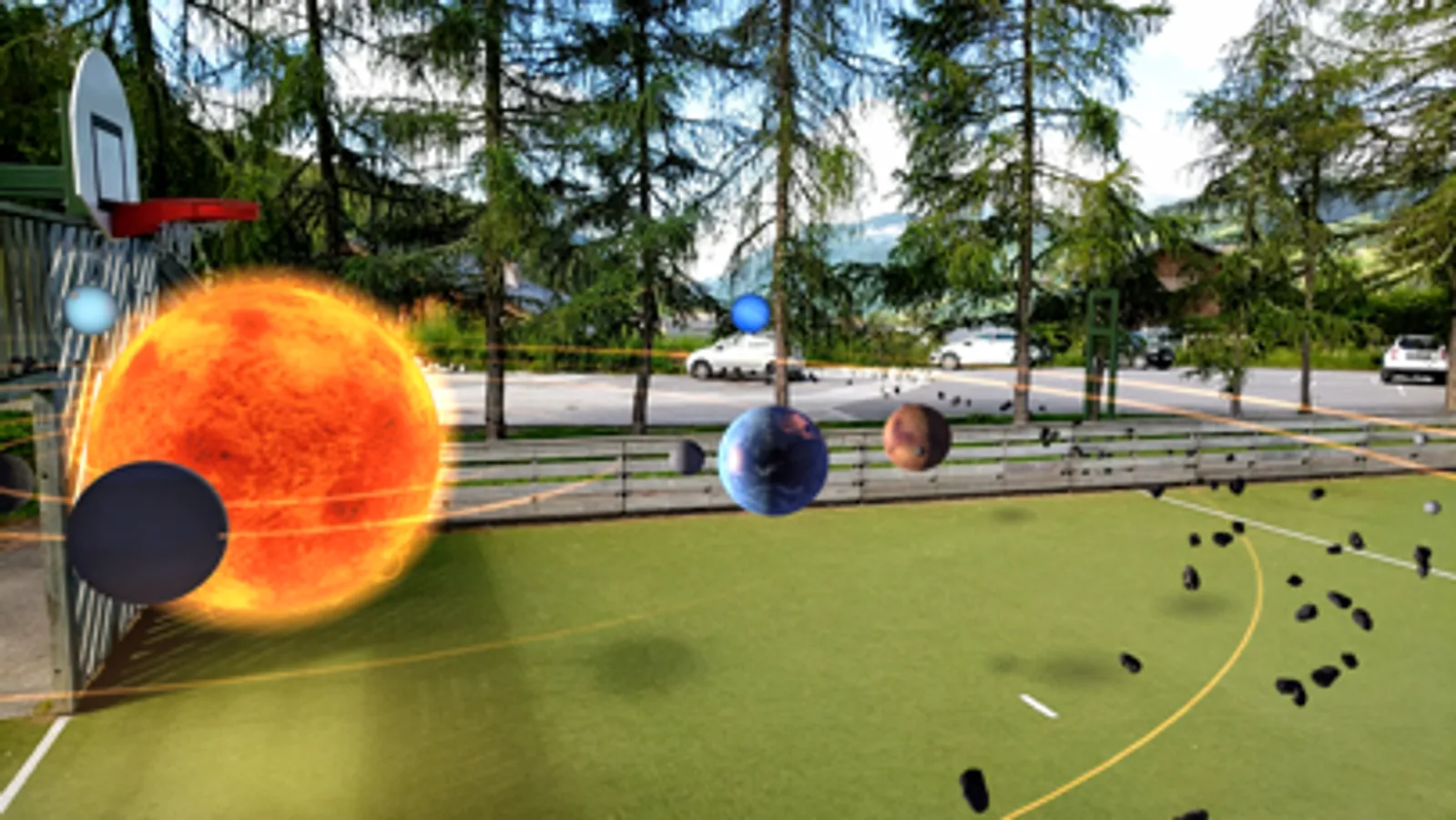
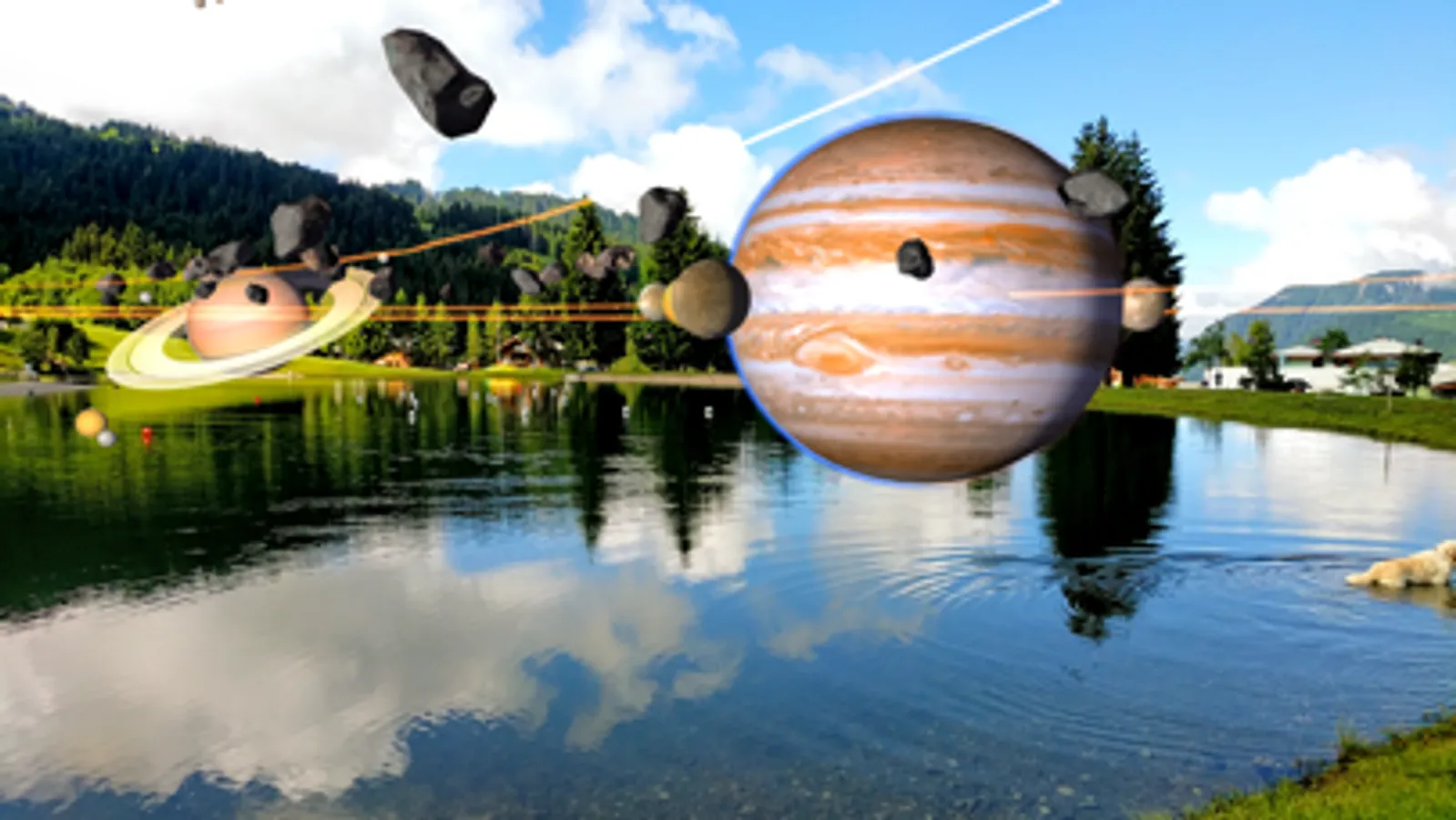
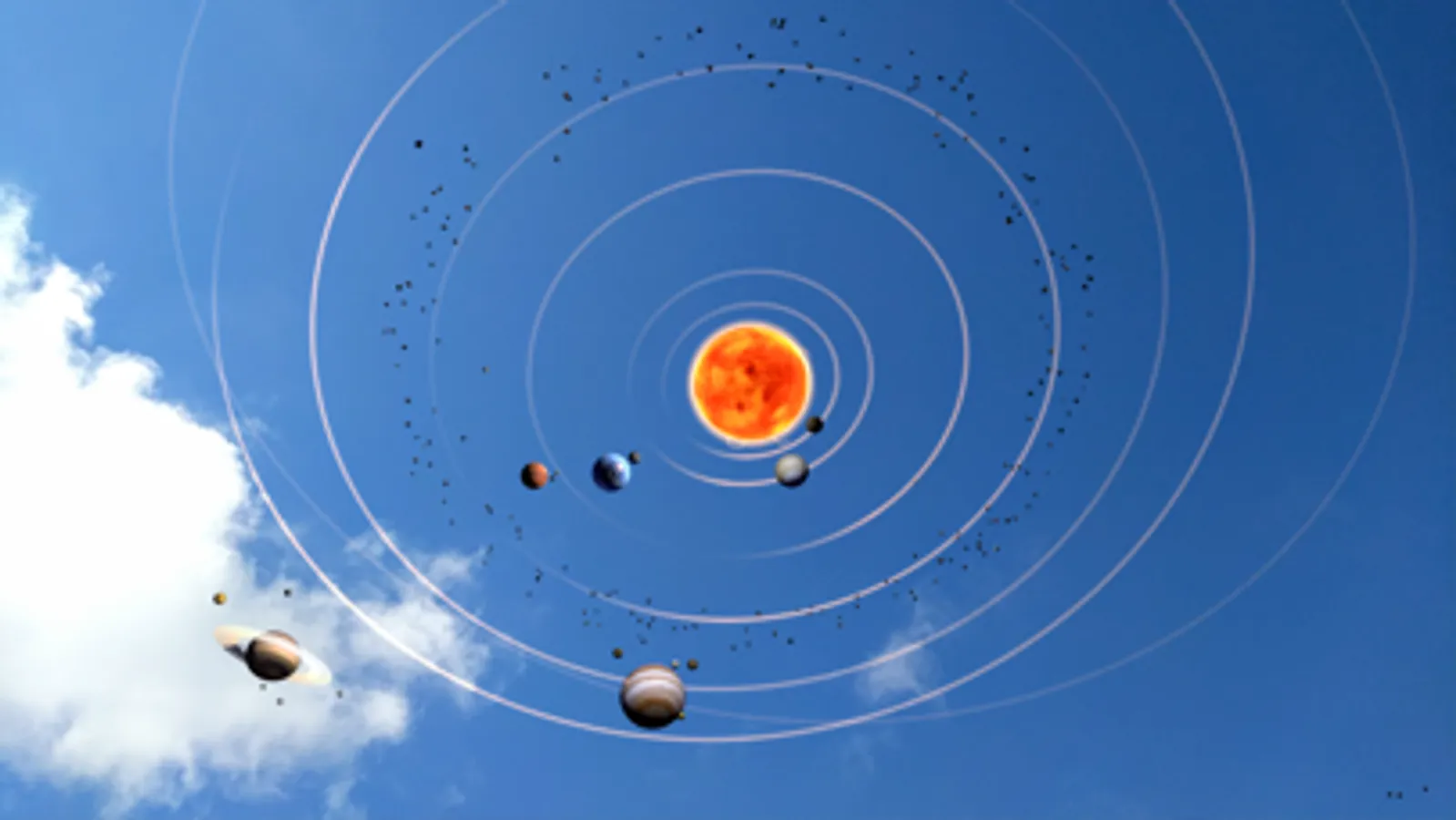
- AR Orrery - the solar system including the sun, planets, major moons, dwarf planets, asteroid & kuiper belts, and major asteroids (available as an in-app upgrade)
Star Chart AR is best experienced with ample room and good lighting. We like to view it outdoors when scaled to maximum size or on a large clear table when scaled down.
Move your device in a circular motion while looking at the surface you would like the device to detect. An overlay will appear on the detected surface and fade out after a few seconds. Tap to place the AR object on a detected surface.
Controls are:
- Tap to place the AR object
- Pinch to scale the AR object
- Two finger tap to go back
* ARKit supported devices: All iPhone models from iPhone 6s and above are supported as well as the iPhone SE. All iPad Pros and the standard 2017 iPad model is also supported.
*** ARKit compatible device required to experience AR Modes ***
Included in Star Chart AR are:
- AR Earth - the Earth beautifully rendered in realtime for AR viewing
- AR Orrery - the solar system including the sun, planets, major moons, dwarf planets, asteroid & kuiper belts, and major asteroids (available as an in-app upgrade)
Star Chart AR is best experienced with ample room and good lighting. We like to view it outdoors when scaled to maximum size or on a large clear table when scaled down.
Move your device in a circular motion while looking at the surface you would like the device to detect. An overlay will appear on the detected surface and fade out after a few seconds. Tap to place the AR object on a detected surface.
Controls are:
- Tap to place the AR object
- Pinch to scale the AR object
- Two finger tap to go back
* ARKit supported devices: All iPhone models from iPhone 6s and above are supported as well as the iPhone SE. All iPad Pros and the standard 2017 iPad model is also supported.