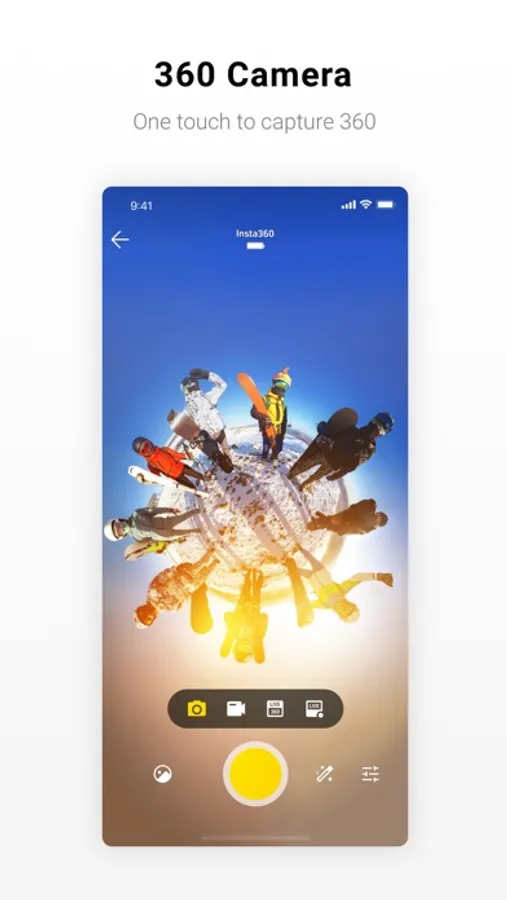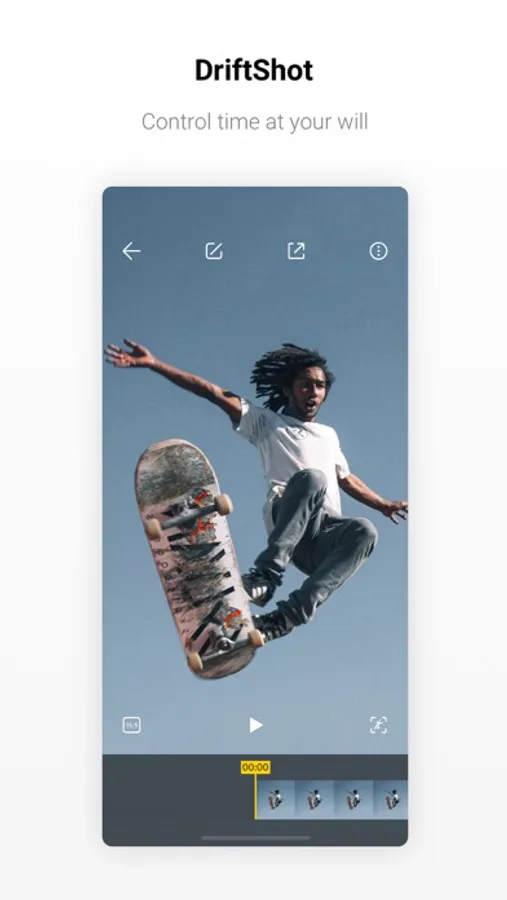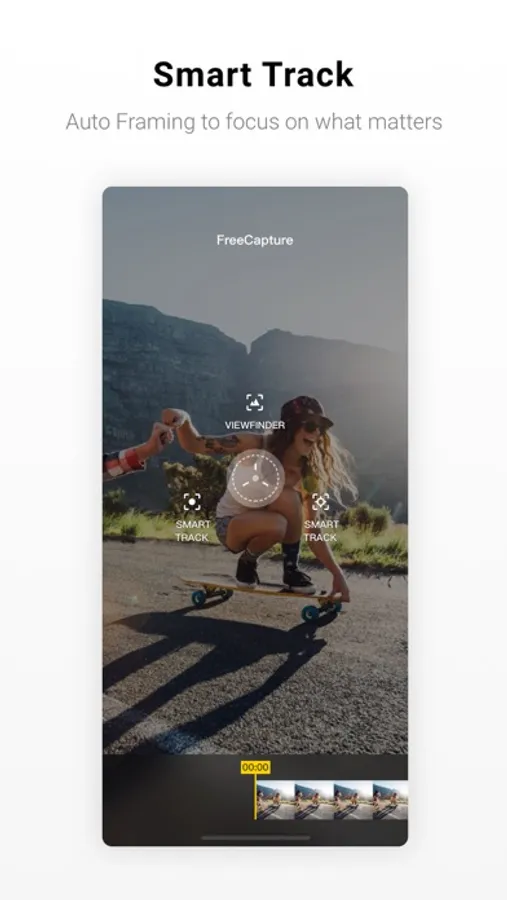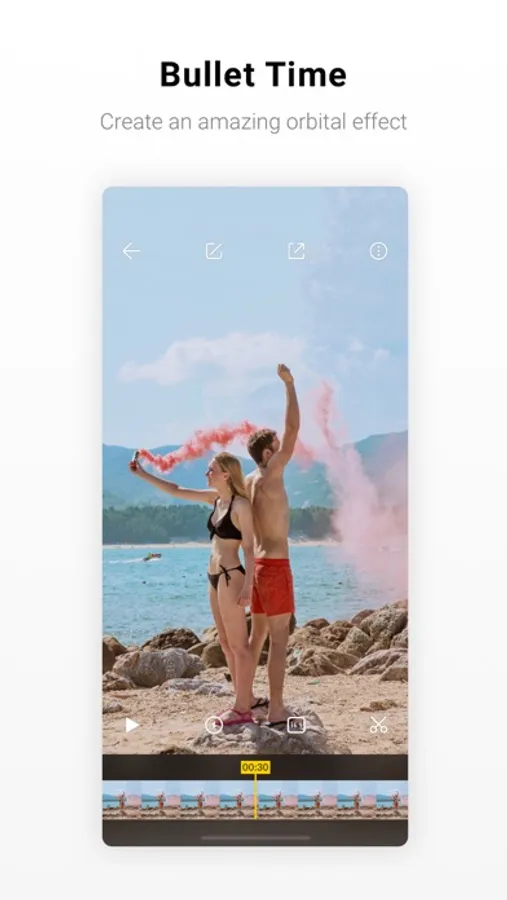
In this camera app, you can edit 360-degree footage, select specific shot parts, and apply cinematic effects. Includes shot selection, speed adjustments, and direct transfer options.
AppRecs review analysis
AppRecs rating 2.3. Trustworthiness 75 out of 100. Review manipulation risk 21 out of 100. Based on a review sample analyzed.
★★☆☆☆
2.3
AppRecs Rating
Ratings breakdown
5 star
25%
4 star
12%
3 star
13%
2 star
13%
1 star
37%
What to know
⚠
Ad complaints
Many low ratings mention excessive ads
⚠
Mixed user feedback
Average 2.8★ rating suggests room for improvement
⚠
High negative review ratio
50% of sampled ratings are 1–2 stars
About Insta360 ONE X
The Insta360 ONE X app – A full editing room to accompany your ONE X. All in your pocket.
With our app, you don’t have to point your camera anymore. The ONE X shoots in every direction at once, then you choose the best parts of your shot and create cinematic edits with the app. Try dropping points throughout your clip in the editing interface. The camera will follow along, panning smoothly to wherever you want.
Adjust the speed of different parts of a clip on a whim with TimeShift. Highlight key moments with cinematic slow-mo, or speed things up to suit the rhythm of the scene – the app always keeps playback smooth.
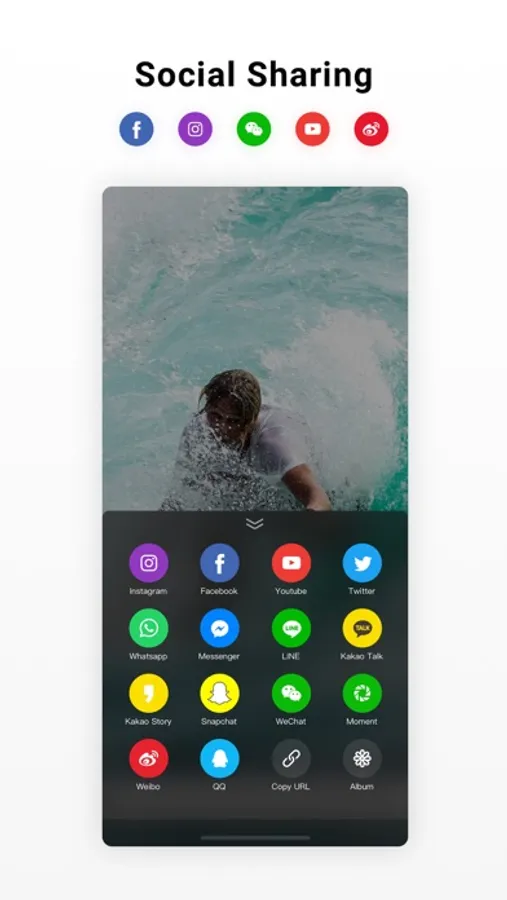
Connect to the ONE X to preview and control your shots. When you’re ready to transfer footage back to your phone for editing and sharing, you can quickly send it back over WiFi or connect directly with a data transfer cable.
With accessories, you can capture impossible angles by literally throwing your camera with the Drifter. Or, you can get amazing slow-mo shots with the bullet-time bundle.
-
Compatibility: Please be subject to the Insta360 official website compatibility list.
Stop by and learn more at: www.insta360.com
Having some issues? Let us know at support@insta360.com
With our app, you don’t have to point your camera anymore. The ONE X shoots in every direction at once, then you choose the best parts of your shot and create cinematic edits with the app. Try dropping points throughout your clip in the editing interface. The camera will follow along, panning smoothly to wherever you want.
Adjust the speed of different parts of a clip on a whim with TimeShift. Highlight key moments with cinematic slow-mo, or speed things up to suit the rhythm of the scene – the app always keeps playback smooth.
Connect to the ONE X to preview and control your shots. When you’re ready to transfer footage back to your phone for editing and sharing, you can quickly send it back over WiFi or connect directly with a data transfer cable.
With accessories, you can capture impossible angles by literally throwing your camera with the Drifter. Or, you can get amazing slow-mo shots with the bullet-time bundle.
-
Compatibility: Please be subject to the Insta360 official website compatibility list.
Stop by and learn more at: www.insta360.com
Having some issues? Let us know at support@insta360.com