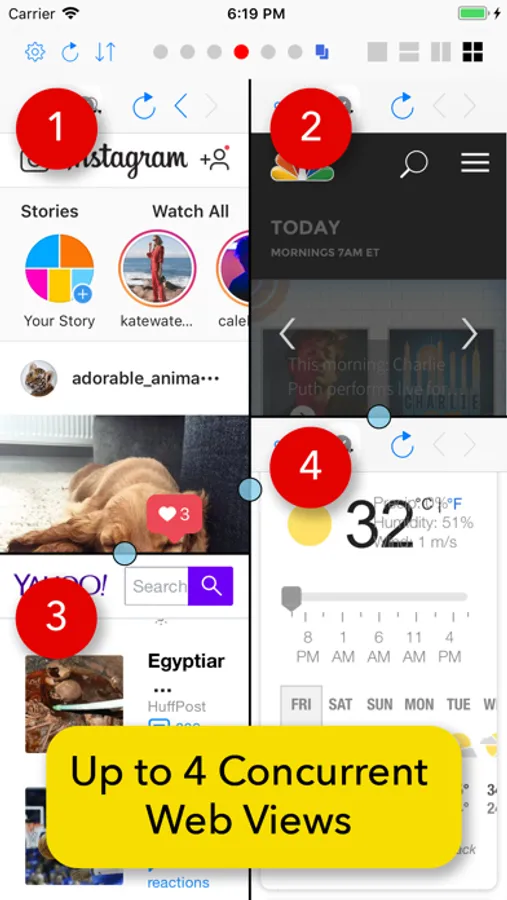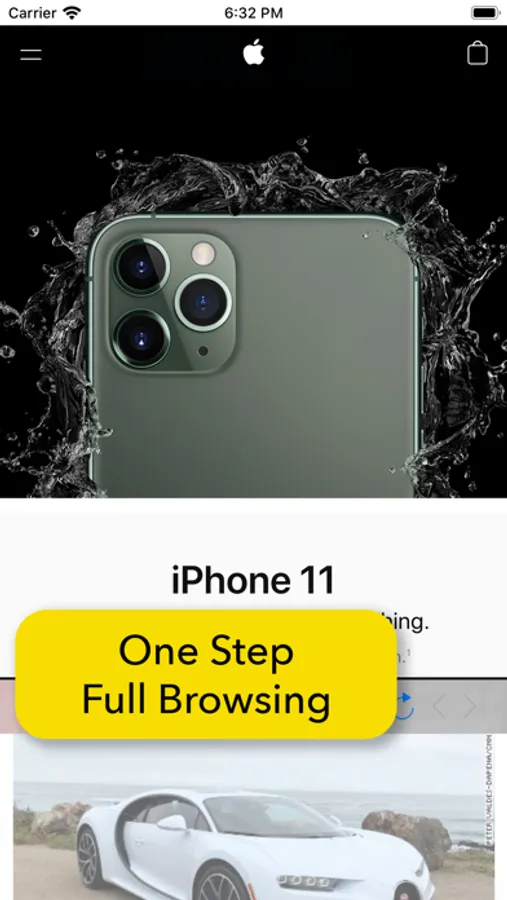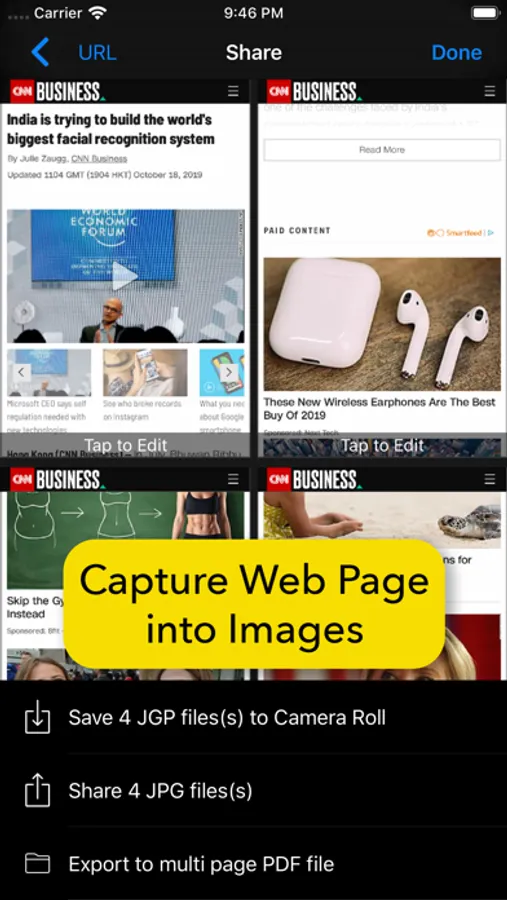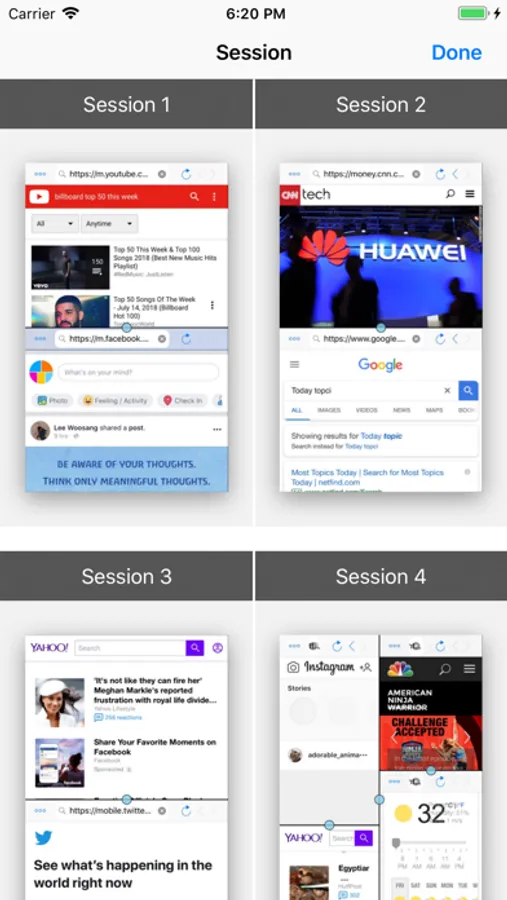
In this web browser, you can manage up to four concurrent web pages and switch layouts easily. Includes support for multiple sessions, privacy protection, saved login credentials, and page capture features.
About Split Screen: MultiTasking Web
An innovative web browser which supports true multitasking and concurrent multiple web pages.
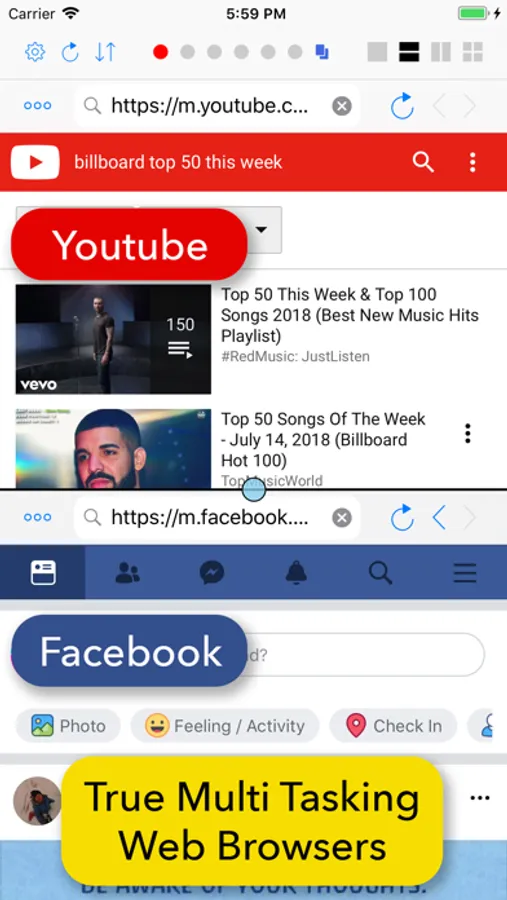
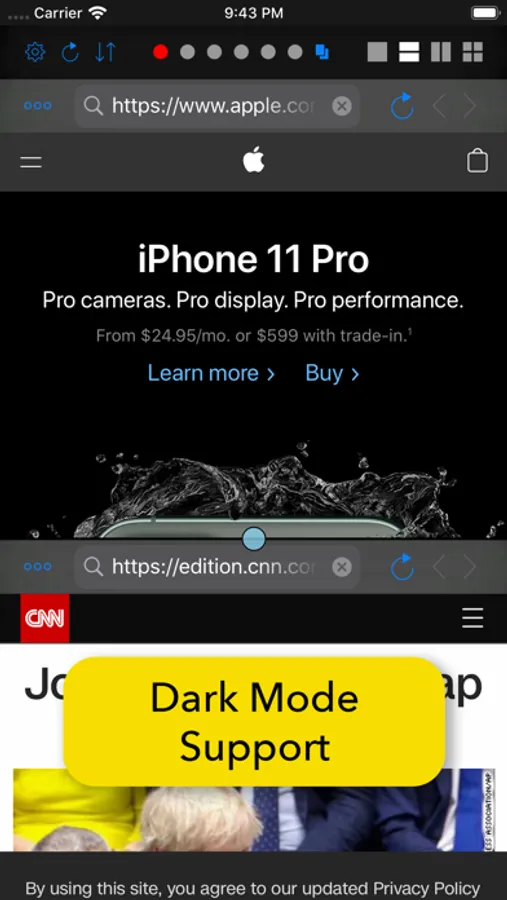
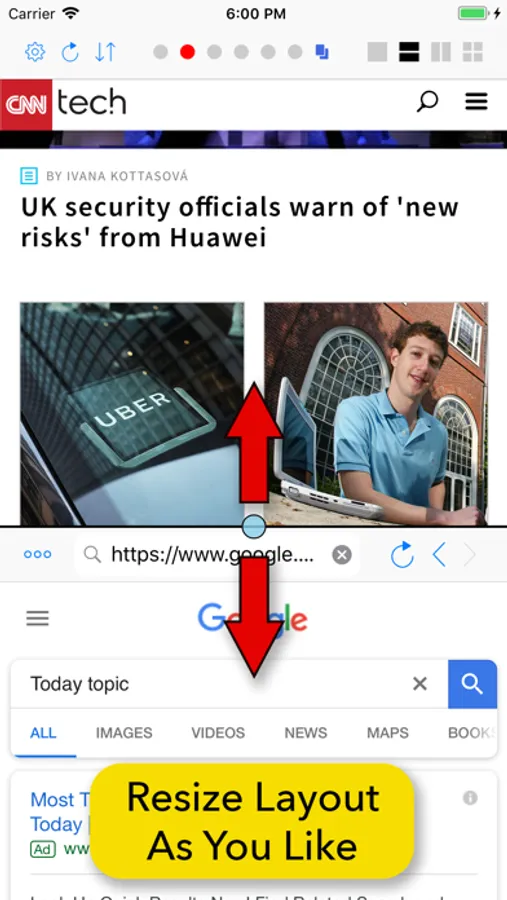
For instance, you can enjoy music video on YouTube while contacting your friend on Facebook. Or you can read news on CNN while searching some topics on Google. You can do all these tasks at the same time without leaving current web page.
Unlike other apps which support only 2 concurrent web browsers, this app supports up to 4 concurrent web browsers. It is especially useful on iPad. You can take a full advantage of the big screen of iPad.
Increase your productivity with this incredible multi tasking app!
• Split screen up to 4 concurrent web browsers.
• Supports up to 6 concurrent sessions (Each session supports up to 4 concurrent web browsers).
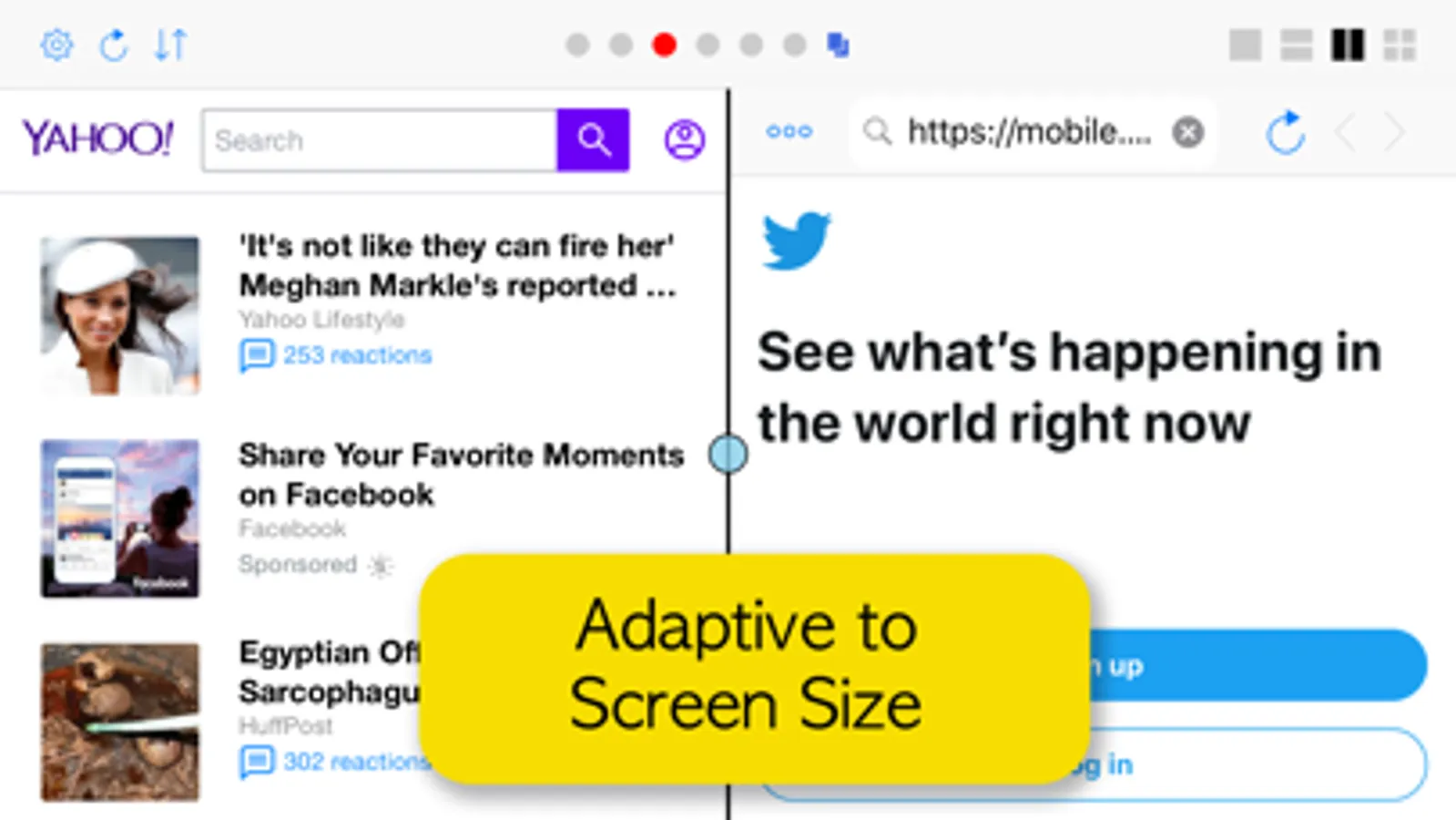
• Switch between single, horizontal, vertical and 2 by 2 layout with single tap.
• Swap each web page with single tap.
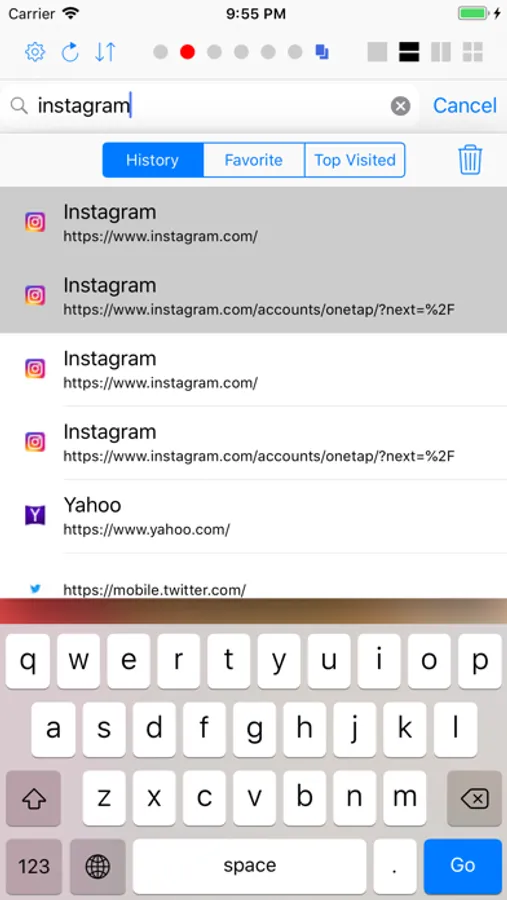
• Supports history, favorite and most visited sites.
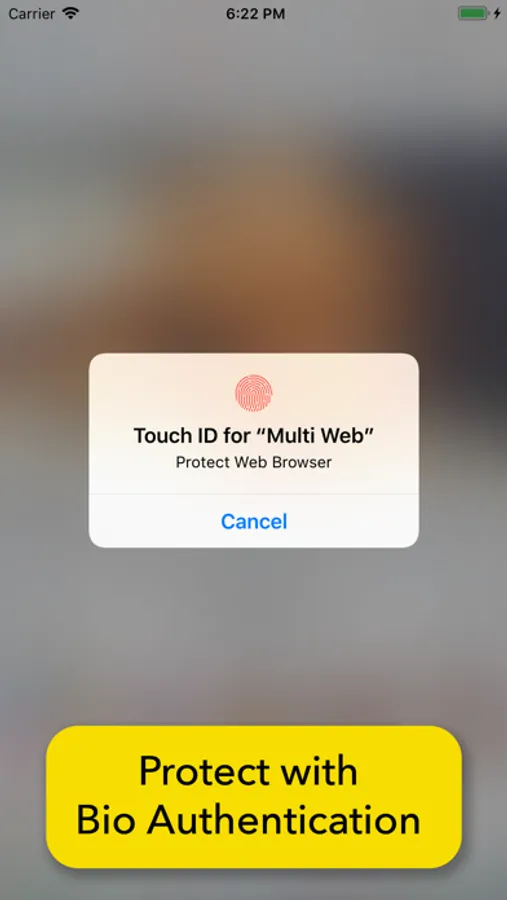
• Supports protection of privacy with bio authentication - Face ID and Touch ID.
• Supports stored login credential. You don't need to type id and password every time you login to web sites like Facebook and Youtube.
• Save current page area as image.
• Capture whole web page into images and save as PDF.
• Open current page in Safari.
For instance, you can enjoy music video on YouTube while contacting your friend on Facebook. Or you can read news on CNN while searching some topics on Google. You can do all these tasks at the same time without leaving current web page.
Unlike other apps which support only 2 concurrent web browsers, this app supports up to 4 concurrent web browsers. It is especially useful on iPad. You can take a full advantage of the big screen of iPad.
Increase your productivity with this incredible multi tasking app!
• Split screen up to 4 concurrent web browsers.
• Supports up to 6 concurrent sessions (Each session supports up to 4 concurrent web browsers).
• Switch between single, horizontal, vertical and 2 by 2 layout with single tap.
• Swap each web page with single tap.
• Supports history, favorite and most visited sites.
• Supports protection of privacy with bio authentication - Face ID and Touch ID.
• Supports stored login credential. You don't need to type id and password every time you login to web sites like Facebook and Youtube.
• Save current page area as image.
• Capture whole web page into images and save as PDF.
• Open current page in Safari.