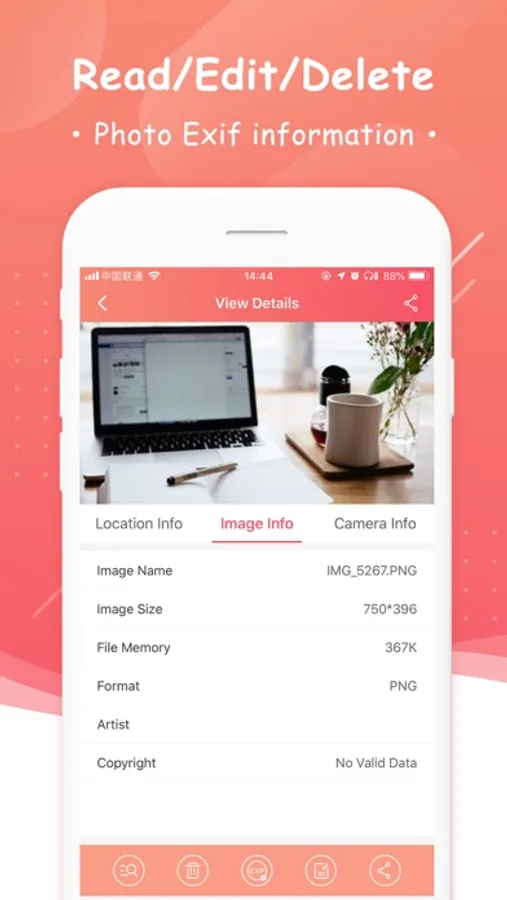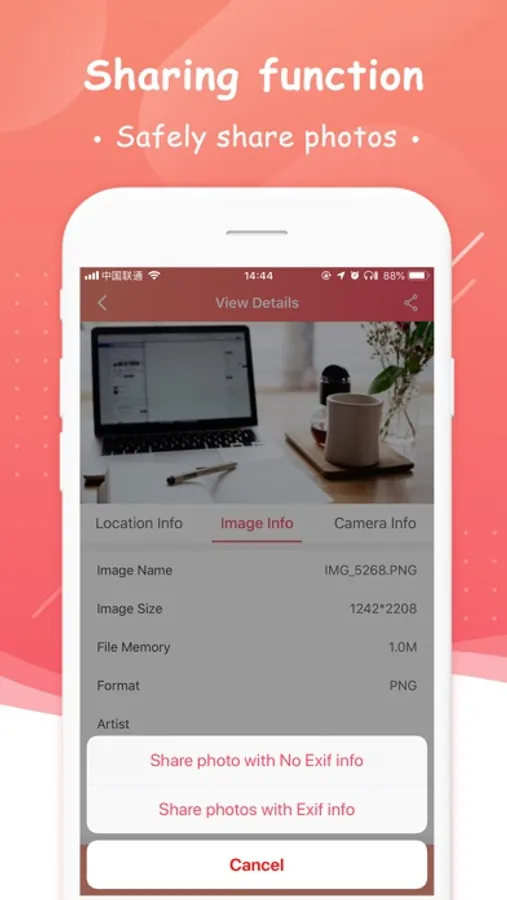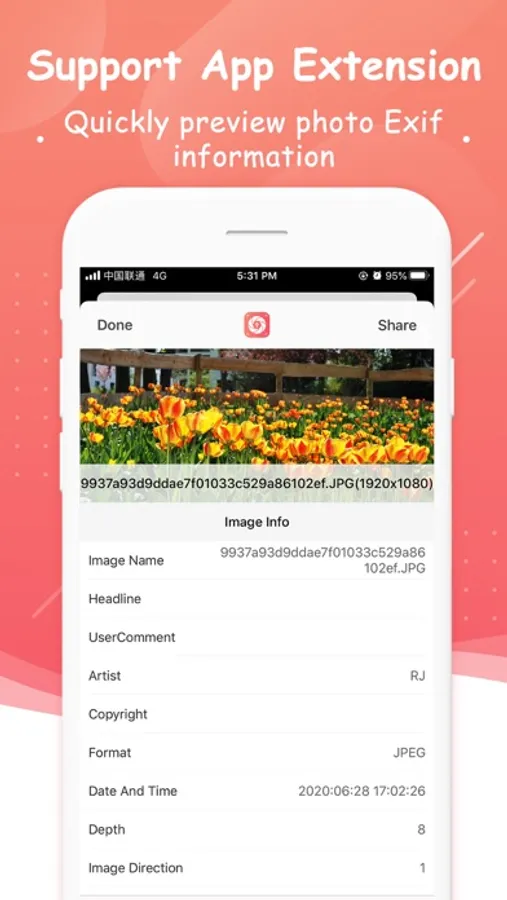
In this app, you can view and edit EXIF metadata of photos to protect privacy or analyze photo details. Includes features for removing GPS data, sharing images with or without metadata, and batch editing.
AppRecs review analysis
AppRecs rating 4.1. Trustworthiness 51 out of 100. Review manipulation risk 36 out of 100. Based on a review sample analyzed.
★★★★☆
4.1
AppRecs Rating
Ratings breakdown
5 star
79%
4 star
13%
3 star
3%
2 star
0%
1 star
6%
What to know
✓
High user satisfaction
79% of sampled ratings are 5 stars
✓
Authentic reviews
Natural distribution, no red flags
About Exif Master
Exif master is an app for users who want to protect their photo privacy before sharing with others, and also for professional photographers who want to learn about the info behind a photo.
Nowadays, when you take a picture with your iPhone or iPad, it store some privacy data like location, date, time in your photo. When you share a photo with someone else, you may want to edit or remove the data related with your privacy.
What is cool features in Exif Master
▸ App allows you to remove EXIF metadata including Photos GPS location known as Geotagging of photos.
▸ App displays EXIF metadata of any photo on your iOS device(s), Photo Stream or iCloud.
▸ Display EXIF tags like ISO, Shutter Speed, Focal length, Camera Model, Lens Model, Time stamp, Aperture, Shutter Count.
▸ You can optionally share photos without EXIF metadata.
▸ Navigate quickly between next and previous photos in exif detail screen by swiping right or left.
▸ Ability to share Image with or without EXIF Metadata.
▸ Mass edit the photo metadata
FAQ
Q1) What is EXIF Metadata?
EXIF “Exchangeable Image File Format”.
We quite often take pictures with our digital camera or phone. It always records and store a considerable amount of exif data within each image you take, which contains a lot information about your camera settings (ISO, aperture, focal length, image size, shutter speed, camera model, lens model, GPS) date, time, location and many more. Viewing EXIF metadata tags is important for beginners and professional photographers alike, to understand and review what camera settings or software were used to create and edit photo.
[Auto Renewable Ads Removal Subscription]
▸ Subscription Service: Remove the ads before the mass edit or delete the exif metadata of the photos.
▸ Subscription Length: One month
▸ Subscription Price: $4.99 USD or your local equivalent currency
▸ Subscription Payment: Once you confirm the payment, you can find the record in your iTunes Account
▸ Subscription Cancelation: Go to “Setting” → “iTunes Store and App Store” → “Apple Id”→ ”View Apple Id”→ “Account Setting” → “Subscription”
You have to cancel the subscription 24 hours before the end of previous subscription
▸ Term of Use:
http://www.reachjunction.com/exif-master/term-of-use
▸ Privacy Policy:
http://www.reachjunction.com/exif-master/privacy-policy
Nowadays, when you take a picture with your iPhone or iPad, it store some privacy data like location, date, time in your photo. When you share a photo with someone else, you may want to edit or remove the data related with your privacy.
What is cool features in Exif Master
▸ App allows you to remove EXIF metadata including Photos GPS location known as Geotagging of photos.
▸ App displays EXIF metadata of any photo on your iOS device(s), Photo Stream or iCloud.
▸ Display EXIF tags like ISO, Shutter Speed, Focal length, Camera Model, Lens Model, Time stamp, Aperture, Shutter Count.
▸ You can optionally share photos without EXIF metadata.
▸ Navigate quickly between next and previous photos in exif detail screen by swiping right or left.
▸ Ability to share Image with or without EXIF Metadata.
▸ Mass edit the photo metadata
FAQ
Q1) What is EXIF Metadata?
EXIF “Exchangeable Image File Format”.
We quite often take pictures with our digital camera or phone. It always records and store a considerable amount of exif data within each image you take, which contains a lot information about your camera settings (ISO, aperture, focal length, image size, shutter speed, camera model, lens model, GPS) date, time, location and many more. Viewing EXIF metadata tags is important for beginners and professional photographers alike, to understand and review what camera settings or software were used to create and edit photo.
[Auto Renewable Ads Removal Subscription]
▸ Subscription Service: Remove the ads before the mass edit or delete the exif metadata of the photos.
▸ Subscription Length: One month
▸ Subscription Price: $4.99 USD or your local equivalent currency
▸ Subscription Payment: Once you confirm the payment, you can find the record in your iTunes Account
▸ Subscription Cancelation: Go to “Setting” → “iTunes Store and App Store” → “Apple Id”→ ”View Apple Id”→ “Account Setting” → “Subscription”
You have to cancel the subscription 24 hours before the end of previous subscription
▸ Term of Use:
http://www.reachjunction.com/exif-master/term-of-use
▸ Privacy Policy:
http://www.reachjunction.com/exif-master/privacy-policy