AppRecs review analysis
AppRecs rating 1.5. Trustworthiness 45 out of 100. Review manipulation risk 20 out of 100. Based on a review sample analyzed.
★☆☆☆☆
1.5
AppRecs Rating
Ratings breakdown
5 star
0%
4 star
0%
3 star
0%
2 star
100%
1 star
0%
What to know
⚠
Mixed user feedback
Average 2.0★ rating suggests room for improvement
About SuperMap iTablet
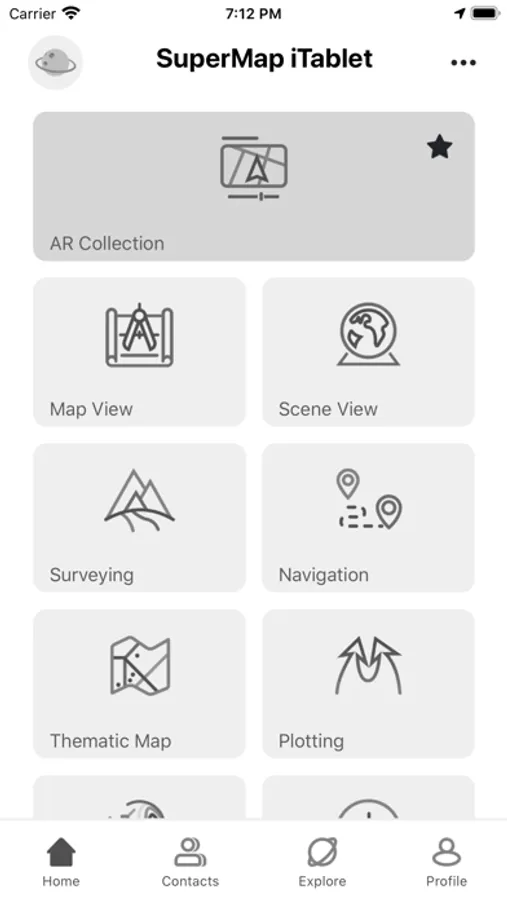
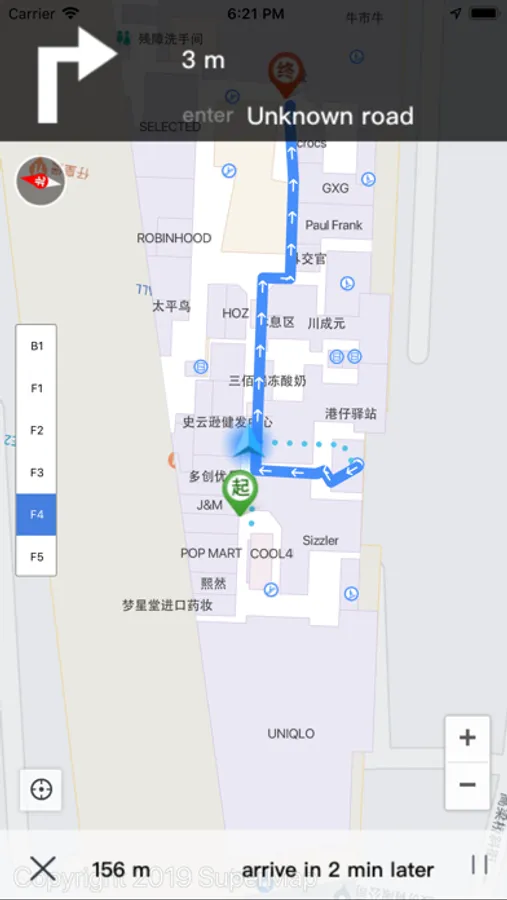
SuperMap iTablet is a professional GIS App for mobile sides. It provides multiple modules for data collection, analyses, and processing including map browse, cartography, indoor and outdoor navigation, AR map, navigation collection, field collection, emergency plotting, 3D scene, and so on. Besides, it supports custom developments.
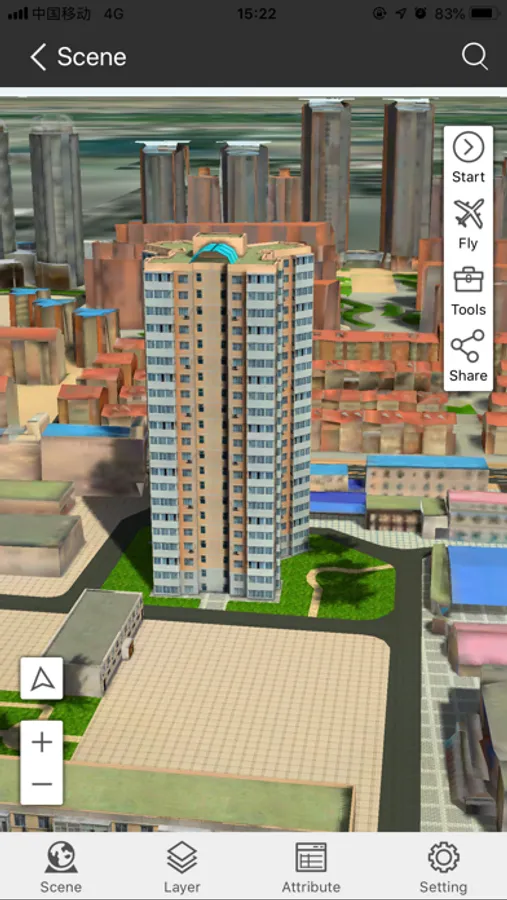
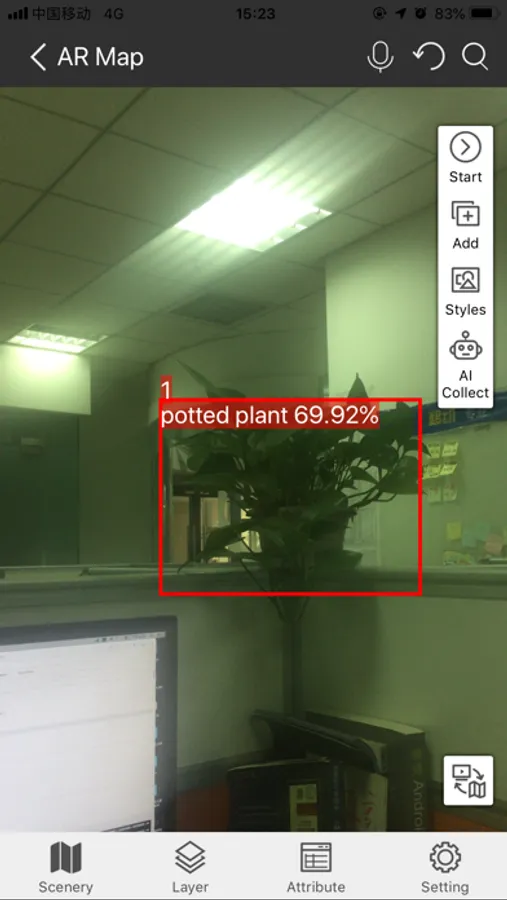
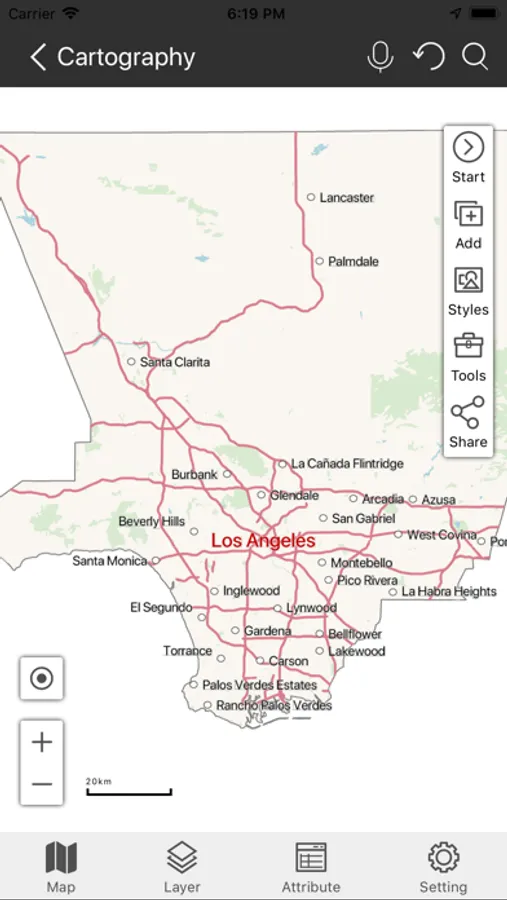
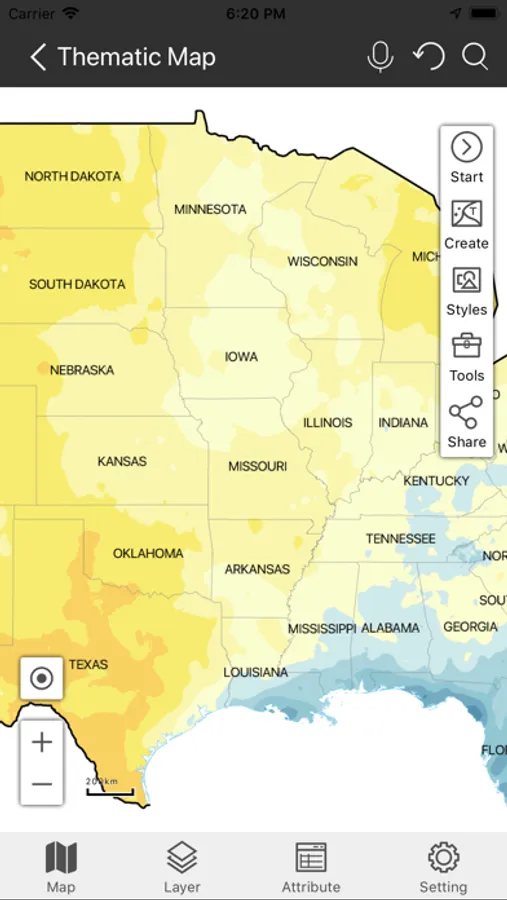
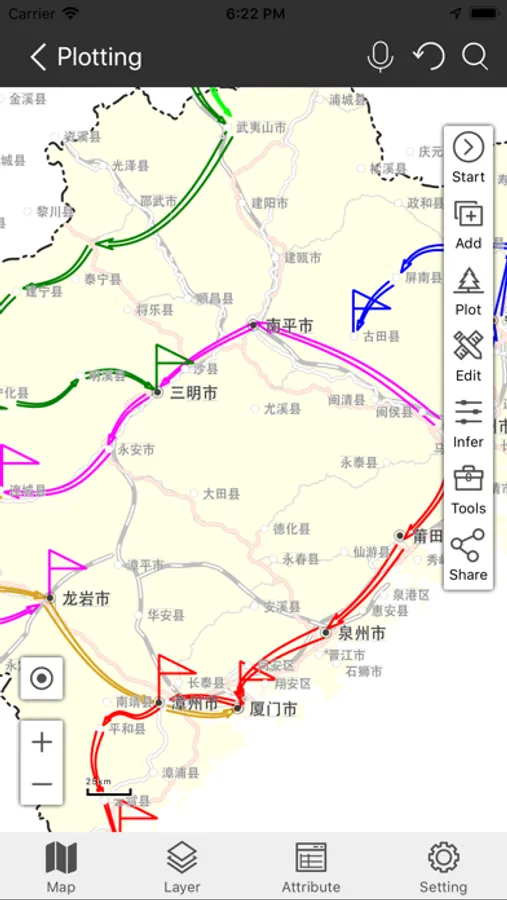
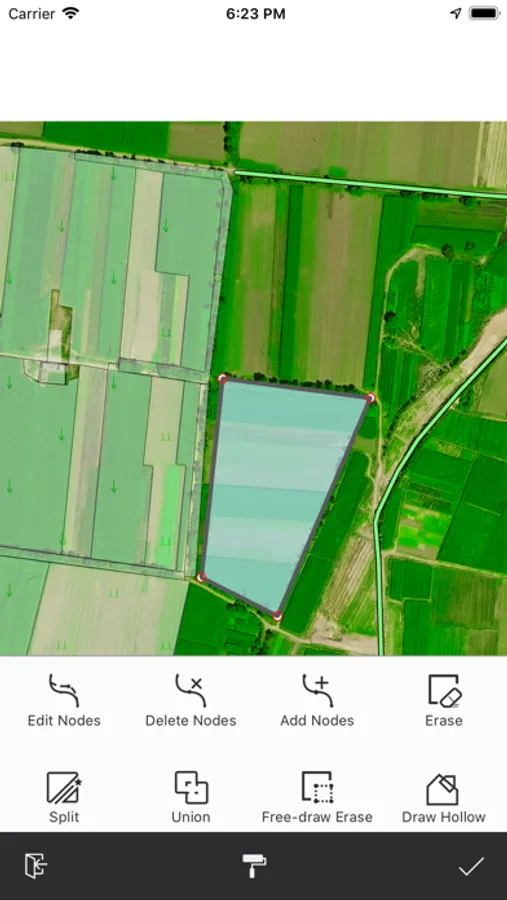
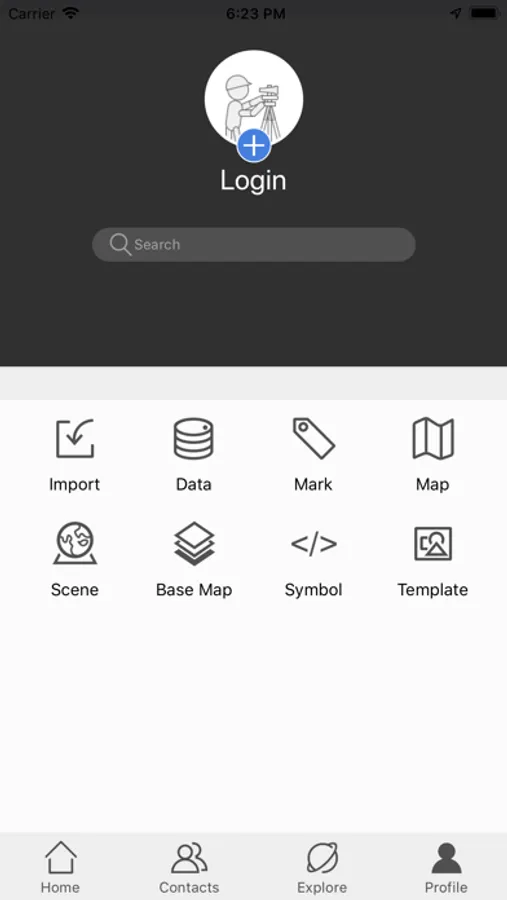
SuperMap iTablet allows you to make maps with your fingers. It serves more than 20 kinds of thematic maps like area maps, stairs maps, rose maps, etc. You can customize color schemes, ranges, and legends for your maps. Apart from these abilities, iTablet supports switching between a marked map and an investigation map. You can switch the display of your map from a vertical orientation to horizontal orientation and vice versa. AR Map module has the ability to integrate videos and GIS, fuse maps and real-word scenes, and project kinds of spatial data like vector data, models, images, terrain, special effects, POI, websites, and so on. Moreover, the module can not only recognize, detect, and classify targets, but also measure areas, distances, and heights. The data processing module supports a series of data analyses (like buffer zone analysis, overlay analysis, network analysis, etc.), four registration algorithms, and 6 projection transformation methods. Also, it allows you to copy and reset the coordinate system of data. The navigation collection module allows you to collect data by drawing manually or recording traces. The field collection provides multiple collection templates and supports collecting data by picking up points with satellites, hands, and gestures. Furthermore, you can edit objects like merging or splitting them. The plotting module supports drawing and importing diverse symbols like military symbols, multiple arrows, and infrastructure symbols. The scene view module supports various 3D data including fine models, oblique photography models, BIM, and terrain. You can perform a flythrough after enabling a flying route with the module.
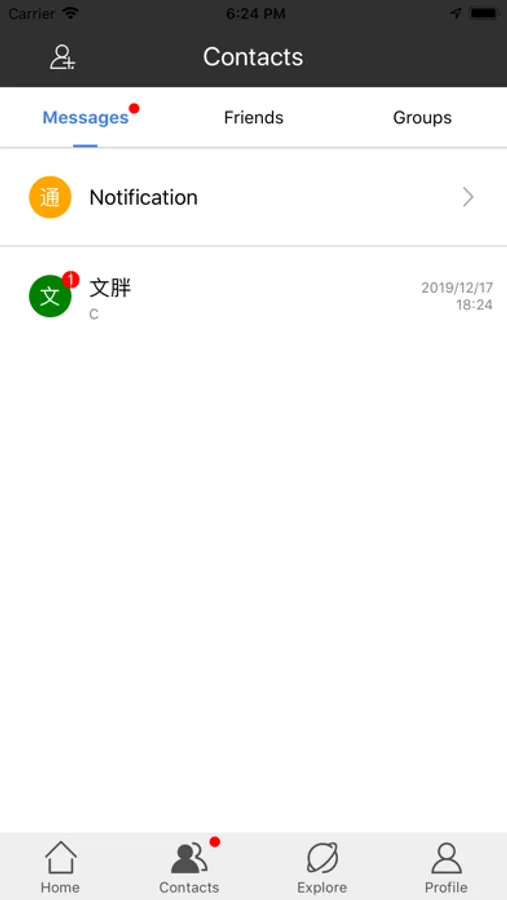
Apart from all modules we mentioned above, SuperMap iTablet has the capacity of cooperation of cloud sides and mobile sides, managing your account, data resources, friends, feedback, and all sharing. In the meanwhile, you are allowed to access public resources provided by SuperMap Online and browse SuperMap technical communication forum.
SuperMap iTablet supports custom interfaces. Such as you can customize its title, icon, and home page. At the same time, you are allowed to develop and load plugins as needed.
SuperMap iTablet allows you to make maps with your fingers. It serves more than 20 kinds of thematic maps like area maps, stairs maps, rose maps, etc. You can customize color schemes, ranges, and legends for your maps. Apart from these abilities, iTablet supports switching between a marked map and an investigation map. You can switch the display of your map from a vertical orientation to horizontal orientation and vice versa. AR Map module has the ability to integrate videos and GIS, fuse maps and real-word scenes, and project kinds of spatial data like vector data, models, images, terrain, special effects, POI, websites, and so on. Moreover, the module can not only recognize, detect, and classify targets, but also measure areas, distances, and heights. The data processing module supports a series of data analyses (like buffer zone analysis, overlay analysis, network analysis, etc.), four registration algorithms, and 6 projection transformation methods. Also, it allows you to copy and reset the coordinate system of data. The navigation collection module allows you to collect data by drawing manually or recording traces. The field collection provides multiple collection templates and supports collecting data by picking up points with satellites, hands, and gestures. Furthermore, you can edit objects like merging or splitting them. The plotting module supports drawing and importing diverse symbols like military symbols, multiple arrows, and infrastructure symbols. The scene view module supports various 3D data including fine models, oblique photography models, BIM, and terrain. You can perform a flythrough after enabling a flying route with the module.
Apart from all modules we mentioned above, SuperMap iTablet has the capacity of cooperation of cloud sides and mobile sides, managing your account, data resources, friends, feedback, and all sharing. In the meanwhile, you are allowed to access public resources provided by SuperMap Online and browse SuperMap technical communication forum.
SuperMap iTablet supports custom interfaces. Such as you can customize its title, icon, and home page. At the same time, you are allowed to develop and load plugins as needed.