Mine-My Secret Space
Guangxi Guangnian Engine Technology Co., Ltd.
4.8 ★
store rating
Free
AppRecs review analysis
AppRecs rating 3.8. Trustworthiness 45 out of 100. Review manipulation risk 44 out of 100. Based on a review sample analyzed.
★★★☆☆
3.8
AppRecs Rating
Ratings breakdown
5 star
83%
4 star
17%
3 star
0%
2 star
0%
1 star
0%
What to know
⚠
Questionable review patterns
44% review manipulation risk - some review patterns appear unusual
⚠
Rating authenticity concerns
High rating concentration (83% 5-star) in sampled ratings
About Mine-My Secret Space
"Attention!": All private photos, videos, and diary entries are stored only on your phone and will not be uploaded to cloud servers, ensuring absolute privacy and security. Please do not delete your Mine App casually, as your data cannot be recovered once it's gone!
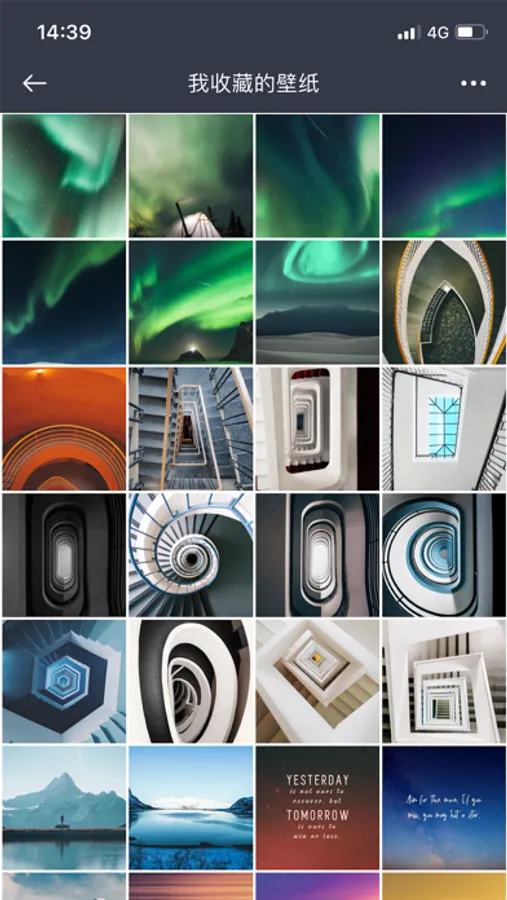
"Discreet and Private": The app features a low-key and unique interface with a simple and convenient user experience for your comfort;
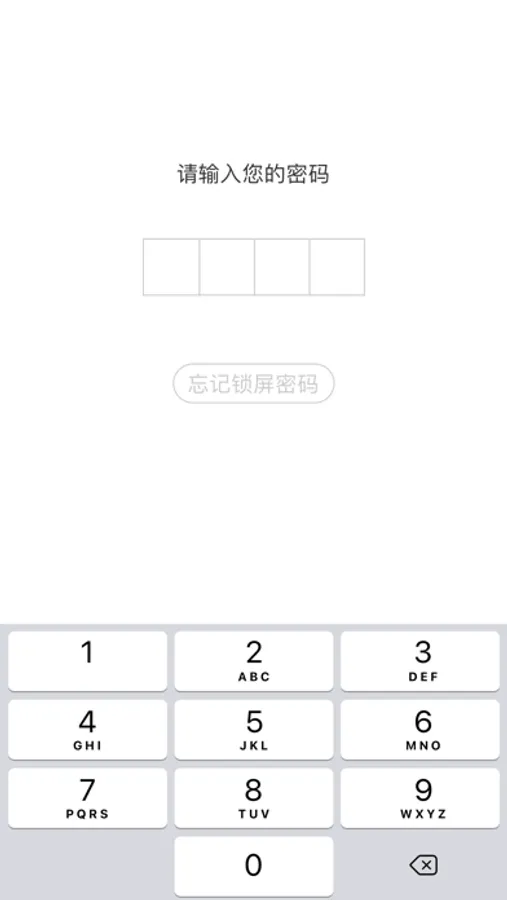
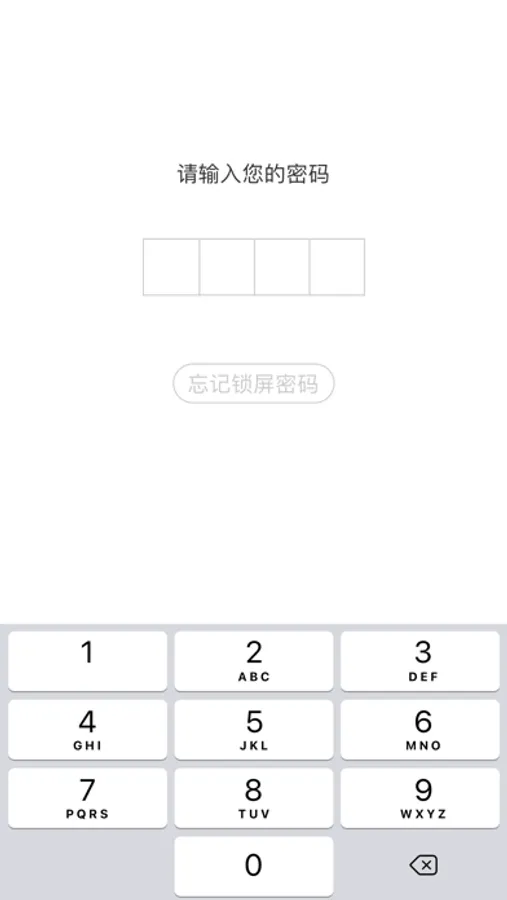
"Encryption Protection": Correct password entry is required to access your Mine;
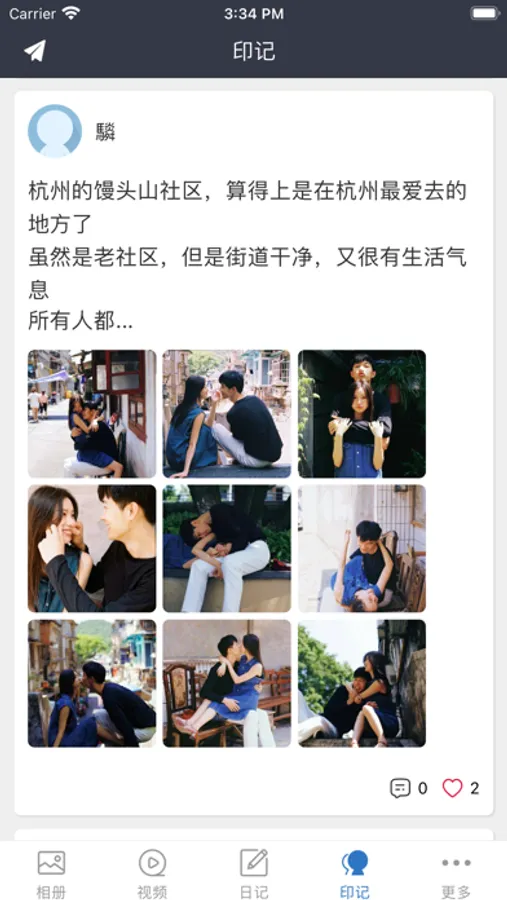
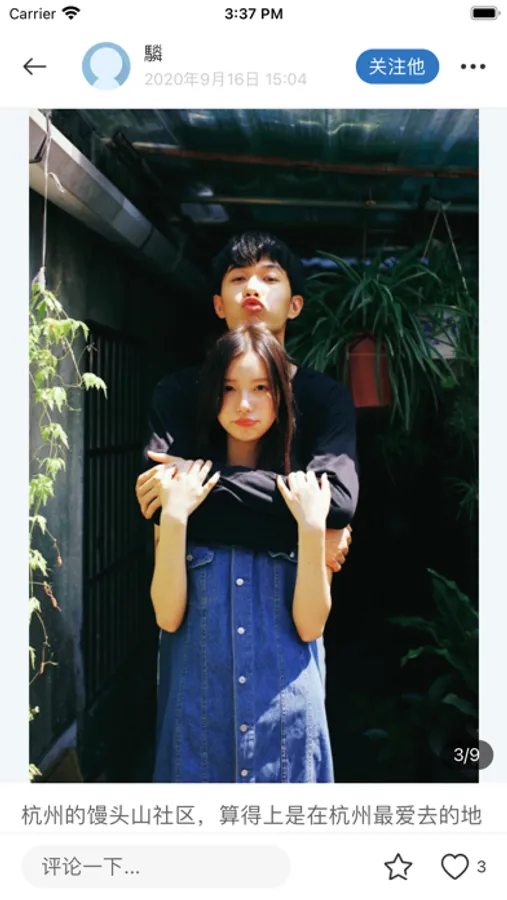
"Footprints": Leave your personal marks as you wish;
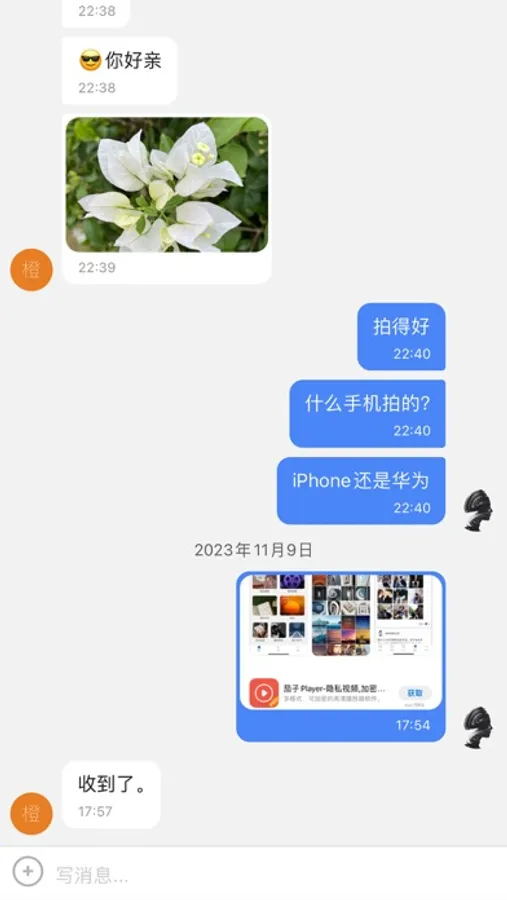
"Private Messaging": Exchange private messages with fellow Mine users;
"AI Assistant": Let the Mine assistant answer your questions and create drawings for you;
"Forgot Password": If you forget your password, no worries. Answer the password protection question to retrieve it; (Remember the answer to your password protection question!)
"Privacy Protection": All your private photos, videos, and diary entries are stored only on your phone and will not be uploaded to cloud servers, ensuring absolute privacy and security;
"Fake Password": If a friend or someone keeps pestering you to see the contents of your Mine, use the fake password to log in so they won't see your real private content;
"Category Folders": Add or delete private photo and video folders for easy management;
"Invisible Camera": If you're in a place where photography and videography are prohibited but you still want to capture the moment, try the "Invisible Camera" in the "More" section;
"RSS Reading": Curated online articles for reading and sharing – make sure to read when you have time;
"SSH SFTP": SSH, SFTP, Telnet tools for the convenience of our tech-savvy users;
We will continue to update and upgrade to bring you a better user experience and more great features. Stay tuned!
If you have any suggestions or feedback, please use the "Feedback" option in the "Me" section, or send a message to the "Mine" team within the app.
"Discreet and Private": The app features a low-key and unique interface with a simple and convenient user experience for your comfort;
"Encryption Protection": Correct password entry is required to access your Mine;
"Footprints": Leave your personal marks as you wish;
"Private Messaging": Exchange private messages with fellow Mine users;
"AI Assistant": Let the Mine assistant answer your questions and create drawings for you;
"Forgot Password": If you forget your password, no worries. Answer the password protection question to retrieve it; (Remember the answer to your password protection question!)
"Privacy Protection": All your private photos, videos, and diary entries are stored only on your phone and will not be uploaded to cloud servers, ensuring absolute privacy and security;
"Fake Password": If a friend or someone keeps pestering you to see the contents of your Mine, use the fake password to log in so they won't see your real private content;
"Category Folders": Add or delete private photo and video folders for easy management;
"Invisible Camera": If you're in a place where photography and videography are prohibited but you still want to capture the moment, try the "Invisible Camera" in the "More" section;
"RSS Reading": Curated online articles for reading and sharing – make sure to read when you have time;
"SSH SFTP": SSH, SFTP, Telnet tools for the convenience of our tech-savvy users;
We will continue to update and upgrade to bring you a better user experience and more great features. Stay tuned!
If you have any suggestions or feedback, please use the "Feedback" option in the "Me" section, or send a message to the "Mine" team within the app.