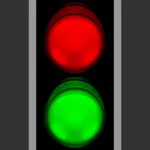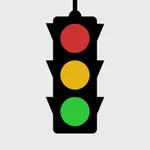
In this virtual stop light app, you can observe traffic signals and follow prompts to learn their meanings. Includes timers, sound cues, and tap controls for changing lights.
AppRecs review analysis
AppRecs rating 3.6. Trustworthiness 55 out of 100. Review manipulation risk 29 out of 100. Based on a review sample analyzed.
★★★☆☆
3.6
AppRecs Rating
Ratings breakdown
5 star
64%
4 star
16%
3 star
2%
2 star
4%
1 star
15%
What to know
✓
High user satisfaction
80% of sampled ratings are 4+ stars (4.1★ average)
✓
Authentic reviews
Natural distribution, no red flags
About Virtual Stop Light
The Virtual Stop Light is the perfect tool to learn how traffic signals work (and it's pretty fun, too!). It's a great app for babies, toddlers, and little kids (I made it for my 2 year old son :) ).
If you have a group, here's a fun game to try:
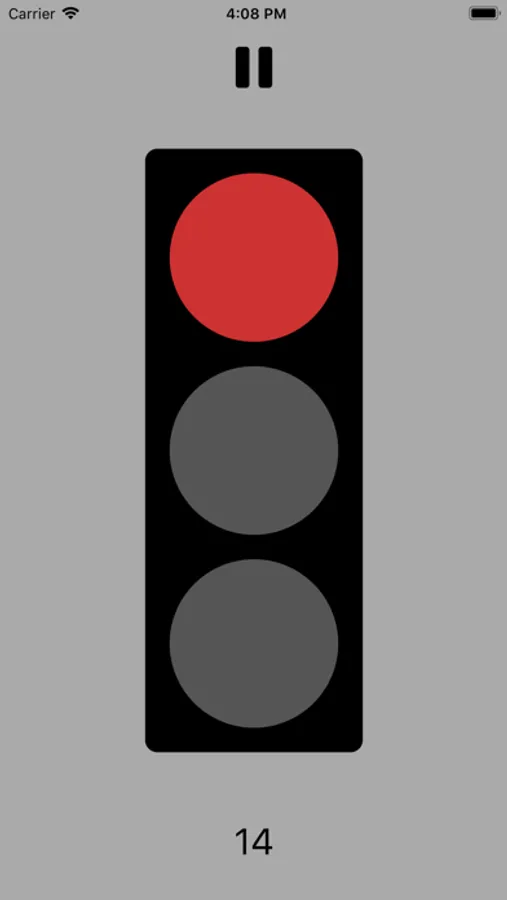
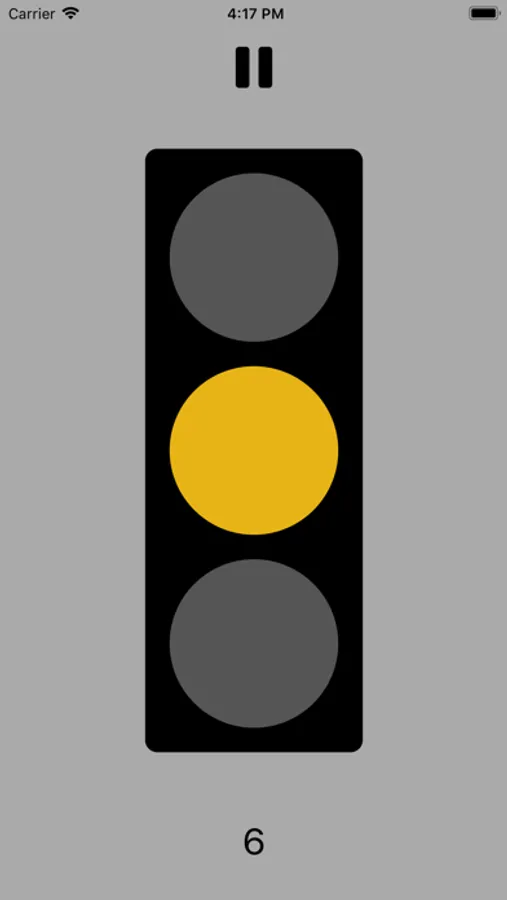
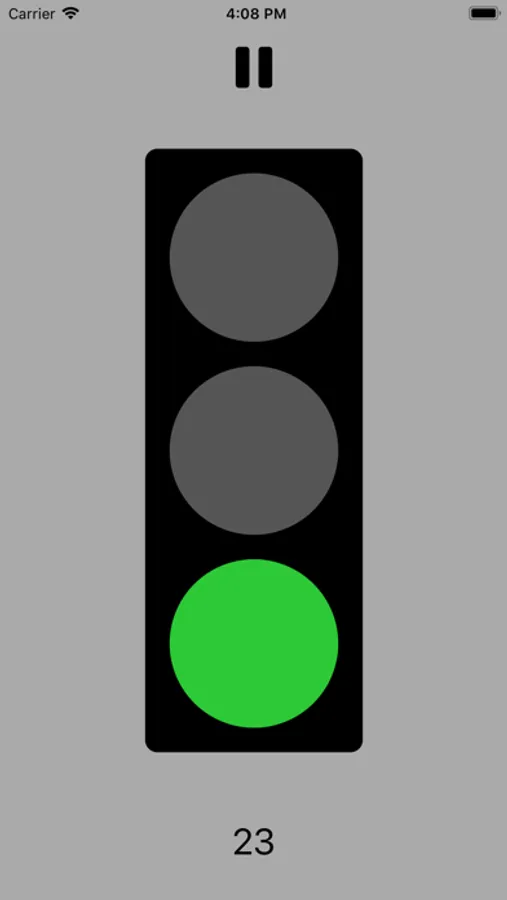
Open the app, prop it up where everyone can see the light, and just follow the prompts: red means stop, yellow means move arms but not legs, and green means walk.
All you need to do to get started is open the app (which begins with a red light), and wait until it turns green to GO!
A counter appears at the bottom of the screen which shows you how much time is left until the light changes, and once 5 seconds are left, little beeps lets you know to start revving your engines. You can also force a light change by just tapping the top, middle, or bottom of the screen.
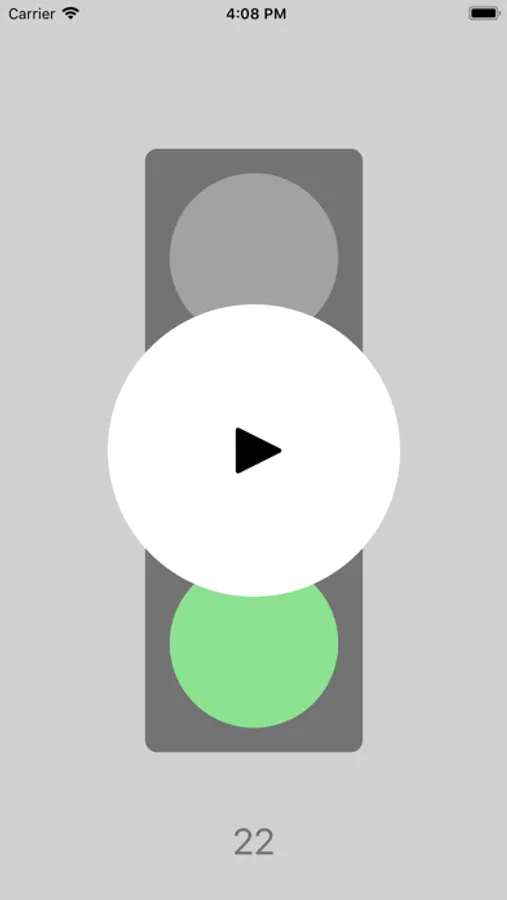
If you want the Virtual Stop Light to take a break, just press the pause button at the top of the screen.
Have fun!
If you have a group, here's a fun game to try:
Open the app, prop it up where everyone can see the light, and just follow the prompts: red means stop, yellow means move arms but not legs, and green means walk.
All you need to do to get started is open the app (which begins with a red light), and wait until it turns green to GO!
A counter appears at the bottom of the screen which shows you how much time is left until the light changes, and once 5 seconds are left, little beeps lets you know to start revving your engines. You can also force a light change by just tapping the top, middle, or bottom of the screen.
If you want the Virtual Stop Light to take a break, just press the pause button at the top of the screen.
Have fun!