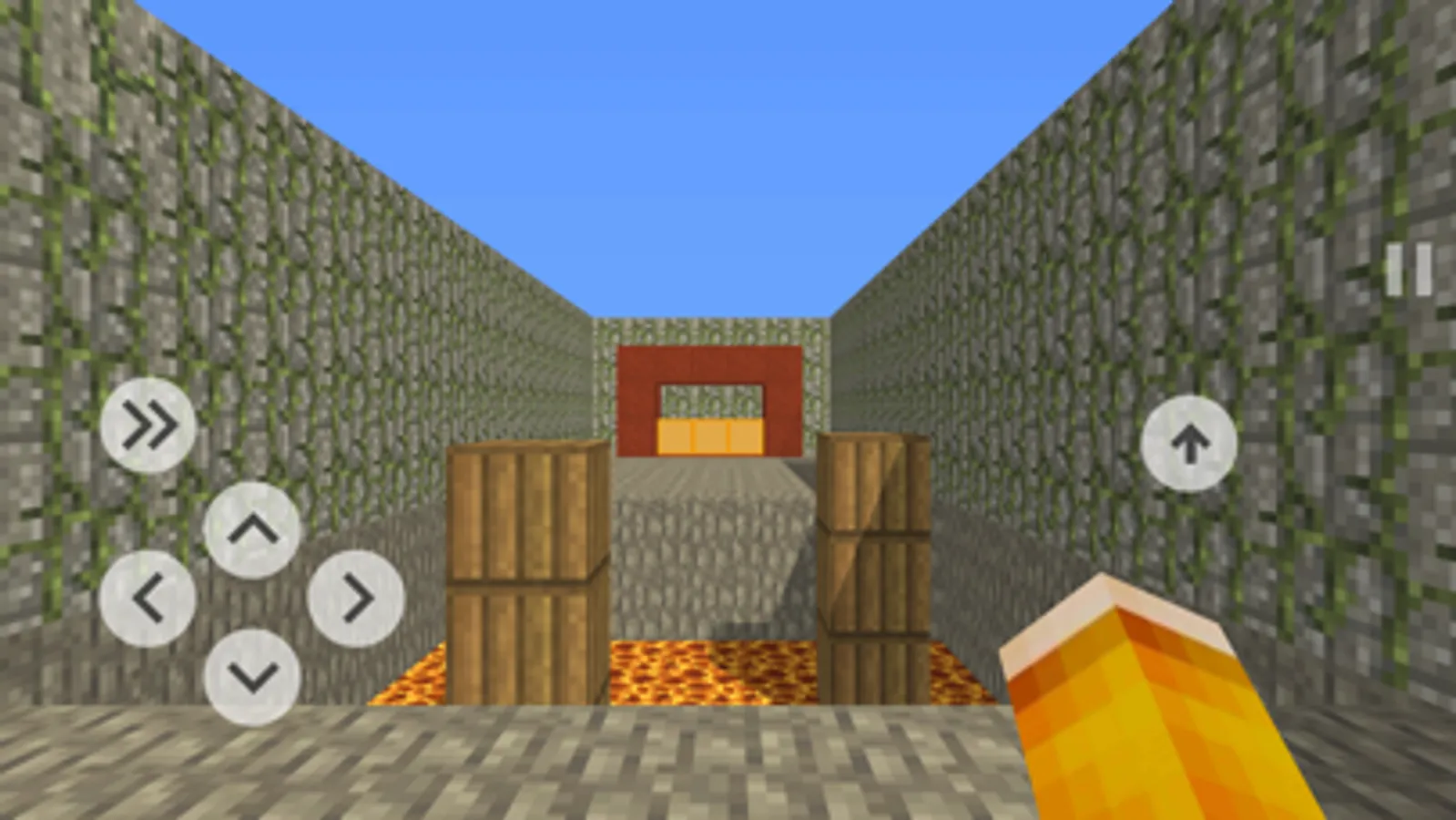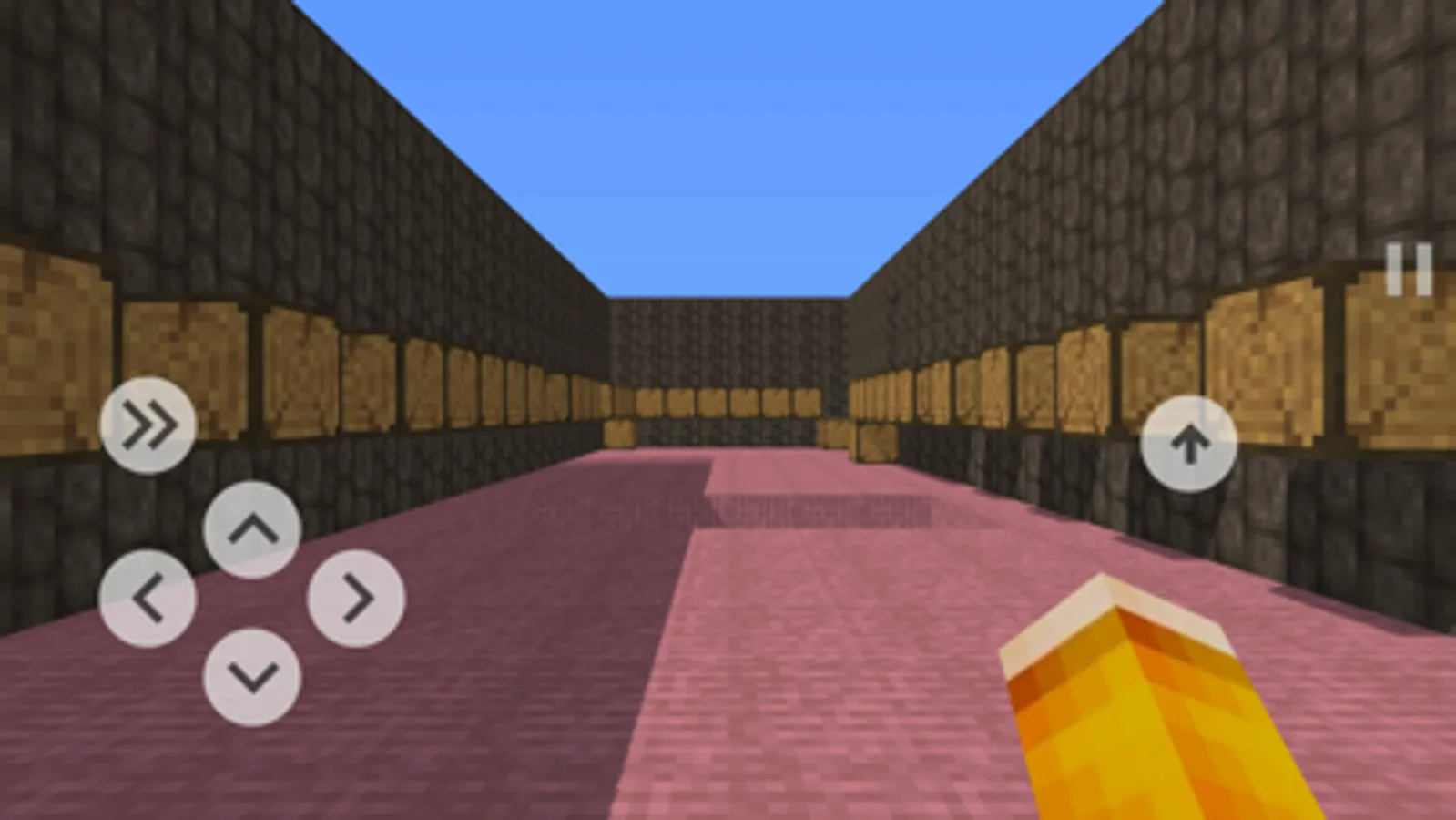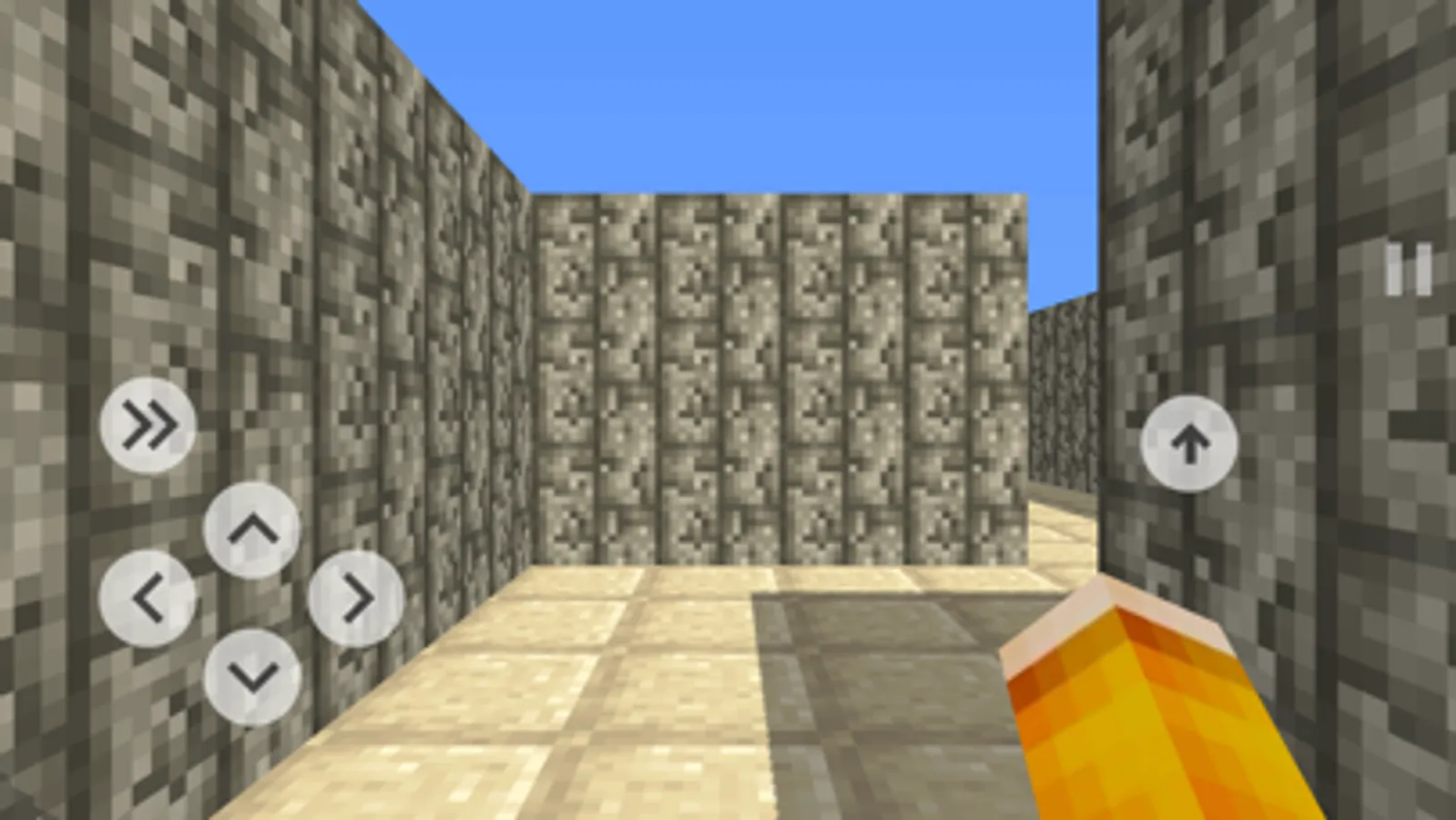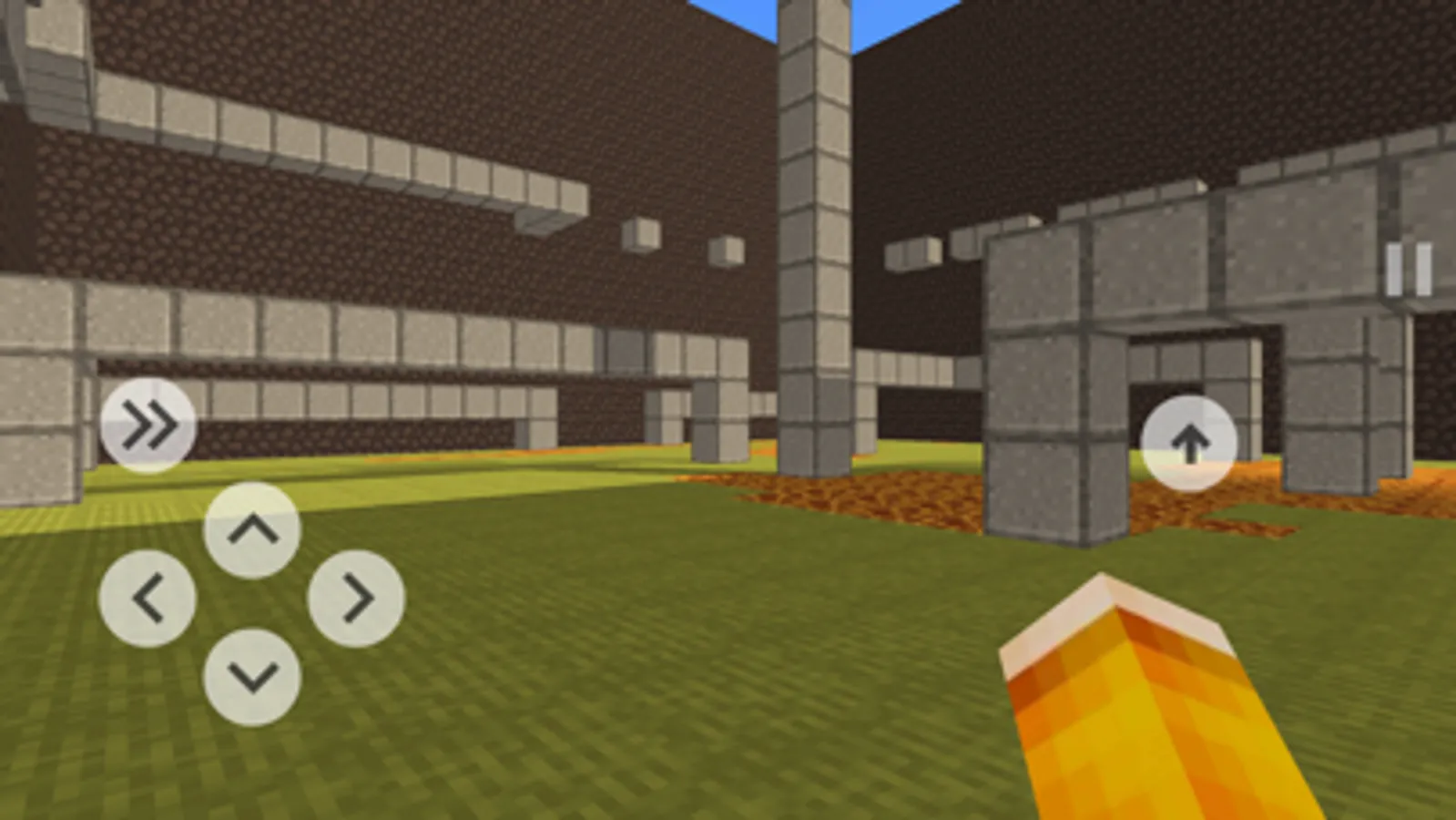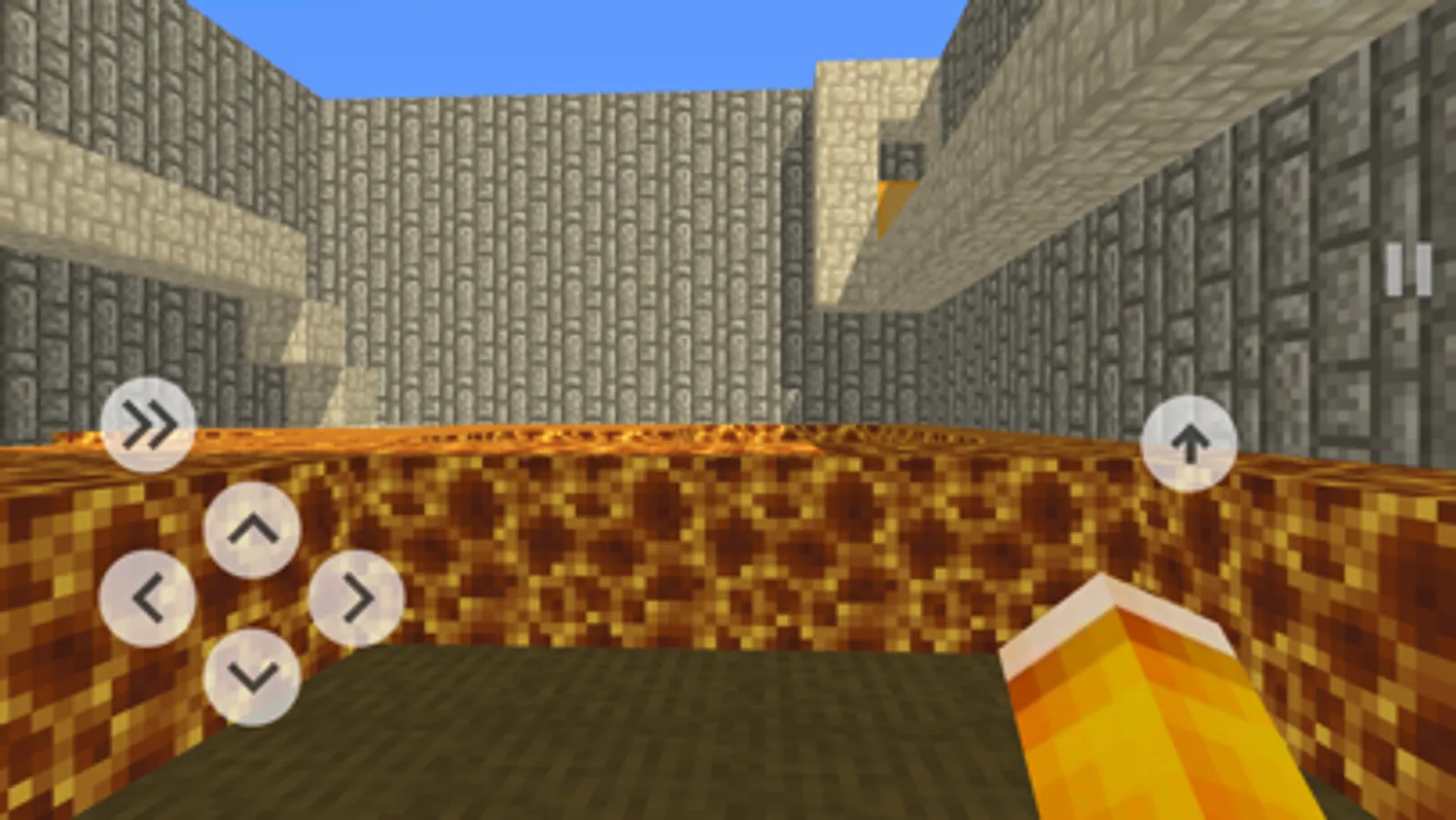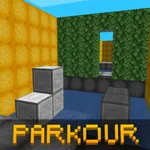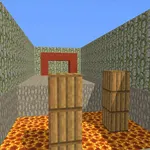
In this game, you can navigate through levels with obstacles and test your parkour skills. Includes a level editor with construction and testing modes, as well as options to share custom levels.
AppRecs review analysis
AppRecs rating 4.0. Trustworthiness 74 out of 100. Review manipulation risk 22 out of 100. Based on a review sample analyzed.
★★★☆☆
4.0
AppRecs Rating
Ratings breakdown
5 star
62%
4 star
11%
3 star
6%
2 star
5%
1 star
17%
What to know
✓
Low review manipulation risk
22% review manipulation risk
✓
Credible reviews
74% trustworthiness score from analyzed reviews
✓
Good user ratings
73% positive sampled reviews
About Blocky Parkour 3D
Blocky Parkour - the game provides an opportunity to test your parkour skills. You will need to pass levels of varying difficulty, levels have complex obstacles that you will need to think about. If you can not pass the level, it does not mean that it does not pass. Some levels seem too easy for you, others difficult. To pass the level, you need to get to the orange block, enter it to pass the level and unlock the next one. Beware of the block "Lava", he kills you, touching it, you return to the beginning of the level. If the level for you is too complicated and you can not go through it, you have the opportunity to go through it by watching the commercial.
The game has a level editor. If you have a level idea, then you can make it happen.
In this mode, you can access three types of blocks:
● Orange block (Finish) - mandatory block, because without it the player will not be able to pass the level.
● Lava - touch of the present time
● Other Blocks - Normal Blocks
The editor has 2 modes:
● Construction;
● Passage.
Mode "Construction" - in this mode you are available blocks for construction. The flight mode is enabled, allowing you to pass through the blocks. In addition, each of the following options: up, down, put the block and delete the block.
Mode "Passage" - with this mode you can test the level. Touching the lava block or the finish line returns you to the starting position of the level.
Menu Buttons:
● "To the starting position" - returns you to the starting position of the level, it can be changed at any time.
● "Passage" or "Construction" - switching modes.
● "Set starting position" - your current position becomes the initial position of the level. From this position, the player starts the level.
After building the level, you can send it for verification, and in the next update your level will appear in the game! In order for the level to appear in the game, the following conditions must be met:
● The level must have a mandatory "Finish" block;
● The level must be passable;
If these conditions are met, then the level is likely to add to the game with a high probability!
Features:
● Game - simulator of parkour;
● Unlock the level or go through it by watching the commercial;
● There is a level editor;
● You can play in the levels created by other players;
● Many complex / easy levels;
● The game is made in a nice cubic style.
The game has a level editor. If you have a level idea, then you can make it happen.
In this mode, you can access three types of blocks:
● Orange block (Finish) - mandatory block, because without it the player will not be able to pass the level.
● Lava - touch of the present time
● Other Blocks - Normal Blocks
The editor has 2 modes:
● Construction;
● Passage.
Mode "Construction" - in this mode you are available blocks for construction. The flight mode is enabled, allowing you to pass through the blocks. In addition, each of the following options: up, down, put the block and delete the block.
Mode "Passage" - with this mode you can test the level. Touching the lava block or the finish line returns you to the starting position of the level.
Menu Buttons:
● "To the starting position" - returns you to the starting position of the level, it can be changed at any time.
● "Passage" or "Construction" - switching modes.
● "Set starting position" - your current position becomes the initial position of the level. From this position, the player starts the level.
After building the level, you can send it for verification, and in the next update your level will appear in the game! In order for the level to appear in the game, the following conditions must be met:
● The level must have a mandatory "Finish" block;
● The level must be passable;
If these conditions are met, then the level is likely to add to the game with a high probability!
Features:
● Game - simulator of parkour;
● Unlock the level or go through it by watching the commercial;
● There is a level editor;
● You can play in the levels created by other players;
● Many complex / easy levels;
● The game is made in a nice cubic style.