PPics - Scrolling Screenshot
万庄 黄
4.5 ★
store rating
Free
AppRecs review analysis
AppRecs rating 4.3. Trustworthiness 71 out of 100. Review manipulation risk 31 out of 100. Based on a review sample analyzed.
★★★★☆
4.3
AppRecs Rating
Ratings breakdown
5 star
81%
4 star
5%
3 star
5%
2 star
3%
1 star
5%
What to know
✓
Credible reviews
71% trustworthiness score from analyzed reviews
✓
High user satisfaction
81% of sampled ratings are 5 stars
About PPics - Scrolling Screenshot
PPics is a picture processing tool, the purpose is to help users complete picture processing more conveniently and quickly.
The main functions are: scrolling screenshots, picture splicing, picture adjustment, picture annotation, filter function, etc.
Rich functions, simple interface, smooth operation, no ads.
- Automatic splicing of screenshots: efficient recognition algorithm, automatically remove the overlapping parts of continuous screenshots, perfect splicing chat records, various long screenshots.
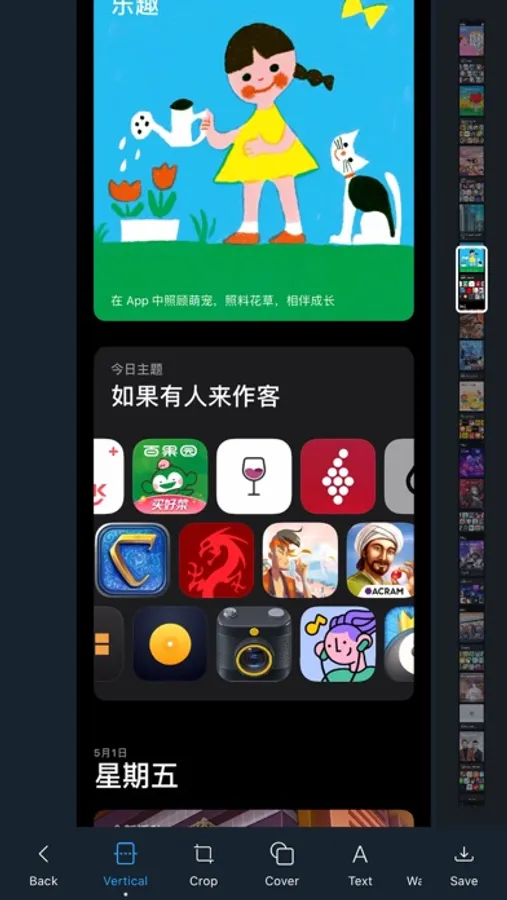
- Scrolling screenshots: No need to manually take screenshots, screen recording directly generates long screenshots.
- Vertical stitching: combine multiple pictures into one to facilitate your saving and sharing.
- Horizontal stitching: Similar to vertical stitching, multiple pictures are merged horizontally.
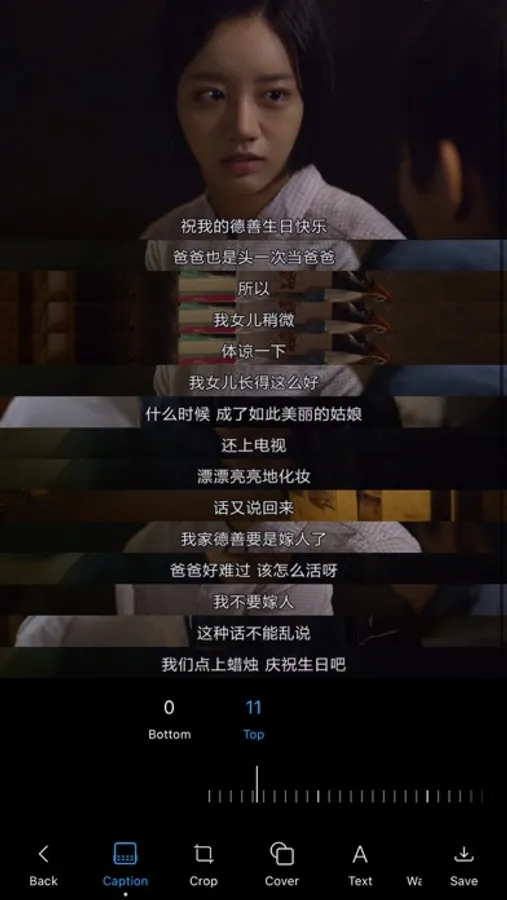
- Subtitle stitching: stitch the screenshots of the video, quickly adjust the stitching range, leaving only the subtitle area.
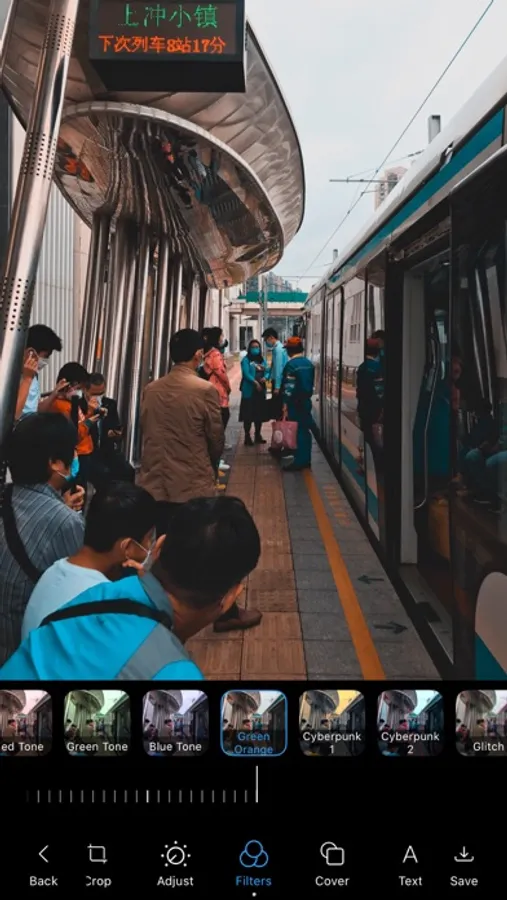
- Picture filters: 57 mainstream filters for autumn, warm winter, film, green and orange, cyberpunk, malfunction, oil painting, cartoon, etc.
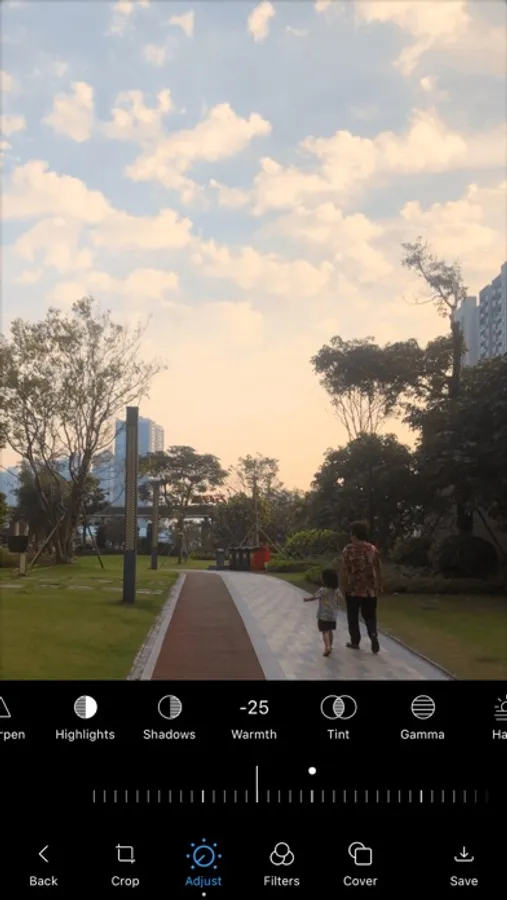
- Picture adjustment: exposure, contrast, saturation, hue, color temperature and other 13 adjustment tools.
- Picture crop: adjust the size of the picture and crop the extra area.
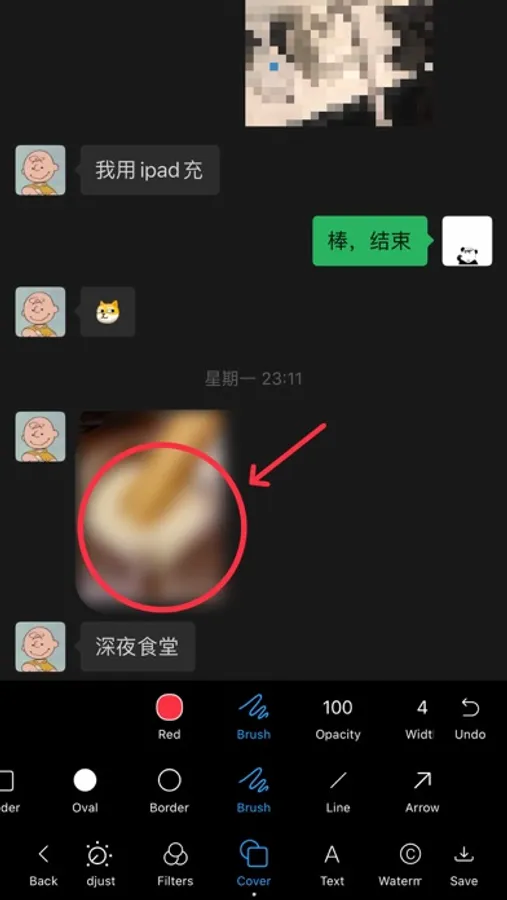
- Masking tools: mosaic masking, blurry pictures, various color brushes
- Text annotation: font style, text size, color.
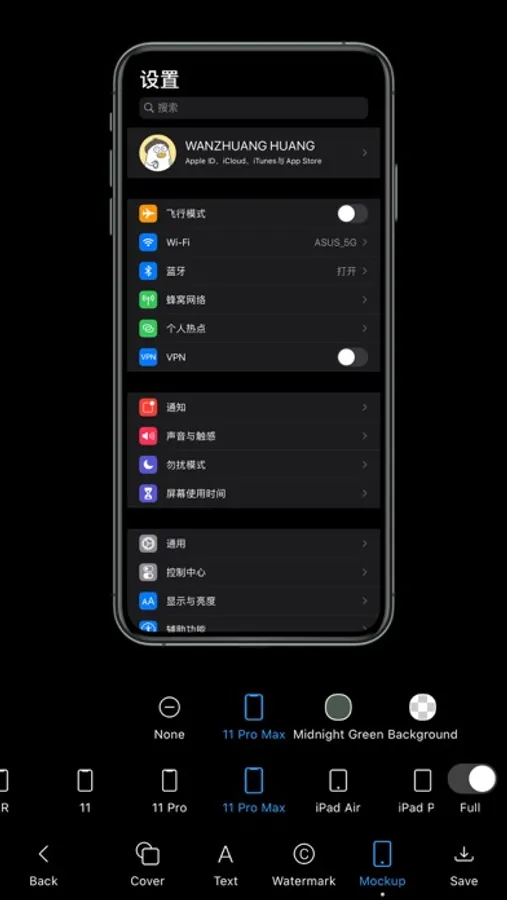
- Device shell: add a shell to the picture, free to choose from a variety of models and colors.
- Custom watermark: modify the watermark content and adjust the position.
- Dark Mode.
Other functions:
- Album selection pictures, support sliding selection.
- Automatically remove Scroll Indicator and Remove AssistiveTouch.
- Automatically detect new screenshots, one-click stitching, eliminating the tedious steps of selecting one by one.
- Automatically delete the original picture. After the new picture is saved successfully, it will automatically prompt to delete the original screenshot.
- Quick sharing, after the picture is saved successfully, it can be directly shared to other applications.
More functions are under development, your support and encouragement is our biggest motivation to move forward, thank you very much!
If you encounter any problems or have any comments or suggestions during use, please contact us: ppics@qq.com
The main functions are: scrolling screenshots, picture splicing, picture adjustment, picture annotation, filter function, etc.
Rich functions, simple interface, smooth operation, no ads.
- Automatic splicing of screenshots: efficient recognition algorithm, automatically remove the overlapping parts of continuous screenshots, perfect splicing chat records, various long screenshots.
- Scrolling screenshots: No need to manually take screenshots, screen recording directly generates long screenshots.
- Vertical stitching: combine multiple pictures into one to facilitate your saving and sharing.
- Horizontal stitching: Similar to vertical stitching, multiple pictures are merged horizontally.
- Subtitle stitching: stitch the screenshots of the video, quickly adjust the stitching range, leaving only the subtitle area.
- Picture filters: 57 mainstream filters for autumn, warm winter, film, green and orange, cyberpunk, malfunction, oil painting, cartoon, etc.
- Picture adjustment: exposure, contrast, saturation, hue, color temperature and other 13 adjustment tools.
- Picture crop: adjust the size of the picture and crop the extra area.
- Masking tools: mosaic masking, blurry pictures, various color brushes
- Text annotation: font style, text size, color.
- Device shell: add a shell to the picture, free to choose from a variety of models and colors.
- Custom watermark: modify the watermark content and adjust the position.
- Dark Mode.
Other functions:
- Album selection pictures, support sliding selection.
- Automatically remove Scroll Indicator and Remove AssistiveTouch.
- Automatically detect new screenshots, one-click stitching, eliminating the tedious steps of selecting one by one.
- Automatically delete the original picture. After the new picture is saved successfully, it will automatically prompt to delete the original screenshot.
- Quick sharing, after the picture is saved successfully, it can be directly shared to other applications.
More functions are under development, your support and encouragement is our biggest motivation to move forward, thank you very much!
If you encounter any problems or have any comments or suggestions during use, please contact us: ppics@qq.com