AppRecs review analysis
AppRecs rating 3.3. Trustworthiness 61 out of 100. Review manipulation risk 26 out of 100. Based on a review sample analyzed.
★★★☆☆
3.3
AppRecs Rating
Ratings breakdown
5 star
56%
4 star
11%
3 star
11%
2 star
0%
1 star
22%
What to know
✓
Low review manipulation risk
26% review manipulation risk
✓
Good user ratings
67% positive sampled reviews
About MakeIt3D - 3D Camera
Features:
- Anaglyph stereo 3D stereo photo maker
- Easy user interface
- Full resolution 3D image
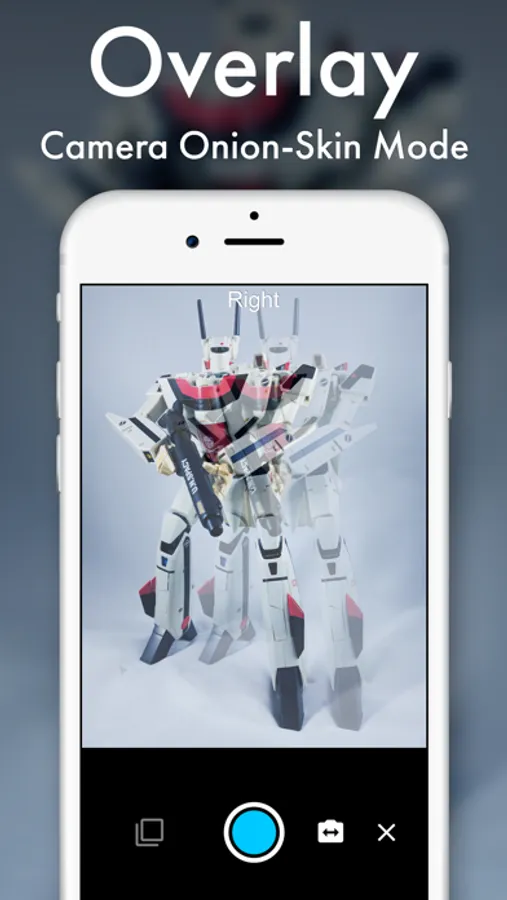
- Camera superposition mode
- Live preview adjustment
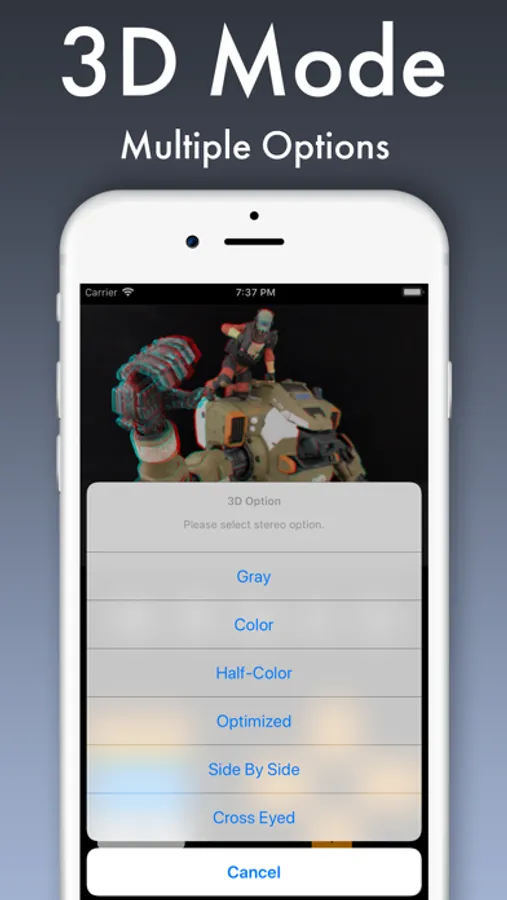
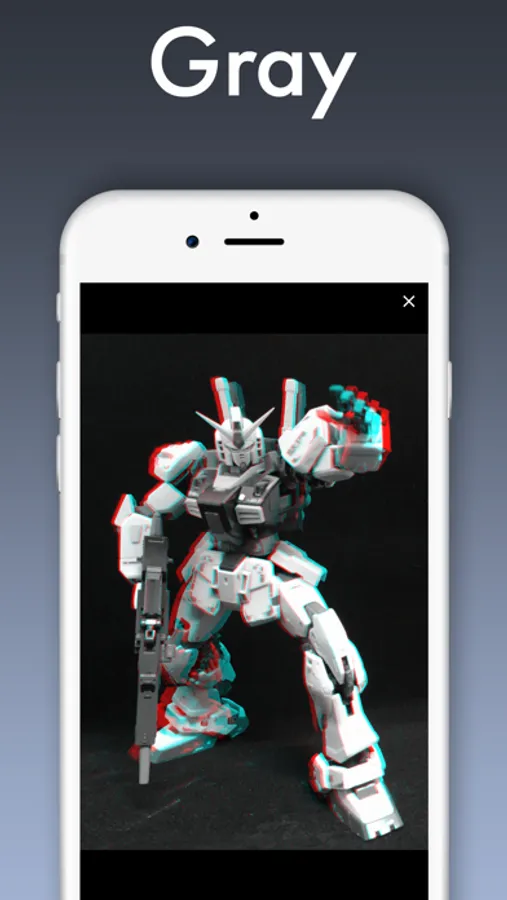
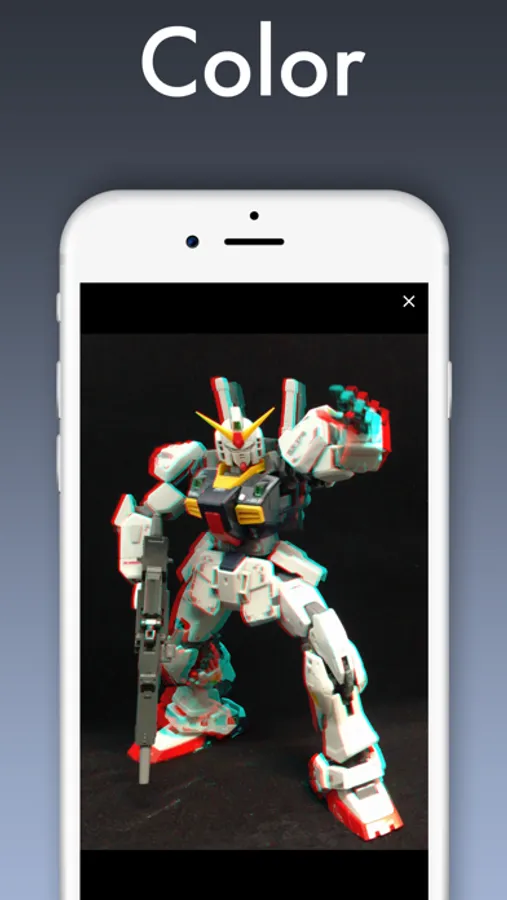
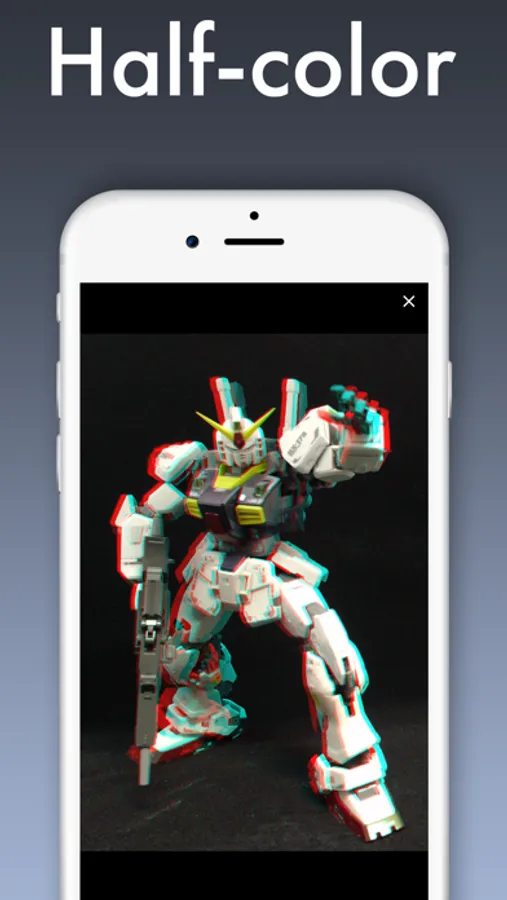
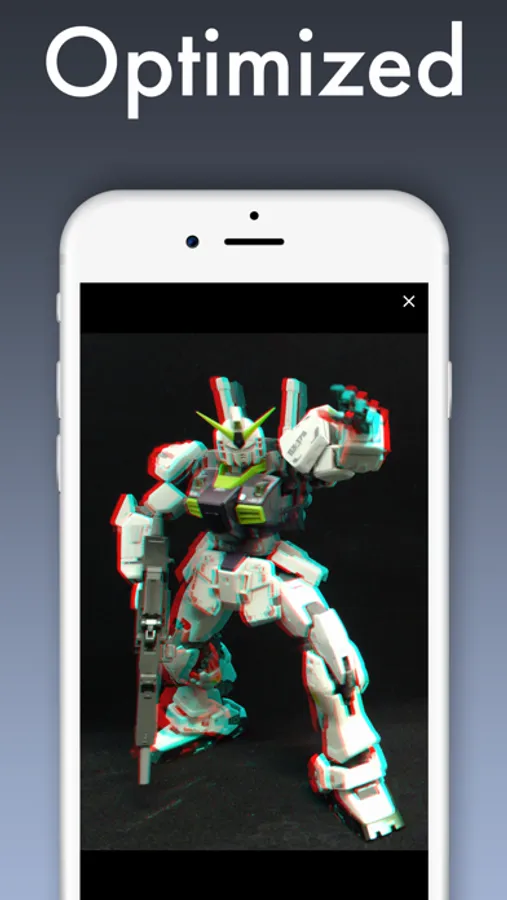
- 3D mode: gray, color, half-color, optimized anaglyph, side by side, cross eyed
- 3D glasses (red cyan) are required
How to use:
1. Take two photos using built-in camera or;
2. Select two images from gallery
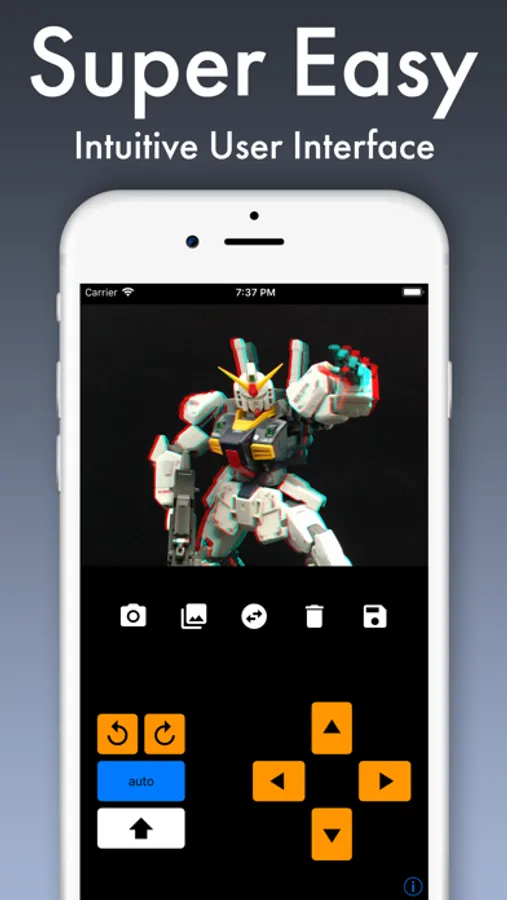
3. Adjust stereo 3D photo using orange arrow buttons (with shift button)
4. Select 3D stereo mode
5. Save the stereo 3D picture
6. Use 3D glasses to see 3D stereogram
Buttons:
- Camera: open built-in camera to take two images
- Gallery: open gallery to select two images
- Dual arrow: swap left and right photos
- Trash can: remove current 3D photos
- Save: save stereoscope 3D image
- Orange arrows: use for adjusting stereoscopic 3D photo
- 'auto': auto alignment (in-app purchase)
- White 'shift': shift arrow key (big/small movement)
In-App Purchase
- 'auto': This purchase permanently unlocks auto alignment function and removes all ads.
- Anaglyph stereo 3D stereo photo maker
- Easy user interface
- Full resolution 3D image
- Camera superposition mode
- Live preview adjustment
- 3D mode: gray, color, half-color, optimized anaglyph, side by side, cross eyed
- 3D glasses (red cyan) are required
How to use:
1. Take two photos using built-in camera or;
2. Select two images from gallery
3. Adjust stereo 3D photo using orange arrow buttons (with shift button)
4. Select 3D stereo mode
5. Save the stereo 3D picture
6. Use 3D glasses to see 3D stereogram
Buttons:
- Camera: open built-in camera to take two images
- Gallery: open gallery to select two images
- Dual arrow: swap left and right photos
- Trash can: remove current 3D photos
- Save: save stereoscope 3D image
- Orange arrows: use for adjusting stereoscopic 3D photo
- 'auto': auto alignment (in-app purchase)
- White 'shift': shift arrow key (big/small movement)
In-App Purchase
- 'auto': This purchase permanently unlocks auto alignment function and removes all ads.