Pearson Employee Authenticator
Pearson Education, Inc.
2.2 ★
store rating
Free
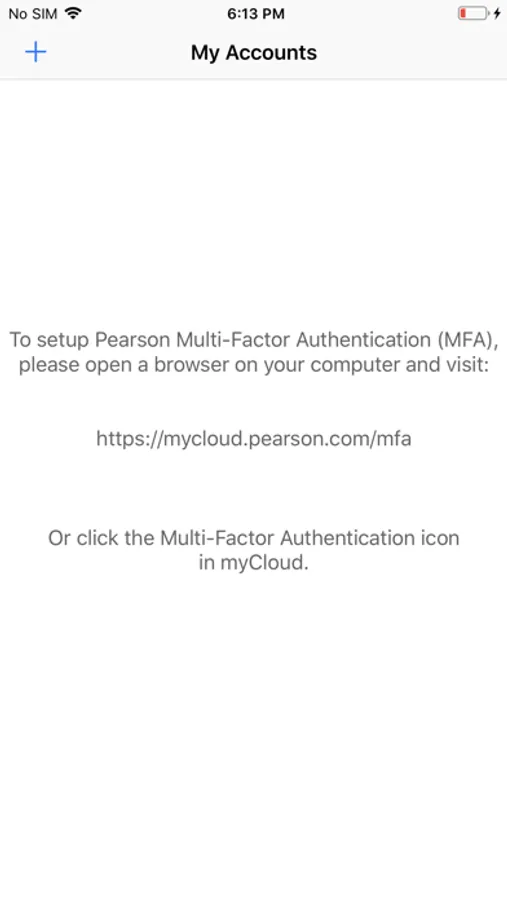
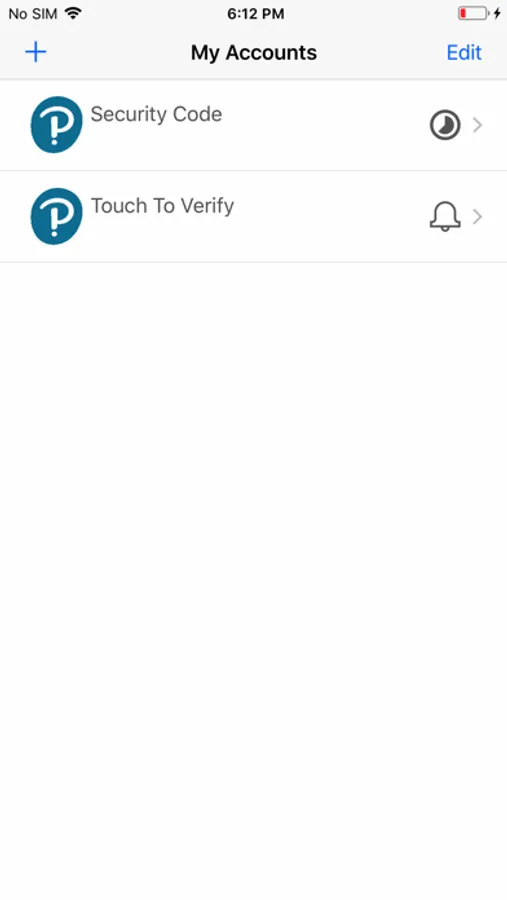
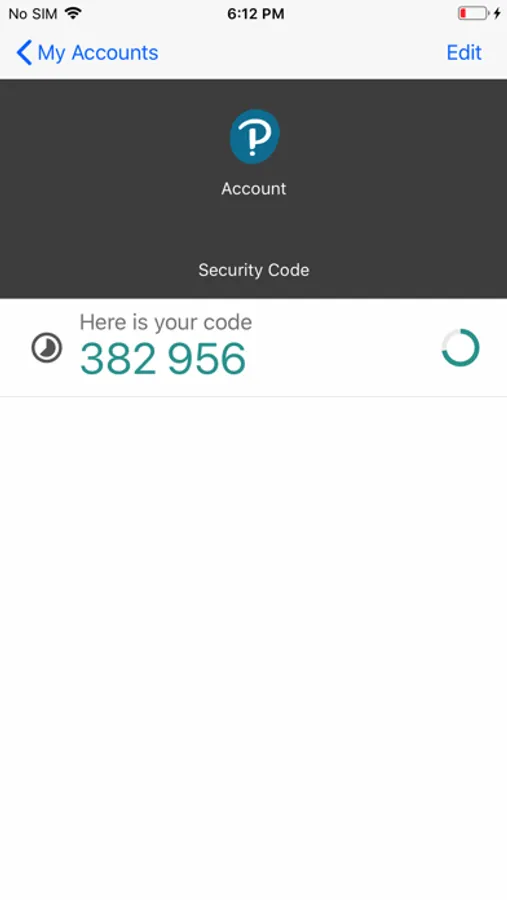
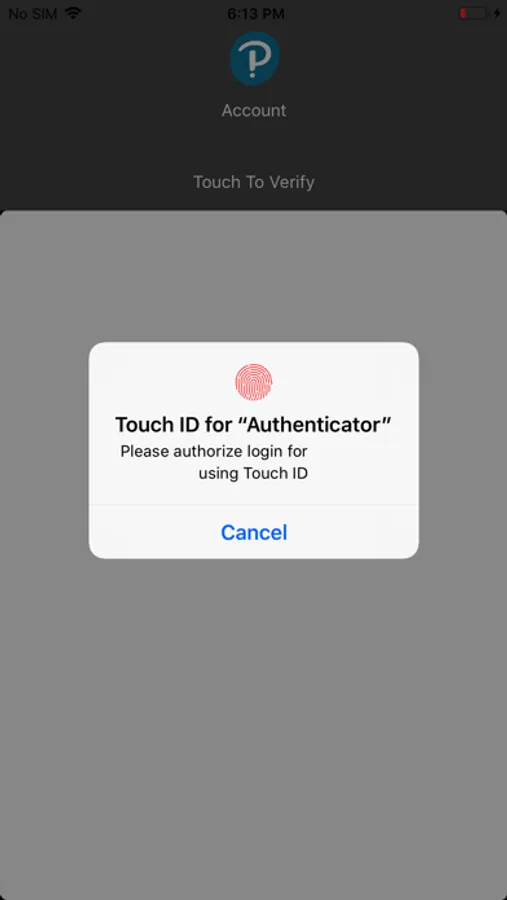
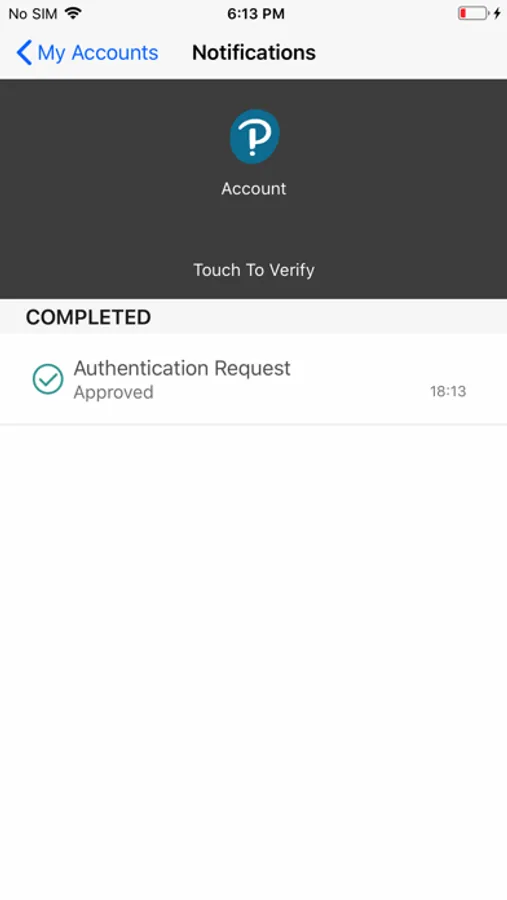
With this app, you can verify your identity using multi-factor authentication methods like security codes or Touch to Verify. Includes QR code setup, push notifications, and local security code storage.
About Pearson Employee Authenticator
** This app is for employees only and will not work for Pearson’s students and educators accessing Pearson’s learning apps **
Pearson Employee Authenticator provides employees, contractors, and partners with a safer, more secure way to verify their identity when they log in to their Pearson myCloud account.
It uses Multi-Factor Authentication (MFA) – your username and password, plus a touch or security code – to verify it’s you when you log into your myCloud account.
Once registered, it is simple and fast to use.
You can install the app on either your Pearson-managed or personal device.
Features:
- Easy, quick set-up using QR codes
- Support for ‘Touch To Verify’ authentication
- Support for ‘Security Code’ generation
Permissions required:
Camera access: to scan QR codes for MFA registration
Notifications: to receive the Touch to Verify notifications
Network access: to respond to the Touch To Verify notifications*
Storage: to store your MFA settings
* No network access is required to use Security Code verification.
Pearson Employee Authenticator provides employees, contractors, and partners with a safer, more secure way to verify their identity when they log in to their Pearson myCloud account.
It uses Multi-Factor Authentication (MFA) – your username and password, plus a touch or security code – to verify it’s you when you log into your myCloud account.
Once registered, it is simple and fast to use.
You can install the app on either your Pearson-managed or personal device.
Features:
- Easy, quick set-up using QR codes
- Support for ‘Touch To Verify’ authentication
- Support for ‘Security Code’ generation
Permissions required:
Camera access: to scan QR codes for MFA registration
Notifications: to receive the Touch to Verify notifications
Network access: to respond to the Touch To Verify notifications*
Storage: to store your MFA settings
* No network access is required to use Security Code verification.