About InLoox 10
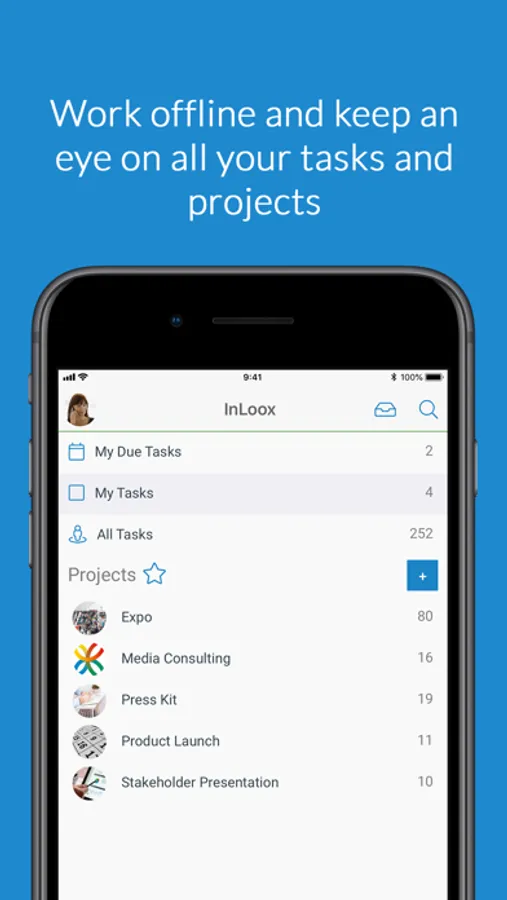
Tasks, projects, everything - this is also true for the InLoox Mobile App. Users have full access to their projects and tasks. They can upload documents and assign tasks, as well as track their project times and book them to project tasks.
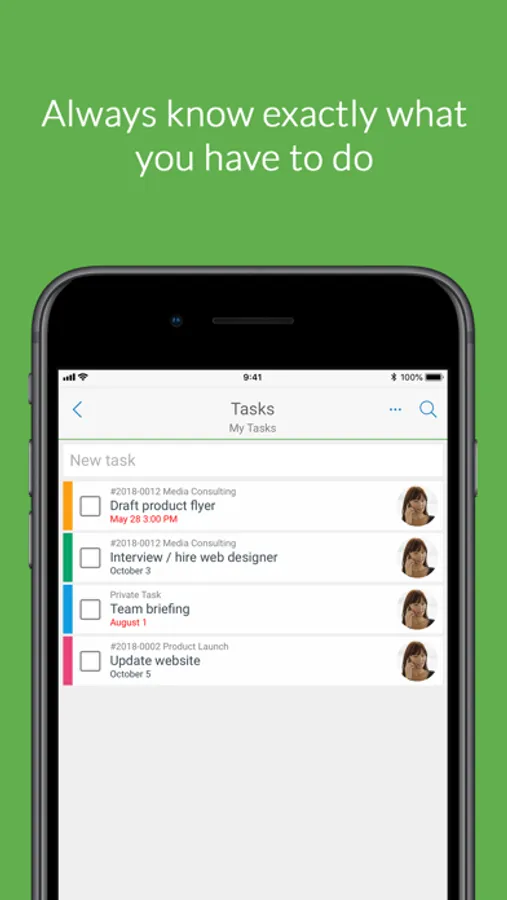
Create tasks quickly and easily in InLoox Mobile App, assign them to projects and to other team members. When tasks are marked as complete, the team is informed of the progress. You can add task notes and quickly communicate with the team. Avoid email ping pong and always collaborate within the project context.
ALL FEATURES AT A GLANCE:
TASKS
- Create tasks
- Assign tasks to a project
- Assign tasks to a resource
- Mark tasks as complete
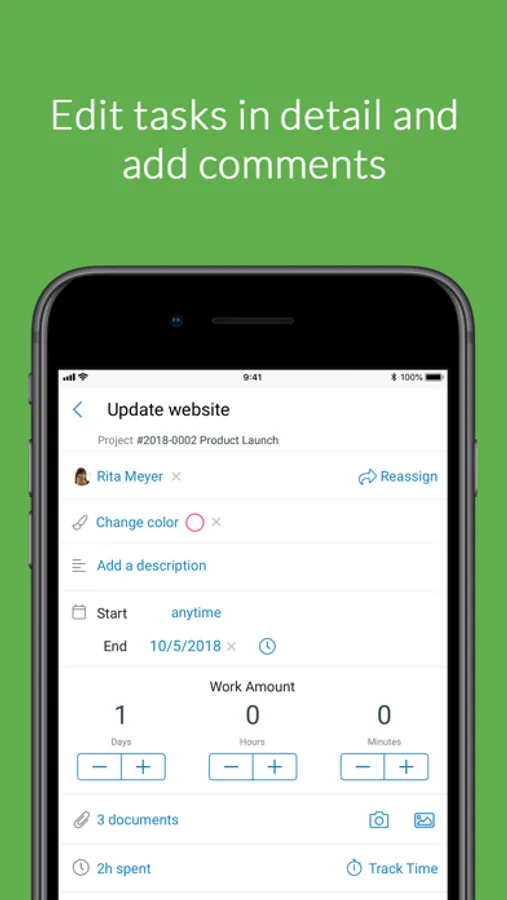
- Comment on tasks
PROJECT LIST & PROJECT SUPPORT
- Filter by favorites
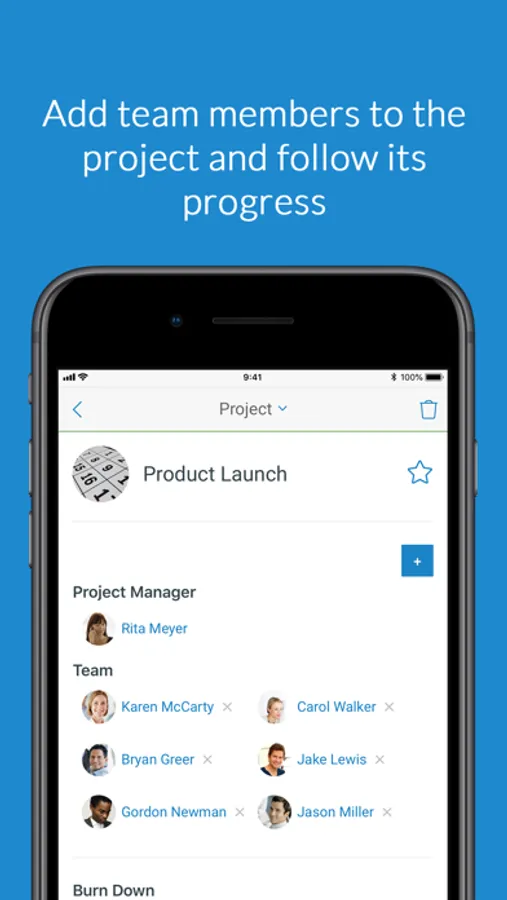
- Add team members to the project
- Track project progress: Burndown chart and task status
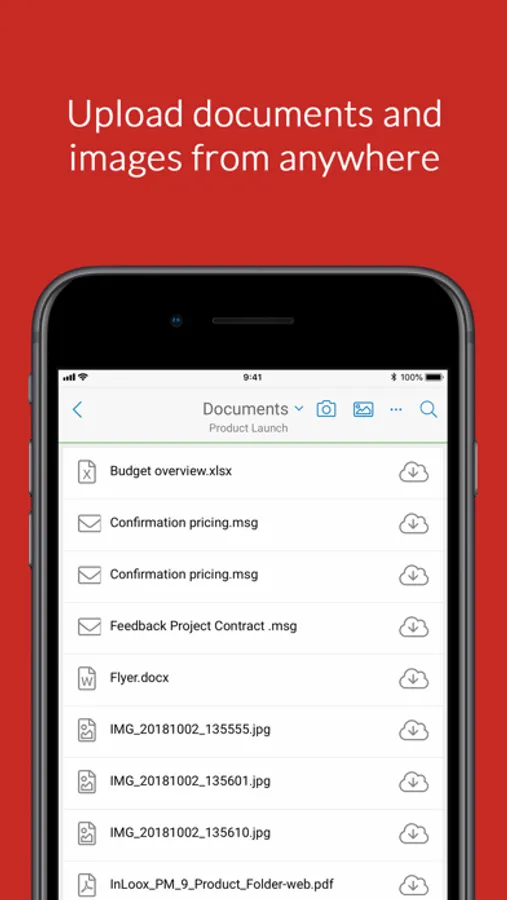
DOCUMENTS
- Upload documents directly to a project
- Link documents to tasks
- In-app document preview
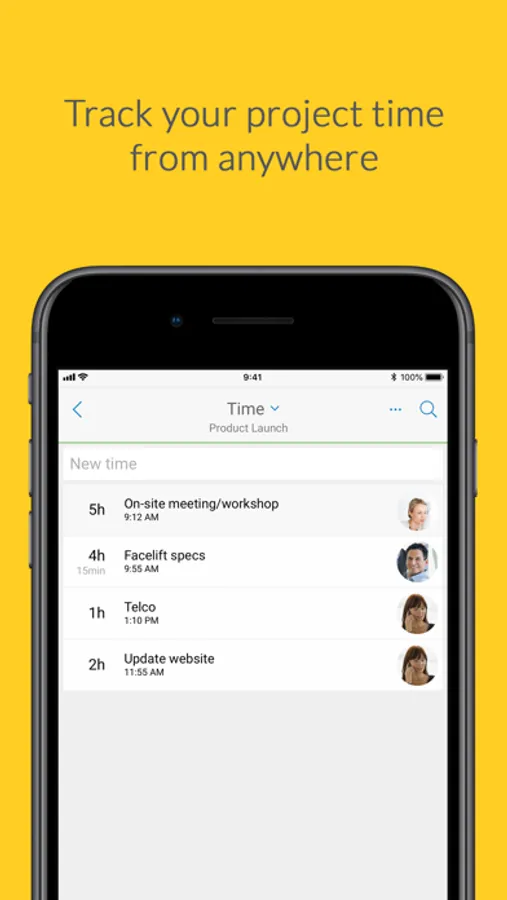
TIME
- Record workload in the project
- Assign workload to tasks
NOTE:
You need an InLoox now! account or an InLoox PM Enterprise license with Universal User to use InLoox Mobile App.
If you are not yet an InLoox user, you can create a free InLoox now! account: https://www.inlooxnow.com/
The free trial ends automatically after 30 days.
Create tasks quickly and easily in InLoox Mobile App, assign them to projects and to other team members. When tasks are marked as complete, the team is informed of the progress. You can add task notes and quickly communicate with the team. Avoid email ping pong and always collaborate within the project context.
ALL FEATURES AT A GLANCE:
TASKS
- Create tasks
- Assign tasks to a project
- Assign tasks to a resource
- Mark tasks as complete
- Comment on tasks
PROJECT LIST & PROJECT SUPPORT
- Filter by favorites
- Add team members to the project
- Track project progress: Burndown chart and task status
DOCUMENTS
- Upload documents directly to a project
- Link documents to tasks
- In-app document preview
TIME
- Record workload in the project
- Assign workload to tasks
NOTE:
You need an InLoox now! account or an InLoox PM Enterprise license with Universal User to use InLoox Mobile App.
If you are not yet an InLoox user, you can create a free InLoox now! account: https://www.inlooxnow.com/
The free trial ends automatically after 30 days.