AppRecs review analysis
AppRecs rating 3.6. Trustworthiness 45 out of 100. Review manipulation risk 46 out of 100. Based on a review sample analyzed.
★★★☆☆
3.6
AppRecs Rating
Ratings breakdown
5 star
80%
4 star
0%
3 star
20%
2 star
0%
1 star
0%
What to know
⚠
Questionable review patterns
46% review manipulation risk - some review patterns appear unusual
⚠
Rating authenticity concerns
High rating concentration (80% 5-star) in sampled ratings
About Dombra Tuner
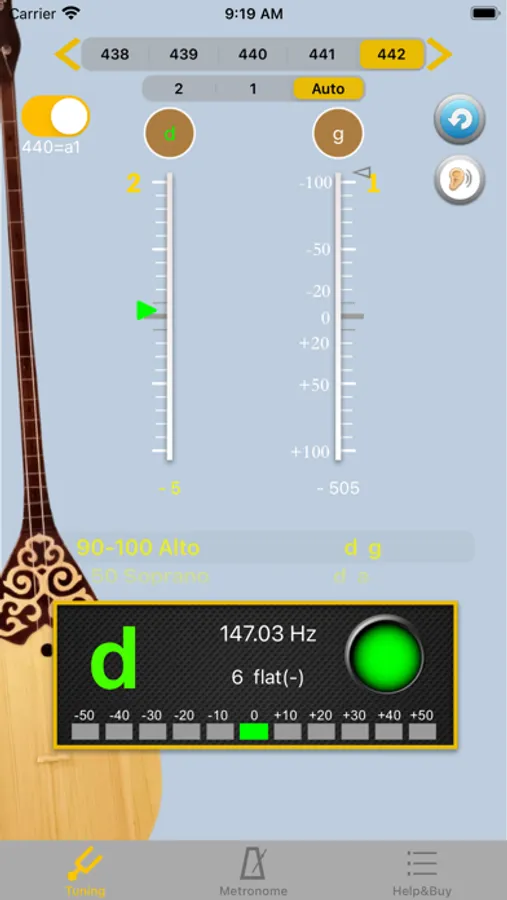
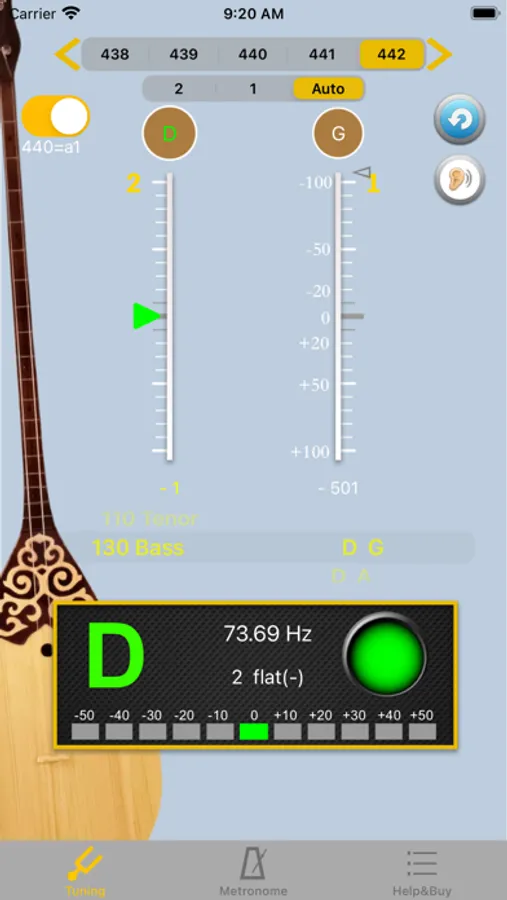
The simple user interface with noise filtering can help you tuning the 2 strings with simple setting while activating the APP. First step is choose the frequency at top of screen, then choose the tuning at the middle of the screen. When you pull the Dombra string, the pitch will be shown on the panel for the individual string by indicating signal high or low.
[Function Description]
▪ Calibrate Piano Sound : Click on an open string then calibrate the sound with your Dombra. Piano Sound A4=442.
▪ A4 Frequency adjustment: choose 428~452 frequencies for A4 string.
▪ The scale for precision tuning is 10 cents for every sub-bit. The central line represents the open strings start from. The green arrow means pitch is accurate and it will turn white once the pitch difference exceeds more than a sub-bit.
▪ The complete function, will visually tell you the pitch is good or not by lighting green or white. Users can easily adjust the string by the lighting arrow shown on the scale.
[Function Description]
▪ Calibrate Piano Sound : Click on an open string then calibrate the sound with your Dombra. Piano Sound A4=442.
▪ A4 Frequency adjustment: choose 428~452 frequencies for A4 string.
▪ The scale for precision tuning is 10 cents for every sub-bit. The central line represents the open strings start from. The green arrow means pitch is accurate and it will turn white once the pitch difference exceeds more than a sub-bit.
▪ The complete function, will visually tell you the pitch is good or not by lighting green or white. Users can easily adjust the string by the lighting arrow shown on the scale.