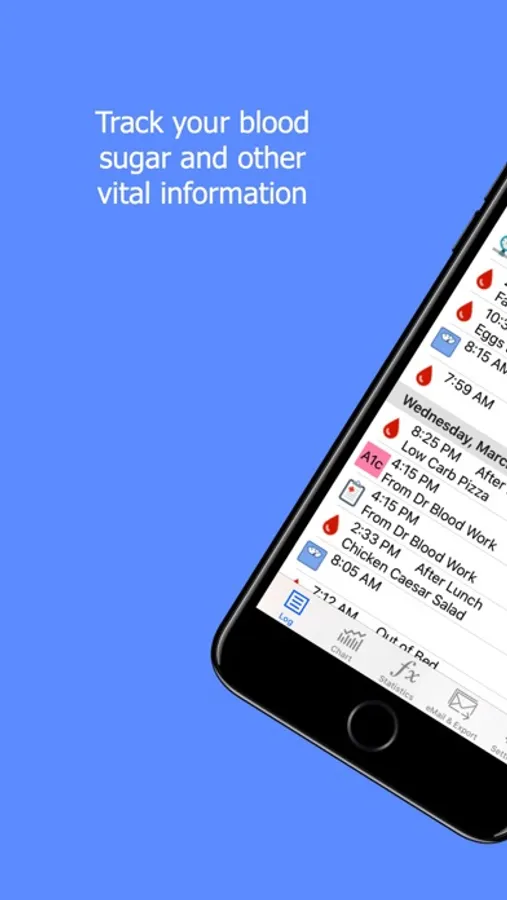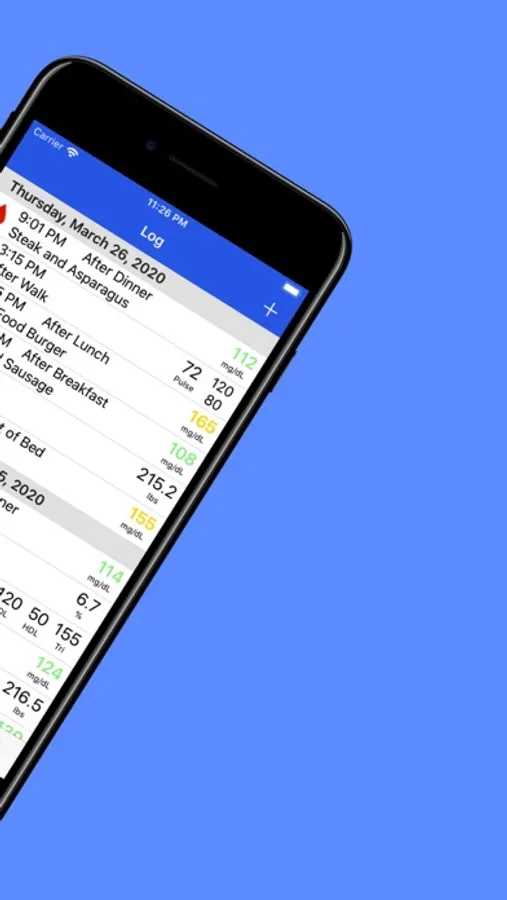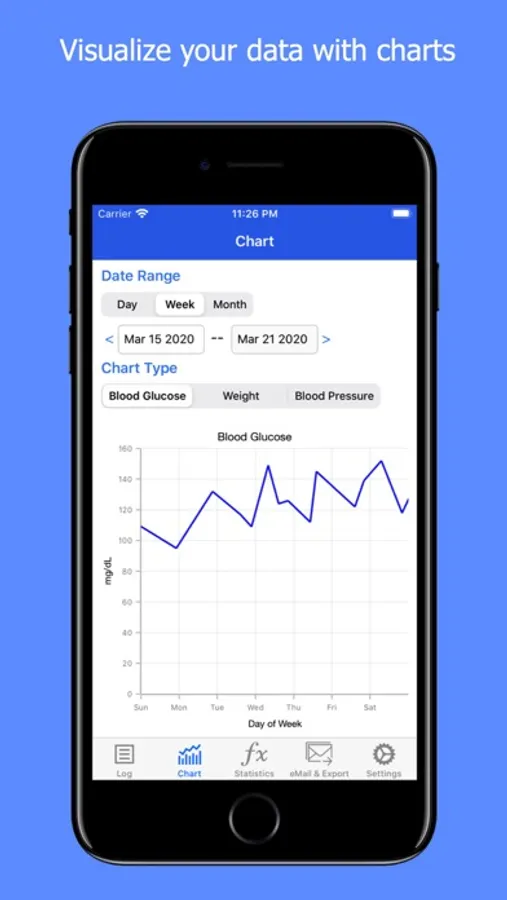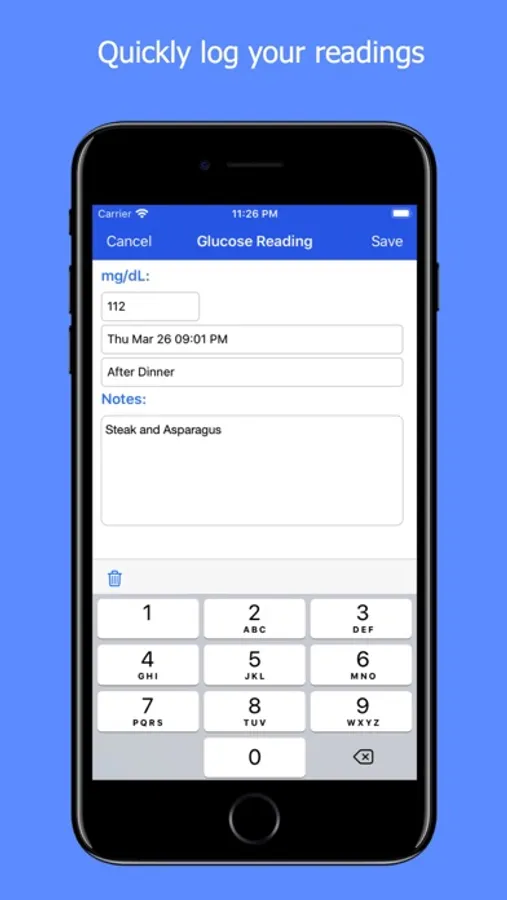
In this health tracking app, users can log blood glucose levels, weight, blood pressure, A1c, and cholesterol, and view customizable charts. Includes data export options, chart visualization, and sharing features.
AppRecs review analysis
AppRecs rating 4.8. Trustworthiness 71 out of 100. Review manipulation risk 27 out of 100. Based on a review sample analyzed.
★★★★☆
4.8
AppRecs Rating
Ratings breakdown
5 star
85%
4 star
11%
3 star
3%
2 star
0%
1 star
1%
What to know
✓
Low review manipulation risk
27% review manipulation risk
✓
Credible reviews
71% trustworthiness score from analyzed reviews
✓
High user satisfaction
85% of sampled ratings are 5 stars
About GLog : Glucose Logbook
GLog is a logbook for diabetics to track their health information.
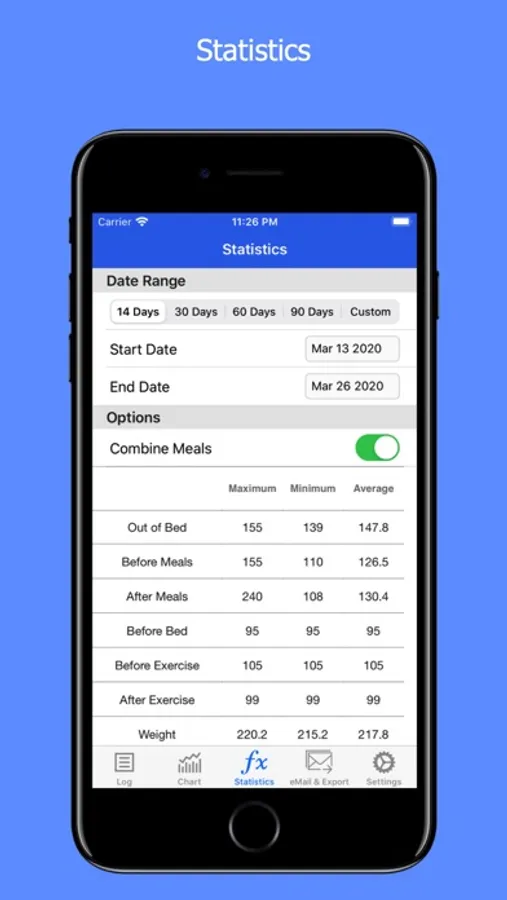
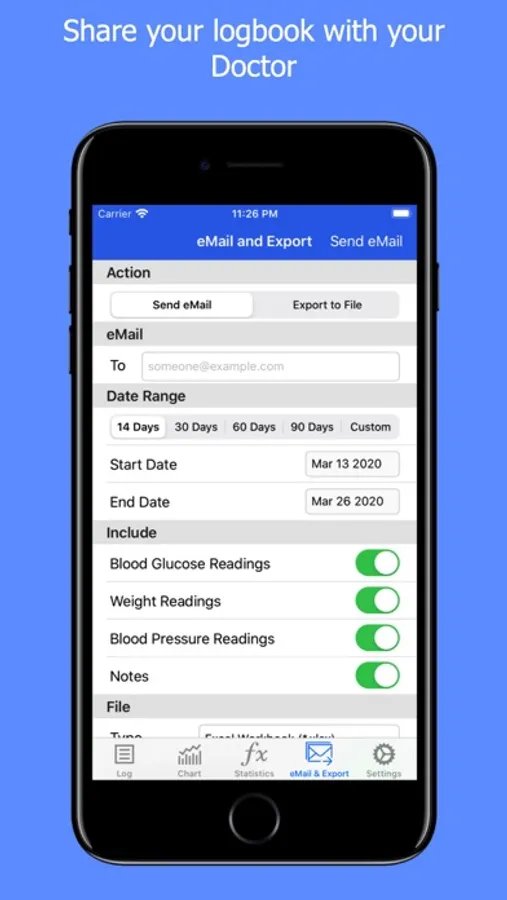
You can use GLog to track your blood sugar, weight, blood pressure, A1c and cholesterol levels. You can share this information with your doctor by email and visualize it with charts.
Key Features:
- Quickly record blood glucose, weight, blood pressure, A1c and cholesterol readings
- Set a time period (After Lunch, Before Dinner etc.) for your blood glucose readings
- View charts for Blood Glucose, Weight and Blood Pressure
- Charts have 14, 30, 60, 90 or custom day ranges.
- Email readings to your doctor in Excel or CVS format.
- Export data to the iOS files app or iTunes
- Export data to another application or to your Mac by AirDrop
- Set custom date range for exported records
- Select what type of data is exported
If you have any questions, contact us at support@stelladomus.com.
You can use GLog to track your blood sugar, weight, blood pressure, A1c and cholesterol levels. You can share this information with your doctor by email and visualize it with charts.
Key Features:
- Quickly record blood glucose, weight, blood pressure, A1c and cholesterol readings
- Set a time period (After Lunch, Before Dinner etc.) for your blood glucose readings
- View charts for Blood Glucose, Weight and Blood Pressure
- Charts have 14, 30, 60, 90 or custom day ranges.
- Email readings to your doctor in Excel or CVS format.
- Export data to the iOS files app or iTunes
- Export data to another application or to your Mac by AirDrop
- Set custom date range for exported records
- Select what type of data is exported
If you have any questions, contact us at support@stelladomus.com.