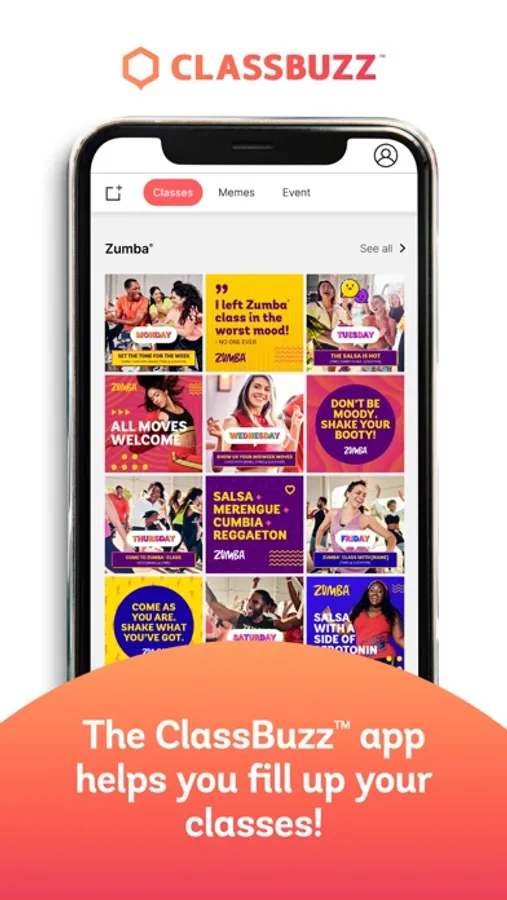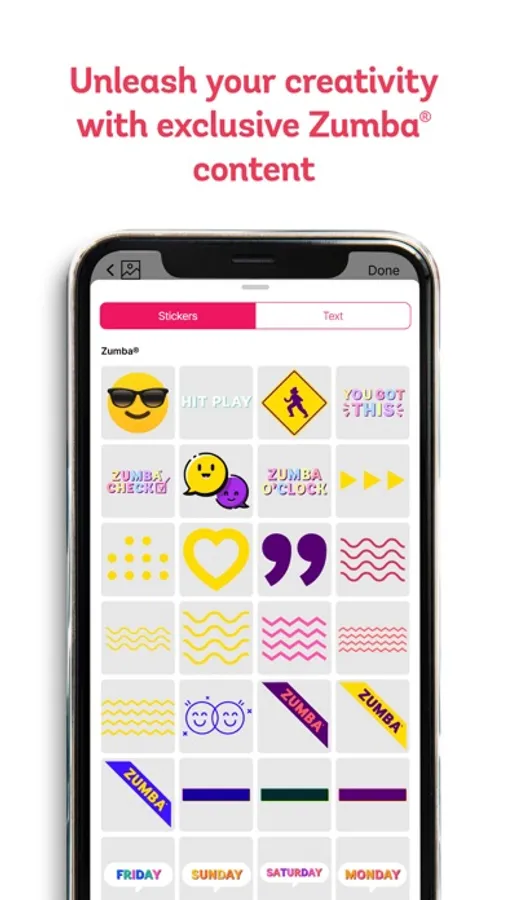
With this social media creation app, you can select templates, add backgrounds, stickers, and text to personalize content. Includes Zumba® branded images, videos, animations, and sharing options.
AppRecs review analysis
AppRecs rating 3.5. Trustworthiness 81 out of 100. Review manipulation risk 22 out of 100. Based on a review sample analyzed.
★★★☆☆
3.5
AppRecs Rating
Ratings breakdown
5 star
63%
4 star
10%
3 star
8%
2 star
3%
1 star
15%
What to know
✓
Low review manipulation risk
22% review manipulation risk
✓
Credible reviews
81% trustworthiness score from analyzed reviews
⚠
Pricing complaints
Many low ratings mention paywalls or pricing
About ClassBuzz
Ready to create some buzz?
Market yourself on social media like a pro with ClassBuzz, the mobile app exclusively for members of the Zumba® Instructor Network!
Now you can easily create + personalize content promoting yourself and your Zumba® classes! Explore your creativity with exclusive Zumba® branded content including images, videos, animations, memes, patterns, and more!
HOW CLASSBUZZ WORKS:
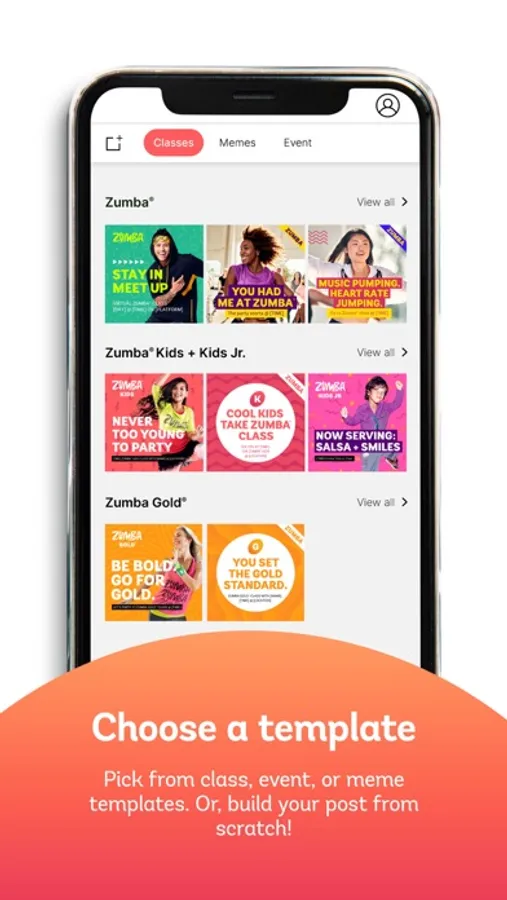
1. Choose A Template
Pick from class, event, or meme templates. Or, build your post from scratch with a blank canvas!
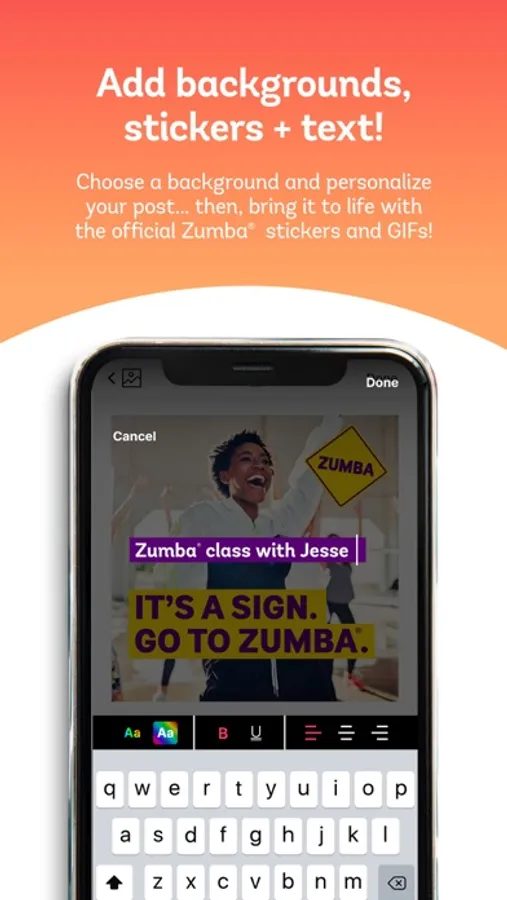
2. Add Backgrounds, Stickers + Text
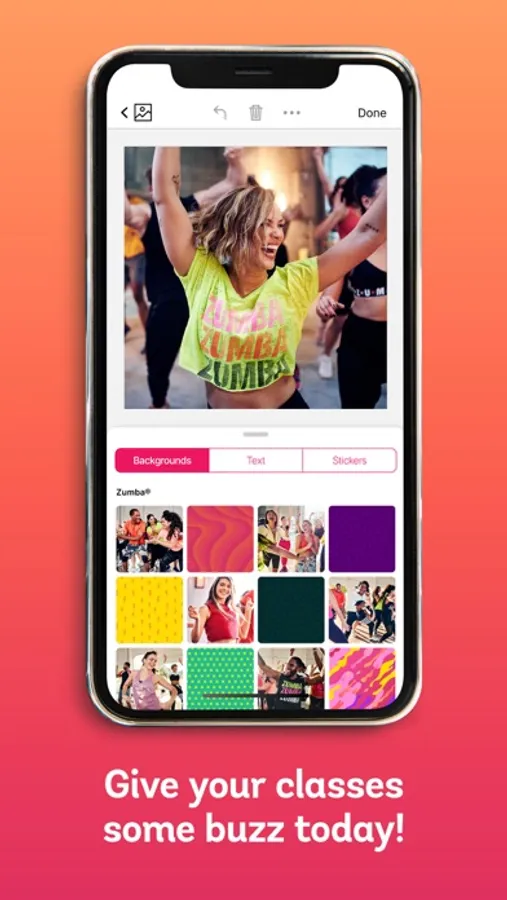
Choose a background and personalize your post with text… then, bring it to life with official Zumba® stickers and GIFs!
3. Share To Social
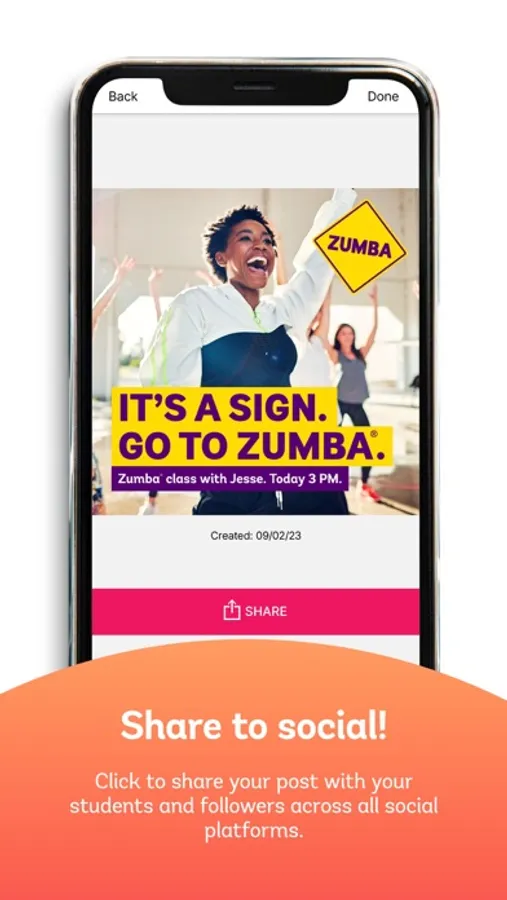
Click to share your post with your students and followers across all social platforms.
Market yourself on social media like a pro with ClassBuzz, the mobile app exclusively for members of the Zumba® Instructor Network!
Now you can easily create + personalize content promoting yourself and your Zumba® classes! Explore your creativity with exclusive Zumba® branded content including images, videos, animations, memes, patterns, and more!
HOW CLASSBUZZ WORKS:
1. Choose A Template
Pick from class, event, or meme templates. Or, build your post from scratch with a blank canvas!
2. Add Backgrounds, Stickers + Text
Choose a background and personalize your post with text… then, bring it to life with official Zumba® stickers and GIFs!
3. Share To Social
Click to share your post with your students and followers across all social platforms.