About FlipByBlink : Ebook Reader
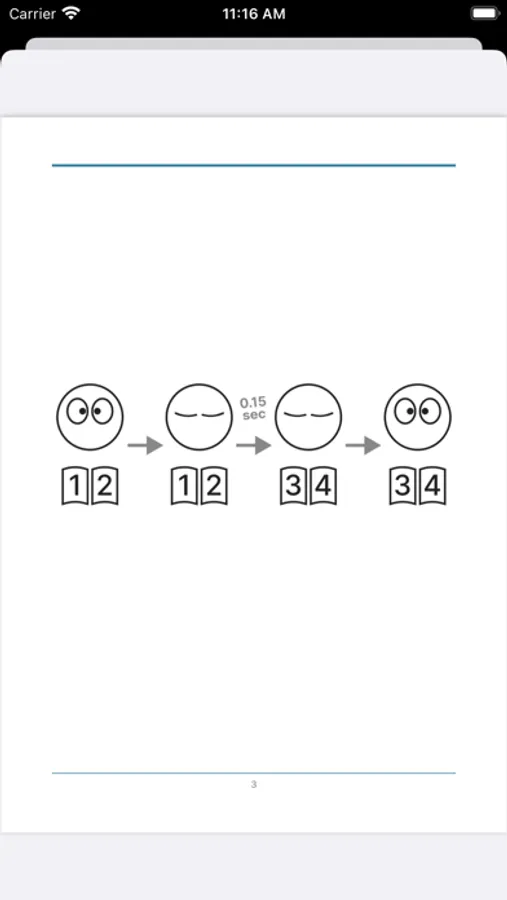
There is one special feature. Blink your eyes slightly longer than you would normally close them, and you can turn the page.
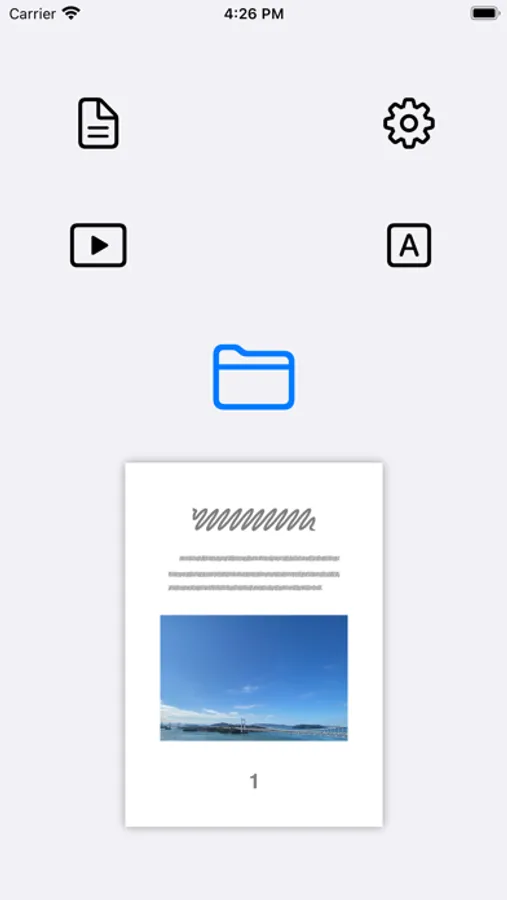
Other than that, it is a simple and common e-book reader application.
If you perform a slightly prolonged eyelid close, you will advance one page. When you open your eyes, you have already transitioned to the next page. Blinking your eyes normally will not turn the page.
The blinking of the eyes is detected by the device's built-in camera and sensors.
Like general e-book applications, you can also turn pages by tapping or swiping the screen.
E-book format
- Only "Fixed Layout" books. For example, "directly converted from a paper book" or "comic book".
- Support for importing PDF and ZIP files
Use-Cases
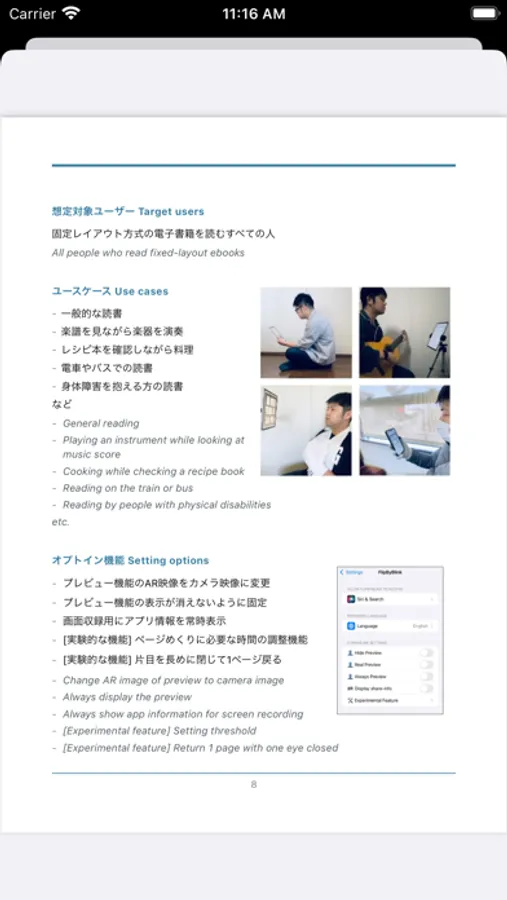
- General reading
- Playing an instrument while looking at sheet music
- Cooking while checking a recipe book
- Reading on trains and buses
- Reading for people with physical disabilities
* * *
Supported Devices
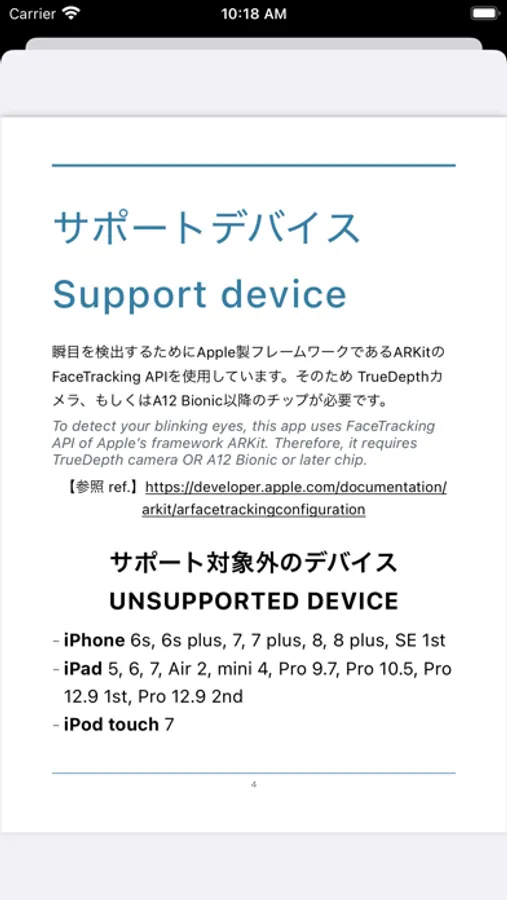
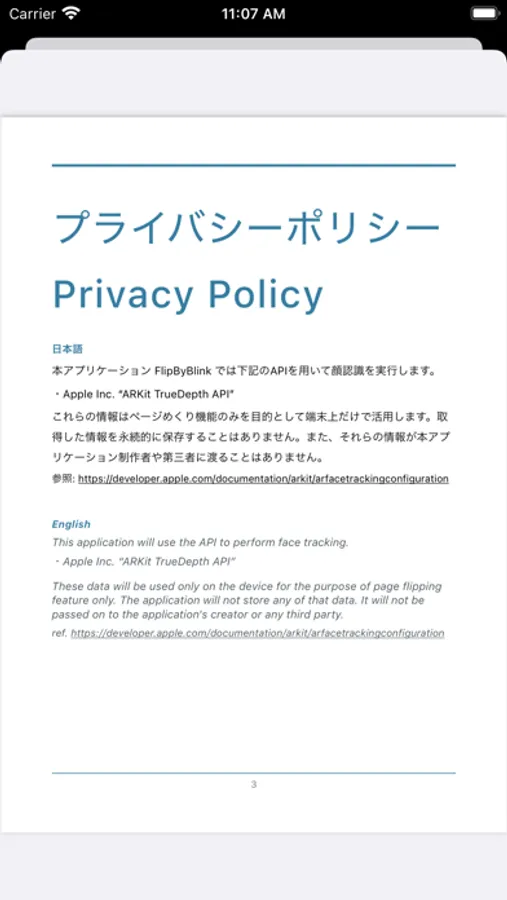
The ARKit/FaceTrackingAPI, Apple framework, is used to detect eye blinks. This requires TrueDepth camera or A12Bionic (or later chips).
https://developer.apple.com/documentation/arkit/arfacetrackingconfiguration
Other than that, it is a simple and common e-book reader application.
If you perform a slightly prolonged eyelid close, you will advance one page. When you open your eyes, you have already transitioned to the next page. Blinking your eyes normally will not turn the page.
The blinking of the eyes is detected by the device's built-in camera and sensors.
Like general e-book applications, you can also turn pages by tapping or swiping the screen.
E-book format
- Only "Fixed Layout" books. For example, "directly converted from a paper book" or "comic book".
- Support for importing PDF and ZIP files
Use-Cases
- General reading
- Playing an instrument while looking at sheet music
- Cooking while checking a recipe book
- Reading on trains and buses
- Reading for people with physical disabilities
* * *
Supported Devices
The ARKit/FaceTrackingAPI, Apple framework, is used to detect eye blinks. This requires TrueDepth camera or A12Bionic (or later chips).
https://developer.apple.com/documentation/arkit/arfacetrackingconfiguration