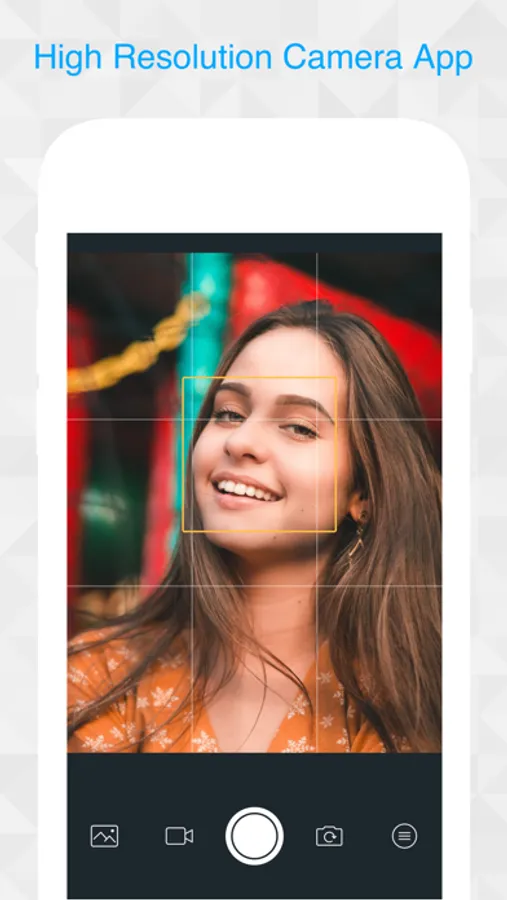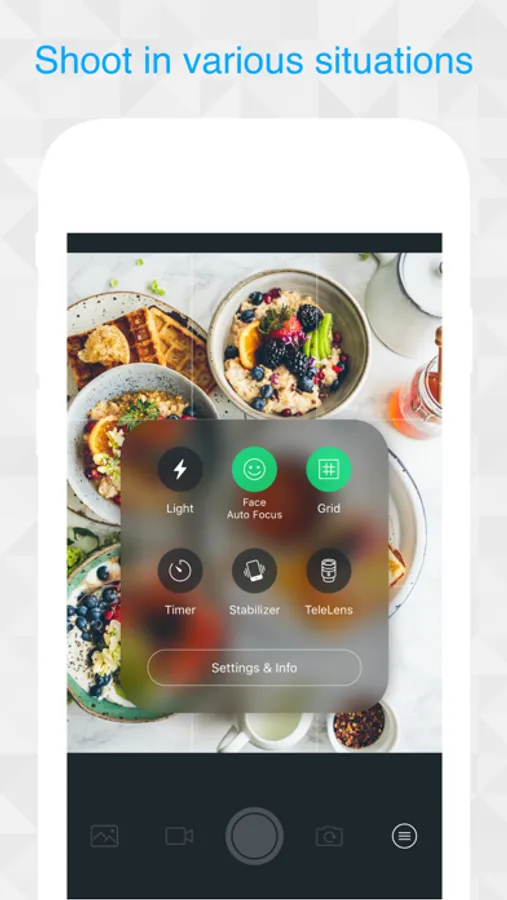
In this camera app, you can capture high-resolution photos and videos, switch between front and back cameras, and use features like face detection focus and image stabilization. Includes zoom, timer, torch light, and remote shooting options.
AppRecs review analysis
AppRecs rating 4.7. Trustworthiness 80 out of 100. Review manipulation risk 18 out of 100. Based on a review sample analyzed.
★★★★☆
4.7
AppRecs Rating
Ratings breakdown
5 star
79%
4 star
16%
3 star
3%
2 star
0%
1 star
2%
What to know
✓
Low review manipulation risk
18% review manipulation risk
✓
Credible reviews
80% trustworthiness score from analyzed reviews
✓
High user satisfaction
79% of sampled ratings are 5 stars
About CAMERA0
CAMERA0
High-Resolution Camera
● Image Resolution
(iPhone6s or later)
・Back Camera Photo (4032x3024)
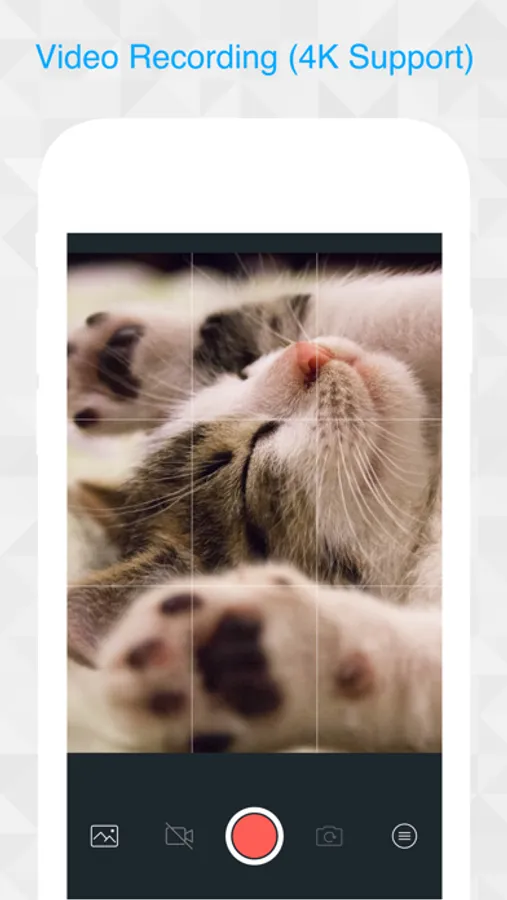
・Back Camera Video (4K / 3840x2160)
● Features
・Full Resolution
・Photo / Video Recording
・Switch Front / Back Camera
・Torch Light
・Face Detection Focus
・Grid
・Timer (3s)
・Image Stabilization
・Telephoto Lens (dual-lens device only)
・10x zoom
・Volume shutter (shooting with volume button)
・Remote shooting with external Bluetooth device
● Usage
・Tap:Adjust focus and Exposure
・Pinch:Zoom
・Swipe up:Increase brightness (exposure)
・Swipe down:Decrease brightness (exposure)
● Settings
・Manner Shot
・Smart HDR
・Image Review Time After Capture
・Scan QR Code
・Mirror Mode (Selfy)
・Auto Rotation of Images
● Shortcut function
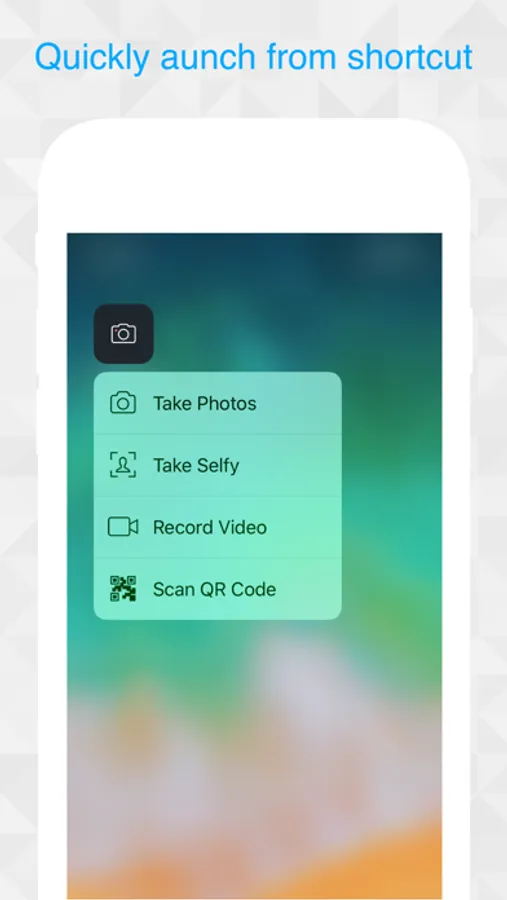
For 3D Touch compatible devices, by pressing application icons from the home screen,
The following shortcuts can be used, and quick shooting is possible.
・Take Photos
・Take Selfy
・Record Video
・Timer Camera
・Scan QR Code
● URL Scheme
camerazero://
---
Depending on the model, some functions may not be available.
This application uses icons8(https://icons8.com) for some icon images.
High-Resolution Camera
● Image Resolution
(iPhone6s or later)
・Back Camera Photo (4032x3024)
・Back Camera Video (4K / 3840x2160)
● Features
・Full Resolution
・Photo / Video Recording
・Switch Front / Back Camera
・Torch Light
・Face Detection Focus
・Grid
・Timer (3s)
・Image Stabilization
・Telephoto Lens (dual-lens device only)
・10x zoom
・Volume shutter (shooting with volume button)
・Remote shooting with external Bluetooth device
● Usage
・Tap:Adjust focus and Exposure
・Pinch:Zoom
・Swipe up:Increase brightness (exposure)
・Swipe down:Decrease brightness (exposure)
● Settings
・Manner Shot
・Smart HDR
・Image Review Time After Capture
・Scan QR Code
・Mirror Mode (Selfy)
・Auto Rotation of Images
● Shortcut function
For 3D Touch compatible devices, by pressing application icons from the home screen,
The following shortcuts can be used, and quick shooting is possible.
・Take Photos
・Take Selfy
・Record Video
・Timer Camera
・Scan QR Code
● URL Scheme
camerazero://
---
Depending on the model, some functions may not be available.
This application uses icons8(https://icons8.com) for some icon images.