About Mobile Pay
Access your digital pre-paid Mastercard instantly, easily and securely.
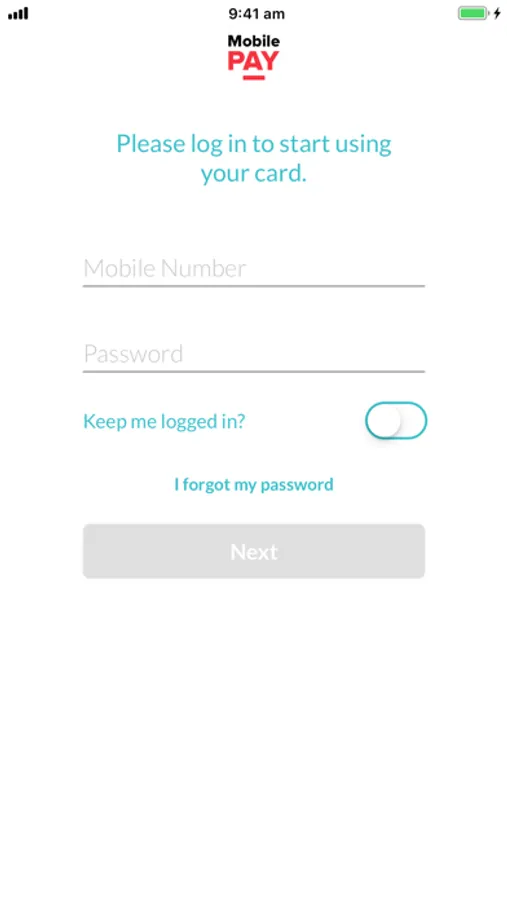
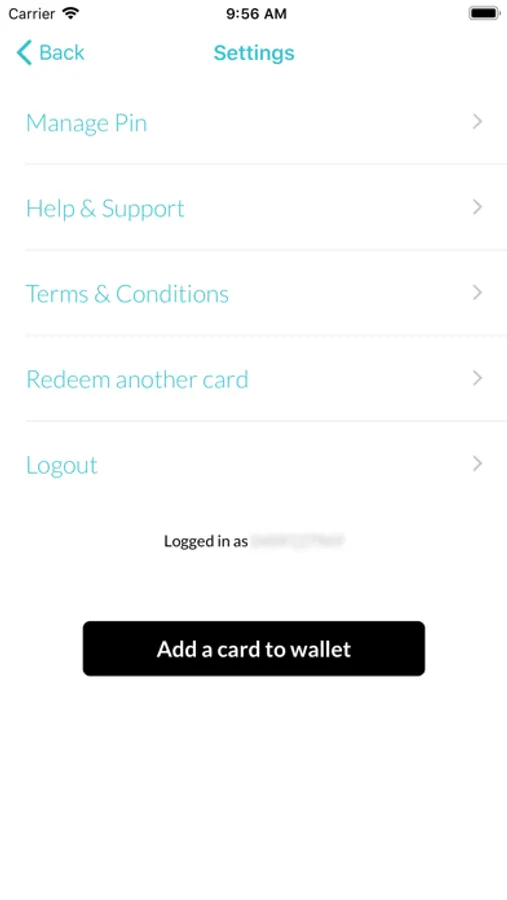
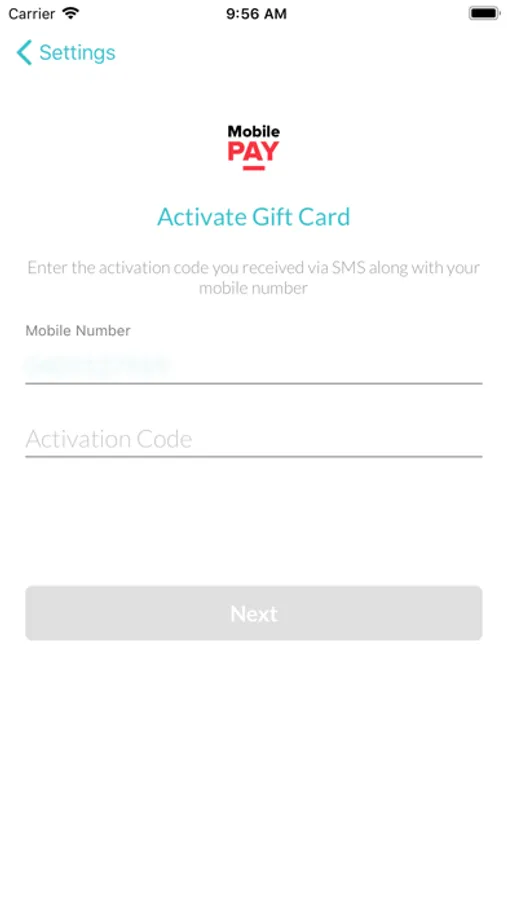
You will receive a text message from us with details on how to access your Mastercard using Mobile Pay. You can then add your Mastercard to your mobile Wallet.
How To Use:
1. Follow the text prompts to download Mobile Pay, access your Mastercard and choose to save it to your card wallet.
2. Open your card wallet or the Mobile Pay app to access the card.
3. For in-store purchases at participating merchants follow the prompts to use the “Tap and Go” facility.
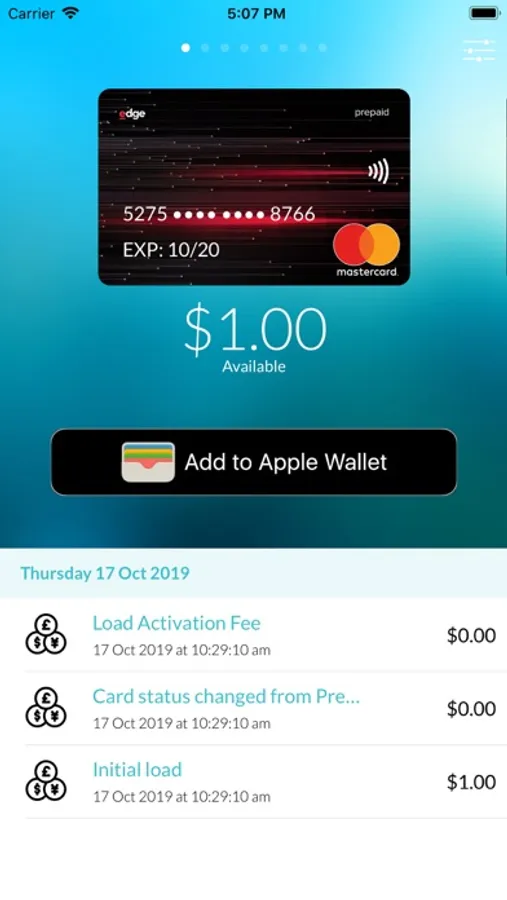
4. For online purchases, open the Mobile Pay app and tap the card image to find your card number, expiry and CVC to enter at checkout.
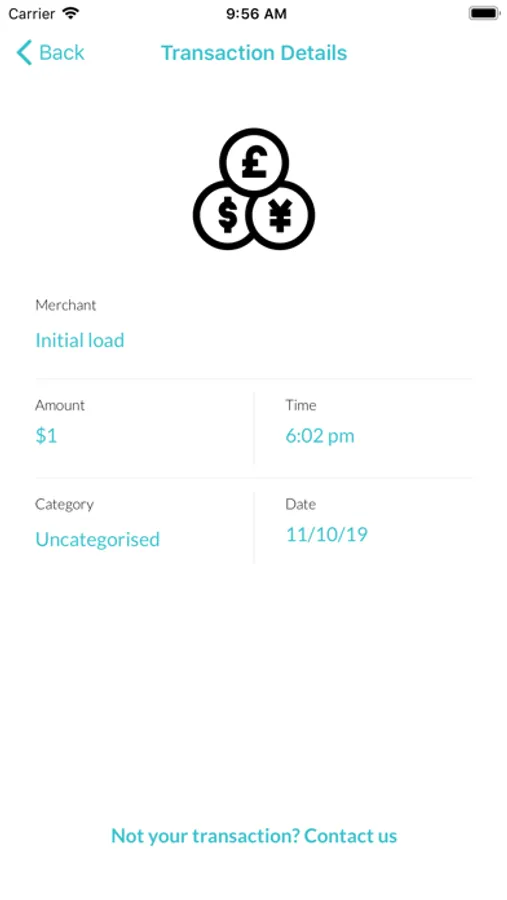
5. Open the Mobile Pay app to view transaction history, expiry and card details.
Happy shopping!
You will receive a text message from us with details on how to access your Mastercard using Mobile Pay. You can then add your Mastercard to your mobile Wallet.
How To Use:
1. Follow the text prompts to download Mobile Pay, access your Mastercard and choose to save it to your card wallet.
2. Open your card wallet or the Mobile Pay app to access the card.
3. For in-store purchases at participating merchants follow the prompts to use the “Tap and Go” facility.
4. For online purchases, open the Mobile Pay app and tap the card image to find your card number, expiry and CVC to enter at checkout.
5. Open the Mobile Pay app to view transaction history, expiry and card details.
Happy shopping!