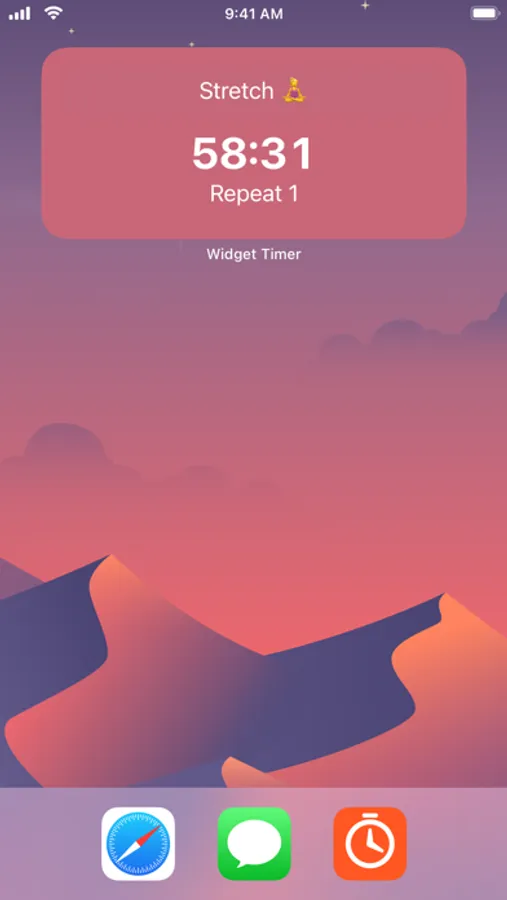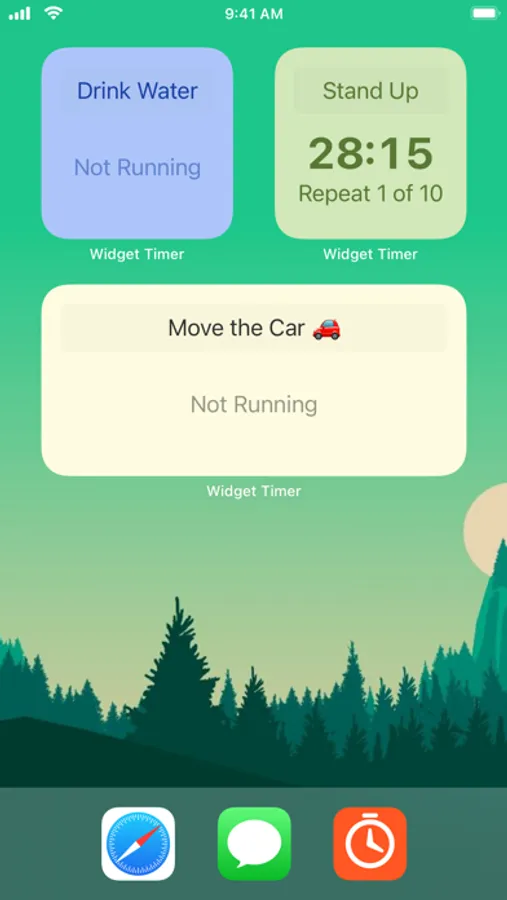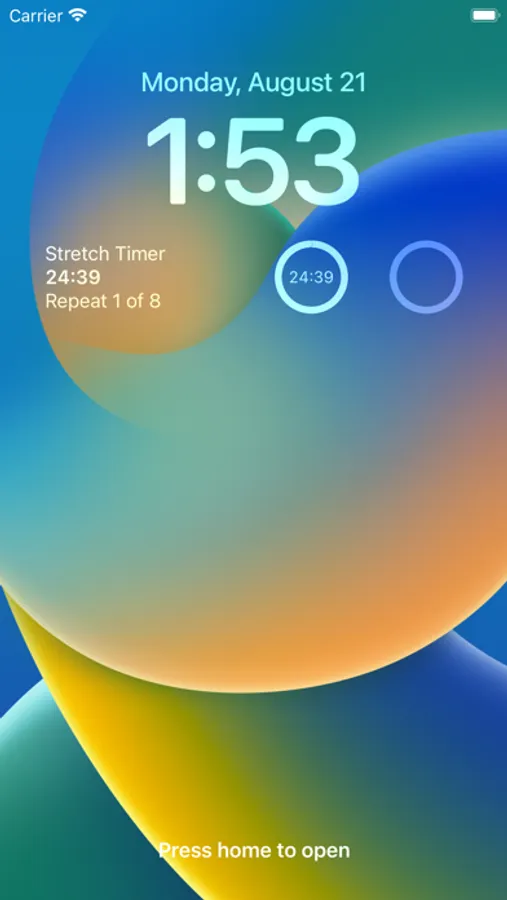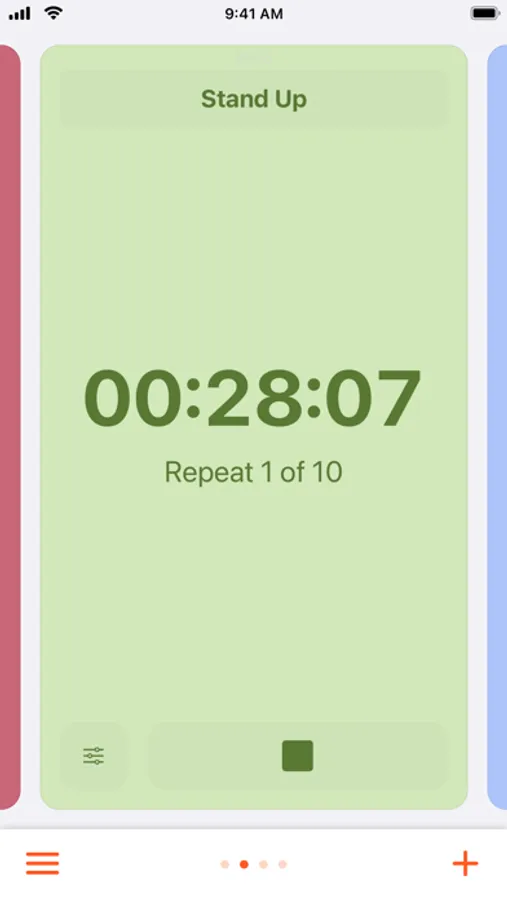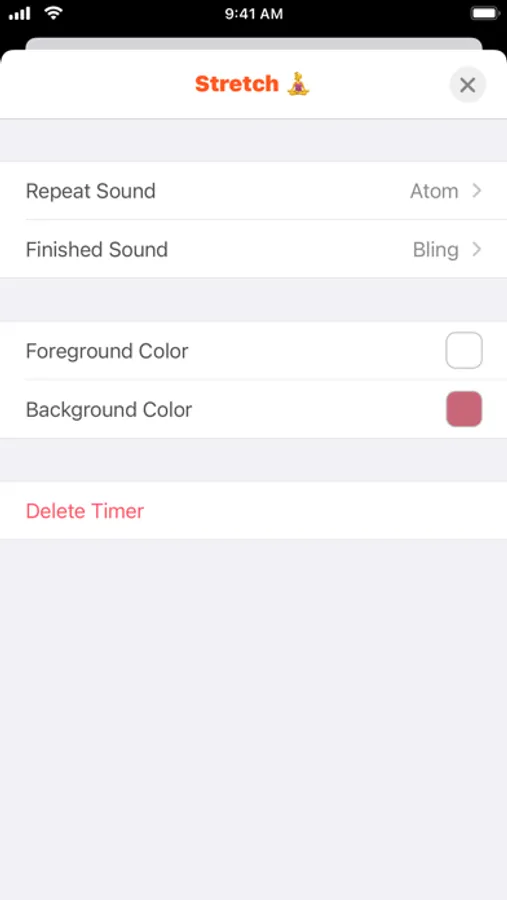
In this timer app, you can configure multiple timers, set durations, names, and themes, then add them as widgets to your Home Screen or Lock Screen. Includes customizable themes, repeating timers, and widget controls.
AppRecs review analysis
AppRecs rating 4.0. Trustworthiness 77 out of 100. Review manipulation risk 21 out of 100. Based on a review sample analyzed.
★★★☆☆
4.0
AppRecs Rating
Ratings breakdown
5 star
67%
4 star
11%
3 star
5%
2 star
5%
1 star
12%
What to know
✓
Low review manipulation risk
21% review manipulation risk
✓
Credible reviews
77% trustworthiness score from analyzed reviews
✓
High user satisfaction
78% of sampled ratings are 4+ stars (4.2★ average)
About Widget Timer
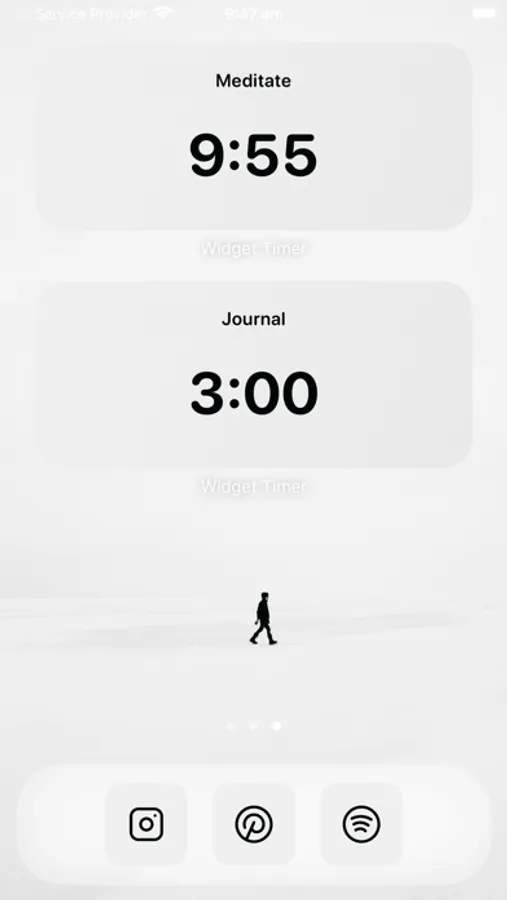
Configure unlimited timers to keep you on task and organised, add them to your Home Screen as widgets so they are only a swipe away.
Quickly configure your timers duration and number of sets (infinite repeats is possible!), choose a descriptive name, and thats a great start.
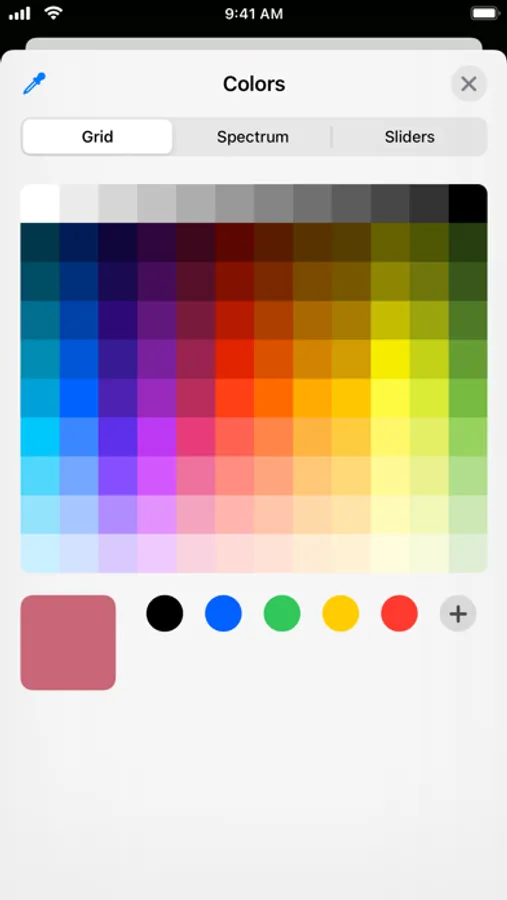
For bonus points, edit the theme, or select one from the theme gallery, so it matches your Home Screen aesthetic.
Don't be limited by only one timer at a time! This app allows you to have an virtually unlimited amount of timers configured and running at once.
Also supports repeating timers, which are great for periodic reminders for stretching and drinking water.
Features:
- add timer Widgets to your Home Screen
- interactive Widgets so you can control your timers from the Home Screen
- add timer widgets to your Lock Screen
- customize the theme of your Widget
- theme gallery with over 50 themes
- make your timer automatically repeat
- infinite repeats supported
- uses local notifications to alert you when the app is running in the background (no network required)
- add new timers with the + button
- change the name of your timer (emoji supported)
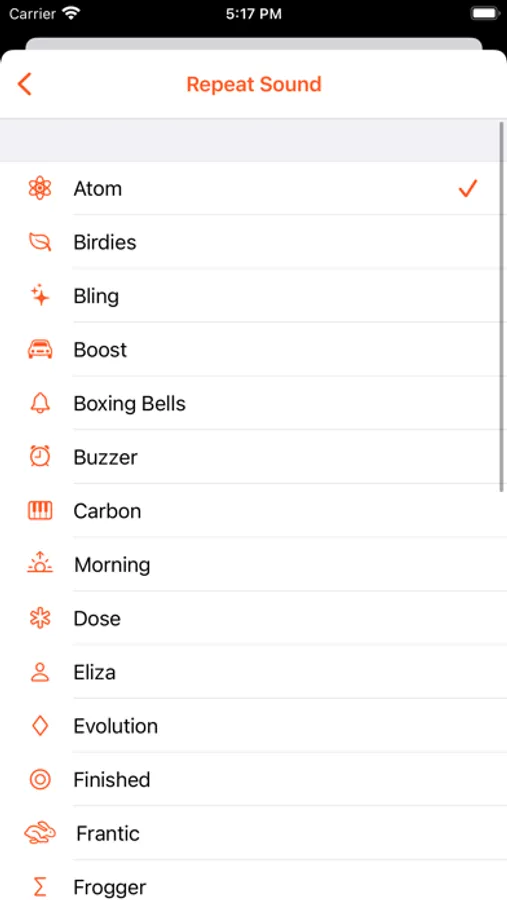
- lots of different alert sounds to choose from
- multiple finished modes
- long press to re-order the timers in the main screen
- support for Siri and Shortcuts
Some features require a purchase of either a Premium Subscripton or a Premium Lifetime Unlock.
Widget Timer Premium Subscription
Payment will be charged to your Apple ID account at the confirmation of purchase. Subscription automatically renews unless it is canceled at least 24 hours before the end of the current period. Your account will be charged for renewal within 24 hours prior to the end of the current period. You can manage and cancel your subscriptions by going to your account settings on the App Store after purchase.
Terms of Use:
https://www.apple.com/legal/internet-services/itunes/dev/stdeula/
Quickly configure your timers duration and number of sets (infinite repeats is possible!), choose a descriptive name, and thats a great start.
For bonus points, edit the theme, or select one from the theme gallery, so it matches your Home Screen aesthetic.
Don't be limited by only one timer at a time! This app allows you to have an virtually unlimited amount of timers configured and running at once.
Also supports repeating timers, which are great for periodic reminders for stretching and drinking water.
Features:
- add timer Widgets to your Home Screen
- interactive Widgets so you can control your timers from the Home Screen
- add timer widgets to your Lock Screen
- customize the theme of your Widget
- theme gallery with over 50 themes
- make your timer automatically repeat
- infinite repeats supported
- uses local notifications to alert you when the app is running in the background (no network required)
- add new timers with the + button
- change the name of your timer (emoji supported)
- lots of different alert sounds to choose from
- multiple finished modes
- long press to re-order the timers in the main screen
- support for Siri and Shortcuts
Some features require a purchase of either a Premium Subscripton or a Premium Lifetime Unlock.
Widget Timer Premium Subscription
Payment will be charged to your Apple ID account at the confirmation of purchase. Subscription automatically renews unless it is canceled at least 24 hours before the end of the current period. Your account will be charged for renewal within 24 hours prior to the end of the current period. You can manage and cancel your subscriptions by going to your account settings on the App Store after purchase.
Terms of Use:
https://www.apple.com/legal/internet-services/itunes/dev/stdeula/