Brewguide
acaia
3.1 ★
store rating
Free
AppRecs review analysis
AppRecs rating 3.4. Trustworthiness 80 out of 100. Review manipulation risk 19 out of 100. Based on a review sample analyzed.
★★★☆☆
3.4
AppRecs Rating
Ratings breakdown
5 star
38%
4 star
8%
3 star
15%
2 star
0%
1 star
38%
What to know
✓
Low review manipulation risk
19% review manipulation risk
✓
Credible reviews
80% trustworthiness score from analyzed reviews
About Brewguide
Brewguide is the companion App for the Acaia Pearl S
Welcome to your new scale! The Acaia Pearl S pairs with all of our apps but this is the one to use to set up the scale. If you don’t have a Pearl S, you can still browse and create recipes.
In Brewguide, you can:
* Walk through a setup guide to adjust settings like turning on/off modes, changing the weight unit, adjusting the auto-off timer, turning on/off the button sound, and changing the temperature unit.
* Personalize your Pearl S with your own loading message
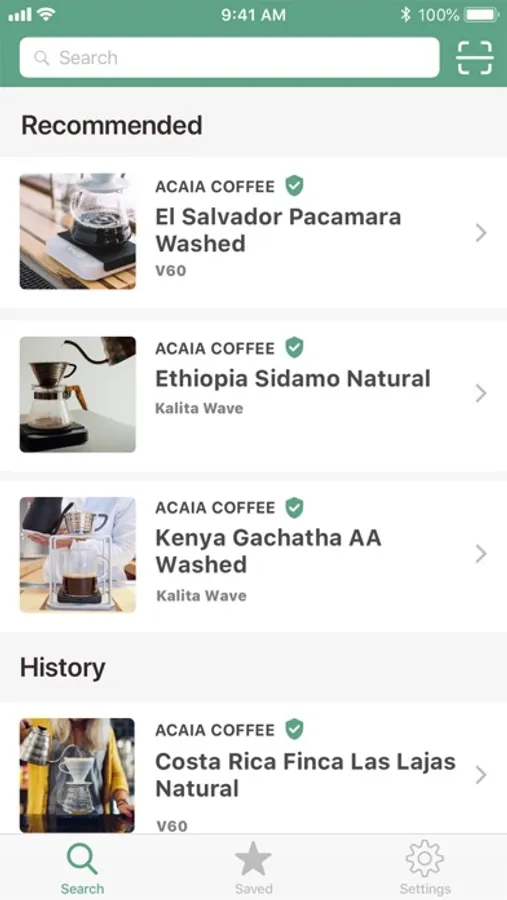
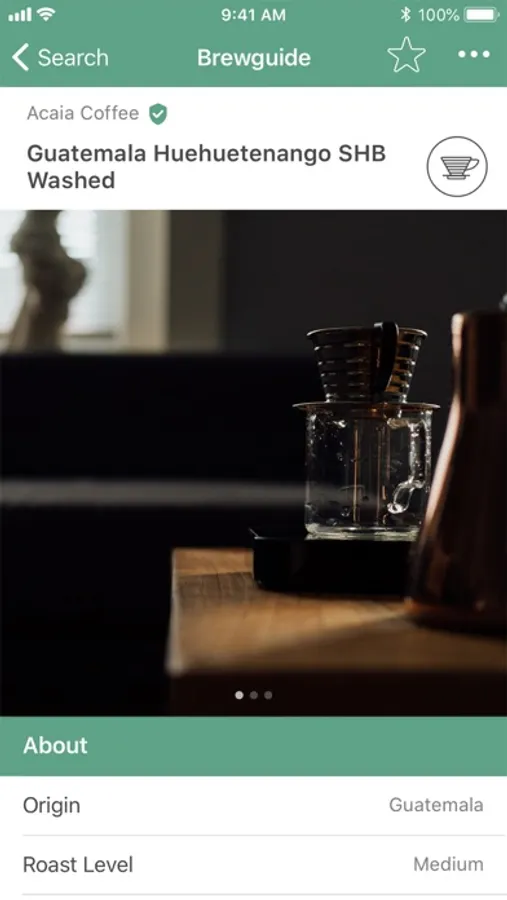
* Browse official recipes or create and share your own with a QR code or link
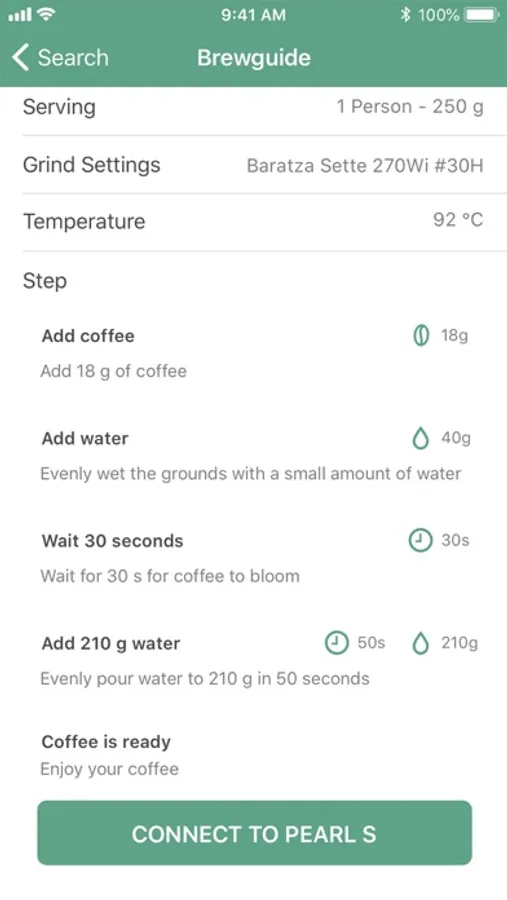
* Easily transfer a recipe to your Pearl S - the scale holds one recipe at a time
To enter Brewguide mode, where you view the loaded recipe’s prompted steps, hold the Tare button until you see “Brewguide” on the scale.
Welcome to your new scale! The Acaia Pearl S pairs with all of our apps but this is the one to use to set up the scale. If you don’t have a Pearl S, you can still browse and create recipes.
In Brewguide, you can:
* Walk through a setup guide to adjust settings like turning on/off modes, changing the weight unit, adjusting the auto-off timer, turning on/off the button sound, and changing the temperature unit.
* Personalize your Pearl S with your own loading message
* Browse official recipes or create and share your own with a QR code or link
* Easily transfer a recipe to your Pearl S - the scale holds one recipe at a time
To enter Brewguide mode, where you view the loaded recipe’s prompted steps, hold the Tare button until you see “Brewguide” on the scale.