About My Card Match
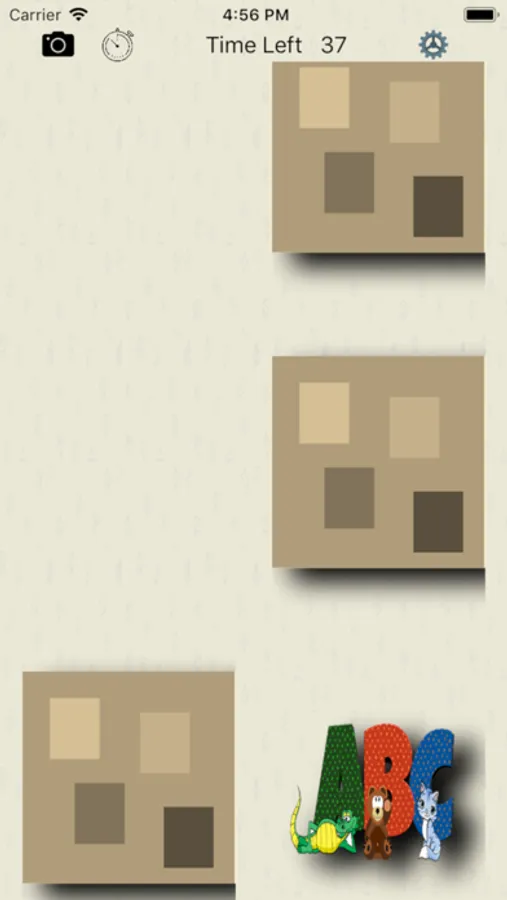
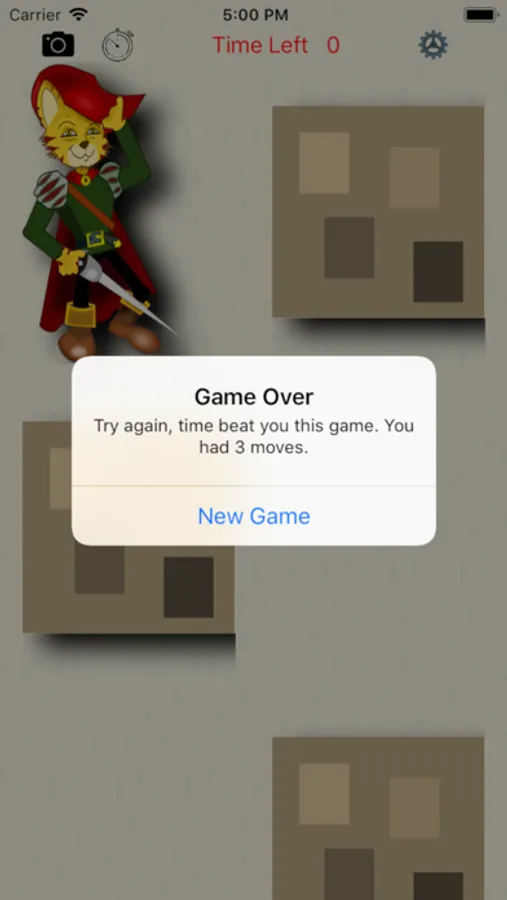
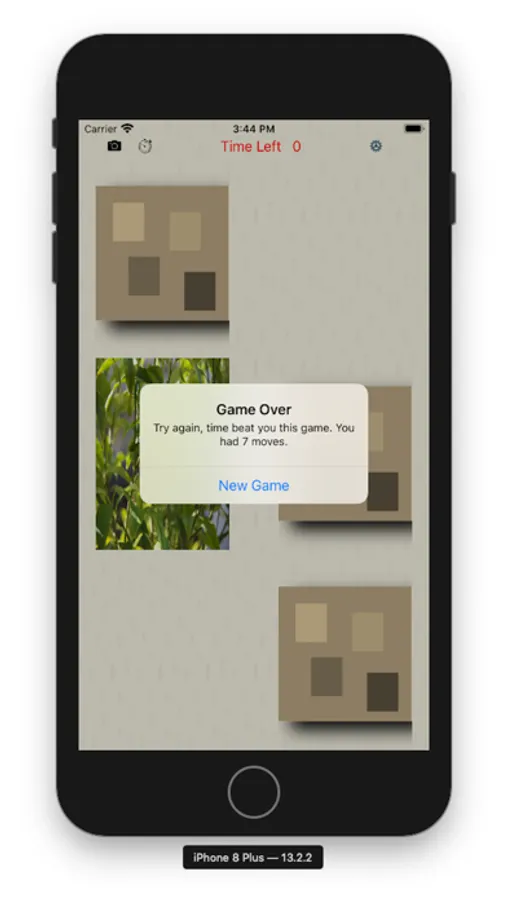
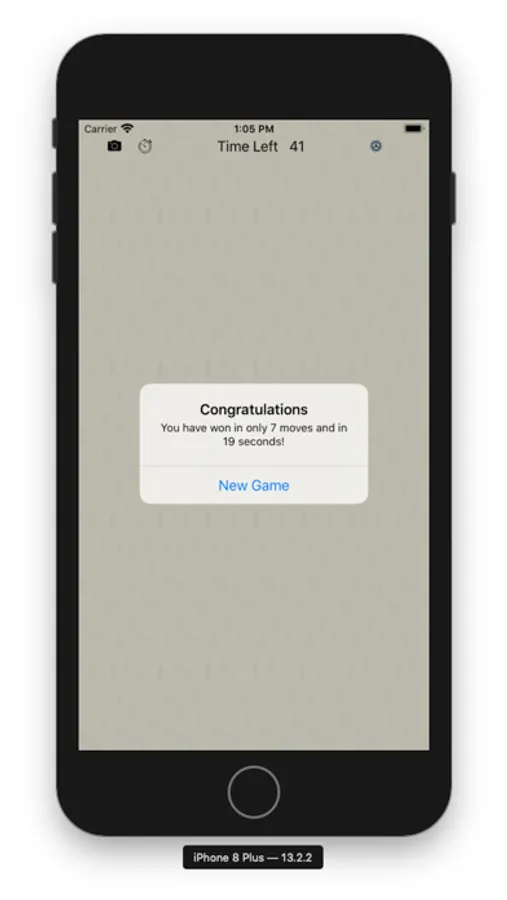
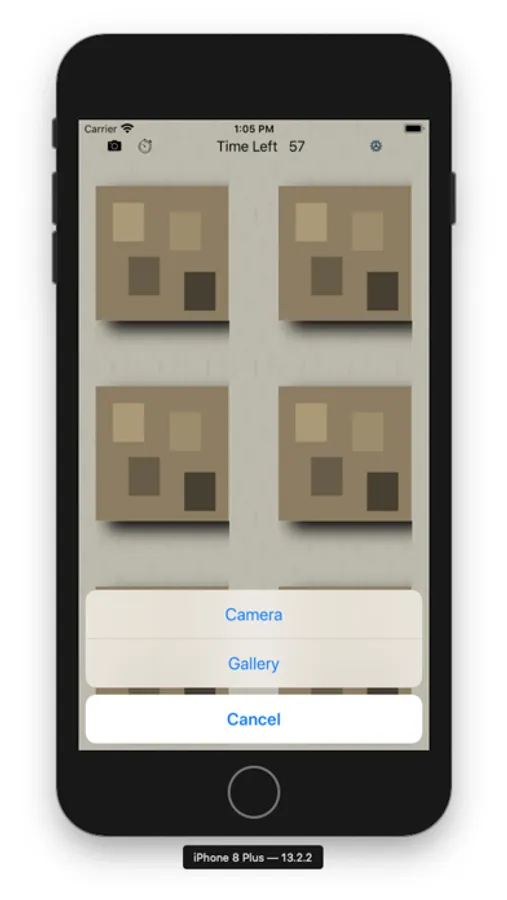
The card matching game is played against the clock to find all the matching pairs. The player can add images from their photo gallery or take pictures and use them in the game. The camera icon is used to take a picture or use a picture. Seeing grandma or grandpa or family and friends in the game make it extra fun to play.
Up to 8 user pictures can be added for the game. Logic allows the user to add new pictures that replace older pictures and there are checks to avoid duplicate selections from the photo gallery. The game saves the starting game settings on the device. The game does not use any remote connections or storage.
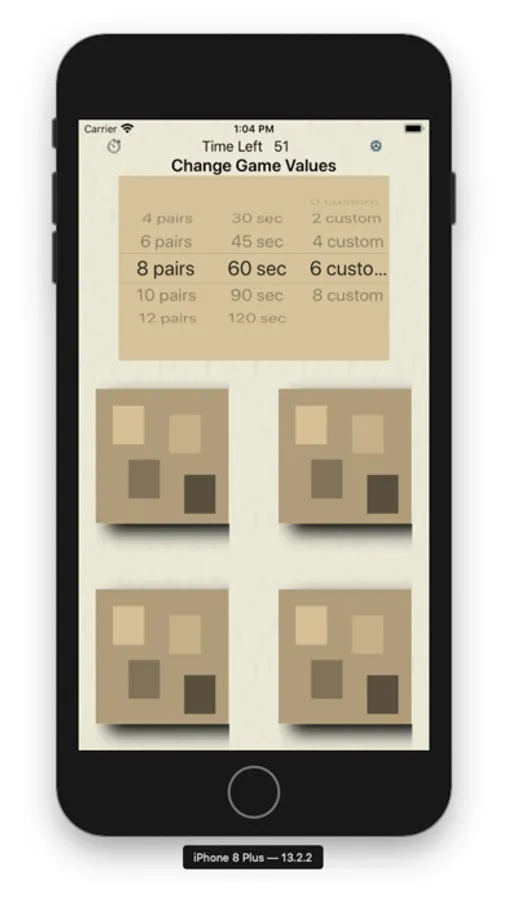
The stopwatch icon resets the game board and the time. The gear icon allows the player to change the number of cards used for the game (easy, 8 cards, 4 pairs; difficult, 24 cards, 12 pairs). Time can be changed from 30 to 120 seconds. The number of user cards used in the “pool” for a game can be set from 0 to 8 cards (assuming players have added 8 cards).
For a real challenge, increase the number of pairs in the game and decrease the time! Games are quick to play at any time and there is enough challenge and variety to keep players coming back often.
Up to 8 user pictures can be added for the game. Logic allows the user to add new pictures that replace older pictures and there are checks to avoid duplicate selections from the photo gallery. The game saves the starting game settings on the device. The game does not use any remote connections or storage.
The stopwatch icon resets the game board and the time. The gear icon allows the player to change the number of cards used for the game (easy, 8 cards, 4 pairs; difficult, 24 cards, 12 pairs). Time can be changed from 30 to 120 seconds. The number of user cards used in the “pool” for a game can be set from 0 to 8 cards (assuming players have added 8 cards).
For a real challenge, increase the number of pairs in the game and decrease the time! Games are quick to play at any time and there is enough challenge and variety to keep players coming back often.