About Ubiq Screensharing
iOS application allows you to easily share your device's screen to the conference room display.
Requirements:
- Have a Ubiq hardware device connected to the conference room display
- Download this application from the Appstore
Steps:
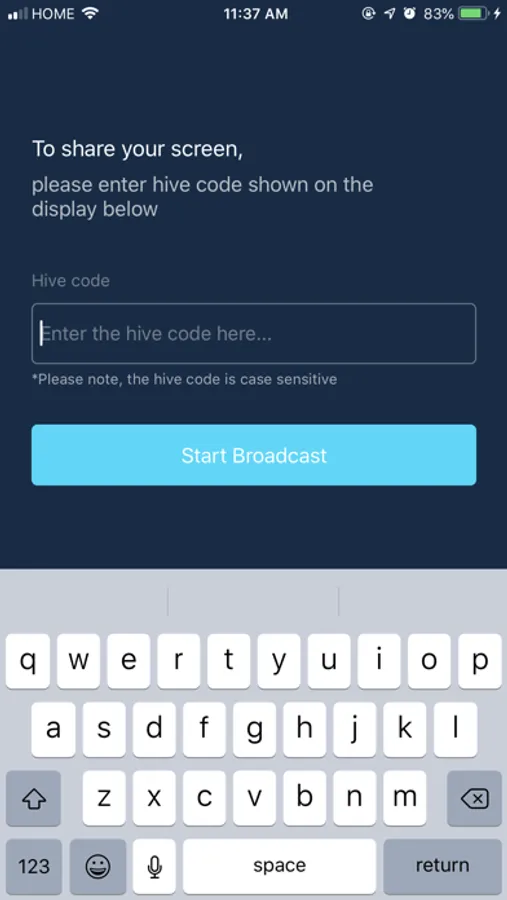
- Enter the code display on the TV/projector
- Click Start Broadcast
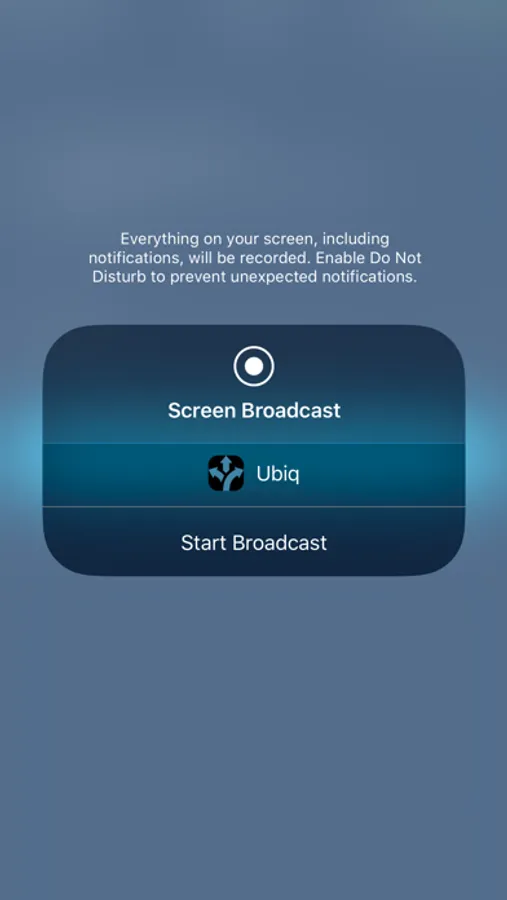
- Select the app and start "Start Broadcast"
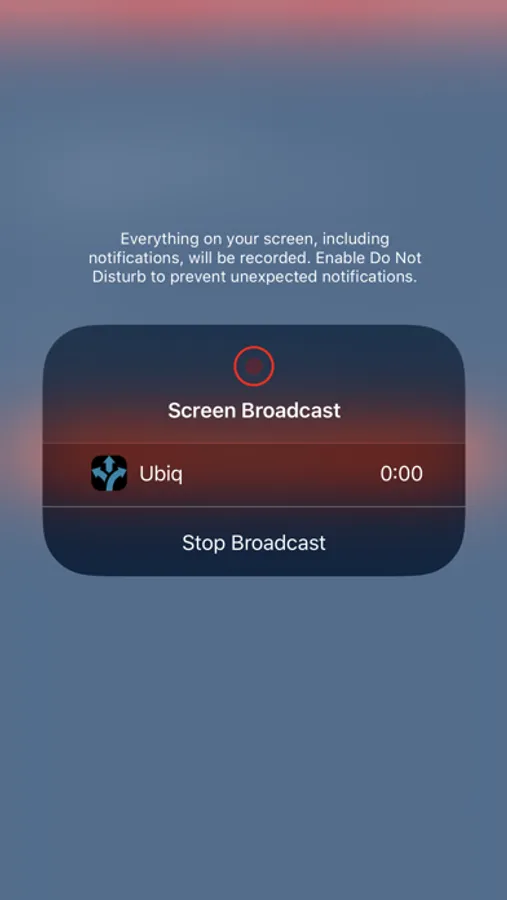
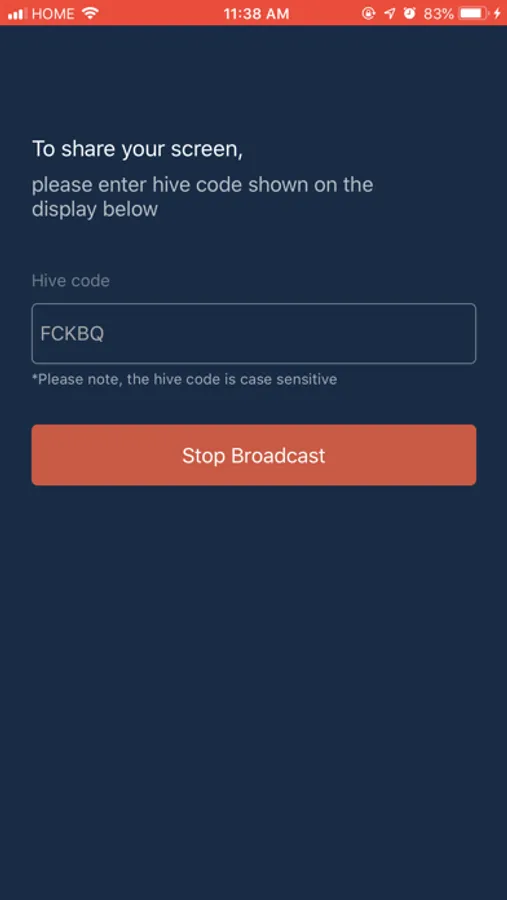
You should now be wirelessly presenting to the display.
- Click "Stop Broadcast" to disconnect
Requirements:
- Have a Ubiq hardware device connected to the conference room display
- Download this application from the Appstore
Steps:
- Enter the code display on the TV/projector
- Click Start Broadcast
- Select the app and start "Start Broadcast"
You should now be wirelessly presenting to the display.
- Click "Stop Broadcast" to disconnect