AppRecs review analysis
AppRecs rating 4.4. Trustworthiness 75 out of 100. Review manipulation risk 23 out of 100. Based on a review sample analyzed.
★★★★☆
4.4
AppRecs Rating
Ratings breakdown
5 star
82%
4 star
4%
3 star
7%
2 star
4%
1 star
4%
What to know
✓
Low review manipulation risk
23% review manipulation risk
✓
Credible reviews
75% trustworthiness score from analyzed reviews
✓
High user satisfaction
82% of sampled ratings are 5 stars
About Swit
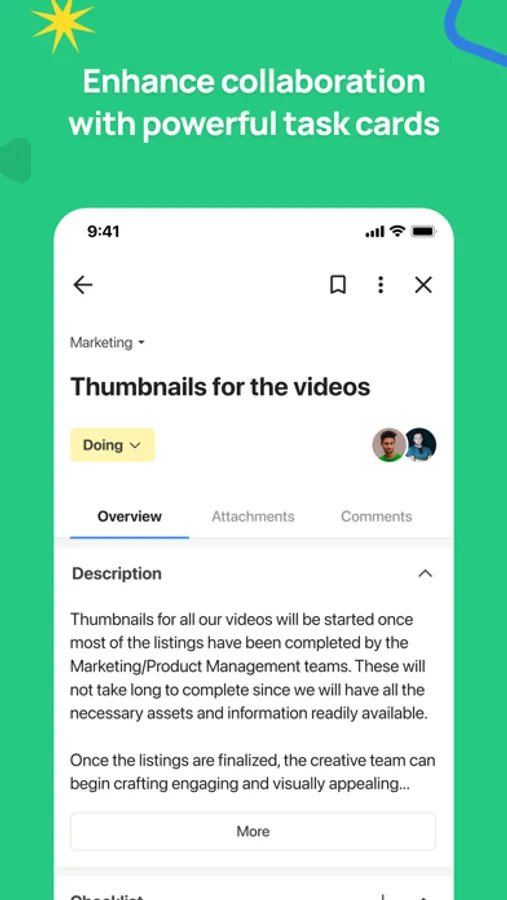
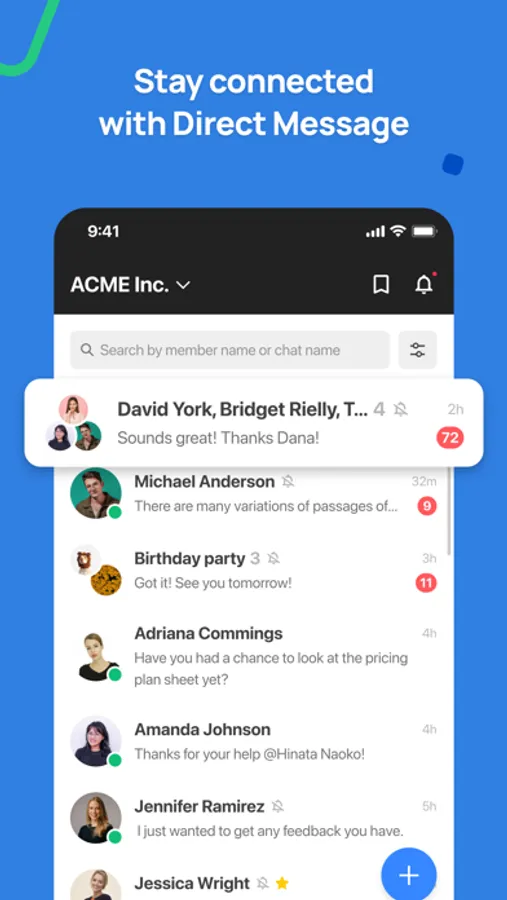
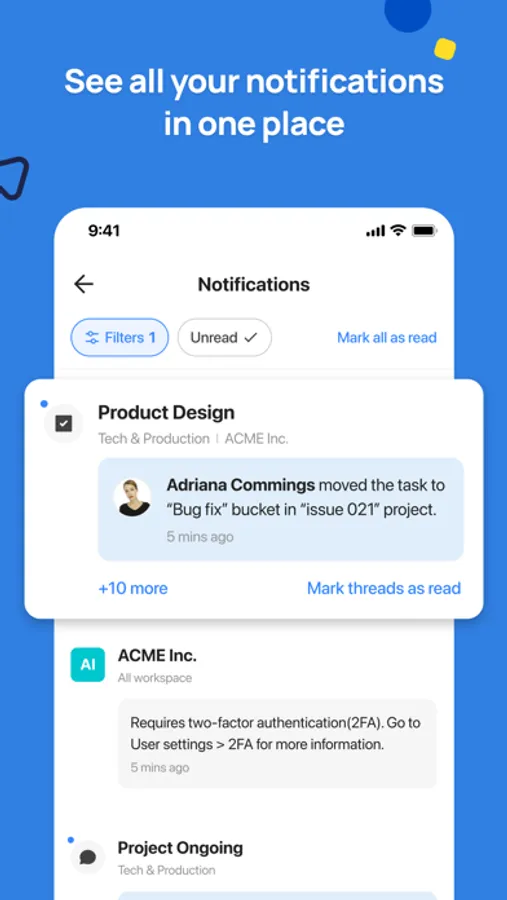
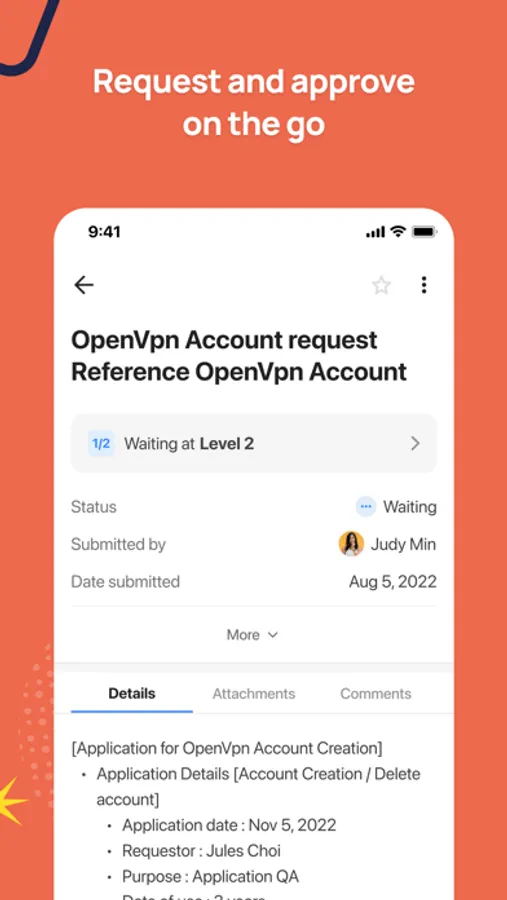
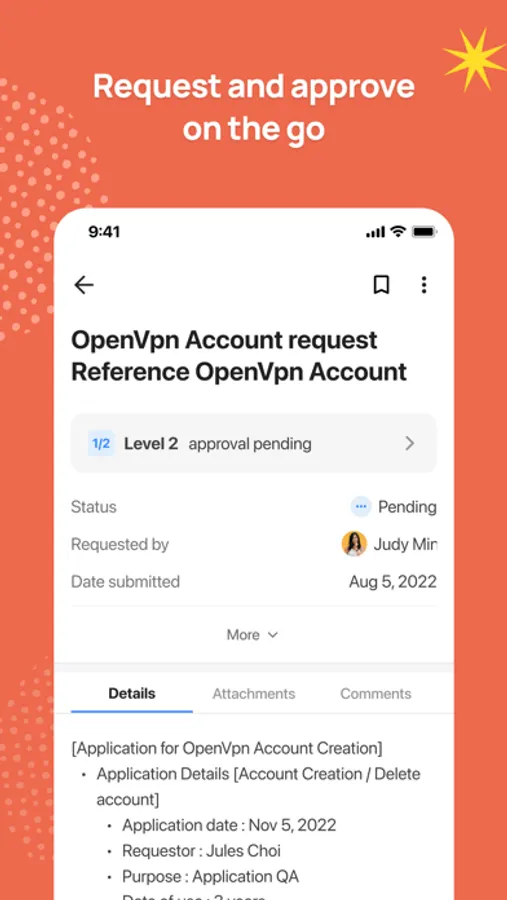
Swit is an AI-powered enterprise workspace that connects your entire organization, streamlines team communication, and adapts to any workflow. Conversation is an essential component of teamwork, which is why Swit was built to bring together tasks and chat in a holistic Work OS for all your collaboration essentials.
Achieve more with a bi-directional workflow, made possible through integrations. Just as you can use outside integrations from within Swit, you can also access Swit features from within your favorite tools, including MS 365, Google Workspace, and more. Plug-ins customize Swit to open up a world of possibilities for your business. Optimize the platform's functionality as a front-end hub for enterprise-level operations.
Swit requests permissions to access:
■ Contacts: Save member information to your device
■ Camera: Take photos/videos to share in the app
■ Photos: Upload/download images and videos to/from the app
■ Microphone: Make calls directly from the app
■ Face ID: Unlock the app
■ Notifications: Receive personalized app notifications
■ Background app refresh: Keep content in the app up-to-date
The app requests permission for the above feature when needed during use. Even if you don't grant access, you can still use the app normally. For seamless permission settings, we recommend updating to iOS 16.7.7 or higher. You can manage and modify access permissions in Settings > Swit.
If you have any inquiries, please contact help@swit.io.
Achieve more with a bi-directional workflow, made possible through integrations. Just as you can use outside integrations from within Swit, you can also access Swit features from within your favorite tools, including MS 365, Google Workspace, and more. Plug-ins customize Swit to open up a world of possibilities for your business. Optimize the platform's functionality as a front-end hub for enterprise-level operations.
Swit requests permissions to access:
■ Contacts: Save member information to your device
■ Camera: Take photos/videos to share in the app
■ Photos: Upload/download images and videos to/from the app
■ Microphone: Make calls directly from the app
■ Face ID: Unlock the app
■ Notifications: Receive personalized app notifications
■ Background app refresh: Keep content in the app up-to-date
The app requests permission for the above feature when needed during use. Even if you don't grant access, you can still use the app normally. For seamless permission settings, we recommend updating to iOS 16.7.7 or higher. You can manage and modify access permissions in Settings > Swit.
If you have any inquiries, please contact help@swit.io.