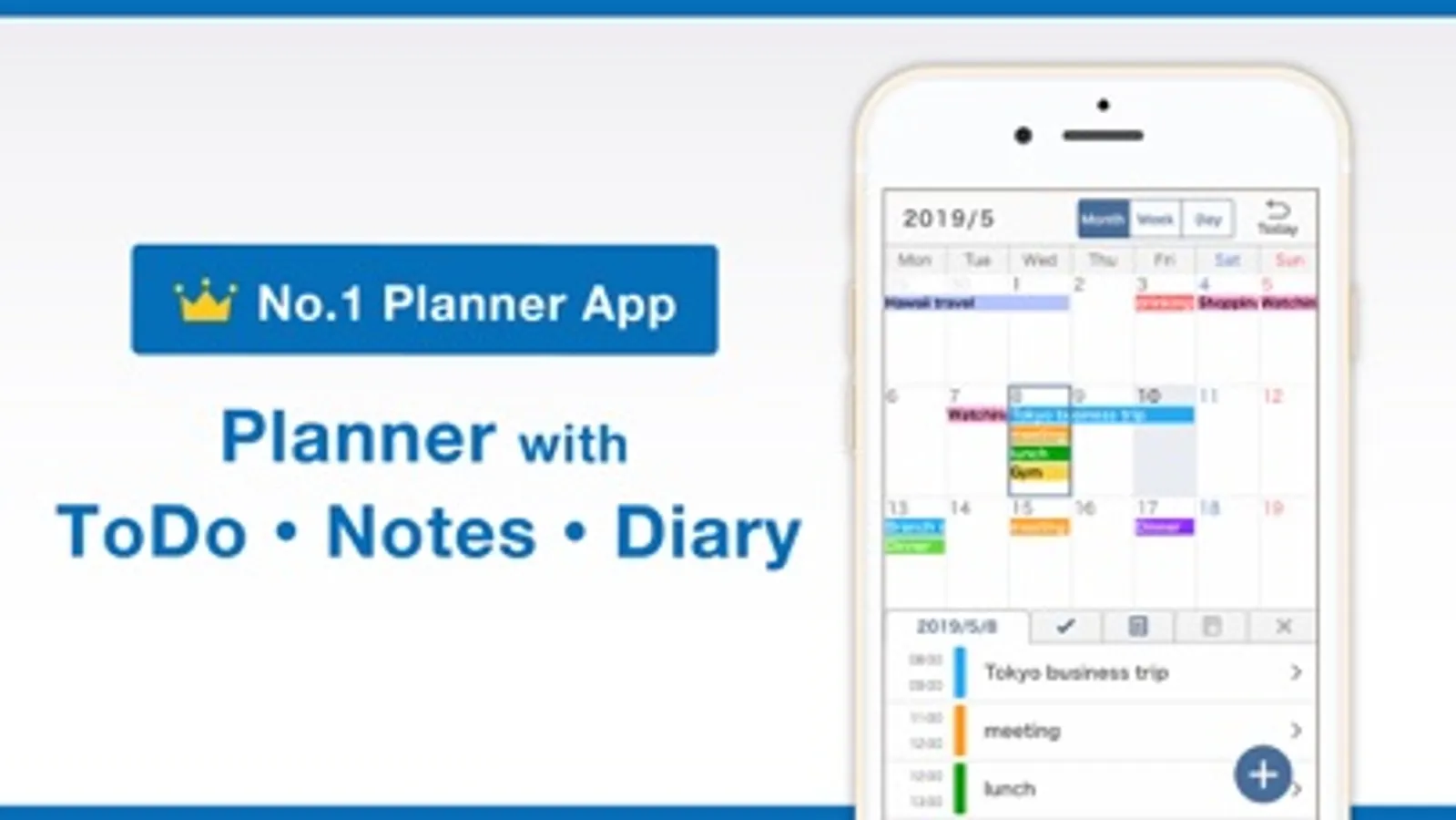
With this all-in-one planning app, you can manage calendars, tasks, notes, and diary entries. It offers features like event syncing, reminders, note organization, and customization options. Includes calendar views, task alerts, note exporting, and diary attachments.
AppRecs review analysis
AppRecs rating 4.3. Trustworthiness 68 out of 100. Review manipulation risk 24 out of 100. Based on a review sample analyzed.
★★★★☆
4.3
AppRecs Rating
Ratings breakdown
5 star
84%
4 star
11%
3 star
3%
2 star
0%
1 star
2%
What to know
✓
Low review manipulation risk
24% review manipulation risk
✓
High user satisfaction
84% of sampled ratings are 5 stars
✓
Authentic reviews
No red flags detected
About Smart Planner: Calendar, Tasks
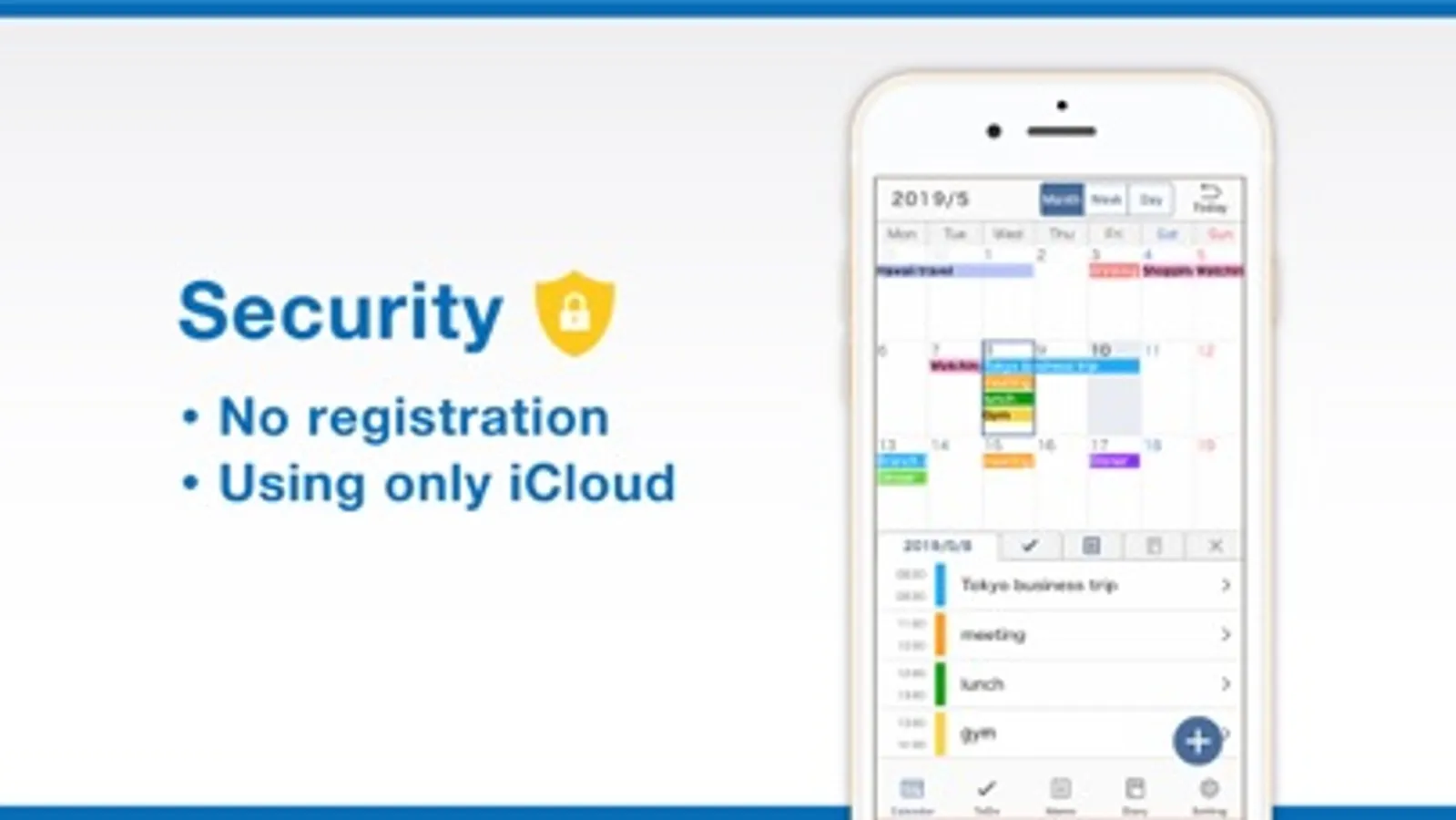
All-in-One Planner App! Smart Planner combines a calendar, to-do list, notepad, and diary in a single easy-to-use app. No registration needed — just open the app and start planning.
Main Features:
● Calendar
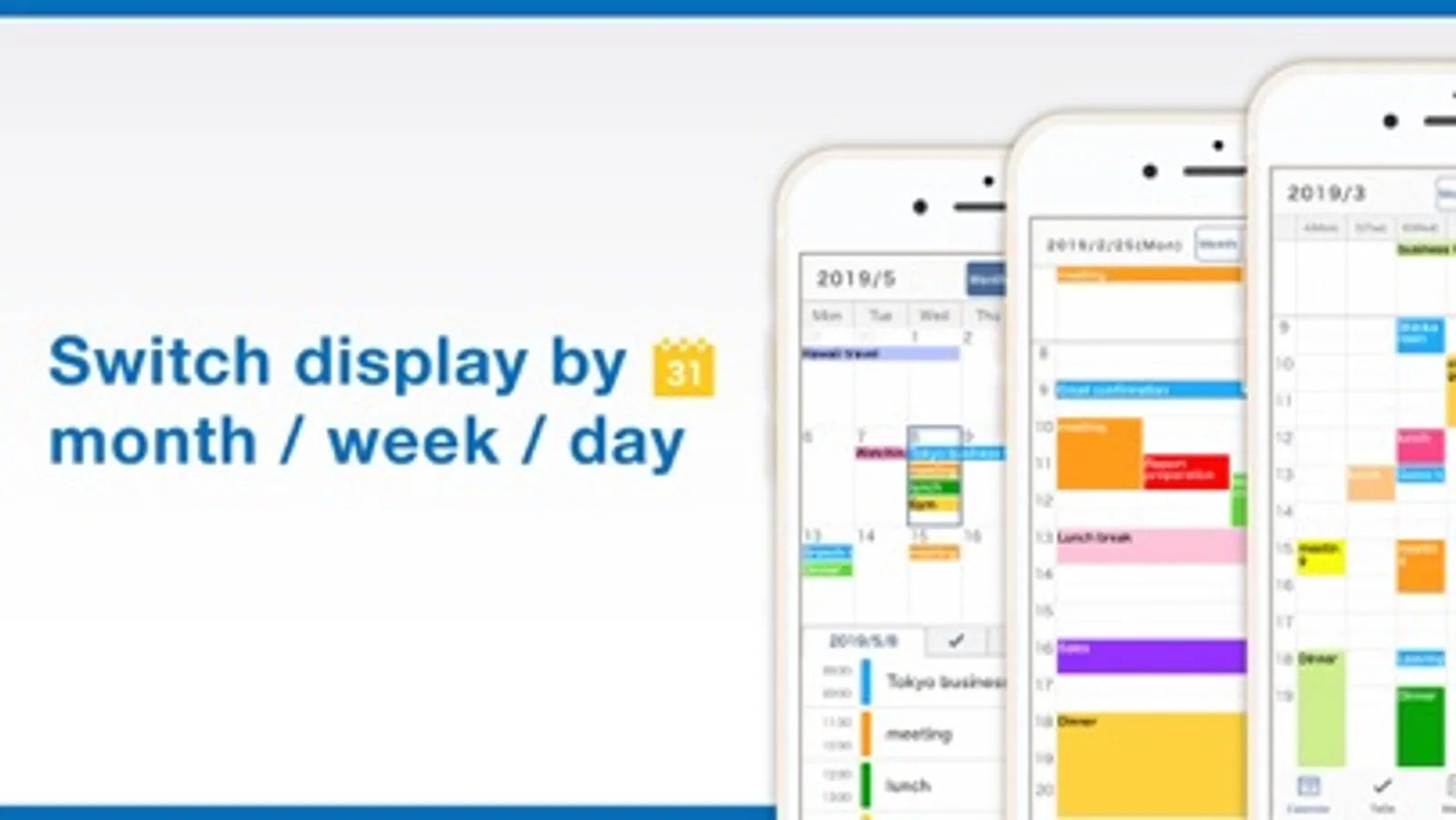
- View by month, week, or day
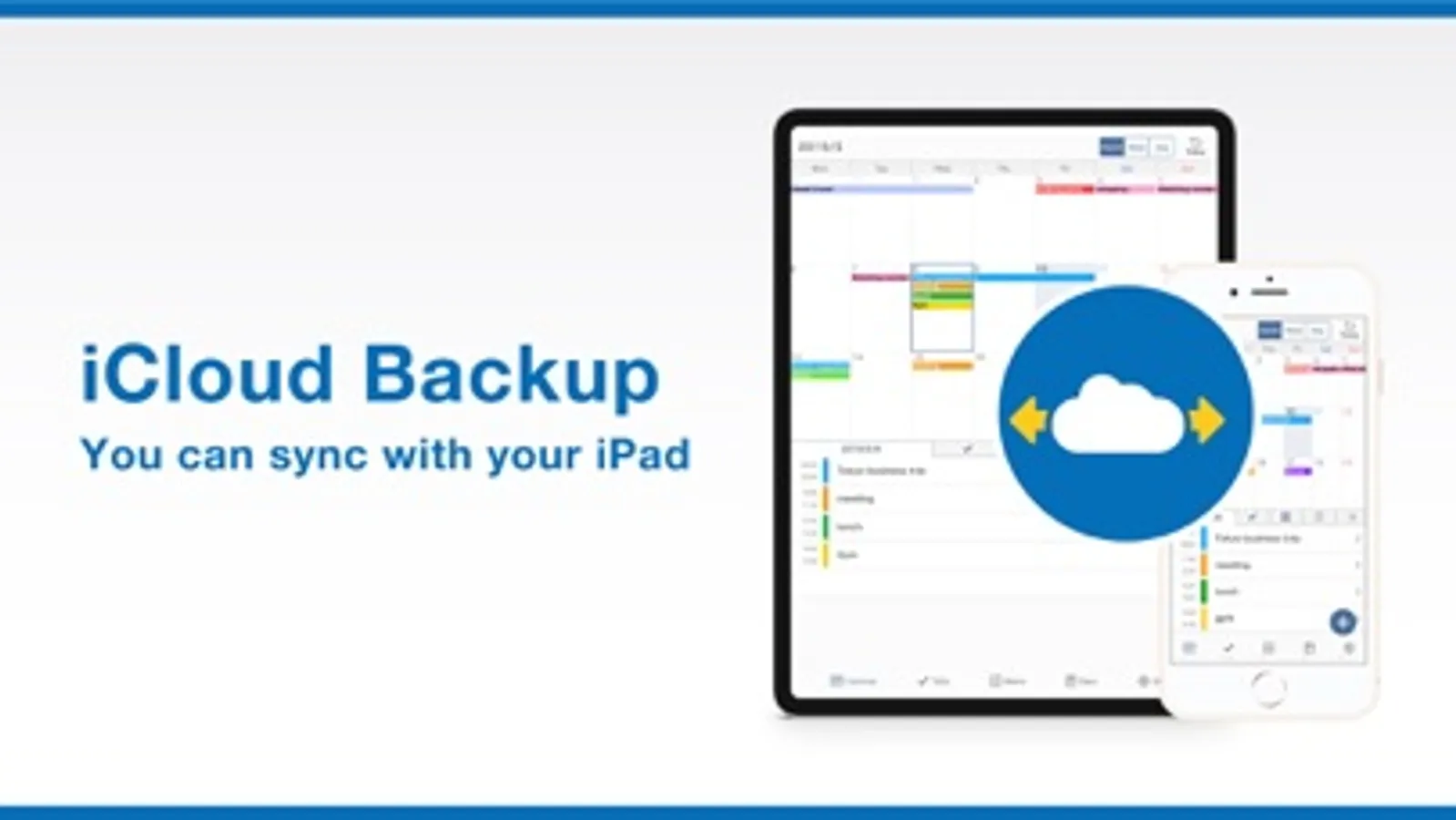
- Sync with iCloud and Google Calendar
- Add memos, links, and maps to events
- Supports recurring events and templates
- Includes widgets for quick access
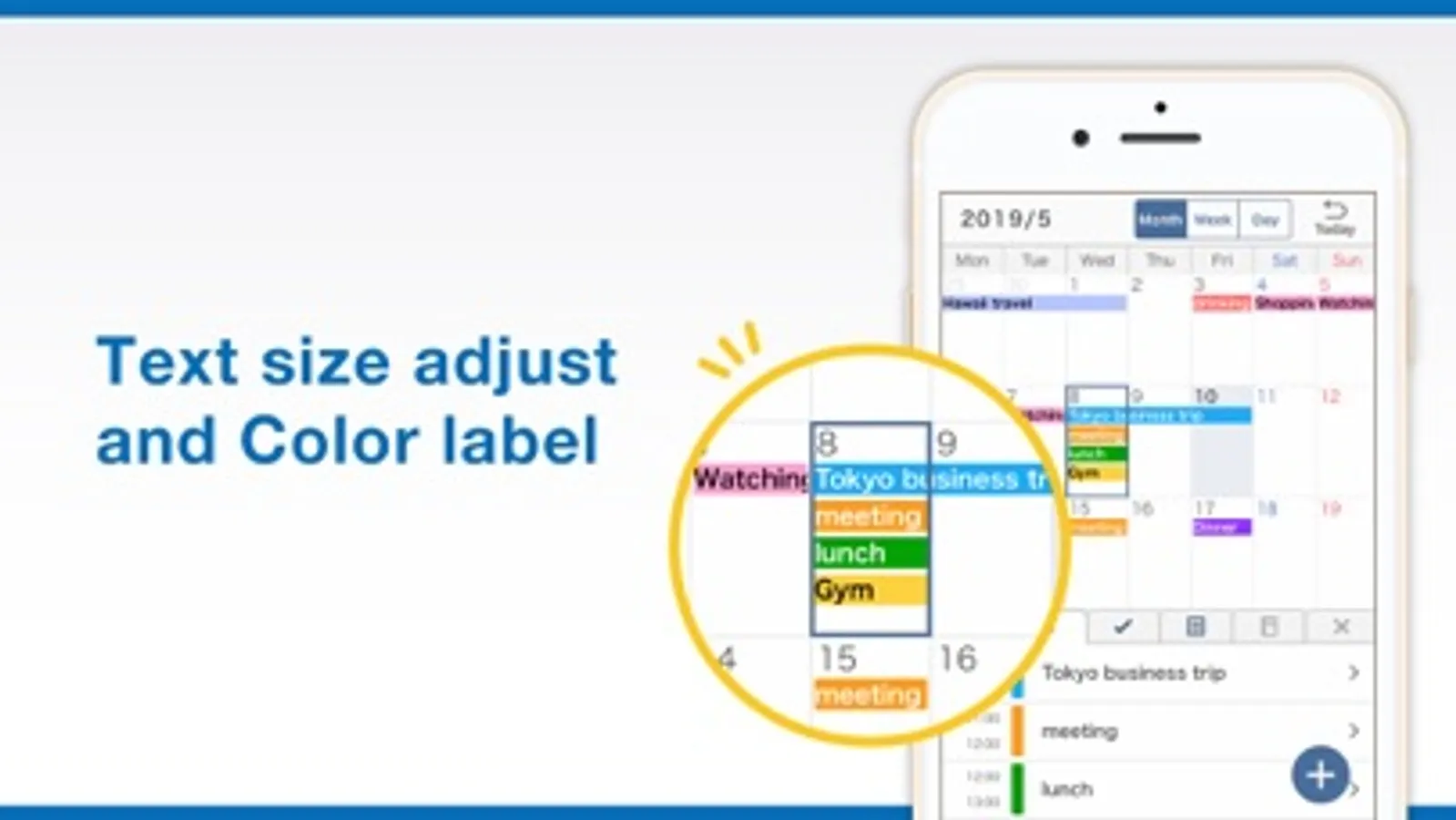
- Adjust text size and font style
● To-Do
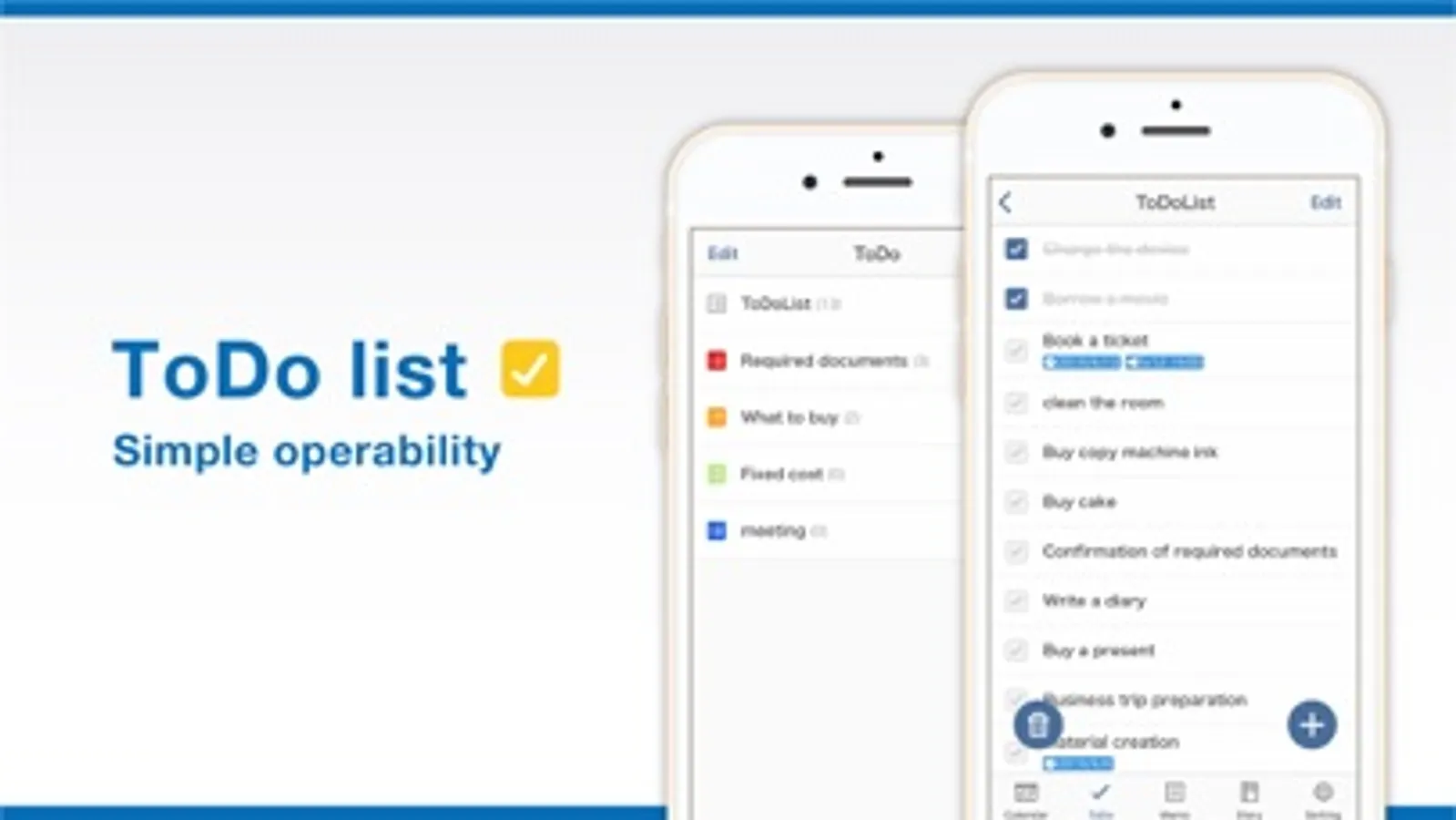
- Set deadlines and reminders
- Organise tasks with colour-coded lists
- Check tasks directly on the calendar
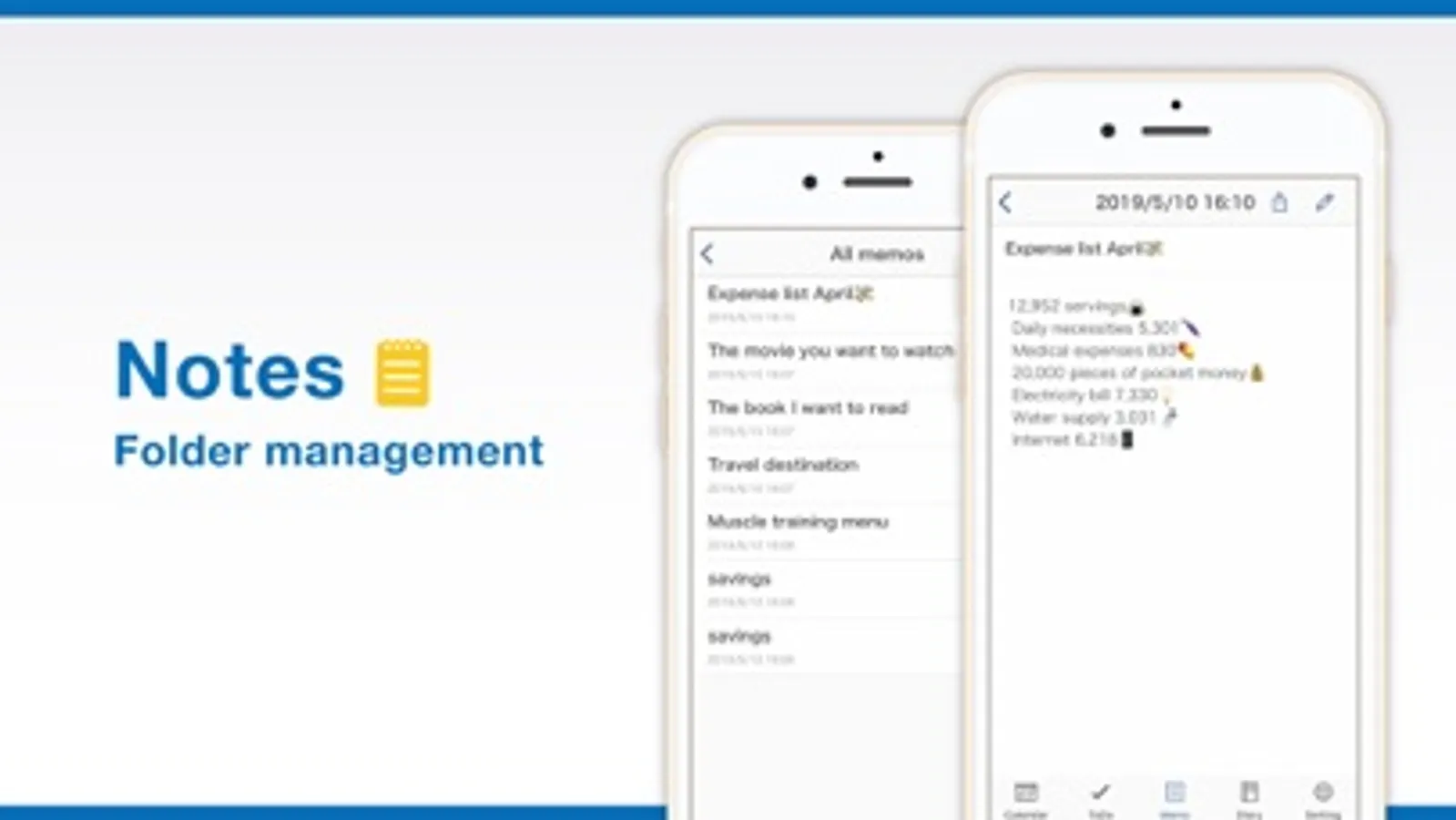
● Notes
- Organise notes into folders
- Customise font size, spacing, and density
- Export notes to your computer
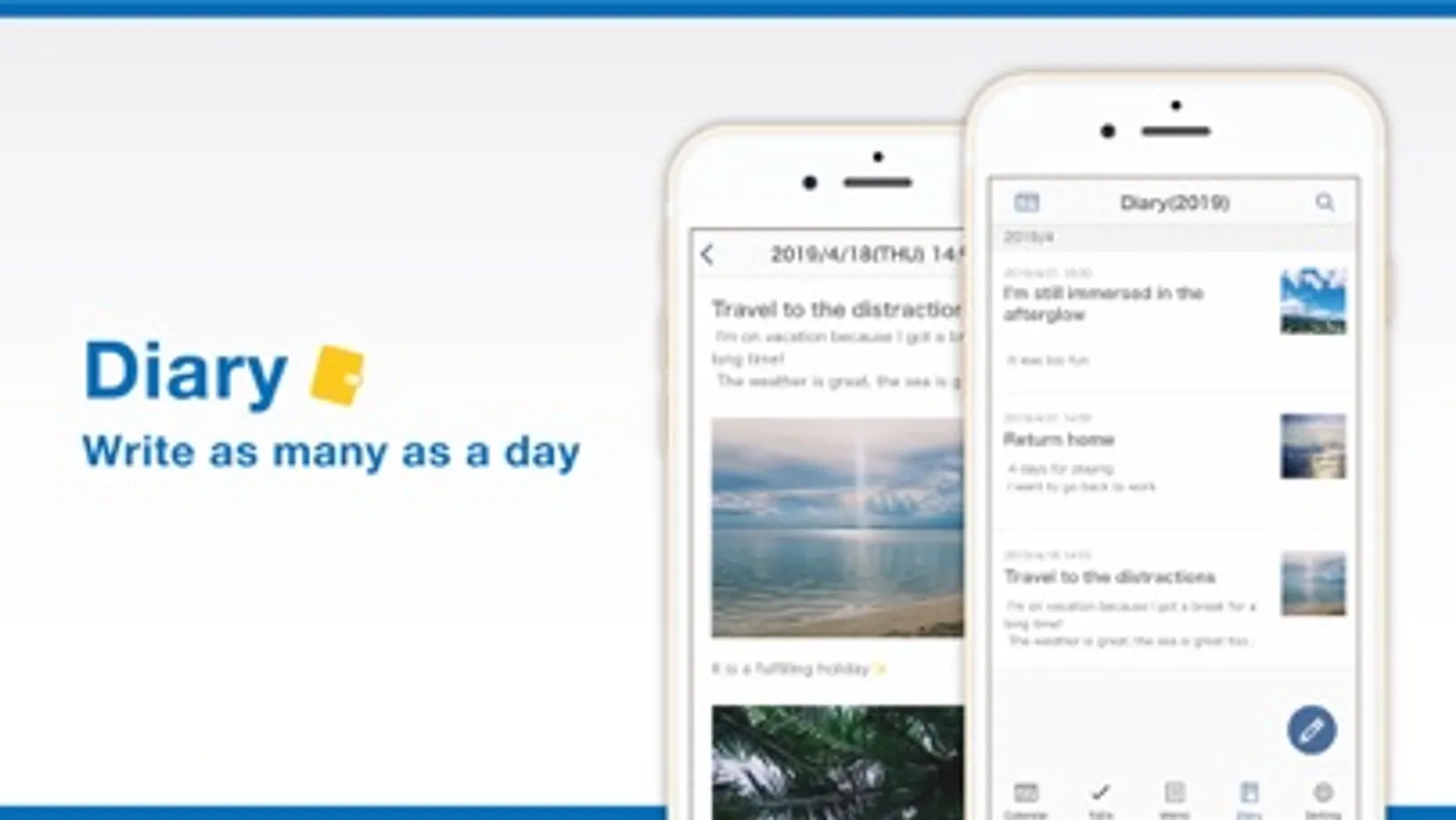
● Diary
- Write multiple entries per day
- Attach multiple photos to each entry
- Export diary entries to your computer
● Customisation & Security
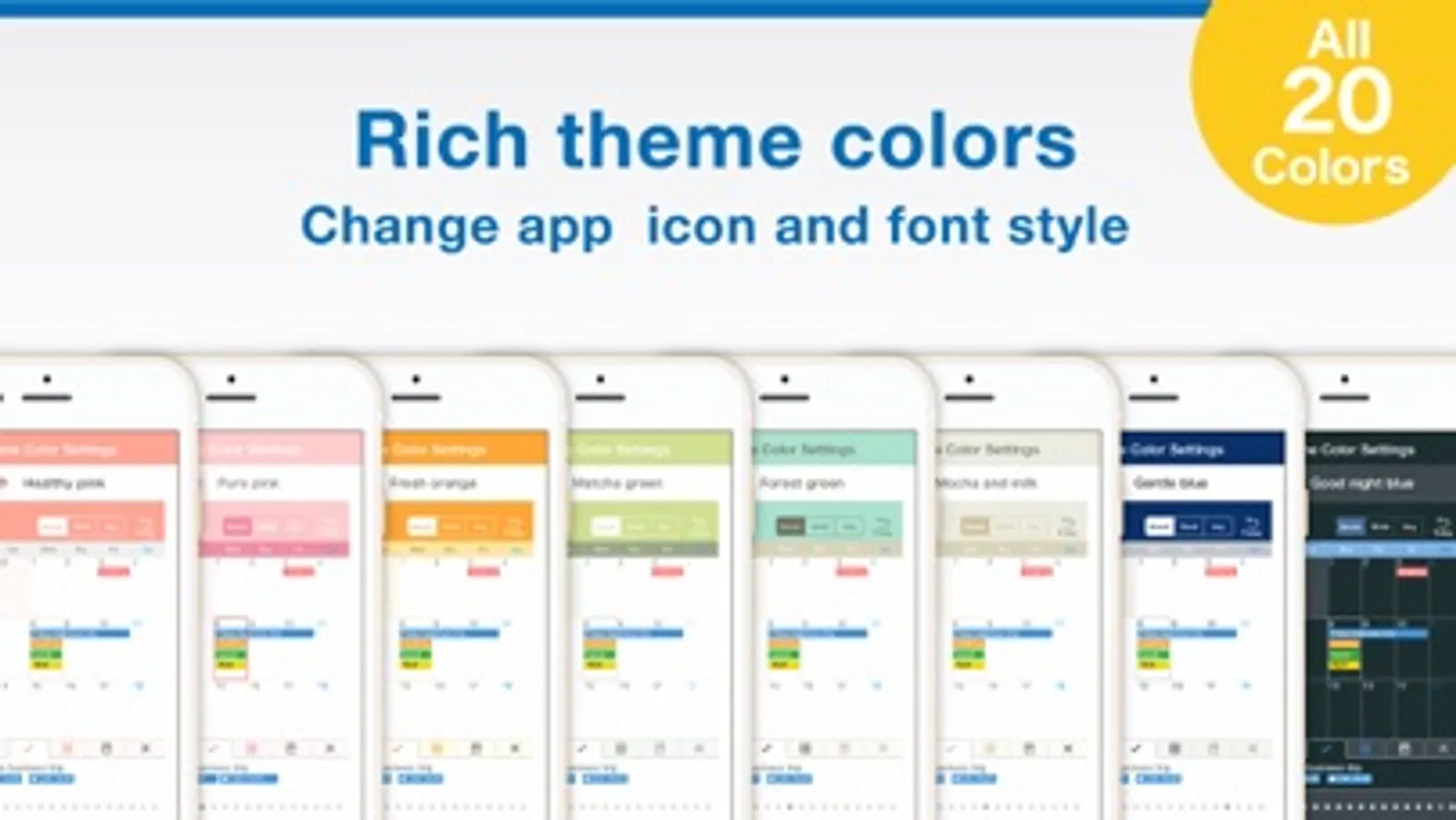
- Choose from 50+ theme colours and app icons
- Select from 18 different fonts
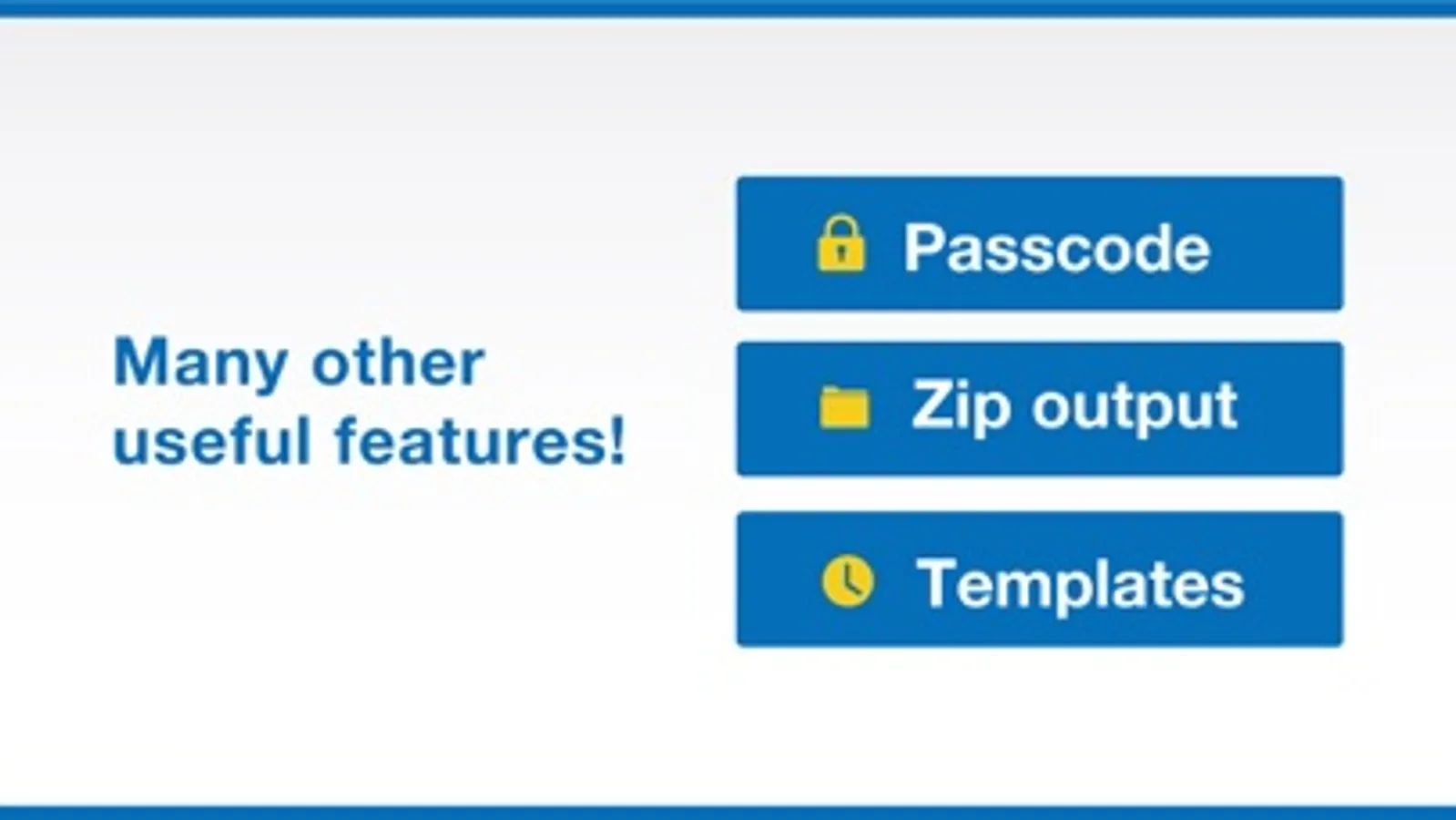
- Supports passcode, Face ID, and Touch ID
- iCloud sync and backup
- Set default startup tab
- Hide unused features
◆ About Premium Plan
The Premium Plan is available as a monthly or yearly subscription.
First-time users can enjoy a one-month free trial.
Subscriptions renew automatically unless cancelled at least 24 hours before the end of the period.
Manage your subscription via iPhone or iPad settings anytime.
Note: Cancelling mid-period does not refund the current month or year.
Terms of Use:
https://komorebi-studio.com/planner/tos.html
Privacy Policy:
https://komorebi-studio.com/planner/policy.html
Main Features:
● Calendar
- View by month, week, or day
- Sync with iCloud and Google Calendar
- Add memos, links, and maps to events
- Supports recurring events and templates
- Includes widgets for quick access
- Adjust text size and font style
● To-Do
- Set deadlines and reminders
- Organise tasks with colour-coded lists
- Check tasks directly on the calendar
● Notes
- Organise notes into folders
- Customise font size, spacing, and density
- Export notes to your computer
● Diary
- Write multiple entries per day
- Attach multiple photos to each entry
- Export diary entries to your computer
● Customisation & Security
- Choose from 50+ theme colours and app icons
- Select from 18 different fonts
- Supports passcode, Face ID, and Touch ID
- iCloud sync and backup
- Set default startup tab
- Hide unused features
◆ About Premium Plan
The Premium Plan is available as a monthly or yearly subscription.
First-time users can enjoy a one-month free trial.
Subscriptions renew automatically unless cancelled at least 24 hours before the end of the period.
Manage your subscription via iPhone or iPad settings anytime.
Note: Cancelling mid-period does not refund the current month or year.
Terms of Use:
https://komorebi-studio.com/planner/tos.html
Privacy Policy:
https://komorebi-studio.com/planner/policy.html