About SKC SmartWave
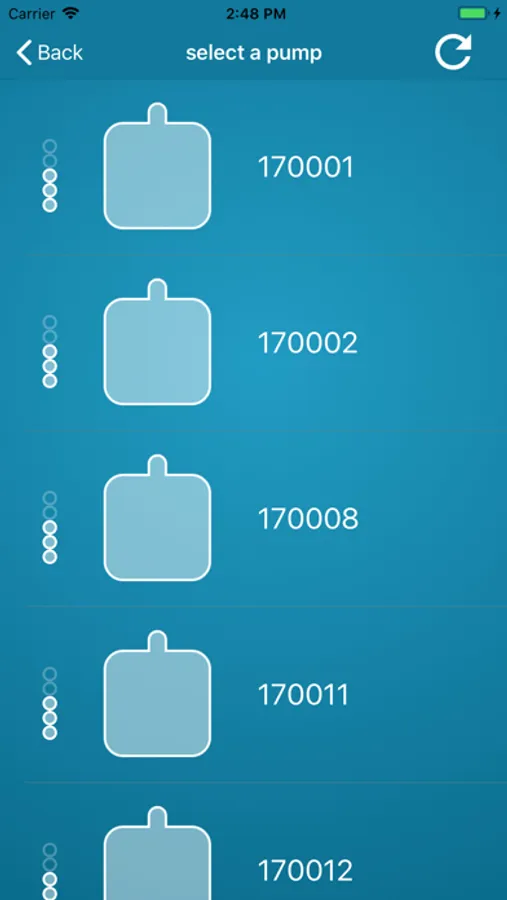
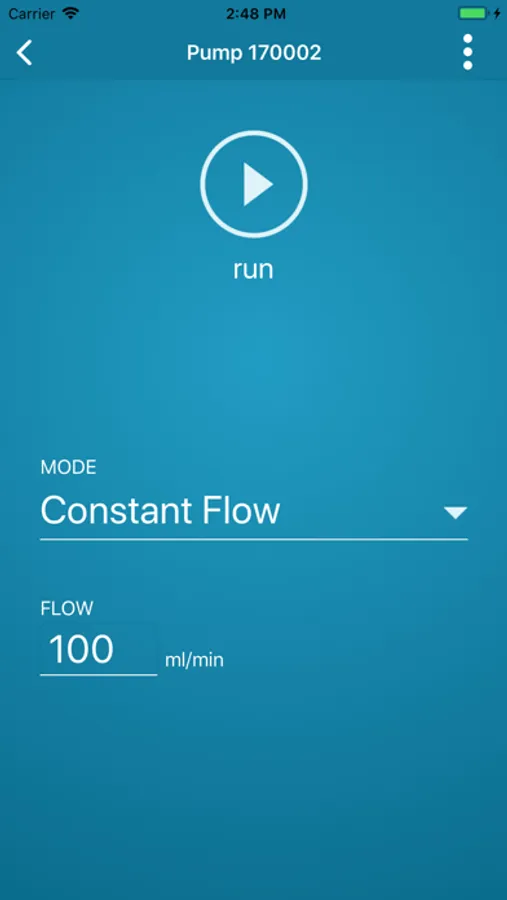
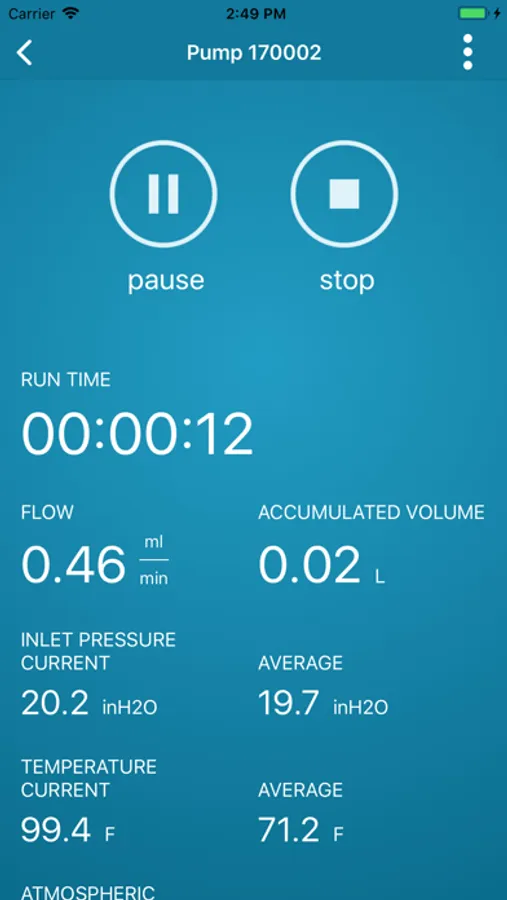
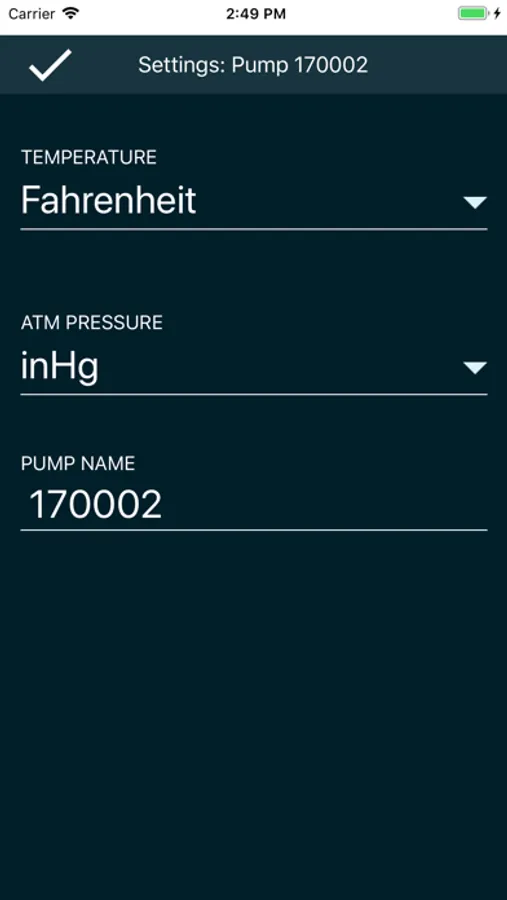
Check SKC Pump status or change sampling parameters with the SKC SmartWave App! Through Bluetooth®, detect one or more SKC Pumps listed in order of signal strength, monitor each detected pump’s run time, flow rate/pressure, fault indication, inlet pressure, and atmospheric temperature and pressure simply by touching the desired pump icon. SKC SmartWave allows you to select constant flow or constant pressure mode, set flow rate or pressure, and start/stop/pause/resume a pump run. Select temperature and atmospheric pressure display units and even name detected pumps. Use the SKC SmartWave App with the SKC Pump Secure Lock feature enabled to prevent unauthorized access to each detected pump.