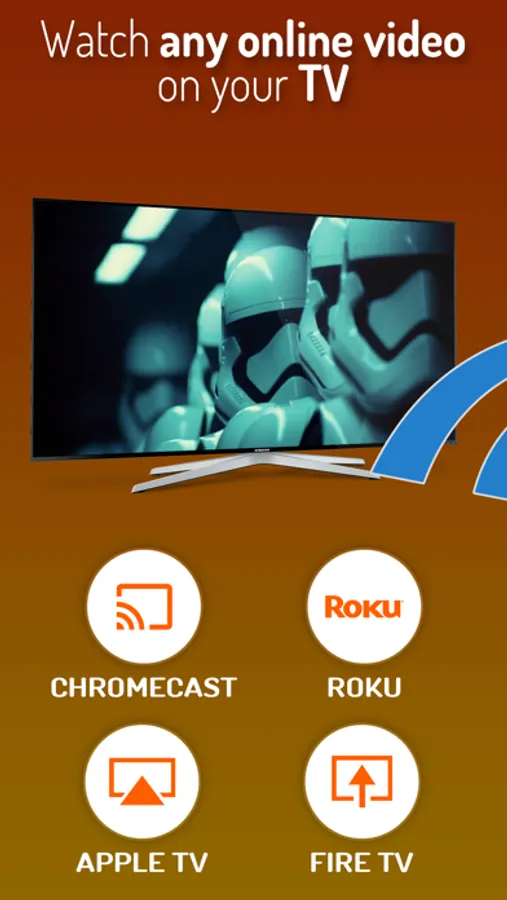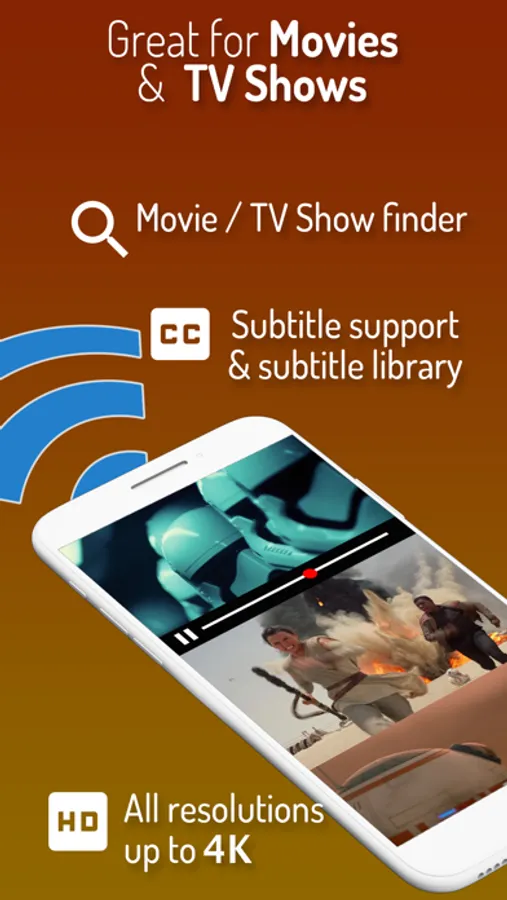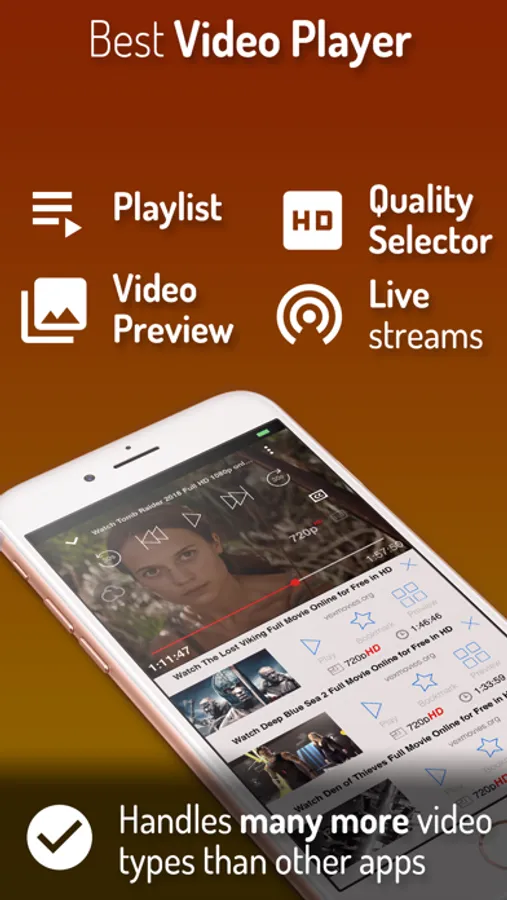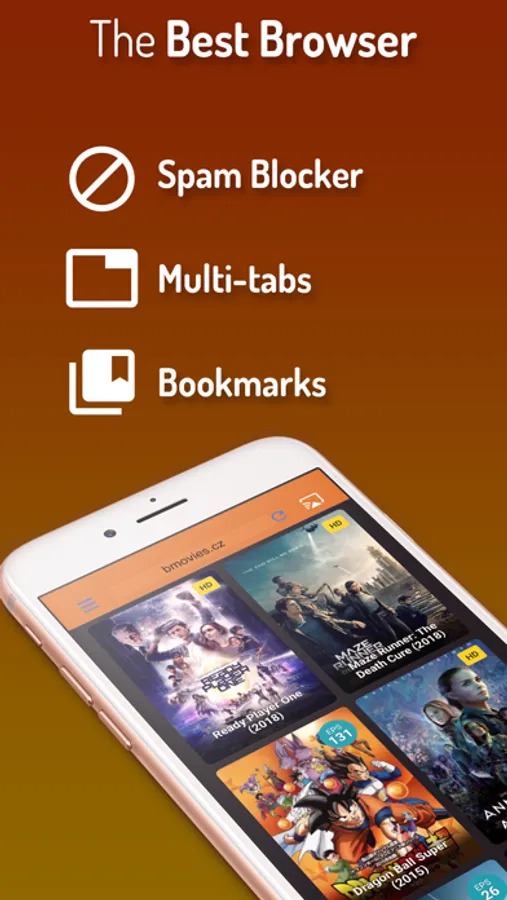
In this video casting app, you can stream online videos to your TV with high quality. Includes support for multiple browsers, subtitle detection, and live streaming features.
AppRecs review analysis
AppRecs rating 4.4. Trustworthiness 74 out of 100. Review manipulation risk 25 out of 100. Based on a review sample analyzed.
★★★★☆
4.4
AppRecs Rating
Ratings breakdown
5 star
87%
4 star
6%
3 star
2%
2 star
1%
1 star
4%
What to know
✓
Low review manipulation risk
25% review manipulation risk
✓
Credible reviews
74% trustworthiness score from analyzed reviews
⚠
Low-content positive reviews
Many 5-star reviews use very limited vocabulary
About iWebTV PRO
Best Casting App! Cast any online video to your TV.
iWebTV® works with any TV equipped with Chromecast® + Roku® + Fire TV® + Apple TV® (4th Gen) + Samsung TVs (2018 and later models).
*** Feature Highlights ***
• HD resolution supported (1080p and up to 4K depending on the device)
• Unlike mirroring apps, iWebTV sends the actual video stream to your TV (Much better image quality & overall experience).
• Advanced browser, supports multiple browser tabs, blocks or hides spammy popups, search from the URL bar, ad blocker, browsing history etc...
• Subtitle auto-detect + Movie/TV Subtitle library
• Live streams support
• Video preview to instantly locate your favorite scenes.
• Binge-ready: queue up several videos, and enjoy.
• Set your own home page, bookmark web page or videos.
• Full playback controls, even after exiting the app (from the lock screen).
• Privacy modes
Some of the features above require in-app purchase
iWebTV actually plays the video on your media player which results in a much higher quality picture than apps that mirror your screen.
**** Notes ****
(1) Some premium features require in-app purchases.
(2) Excluding video formats incompatible with iOS (flash).
(3) While most video websites work well, email us from the app menu if you experience any issues: > “Get Help” > “Frequent Questions” > “Need more help? (Other Issues)”> “Contact Support” (opens email).
Smart TV from most TV manufacturers will work with this app without any preliminary setup. Just start the app, choose a video & hit the cast button! This includes TVs from Samsung, TCL, Vizio, Sony, Hisense, Insigna, Sharp, Philips and others.
**** Legal ****
iWebTV™ is a trademark of Swishly Inc.
"Chromecast" is a trademark of Google LLC.
"Fire TV" is a trademark of Amazon Technologies, Inc.
"Roku" is a trademark of Roku Inc.
"Apple TV" is a trademark of Apple Inc.
Terms:
• Privacy Policy: http://www.swishly.com/webtv/privacy-policy.html
• Terms of Use: http://www.swishly.com/webtv/terms-of-use.html
iWebTV PRO offers a subscription-based upgrade ("Premium Services" $0.99/month or $9.99/year). With this subscription you will get the additional benefits of 2 premium services (Cloud Proxy Streaming + Unlimited subtitle downloads)
iWebTV® works with any TV equipped with Chromecast® + Roku® + Fire TV® + Apple TV® (4th Gen) + Samsung TVs (2018 and later models).
*** Feature Highlights ***
• HD resolution supported (1080p and up to 4K depending on the device)
• Unlike mirroring apps, iWebTV sends the actual video stream to your TV (Much better image quality & overall experience).
• Advanced browser, supports multiple browser tabs, blocks or hides spammy popups, search from the URL bar, ad blocker, browsing history etc...
• Subtitle auto-detect + Movie/TV Subtitle library
• Live streams support
• Video preview to instantly locate your favorite scenes.
• Binge-ready: queue up several videos, and enjoy.
• Set your own home page, bookmark web page or videos.
• Full playback controls, even after exiting the app (from the lock screen).
• Privacy modes
Some of the features above require in-app purchase
iWebTV actually plays the video on your media player which results in a much higher quality picture than apps that mirror your screen.
**** Notes ****
(1) Some premium features require in-app purchases.
(2) Excluding video formats incompatible with iOS (flash).
(3) While most video websites work well, email us from the app menu if you experience any issues: > “Get Help” > “Frequent Questions” > “Need more help? (Other Issues)”> “Contact Support” (opens email).
Smart TV from most TV manufacturers will work with this app without any preliminary setup. Just start the app, choose a video & hit the cast button! This includes TVs from Samsung, TCL, Vizio, Sony, Hisense, Insigna, Sharp, Philips and others.
**** Legal ****
iWebTV™ is a trademark of Swishly Inc.
"Chromecast" is a trademark of Google LLC.
"Fire TV" is a trademark of Amazon Technologies, Inc.
"Roku" is a trademark of Roku Inc.
"Apple TV" is a trademark of Apple Inc.
Terms:
• Privacy Policy: http://www.swishly.com/webtv/privacy-policy.html
• Terms of Use: http://www.swishly.com/webtv/terms-of-use.html
iWebTV PRO offers a subscription-based upgrade ("Premium Services" $0.99/month or $9.99/year). With this subscription you will get the additional benefits of 2 premium services (Cloud Proxy Streaming + Unlimited subtitle downloads)