AppRecs review analysis
AppRecs rating 2.6. Trustworthiness 71 out of 100. Review manipulation risk 18 out of 100. Based on a review sample analyzed.
★★☆☆☆
2.6
AppRecs Rating
Ratings breakdown
5 star
29%
4 star
0%
3 star
0%
2 star
14%
1 star
57%
What to know
✓
Low review manipulation risk
18% review manipulation risk
✓
Credible reviews
71% trustworthiness score from analyzed reviews
⚠
Mixed user feedback
Average 2.3★ rating suggests room for improvement
About Ituran USA Activateit
Ituran Units are GPS tracking devices finance companies and independent dealers purchase to install into vehicles and other platforms and track them while being financed.
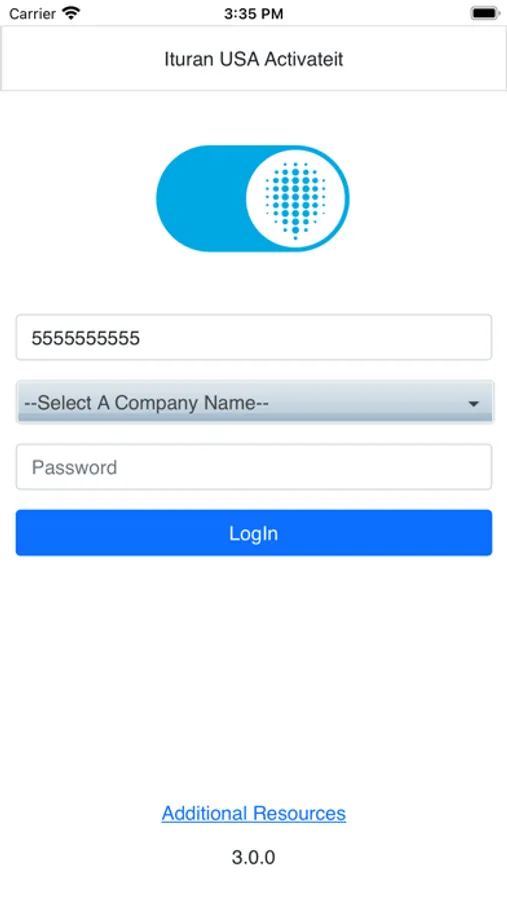
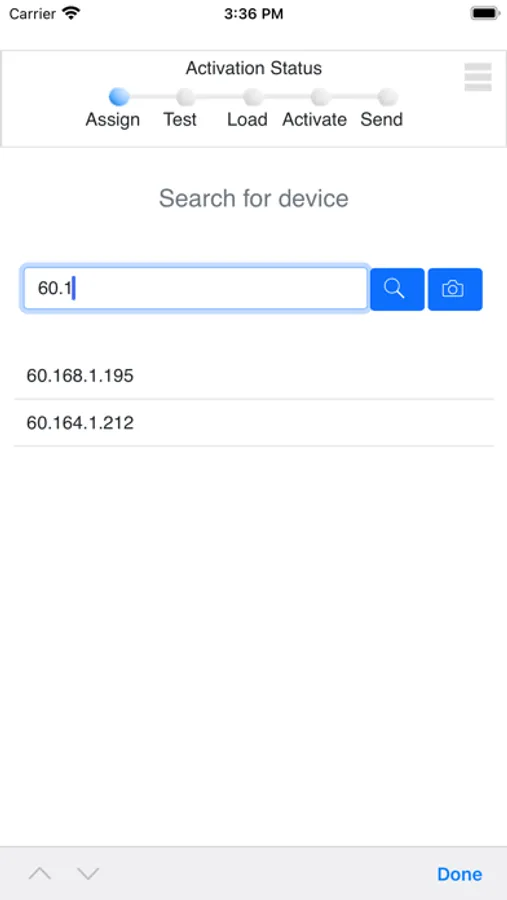
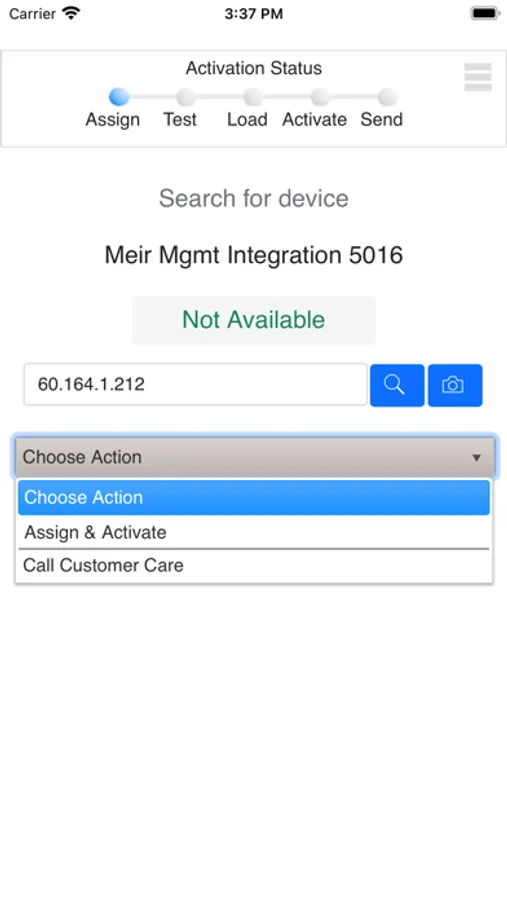
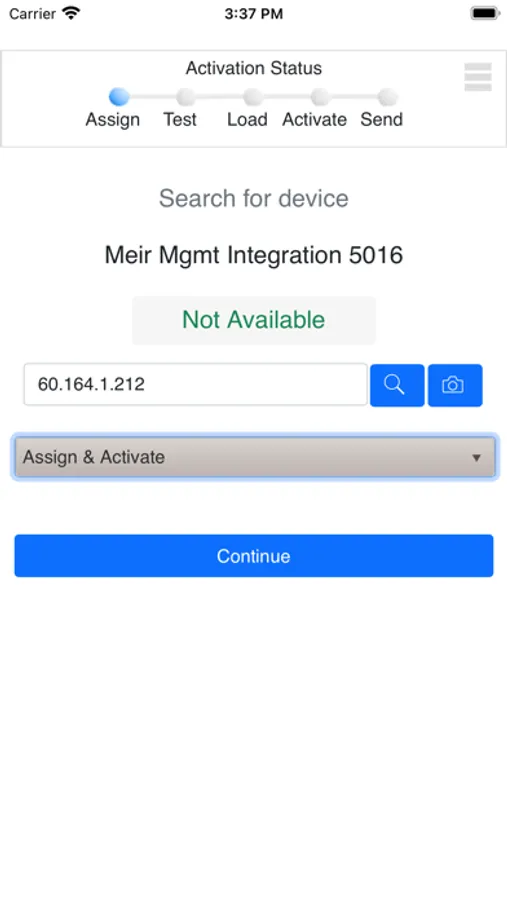
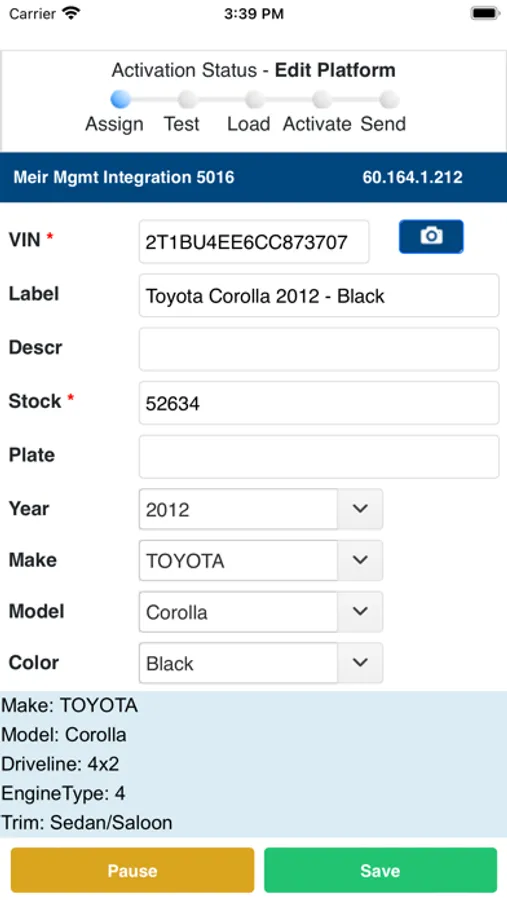
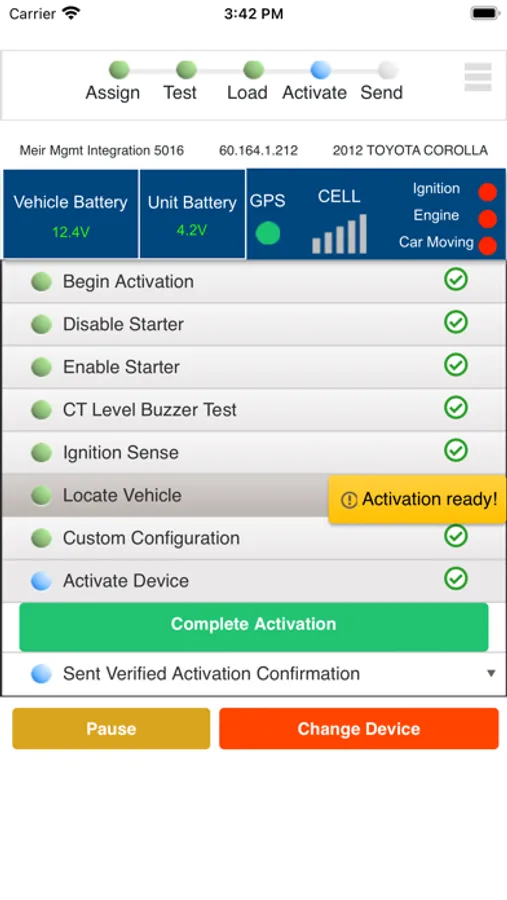
Authorized users can login, select a unit from purchased inventory on the account (either by typing in the IP address or scanning the barcode of the IP), enter vehicle information (either by typing in VIN, year, make and model, or by scanning the VIN barcode on the door of the vehicle to populate those fields) for that unit, then test the features of the product and activate it in the account to see on the web based software.
The camera icon on the unit and vehicle screens allow you to take a picture of the barcode of the unit which will fill in the IP address instead of typing int.
The camera icon on the vehicle platform screen allows you to take a picture of the VIN barcode on the side door panel of the vehicle to fill in year, make and model of the car. Add in the required stock number and other information to be saved to the system.
Begin activation allows the features to be tested.
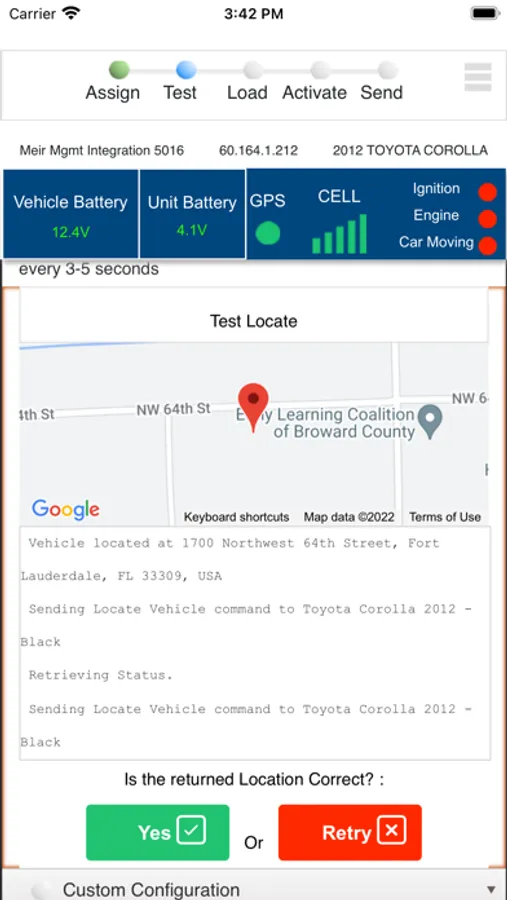
Location is the basic feature of all units to be tested and passed
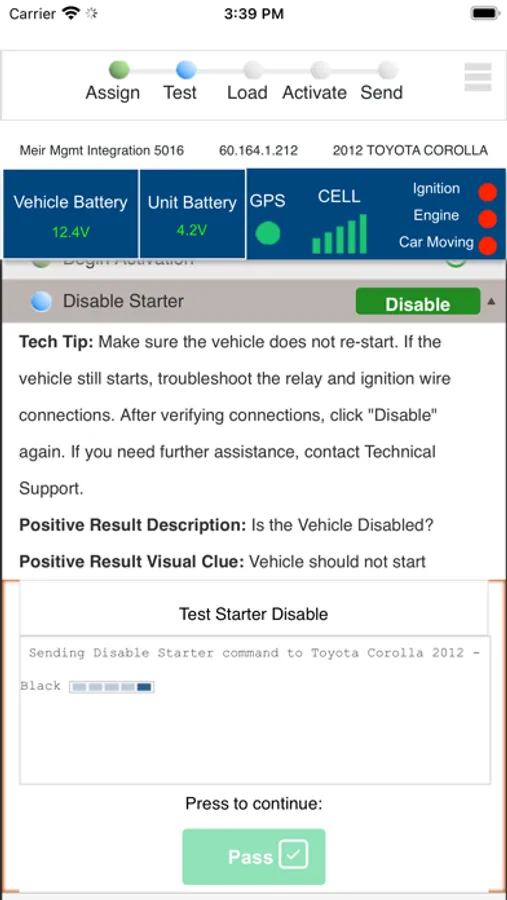
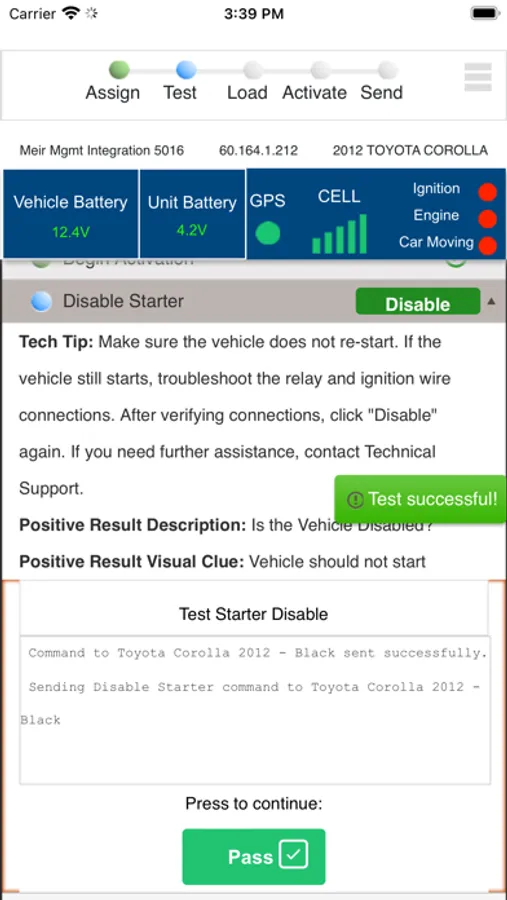
Optional items that can be tested (or skipped) are Starter disable, Collection tool and Tow alerts.
The last feature item to select is the configuration to finalize commands on the unit.
Then activate to post the unit into the account to be seen in the clients online web account to track the vehicle.
Authorized users can login, select a unit from purchased inventory on the account (either by typing in the IP address or scanning the barcode of the IP), enter vehicle information (either by typing in VIN, year, make and model, or by scanning the VIN barcode on the door of the vehicle to populate those fields) for that unit, then test the features of the product and activate it in the account to see on the web based software.
The camera icon on the unit and vehicle screens allow you to take a picture of the barcode of the unit which will fill in the IP address instead of typing int.
The camera icon on the vehicle platform screen allows you to take a picture of the VIN barcode on the side door panel of the vehicle to fill in year, make and model of the car. Add in the required stock number and other information to be saved to the system.
Begin activation allows the features to be tested.
Location is the basic feature of all units to be tested and passed
Optional items that can be tested (or skipped) are Starter disable, Collection tool and Tow alerts.
The last feature item to select is the configuration to finalize commands on the unit.
Then activate to post the unit into the account to be seen in the clients online web account to track the vehicle.