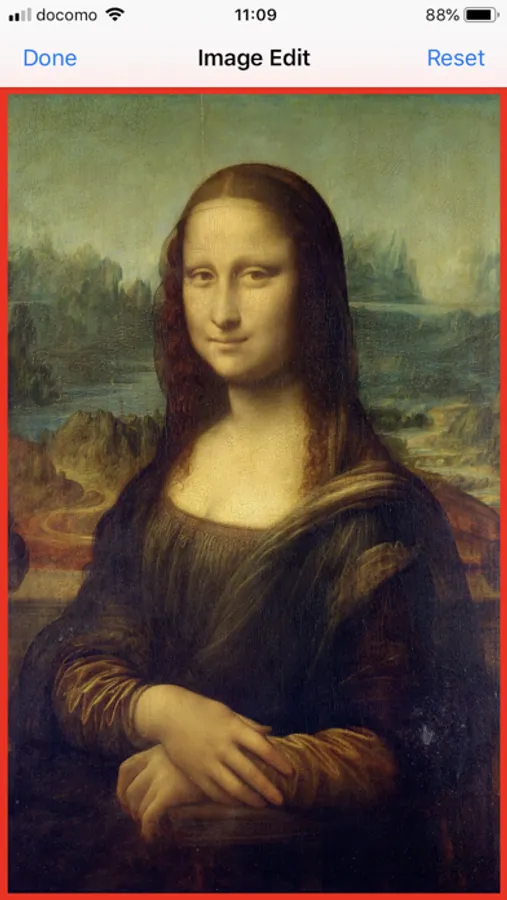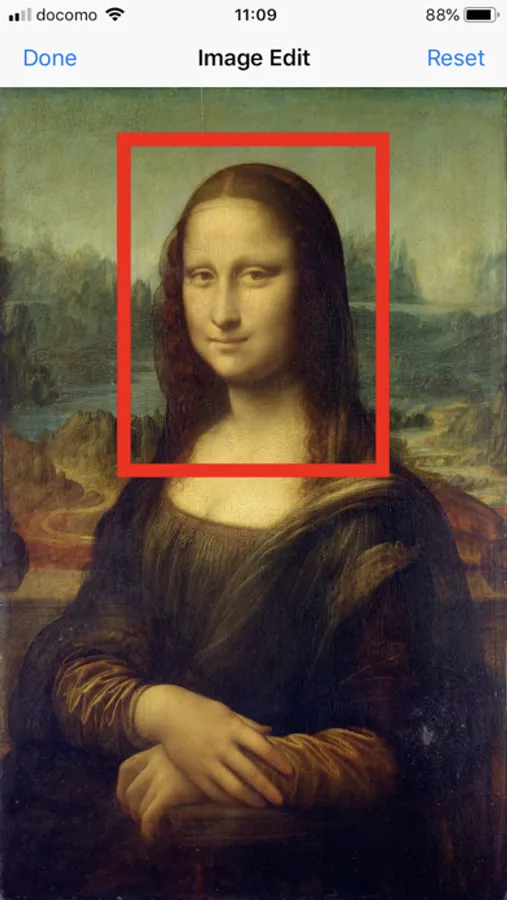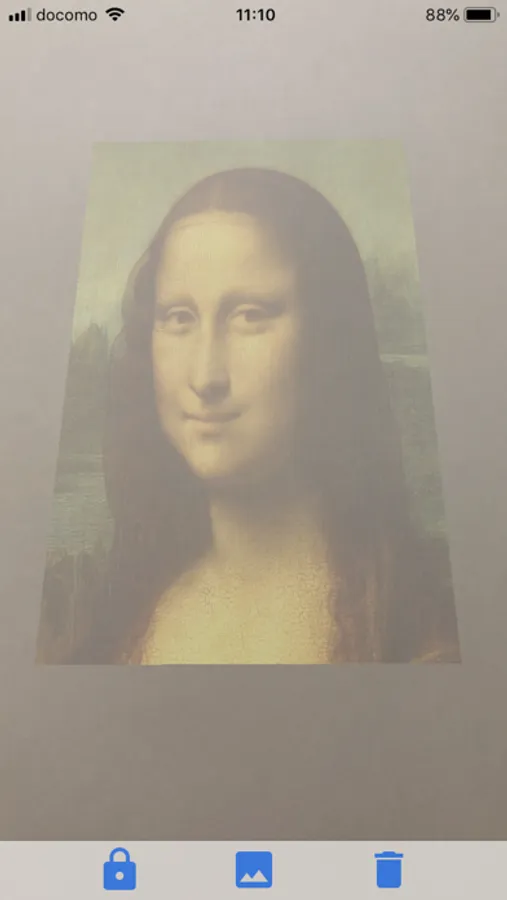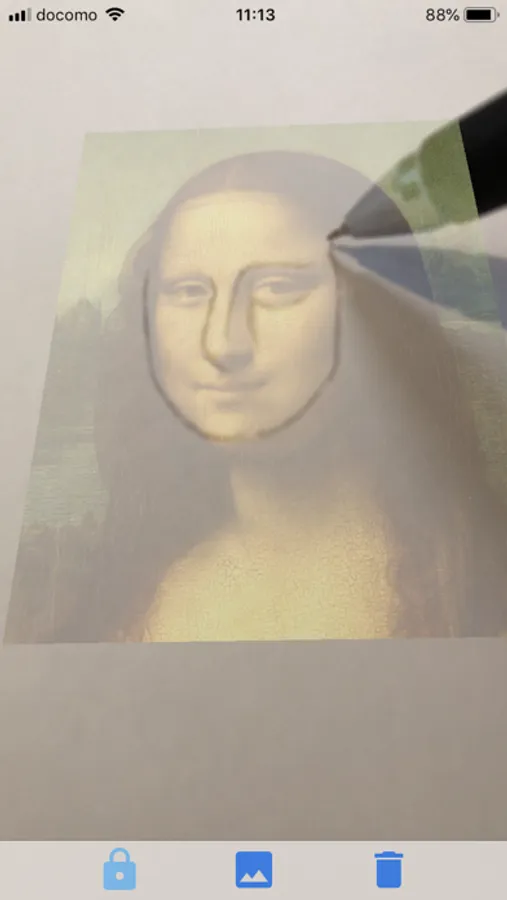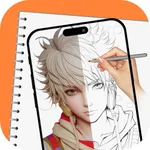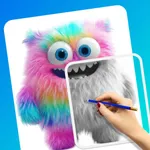
With this AR sketching app, you can trace images onto real surfaces by recognizing planes and adjusting image positioning on the paper. Includes AR plane detection, image cropping, and stabilization features.
AppRecs review analysis
AppRecs rating 3.5. Trustworthiness 71 out of 100. Review manipulation risk 23 out of 100. Based on a review sample analyzed.
★★★☆☆
3.5
AppRecs Rating
Ratings breakdown
5 star
49%
4 star
8%
3 star
8%
2 star
14%
1 star
22%
What to know
✓
Low review manipulation risk
23% review manipulation risk
✓
Credible reviews
71% trustworthiness score from analyzed reviews
⚠
High negative review ratio
35% of sampled ratings are 1–2 stars
About AR Mini Sketch
It is a painting trace application using AR, which you can use when you trace photo or picture and so on.
First of all you select a picture you want to write on paper. Then you can crop an area to show on the paper from the picture.
When recognizing the space, the picture will be displayed on the detected plane. You can adjust position, angle and size by drag, rotation and pinch gestures.
** CAUTION ** white paper is difficult to recognize plane, so you should put paper after recognizing plane on table.
When tracing the picture, you should fix paper by hand or paperweight. The best way is to fix by hand holding iPhone.
** CAUTION ** the picture gets to vibrate to hold iPhone, in that case you can make stable to push a lock button in left bottom corner.
First of all you select a picture you want to write on paper. Then you can crop an area to show on the paper from the picture.
When recognizing the space, the picture will be displayed on the detected plane. You can adjust position, angle and size by drag, rotation and pinch gestures.
** CAUTION ** white paper is difficult to recognize plane, so you should put paper after recognizing plane on table.
When tracing the picture, you should fix paper by hand or paperweight. The best way is to fix by hand holding iPhone.
** CAUTION ** the picture gets to vibrate to hold iPhone, in that case you can make stable to push a lock button in left bottom corner.