Wifi Code
Julien Kermarec
3.8 ★
store rating
Free
AppRecs review analysis
AppRecs rating 3.3. Trustworthiness 45 out of 100. Review manipulation risk 29 out of 100. Based on a review sample analyzed.
★★★☆☆
3.3
AppRecs Rating
Ratings breakdown
5 star
0%
4 star
0%
3 star
0%
2 star
0%
1 star
100%
About Wifi Code
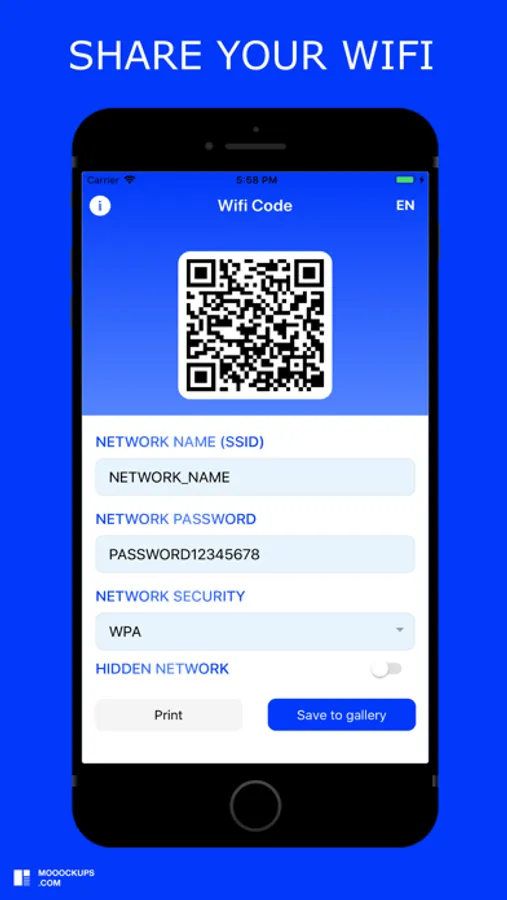
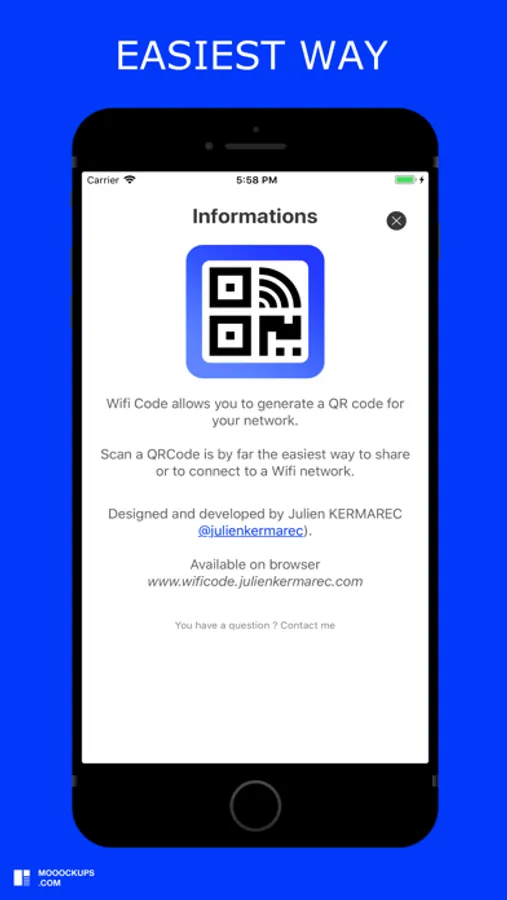
Wifi Code allows you to generate a QR code for your Wifi network.
You want to share your wifi network:
1) Enter the name of your network (SSID)
2) Enter your network password (if you have one)
3) Select your type of network security (WPA default, WEP)
4) Select whether your network is hidden or not
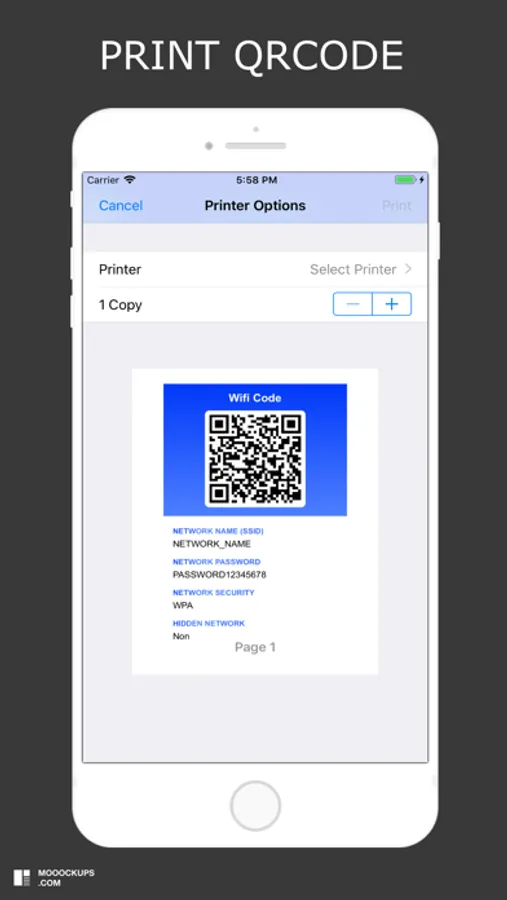
5) Print and save the QRCode generated by the application
This is by far the easiest and most convenient way to connect to a Wifi network.
You want to access a wifi network:
1) Open your camera or scan application
2) Scan the QRcode
3) Connect to the wifi network
You want to share your wifi network:
1) Enter the name of your network (SSID)
2) Enter your network password (if you have one)
3) Select your type of network security (WPA default, WEP)
4) Select whether your network is hidden or not
5) Print and save the QRCode generated by the application
This is by far the easiest and most convenient way to connect to a Wifi network.
You want to access a wifi network:
1) Open your camera or scan application
2) Scan the QRcode
3) Connect to the wifi network