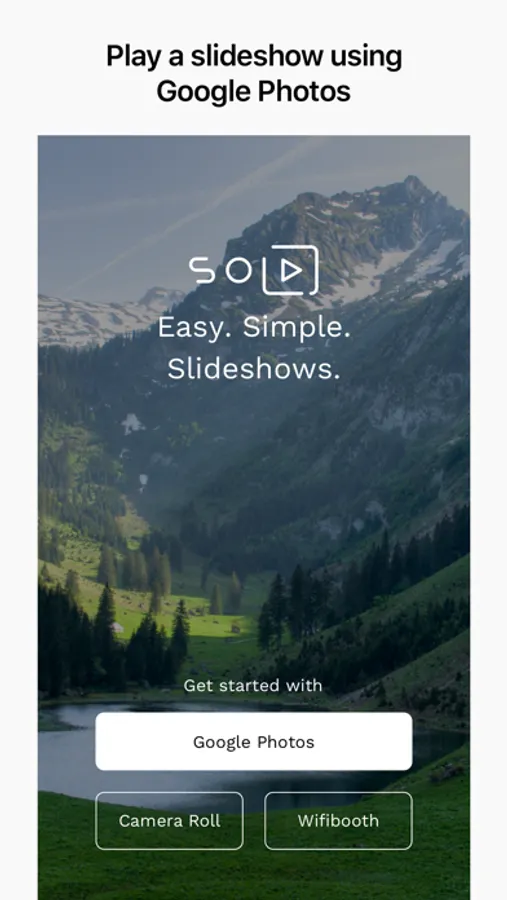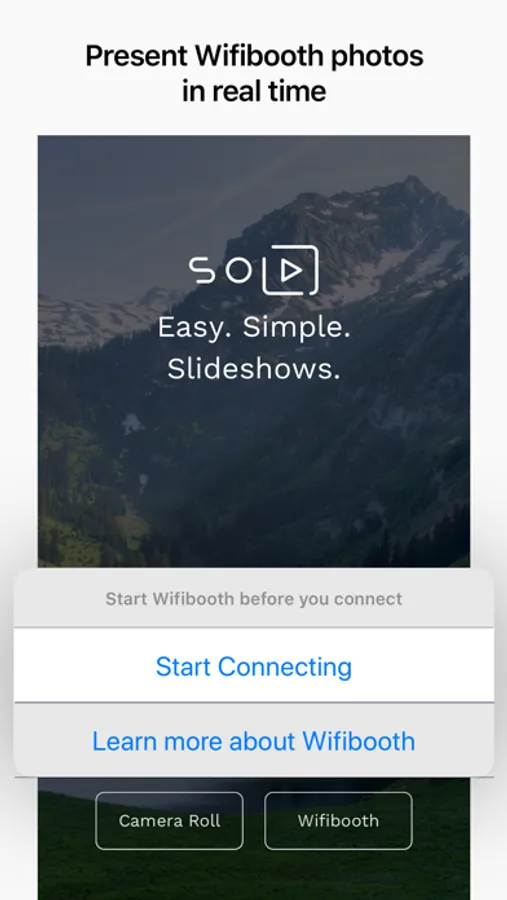
With this slideshow app, you can display photos from Google Photos, your Camera Roll, or Wifibooth on your iOS device or TV using DLNA or Apple TV. Includes photo filtering, automatic updates, and photo sharing features.
AppRecs review analysis
AppRecs rating 4.3. Trustworthiness 79 out of 100. Review manipulation risk 21 out of 100. Based on a review sample analyzed.
★★★★☆
4.3
AppRecs Rating
Ratings breakdown
5 star
75%
4 star
10%
3 star
4%
2 star
2%
1 star
9%
What to know
✓
Low review manipulation risk
21% review manipulation risk
✓
Credible reviews
79% trustworthiness score from analyzed reviews
✓
High user satisfaction
85% of sampled ratings are 4+ stars (4.4★ average)
About SoloSlides for Google Photos
SoloSlides for Google Photos is perfect for that old iPad you have in your kitchen or living room: it plays a full-screen slideshow of your photos on your iOS device and your TV (Smart TV or Apple TV). Photos can be played from Google Photos directly, or your Camera Roll, or from Wifibooth (separate app).
There are NO ads in this app. This app is supported by Premium, an optional one-time in-app purchase that unlocks some features (see below). Many thanks for supporting our developers! There are NO subscriptions in this app.
This app handles gigantic Google Photo libraries with millions of photos without a hitch, because it doesn't try to discover all of your photos at once.
FREE features include:
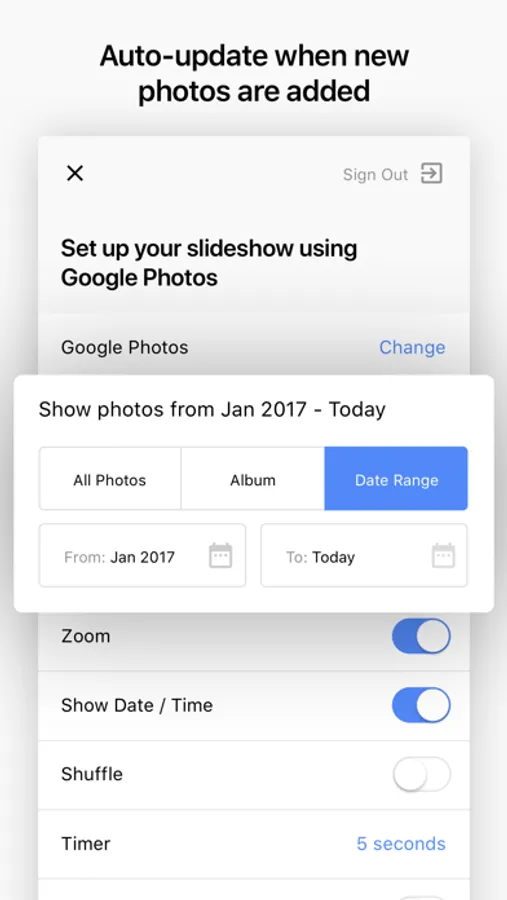
- Automatically updates when photos are added to / removed from your Google Photos library or Camera Roll
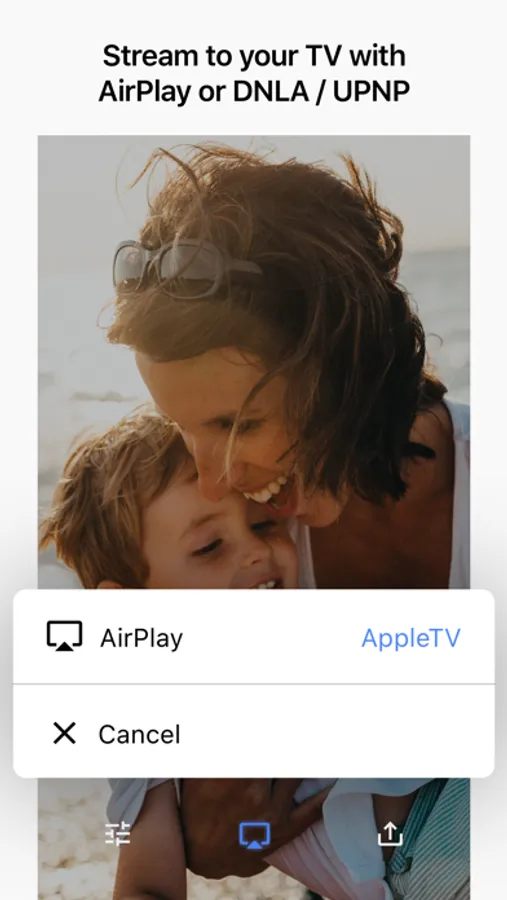
- Display your photos on your Smart TV without installing an app on your TV (TV must support DLNA / UPNP)
- Display your photos on your Apple TV
- Hide photos so the app doesn't show them anymore, without deleting or modifying the photos in any way
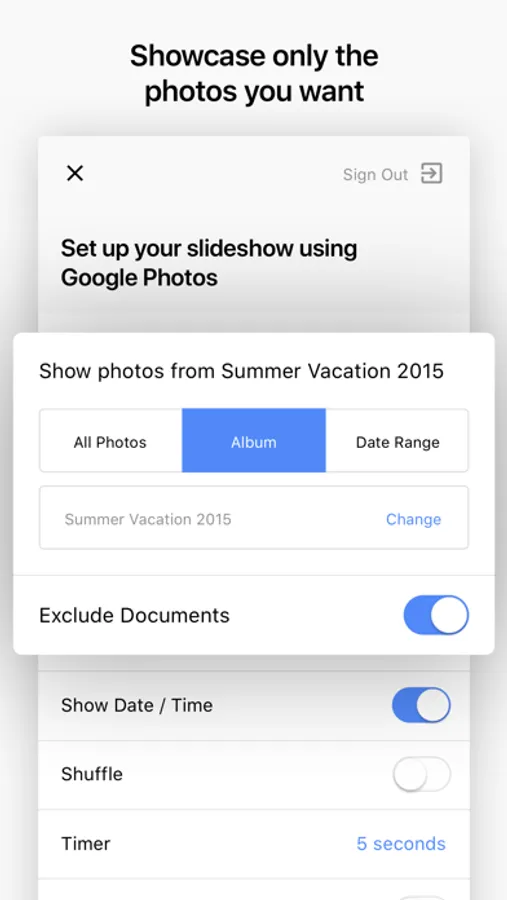
- Filtering by album or date range
- Automatically filter out photos of documents, receipts, etc (Google Photos only)
- Share the currently showing photo to another app
Features unlocked with one-time purchase of Premium include:
- Shuffle (random order) or newest-to-oldest (requires Premium)
- Clock (requires Premium)
- Photo creation date (requires Premium)
- Nighttime mode can be turned on to automatically show a dim black screen during what you define as "nighttime" (requires Premium)
Privacy policy: https://soloslides.app/privacy/
Terms & conditions: https://soloslides.app/terms/
There are NO ads in this app. This app is supported by Premium, an optional one-time in-app purchase that unlocks some features (see below). Many thanks for supporting our developers! There are NO subscriptions in this app.
This app handles gigantic Google Photo libraries with millions of photos without a hitch, because it doesn't try to discover all of your photos at once.
FREE features include:
- Automatically updates when photos are added to / removed from your Google Photos library or Camera Roll
- Display your photos on your Smart TV without installing an app on your TV (TV must support DLNA / UPNP)
- Display your photos on your Apple TV
- Hide photos so the app doesn't show them anymore, without deleting or modifying the photos in any way
- Filtering by album or date range
- Automatically filter out photos of documents, receipts, etc (Google Photos only)
- Share the currently showing photo to another app
Features unlocked with one-time purchase of Premium include:
- Shuffle (random order) or newest-to-oldest (requires Premium)
- Clock (requires Premium)
- Photo creation date (requires Premium)
- Nighttime mode can be turned on to automatically show a dim black screen during what you define as "nighttime" (requires Premium)
Privacy policy: https://soloslides.app/privacy/
Terms & conditions: https://soloslides.app/terms/