With this radio code app, you can generate a code to unlock your Renault radio after retrieving the security code from the device or its surroundings. Includes methods for code entry via buttons, stalk controls, or remote control.
AppRecs review analysis
AppRecs rating 4.4. Trustworthiness 52 out of 100. Review manipulation risk 32 out of 100. Based on a review sample analyzed.
★★★★☆
4.4
AppRecs Rating
Ratings breakdown
5 star
92%
4 star
6%
3 star
1%
2 star
0%
1 star
1%
What to know
✓
High user satisfaction
92% of sampled ratings are 5 stars
✓
Authentic reviews
No red flags detected
About Radio Decoder for Renault
Welcome to my ‘Renault Radio Code’ app. This app is, and always will be, free. I strongly believe that you should be able to unlock and use your own personal radio without spending money on apps to tell you the code. If you like this app or appreciate that I am not charging you for this information, please consider leaving a review on the App Store to let others know that this is the real deal :)
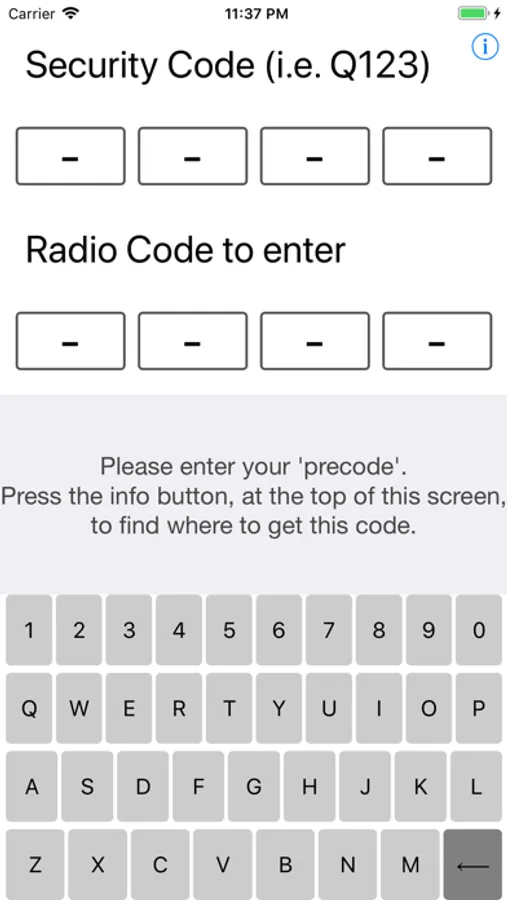
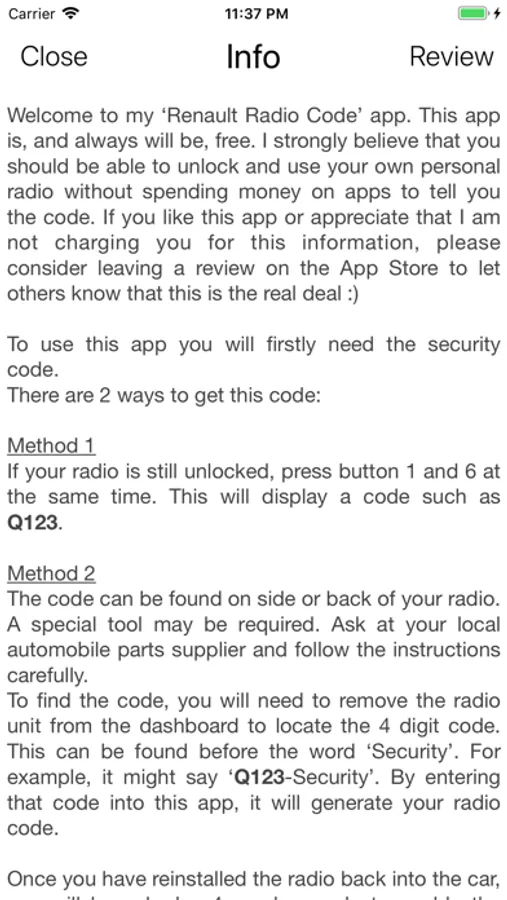
To use this app you will firstly need the security code.
There are 2 ways to get this code:
Method 1
If your radio is still unlocked, press button 1 and 6 at the same time. This will display a code such as Q123.
Method 2
The code can be found on side or back of your radio. A special tool may be required. Ask at your local automobile parts supplier and follow the instructions carefully.
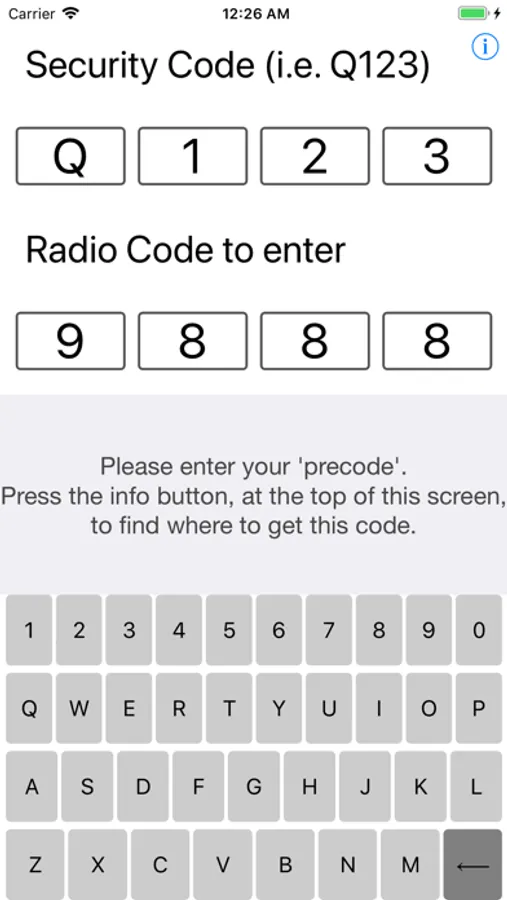
To find the code, you will need to remove the radio unit from the dashboard to locate the 4 digit code. This can be found before the word ‘Security’. For example, it might say ‘Q123-Security’. By entering that code into this app, it will generate your radio code.
Once you have reinstalled the radio back into the car, you will be asked a 4 number code to enable the radio.
Take the 4 numbers, that were generated in this app, and enter it. This will instantly unlock your radio.
There are 3 ways to enter your radio code:
Buttons
Press button 1 repeatedly to enter the 1st digit.
Press button 2 repeatedly to enter the 2nd digit.
Press button 3 repeatedly to enter the 3rd digit.
Press button 4 repeatedly to enter the 4th digit.
Press and hold button 5 or 6 for 10 seconds to confirm.
Stalk controls
Turn the dial to enter each number.
Press the bottom button to move to next number.
Press and hold button to confirm.
Remote control
Press the ¬ button to turn the dial to enter the numbers
Press and hold the button to confirm.
Note
This will only work in the following circumstances:
- You have not already entered a code too many times, locking you out.
- You enter the ‘Radio Code to enter’ code correctly into a Renault radio.
I will not be held responsible for the following (but not limited to) incidents:
- A code is entered incorrectly, causing a lockout/ bricking
- A code is entered in to a 3rd party radio, causing lockout/ bricking
- You don’t like the user interface of this app.
Happy repairing.
To use this app you will firstly need the security code.
There are 2 ways to get this code:
Method 1
If your radio is still unlocked, press button 1 and 6 at the same time. This will display a code such as Q123.
Method 2
The code can be found on side or back of your radio. A special tool may be required. Ask at your local automobile parts supplier and follow the instructions carefully.
To find the code, you will need to remove the radio unit from the dashboard to locate the 4 digit code. This can be found before the word ‘Security’. For example, it might say ‘Q123-Security’. By entering that code into this app, it will generate your radio code.
Once you have reinstalled the radio back into the car, you will be asked a 4 number code to enable the radio.
Take the 4 numbers, that were generated in this app, and enter it. This will instantly unlock your radio.
There are 3 ways to enter your radio code:
Buttons
Press button 1 repeatedly to enter the 1st digit.
Press button 2 repeatedly to enter the 2nd digit.
Press button 3 repeatedly to enter the 3rd digit.
Press button 4 repeatedly to enter the 4th digit.
Press and hold button 5 or 6 for 10 seconds to confirm.
Stalk controls
Turn the dial to enter each number.
Press the bottom button to move to next number.
Press and hold button to confirm.
Remote control
Press the ¬ button to turn the dial to enter the numbers
Press and hold the button to confirm.
Note
This will only work in the following circumstances:
- You have not already entered a code too many times, locking you out.
- You enter the ‘Radio Code to enter’ code correctly into a Renault radio.
I will not be held responsible for the following (but not limited to) incidents:
- A code is entered incorrectly, causing a lockout/ bricking
- A code is entered in to a 3rd party radio, causing lockout/ bricking
- You don’t like the user interface of this app.
Happy repairing.