Code Review - Pull Requests
Bytes Arithmetic LLC
3.3 ★
store rating
Free
AppRecs review analysis
AppRecs rating 3.5. Trustworthiness 73 out of 100. Review manipulation risk 16 out of 100. Based on a review sample analyzed.
★★★☆☆
3.5
AppRecs Rating
Ratings breakdown
5 star
33%
4 star
0%
3 star
0%
2 star
33%
1 star
33%
What to know
✓
Low review manipulation risk
16% review manipulation risk
✓
Credible reviews
73% trustworthiness score from analyzed reviews
About Code Review - Pull Requests
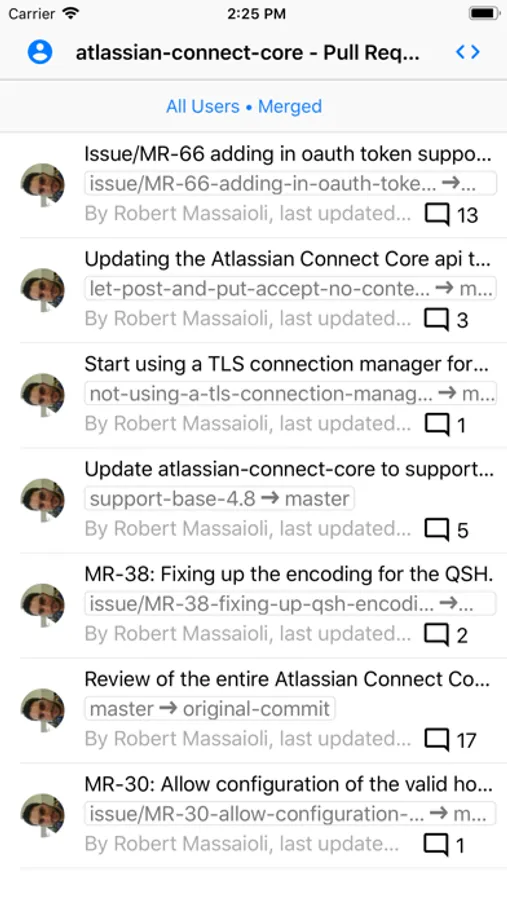
Code Review is a simple yet powerful mobile app for reviewing pull requests.
Following features are supported:
• Connect one or more Bitbucket or GitHub accounts.
• View and filter list of pull requests for a selected repository.
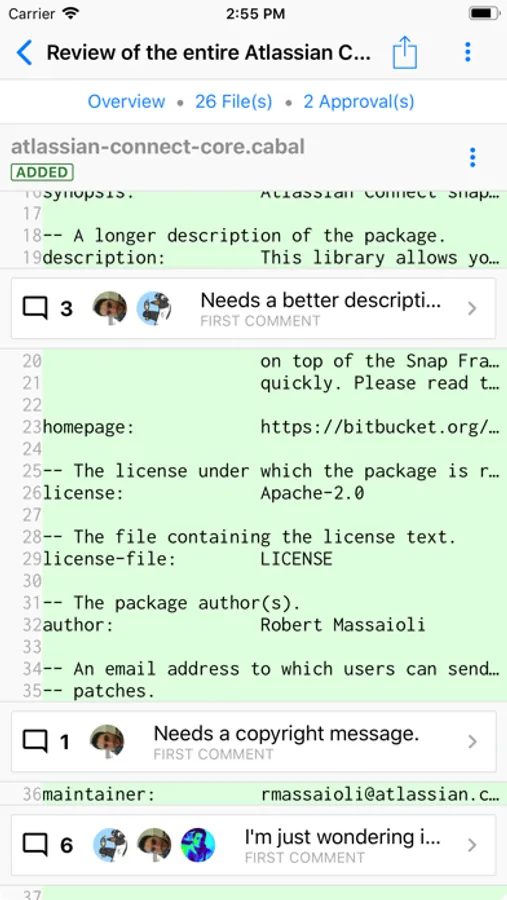
• Review pull request diff, side-by-side diff, file source and branch source files.
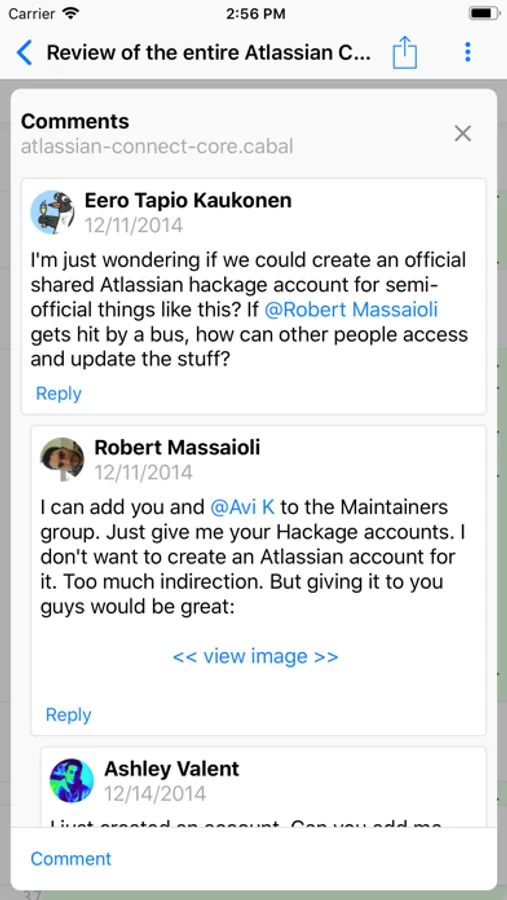
• Add, edit and delete comments; respond to comments.
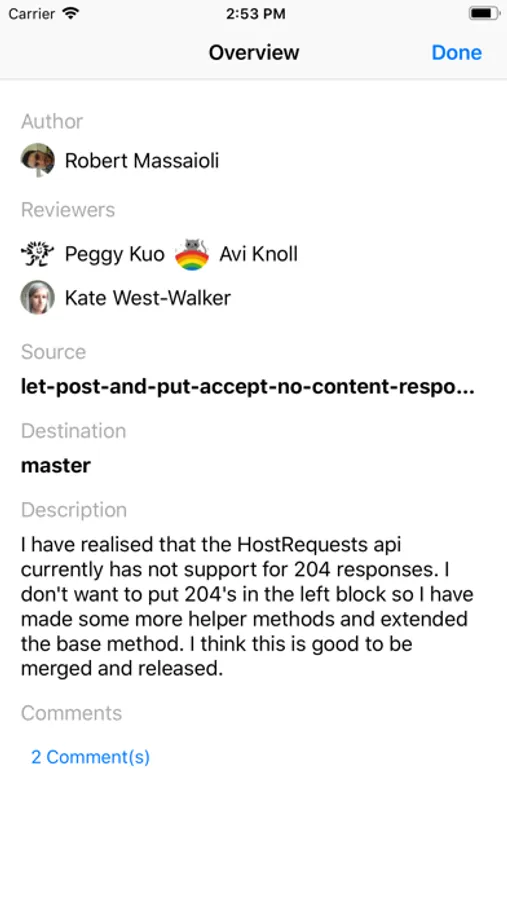
• Approve, un-approve or merge pull requests.
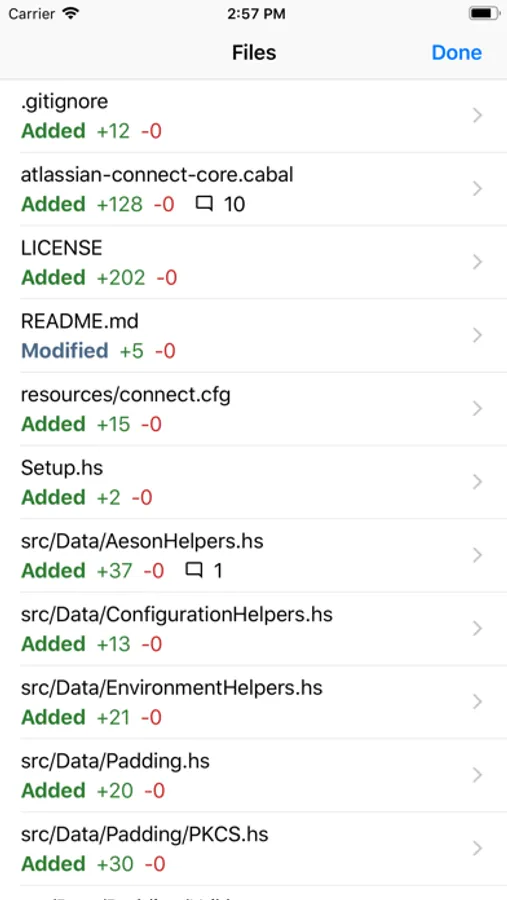
• Navigate the pull request diff quicker using the Files screen.
The app is fully compatible with external keyboards:
• Use arrow keys to move the focus in a list screen, from one row to another.
• Use Tab and Shift+Tab to move focus between elements on the screen.
• Press Enter to tap on a selected element such as a button or a list row.
• Shift + Enter to send the current draft comment.
• Press and hold the Command key to view all available keyboard shortcuts.
Following features are supported:
• Connect one or more Bitbucket or GitHub accounts.
• View and filter list of pull requests for a selected repository.
• Review pull request diff, side-by-side diff, file source and branch source files.
• Add, edit and delete comments; respond to comments.
• Approve, un-approve or merge pull requests.
• Navigate the pull request diff quicker using the Files screen.
The app is fully compatible with external keyboards:
• Use arrow keys to move the focus in a list screen, from one row to another.
• Use Tab and Shift+Tab to move focus between elements on the screen.
• Press Enter to tap on a selected element such as a button or a list row.
• Shift + Enter to send the current draft comment.
• Press and hold the Command key to view all available keyboard shortcuts.