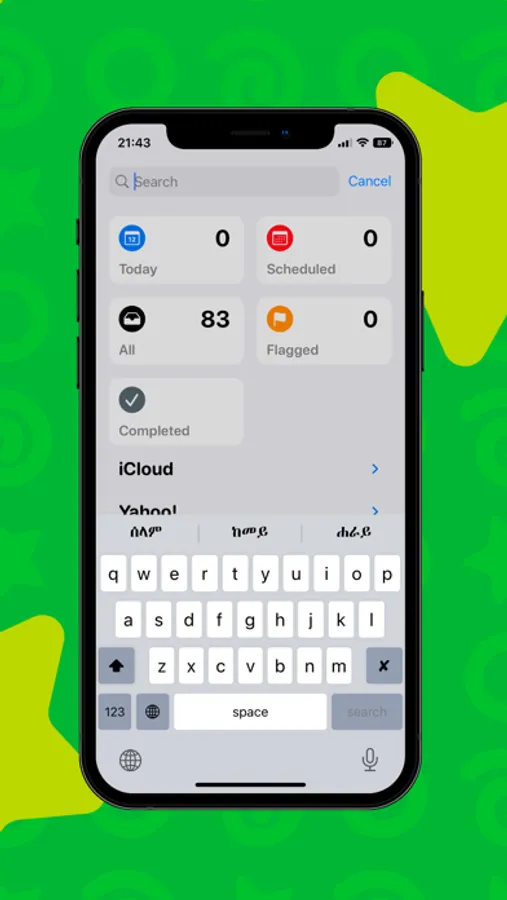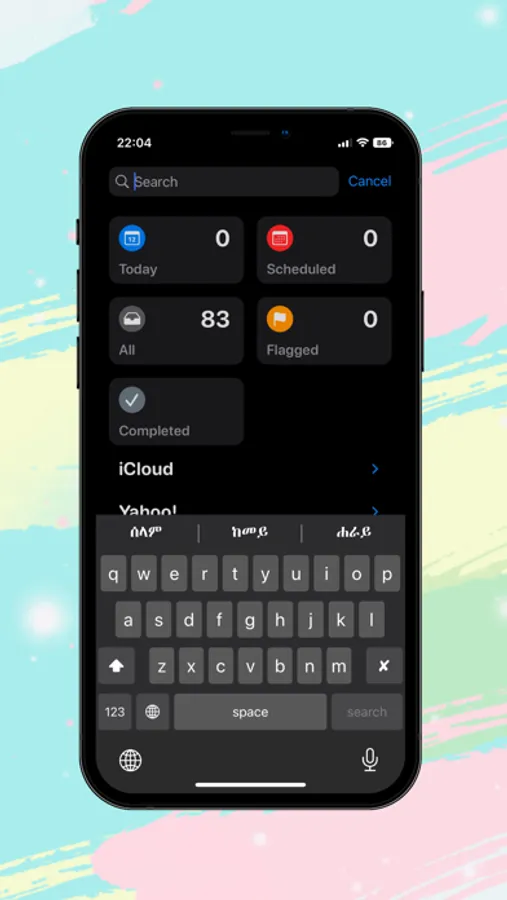
With this keyboard, you can type in Tigrigna using geez phonetics and switch between languages easily. Includes multiple keyboard layouts and customizable settings.
About Tigrigna Keyboard
Tigrigna keyboard - Tigrigna Input Method enables you to type in geez (Tigrigna phonetics).
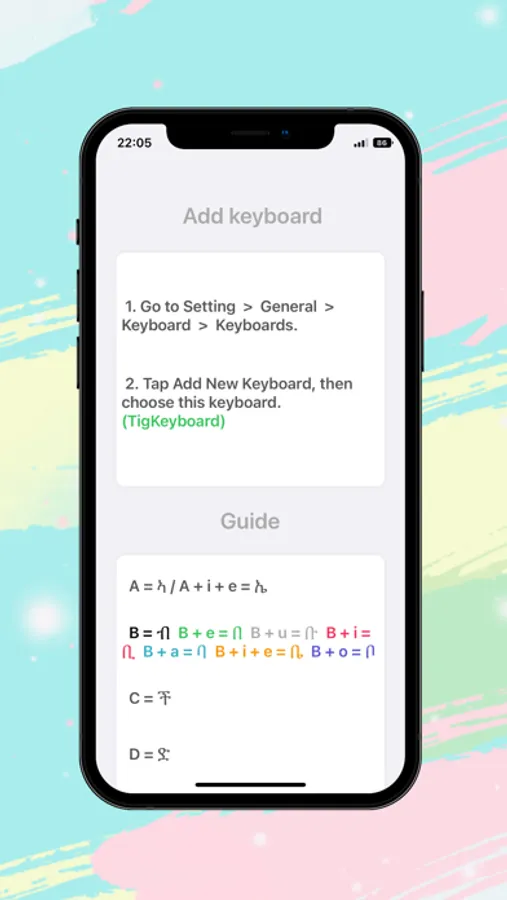
How to use:
1. Launch the Settings on your iPhone or iPad.
2. Tap on General.
3. Tap on Keyboard.
4. Tap on Keyboards at the top.
5. Tap on Add New Keyboard...
6. Under Third-Party Keyboards, tap on Tigrigna Keyboard.
How to use:
1. Launch the Settings on your iPhone or iPad.
2. Tap on General.
3. Tap on Keyboard.
4. Tap on Keyboards at the top.
5. Tap on Add New Keyboard...
6. Under Third-Party Keyboards, tap on Tigrigna Keyboard.