In this motion image editor, you can animate layers by painting to create movement and combine images with blending and masking features. Includes options for adjusting contrast, saturation, brightness, and hue, as well as exporting animations as videos or live wallpapers.
AppRecs review analysis
AppRecs rating 4.8. Trustworthiness 79 out of 100. Review manipulation risk 21 out of 100. Based on a review sample analyzed.
★★★★☆
4.8
AppRecs Rating
Ratings breakdown
5 star
89%
4 star
5%
3 star
2%
2 star
2%
1 star
2%
What to know
✓
Low review manipulation risk
21% review manipulation risk
✓
Credible reviews
79% trustworthiness score from analyzed reviews
✓
High user satisfaction
89% of sampled ratings are 5 stars
About Disflow - Motion Image Editor
The easiest way to bring photos to life by animating, combining and blending unlimited layers.
—————————————
IMAGINATION IS THE LIMIT
—————————————
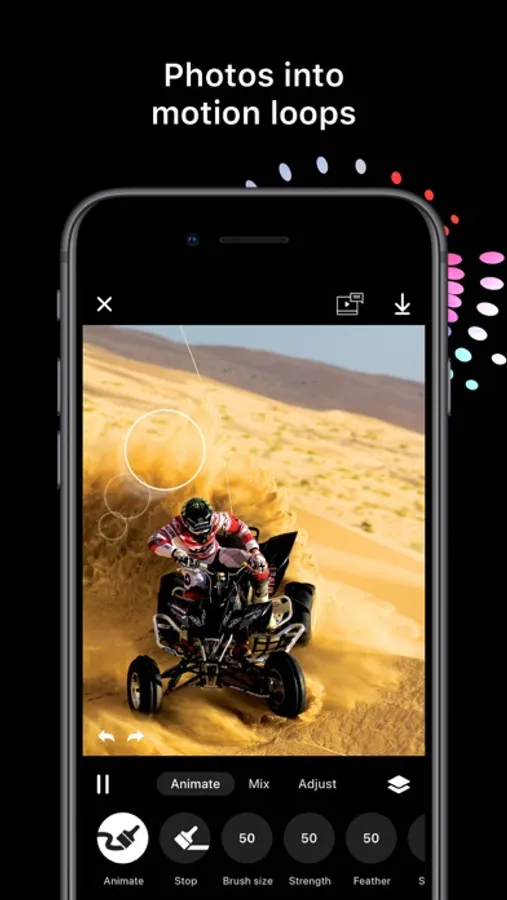
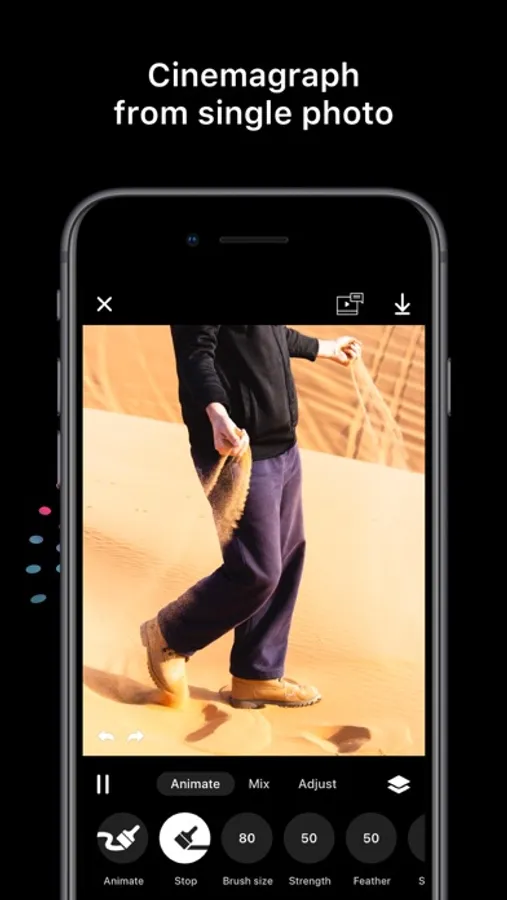
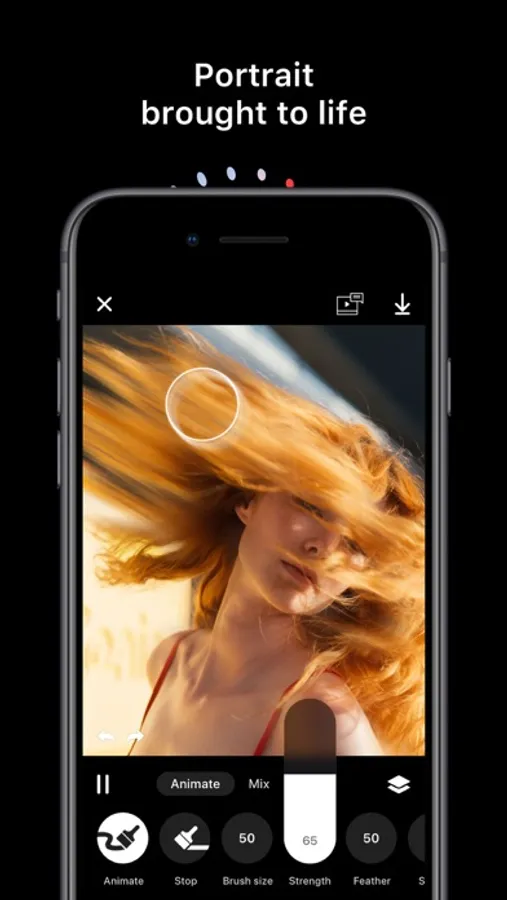
То create motion in an image just paint the area you want in the direction you want it to move. To stop an animation just paint over it with the stop brush. It’s that simple. No anchors, no points, no arrows.
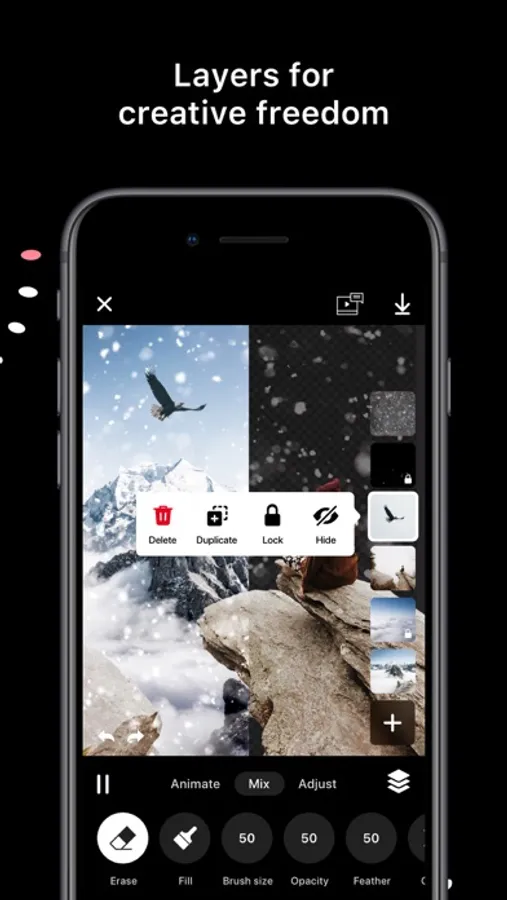
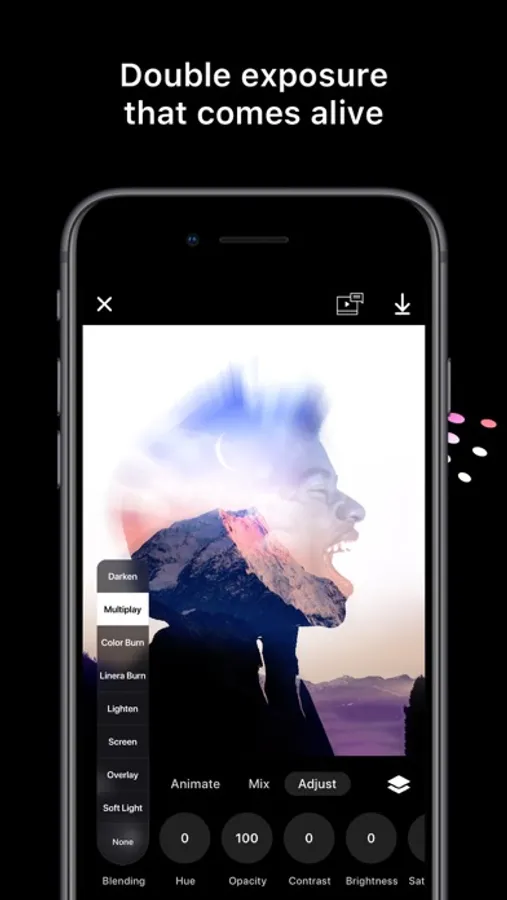
Add layers from your photos or use the integrated Unsplash and Pixabay browsers. Turn every layer into an animated special effect with blending and masking. To tune the appearance to your liking you can adjust contrast, saturation, brightness and hue for each layer.
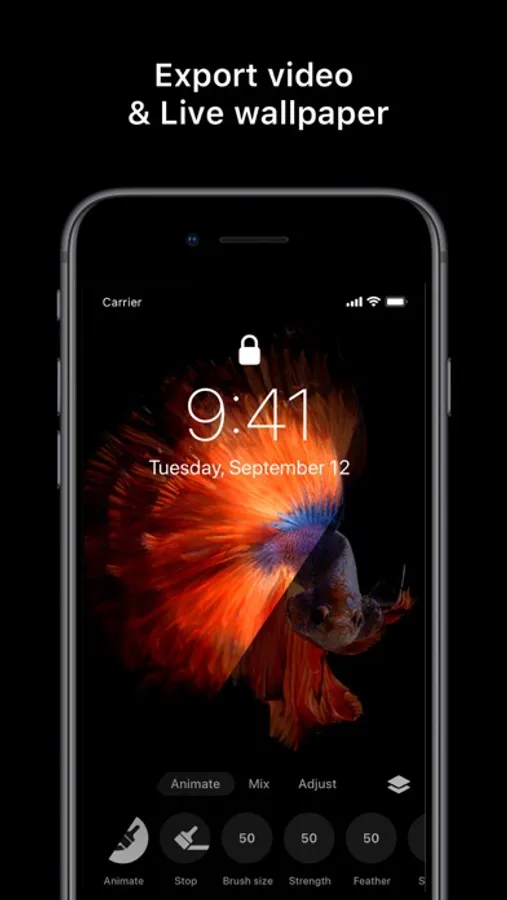
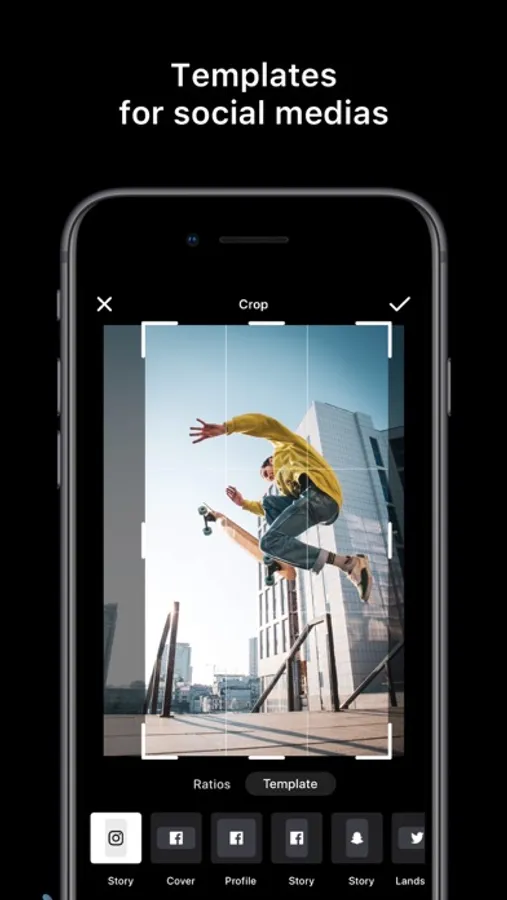
Export your animation as a seamless loop up to 20 seconds video or as a live wallpaper. At your disposal are predefined templates for Facebook and Instagram stories and posts.
The app contains premium features. You can test all of them for free as much as you want, but you won't be able to export your creation.
--------------------------
FEATURES
--------------------------
Projects
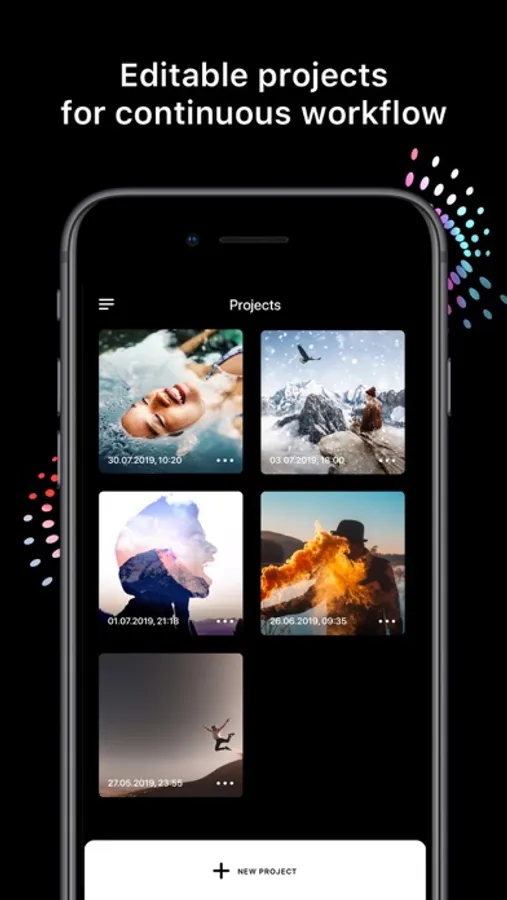
* Auto-save all animations in editable projects
Animate
* Animation and stop brush
* Brush size, strength and feather
* Animation speed
Mix (p)
* Erase or fill brush
* Brush size, opacity and feather
Adjust (p)
* Blending
* Hue
* Opacity
* Contrast
* Brightness
* Saturation
Layers (p)
* Layers limit depends on the device
* Transparent PNG support
* Hide/show
* Rearrange
* Lock
* Duplicate
* Import from Photos, Unsplash or Pixabay
Undo/Redo
* Unlimited undo and redo operations
Export
* 5, 10, 15, 20 seconds video
* Live wallpaper (p)
Templates
* Instagram post and story
* Facebook cover, profile video and story
* Snapchat story
* Twitter
* iPhone wallpaper
(p) - Premium features part of Disflow Pro. You can test all premium features as much as you want but you won't be able to export your creation.
Video overlay effects coming soon to Disflow Pro!
Have any questions? Contact us!
nixes.io/disflow/
instagram: @disflowapp
Terms of use: https://nixes.io/disflow/termsofuse/
Privacy policy: https://nixes.io/disflow/privacy/
UNLEASH YOUR INNER ARTIST – DOWNLOAD DISFLOW!
—————————————
IMAGINATION IS THE LIMIT
—————————————
То create motion in an image just paint the area you want in the direction you want it to move. To stop an animation just paint over it with the stop brush. It’s that simple. No anchors, no points, no arrows.
Add layers from your photos or use the integrated Unsplash and Pixabay browsers. Turn every layer into an animated special effect with blending and masking. To tune the appearance to your liking you can adjust contrast, saturation, brightness and hue for each layer.
Export your animation as a seamless loop up to 20 seconds video or as a live wallpaper. At your disposal are predefined templates for Facebook and Instagram stories and posts.
The app contains premium features. You can test all of them for free as much as you want, but you won't be able to export your creation.
--------------------------
FEATURES
--------------------------
Projects
* Auto-save all animations in editable projects
Animate
* Animation and stop brush
* Brush size, strength and feather
* Animation speed
Mix (p)
* Erase or fill brush
* Brush size, opacity and feather
Adjust (p)
* Blending
* Hue
* Opacity
* Contrast
* Brightness
* Saturation
Layers (p)
* Layers limit depends on the device
* Transparent PNG support
* Hide/show
* Rearrange
* Lock
* Duplicate
* Import from Photos, Unsplash or Pixabay
Undo/Redo
* Unlimited undo and redo operations
Export
* 5, 10, 15, 20 seconds video
* Live wallpaper (p)
Templates
* Instagram post and story
* Facebook cover, profile video and story
* Snapchat story
* iPhone wallpaper
(p) - Premium features part of Disflow Pro. You can test all premium features as much as you want but you won't be able to export your creation.
Video overlay effects coming soon to Disflow Pro!
Have any questions? Contact us!
nixes.io/disflow/
instagram: @disflowapp
Terms of use: https://nixes.io/disflow/termsofuse/
Privacy policy: https://nixes.io/disflow/privacy/
UNLEASH YOUR INNER ARTIST – DOWNLOAD DISFLOW!