About Crazy frog stickers & emoji
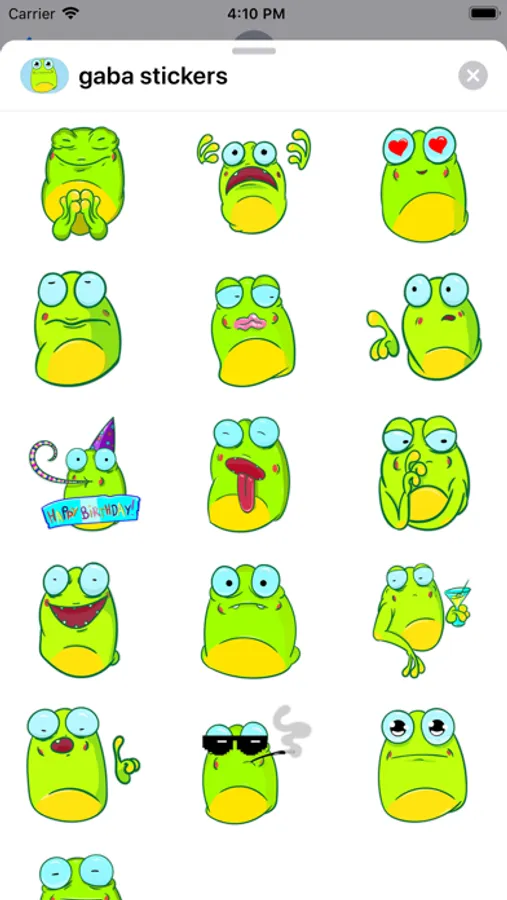
More than 15 stickers for iMessage with a cute frog!
Add more fun to communication using high quality stickers!
How to use iMessage stickers:
- Click the App Store icon next to the message field in iMessage;
- click on the icon in the lower left corner;
- click on the sticker icon;
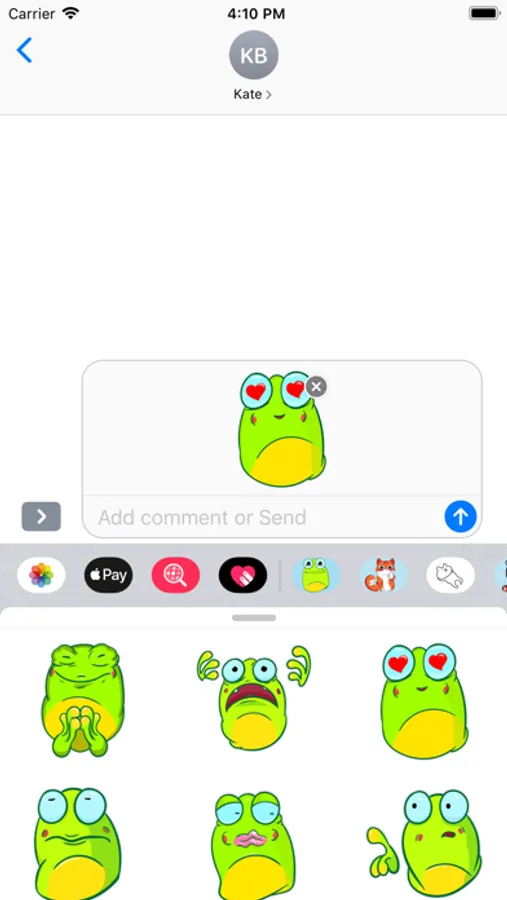
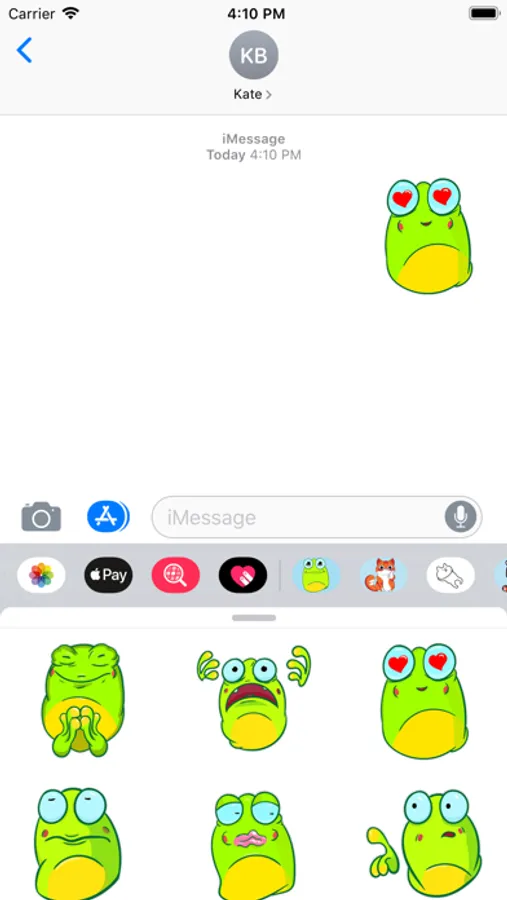
- after that, you can send stickers in empty iMessage messages, as well as add stickers to your already sent and other people's messages. To do this, press and hold the selected sticker and drag it to the message. You can, put several stickers on one message at once, and also use the message appearance effects in iMessage.
Write in the reviews what stickers you want to see. And we will certainly take into account your wishes. In new updates and kits, your ideas will appear.
Add more fun to communication using high quality stickers!
How to use iMessage stickers:
- Click the App Store icon next to the message field in iMessage;
- click on the icon in the lower left corner;
- click on the sticker icon;
- after that, you can send stickers in empty iMessage messages, as well as add stickers to your already sent and other people's messages. To do this, press and hold the selected sticker and drag it to the message. You can, put several stickers on one message at once, and also use the message appearance effects in iMessage.
Write in the reviews what stickers you want to see. And we will certainly take into account your wishes. In new updates and kits, your ideas will appear.