AppRecs review analysis
AppRecs rating 3.8. Trustworthiness 69 out of 100. Review manipulation risk 25 out of 100. Based on a review sample analyzed.
★★★☆☆
3.8
AppRecs Rating
Ratings breakdown
5 star
65%
4 star
25%
3 star
0%
2 star
0%
1 star
10%
What to know
✓
Low review manipulation risk
25% review manipulation risk
✓
High user satisfaction
90% of sampled ratings are 4+ stars (4.3★ average)
About Draw Every Day
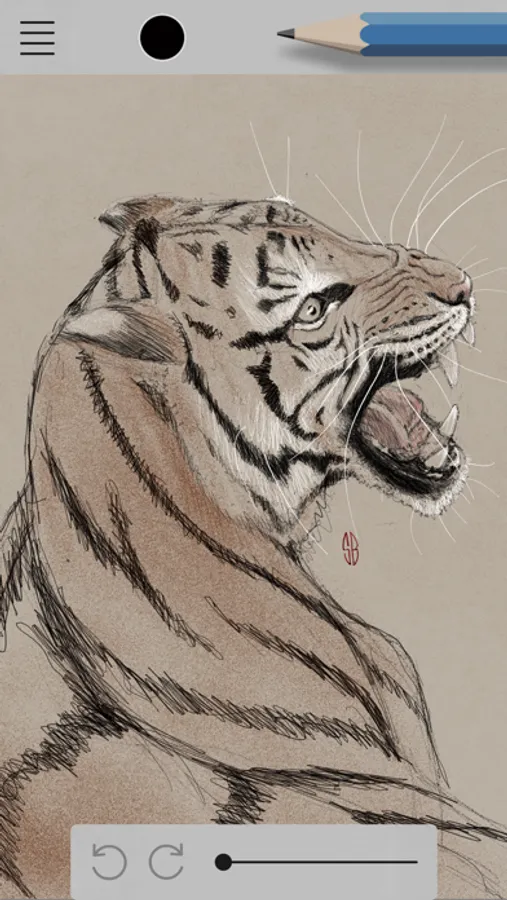
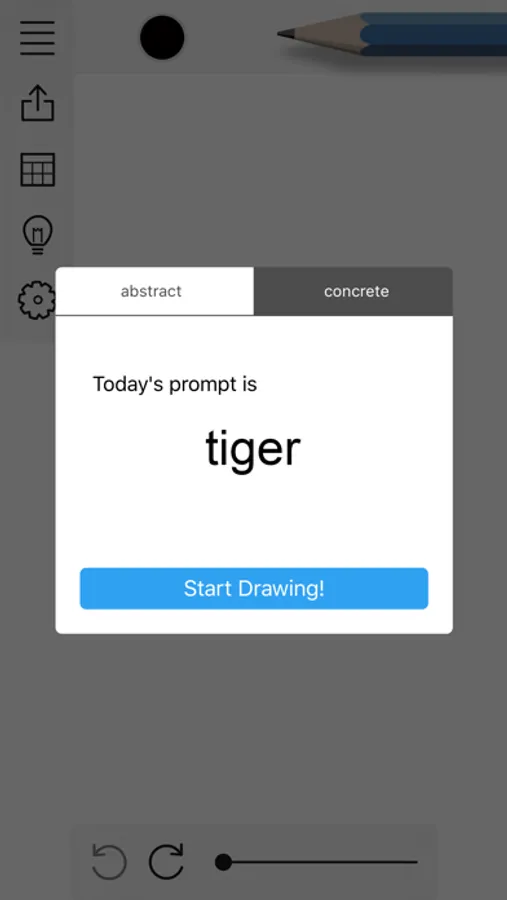
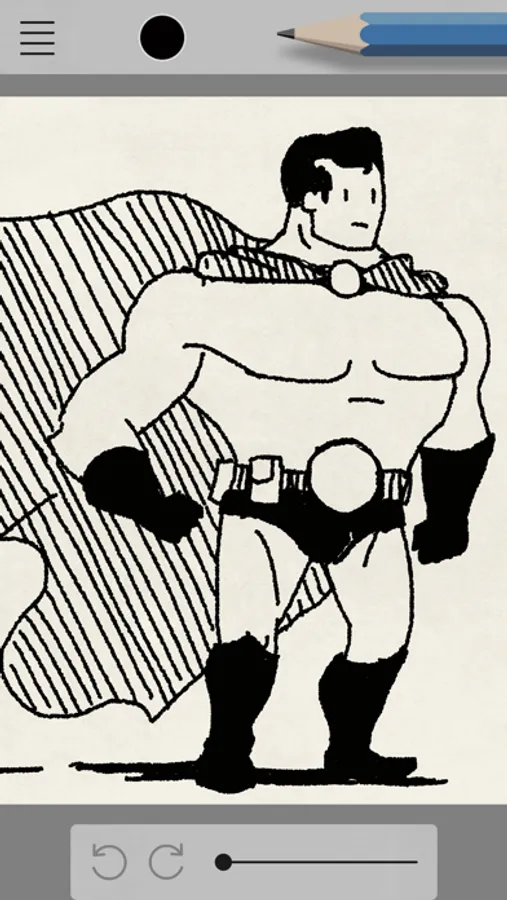
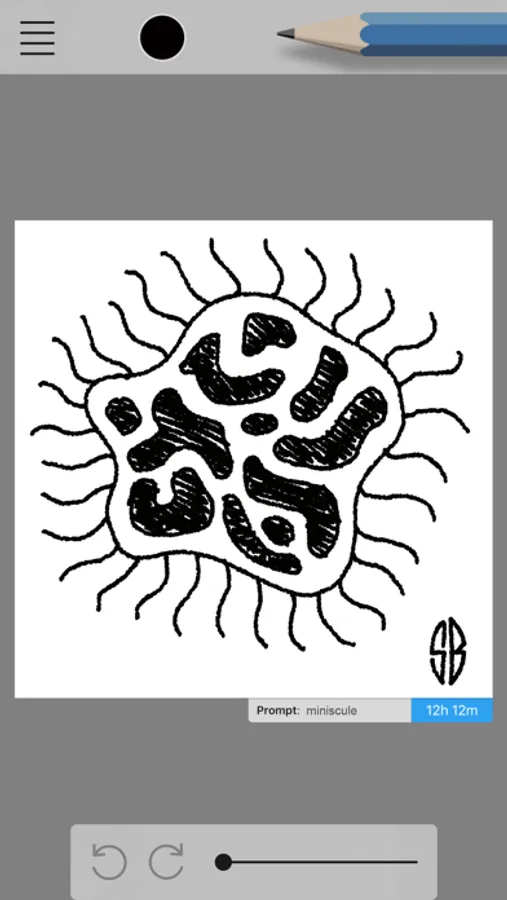
At the beginning of each day, Draw Every Day gives you one blank canvas and a prompt. You have 24 hours to fill that canvas up with an ink drawing. The next day, your drawing is frozen, saved, and a new blank canvas and a new prompt appears.
Every day is a new prompt, all year -- so you'll never run out of new ideas.
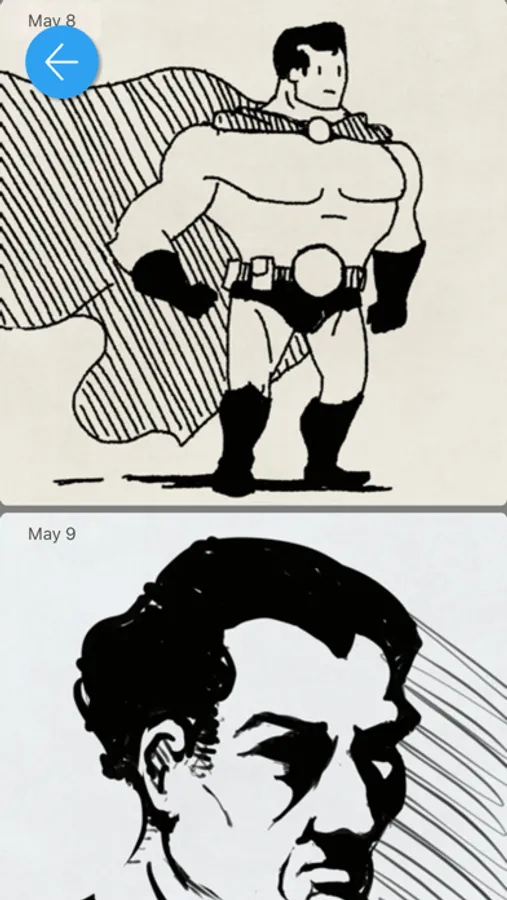
Draw Every Day forces you to take it slow and steady, and records your progress over days and weeks -- as time goes on, you'll see how far you've come!
• Simplicity
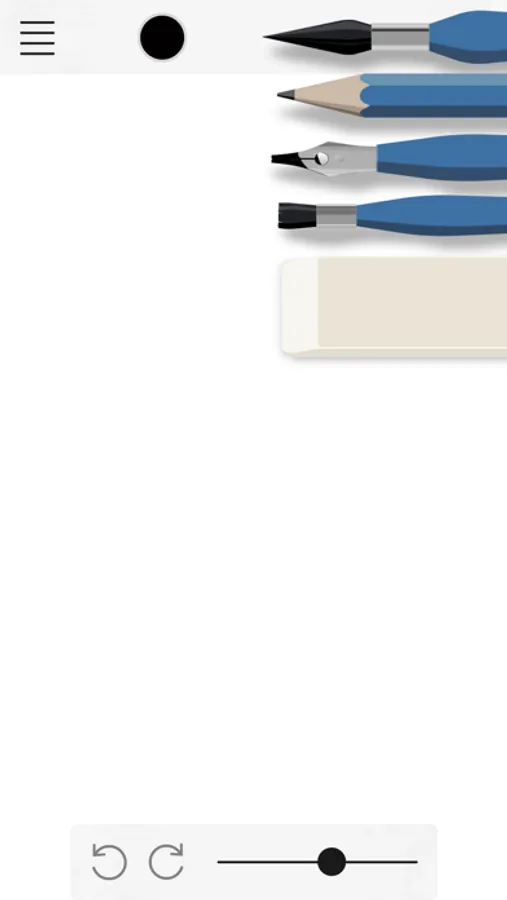
Draw Every Day has 6 highly-tuned drawing tools, tweaked by professional artists. You can spend your time drawing, not hunting for the perfect brush settings.
Most teachers and ateliers recommend learning to draw before learning to paint. Draw Every Day lets you learn the intricacies of black and white without the distraction of color.
For a real ink experience, you can turn off undo, redo, and the eraser tool -- every mark can be permanent, just as if you were using india ink on paper.
• Great for daily challenges
Participating in a 30-day drawing challenge like Inktober, Drawloween, or Mer-may? Draw Every Day is a perfect tool to keep yourself on track.
• Features
- Optimized for iPad Pro and Apple Pencil
- Works with Logitech Crayon
- Draw in your spare moments on the iPhone with your fingers
- Daily prompts, including Inktober prompts during October
- Optional daily reminder notifications
- Infinite undo and redo (even if you close the app)
- 6 highly-tuned drawing tools: Fine-liner, smooth brush, rough brush, pencil, and eraser
- 5 colors of ink
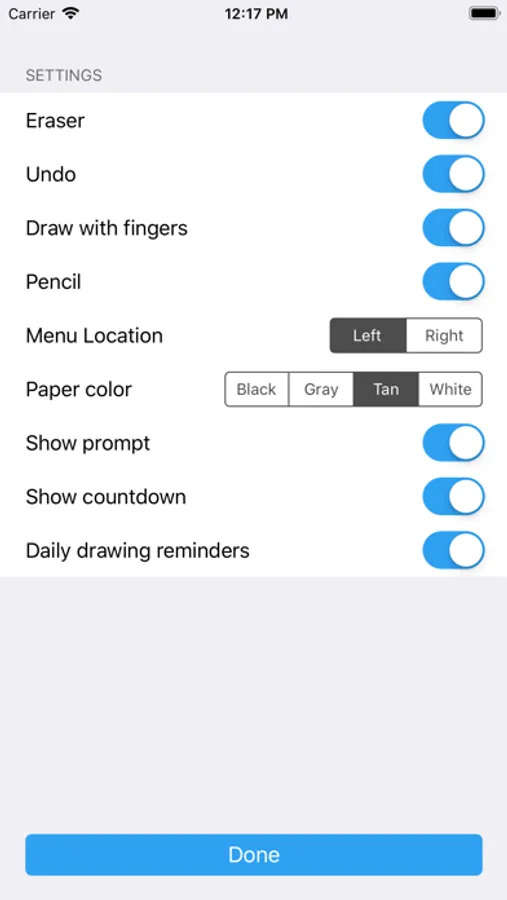
- Left-handed and right-handed interfaces
- Disable or enable the pencil, eraser, undo, and redo to make drawing more or less like real ink on paper
- Several kinds of tinted paper
- See a calendar of your progress over time
Every day is a new prompt, all year -- so you'll never run out of new ideas.
Draw Every Day forces you to take it slow and steady, and records your progress over days and weeks -- as time goes on, you'll see how far you've come!
• Simplicity
Draw Every Day has 6 highly-tuned drawing tools, tweaked by professional artists. You can spend your time drawing, not hunting for the perfect brush settings.
Most teachers and ateliers recommend learning to draw before learning to paint. Draw Every Day lets you learn the intricacies of black and white without the distraction of color.
For a real ink experience, you can turn off undo, redo, and the eraser tool -- every mark can be permanent, just as if you were using india ink on paper.
• Great for daily challenges
Participating in a 30-day drawing challenge like Inktober, Drawloween, or Mer-may? Draw Every Day is a perfect tool to keep yourself on track.
• Features
- Optimized for iPad Pro and Apple Pencil
- Works with Logitech Crayon
- Draw in your spare moments on the iPhone with your fingers
- Daily prompts, including Inktober prompts during October
- Optional daily reminder notifications
- Infinite undo and redo (even if you close the app)
- 6 highly-tuned drawing tools: Fine-liner, smooth brush, rough brush, pencil, and eraser
- 5 colors of ink
- Left-handed and right-handed interfaces
- Disable or enable the pencil, eraser, undo, and redo to make drawing more or less like real ink on paper
- Several kinds of tinted paper
- See a calendar of your progress over time