In this screen mirroring app, you can broadcast your desktop screen to multiple devices and watch live streams securely using end-to-end encryption. Includes automatic device discovery, peer-to-peer streaming, and support for various platforms.
AppRecs review analysis
AppRecs rating 3.1. Trustworthiness 74 out of 100. Review manipulation risk 22 out of 100. Based on a review sample analyzed.
★★★☆☆
3.1
AppRecs Rating
Ratings breakdown
5 star
44%
4 star
6%
3 star
6%
2 star
5%
1 star
39%
What to know
✓
Low review manipulation risk
22% review manipulation risk
✓
Credible reviews
74% trustworthiness score from analyzed reviews
⚠
High negative review ratio
44% of sampled ratings are 1–2 stars
About Screen Mirroring • Alfacast
Share and split your live video screen stream to many devices simultaneously. App allows you to broadcast and to watch any content from desktop. Stay secure with alfacast while watching live streaming, the app supports end-to-end encryption technology. Automatic discovery technology will allow you to enjoy using the app. Forget about logins, installation and the long process of setup video broadcast servers, for alfacast it is simply not necessary. Stream your content from a video camera apps, photo album apps, stream video from player apps, show presentations, slides, photos or pictures anywhere and anytime!
To stream video from apps, you need to open a third-party app. The alfacast will capture your screen with all the displayed content. You need to display content from a third-party app on the streamer device screen.
For example, if you want to stream video from a camera, follow these steps on the streamer device:
• Run alfacast app and follow the instructions to use the app as a streamer
• Open the camera app and display it on the device screen. The alfacast app does not use your camera or access it
After that please follow these steps on your viewer device:
• Run alfacast app and follow the instructions to use the app as a viewer
• Select your streamer with a camera from the list of users in the alfacast app and watch the screen cast from the camera
alfacast features:
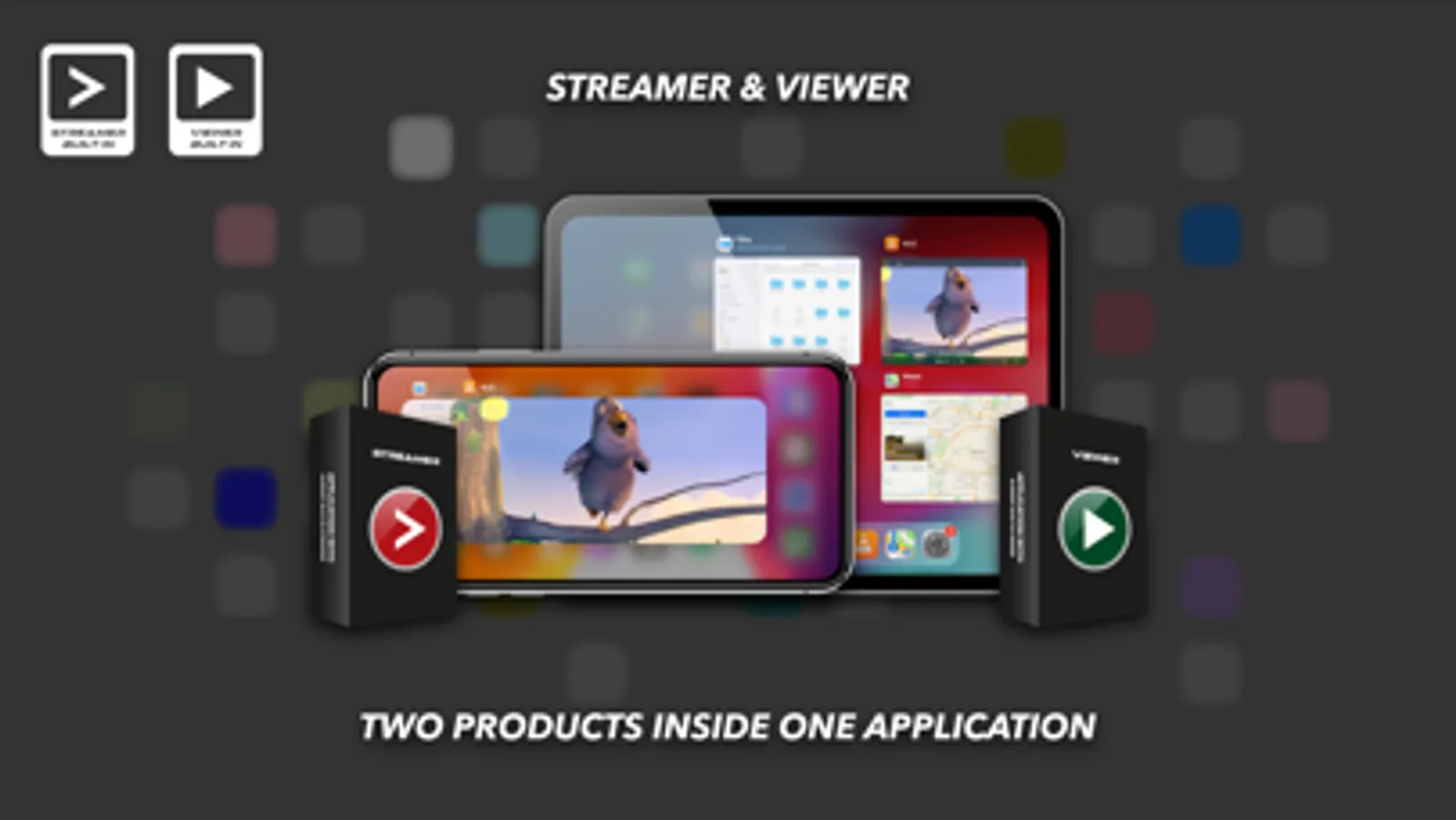
• Desktop screen streamer and viewer within local area network
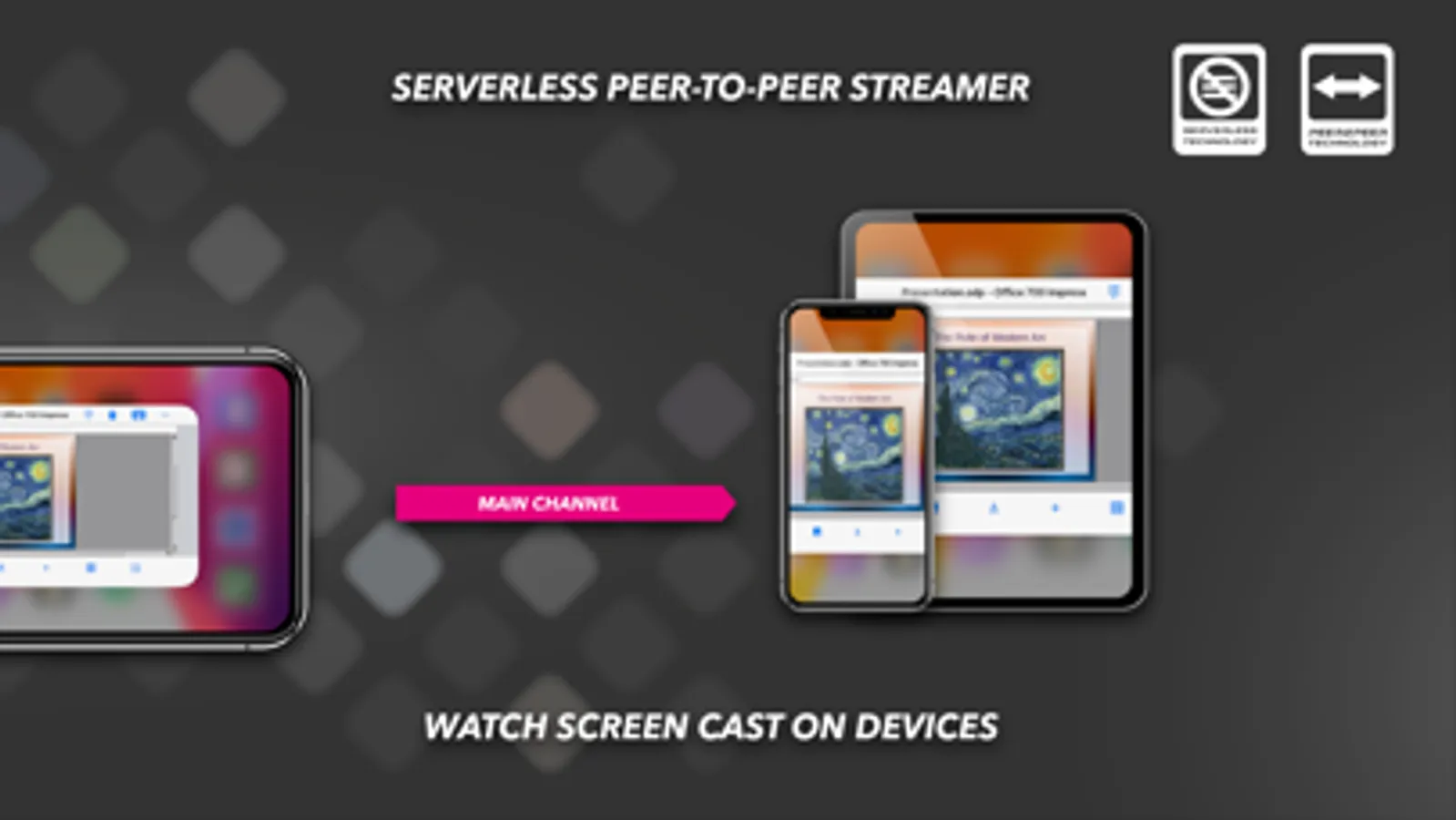
• Serverless single channel peer-to-peer streaming technology
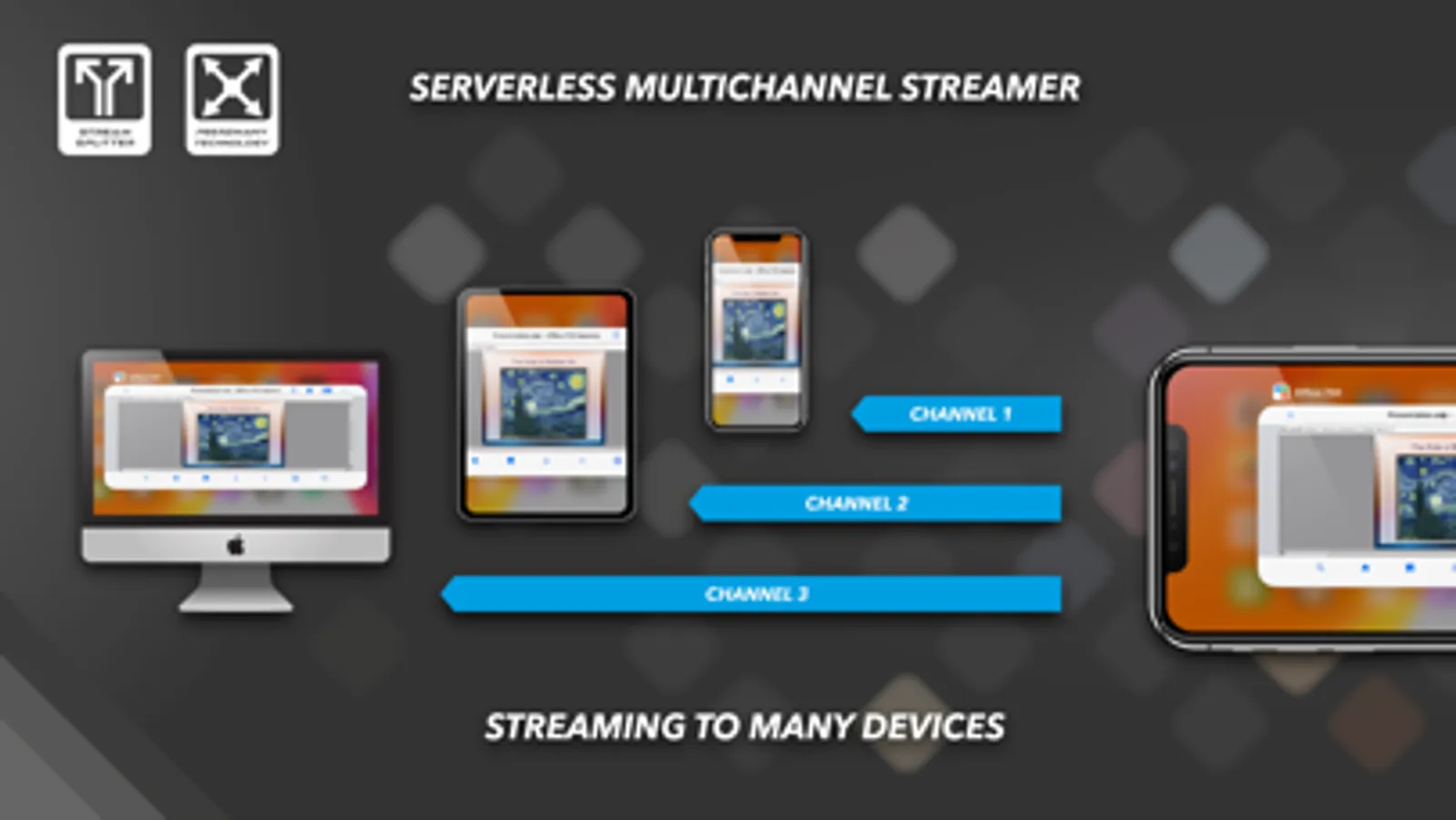
• Serverless multichannel peer-to-many streaming technology
• Full free
• Video streamer & viewer up to SD quality
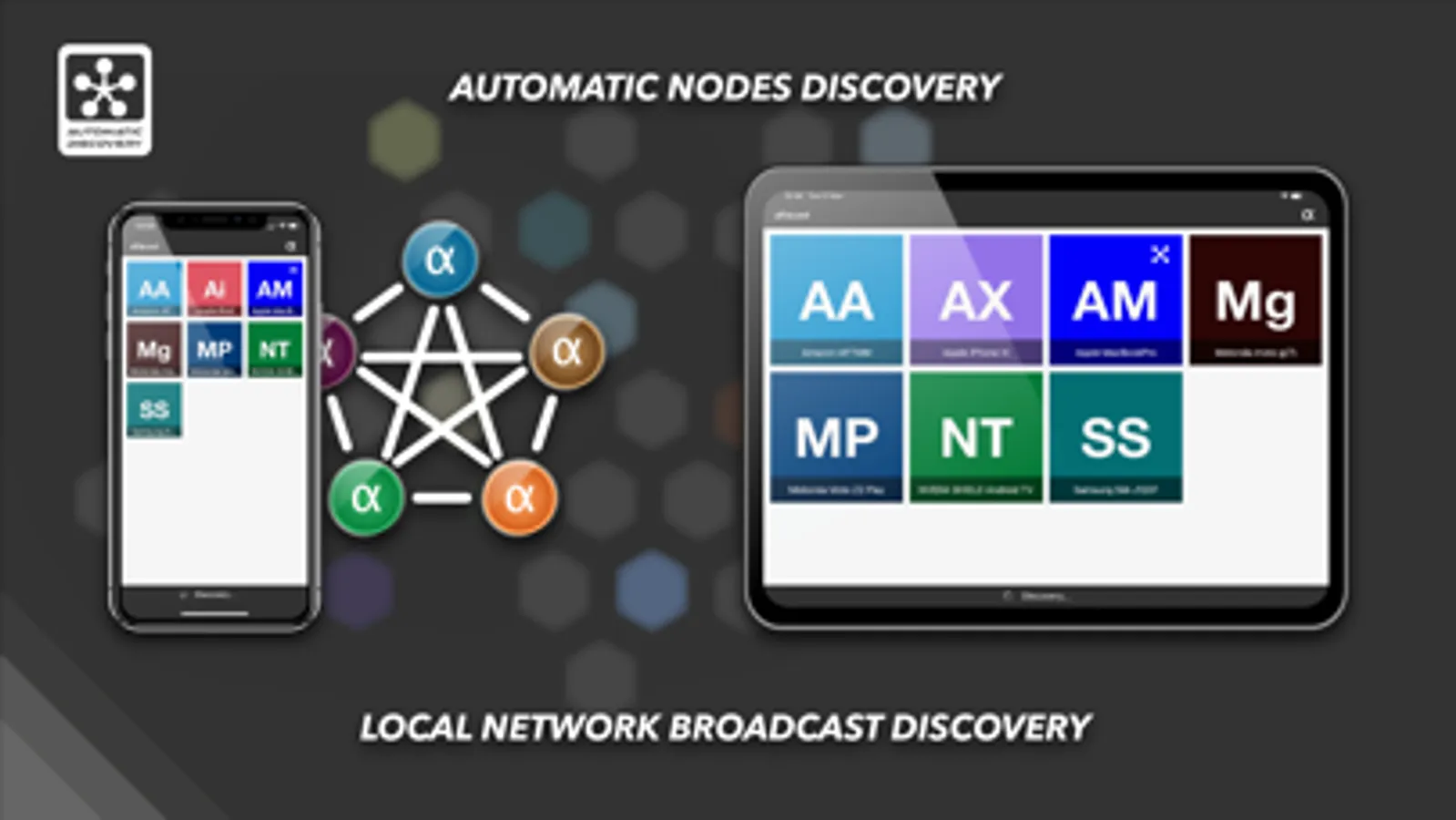
• Automatic discovery of users on the local network
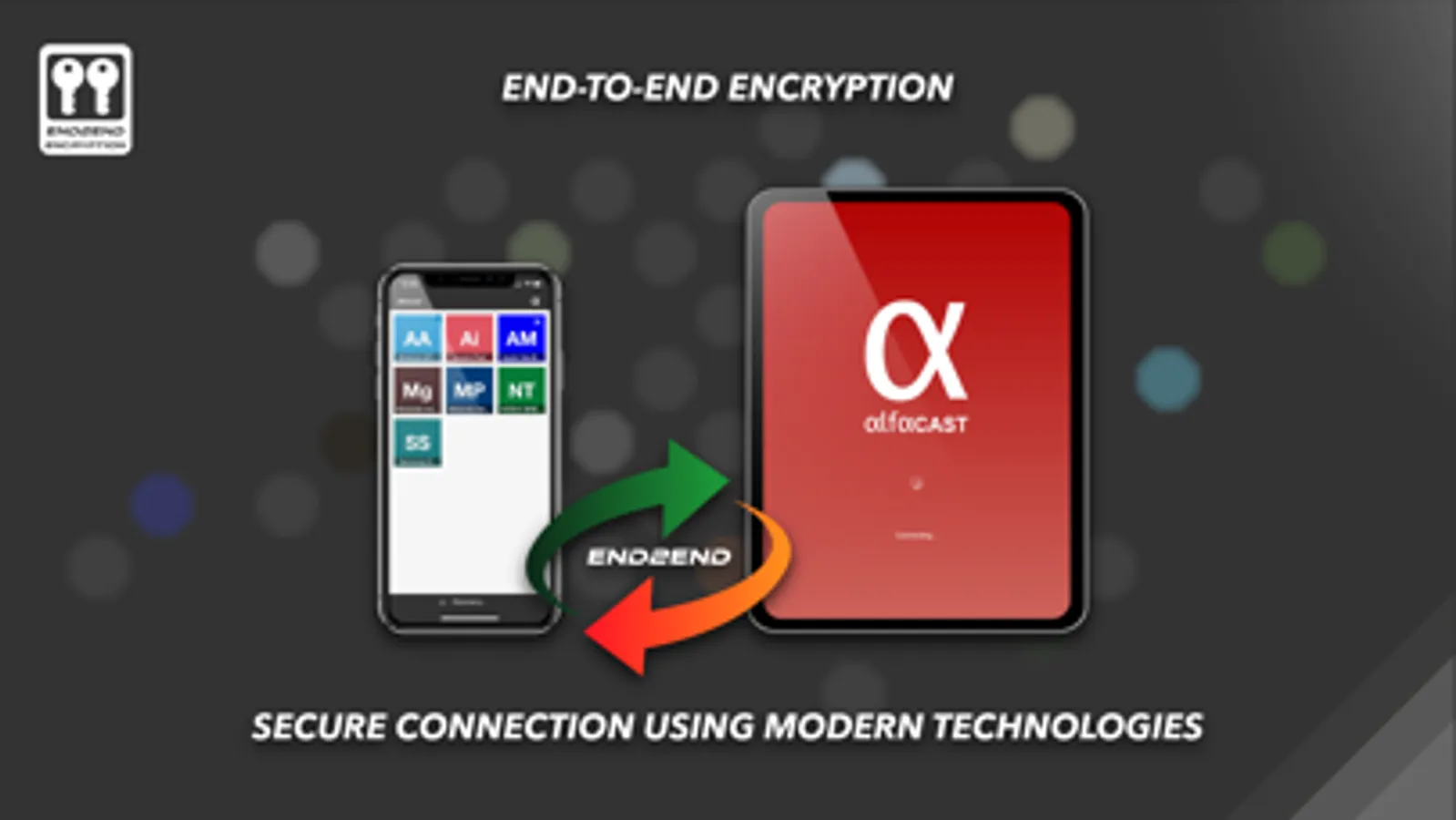
• Secure connection with end-to-end AES-128 encryption technology
• Multiplatform support
To stream video from apps, you need to open a third-party app. The alfacast will capture your screen with all the displayed content. You need to display content from a third-party app on the streamer device screen.
For example, if you want to stream video from a camera, follow these steps on the streamer device:
• Run alfacast app and follow the instructions to use the app as a streamer
• Open the camera app and display it on the device screen. The alfacast app does not use your camera or access it
After that please follow these steps on your viewer device:
• Run alfacast app and follow the instructions to use the app as a viewer
• Select your streamer with a camera from the list of users in the alfacast app and watch the screen cast from the camera
alfacast features:
• Desktop screen streamer and viewer within local area network
• Serverless single channel peer-to-peer streaming technology
• Serverless multichannel peer-to-many streaming technology
• Full free
• Video streamer & viewer up to SD quality
• Automatic discovery of users on the local network
• Secure connection with end-to-end AES-128 encryption technology
• Multiplatform support