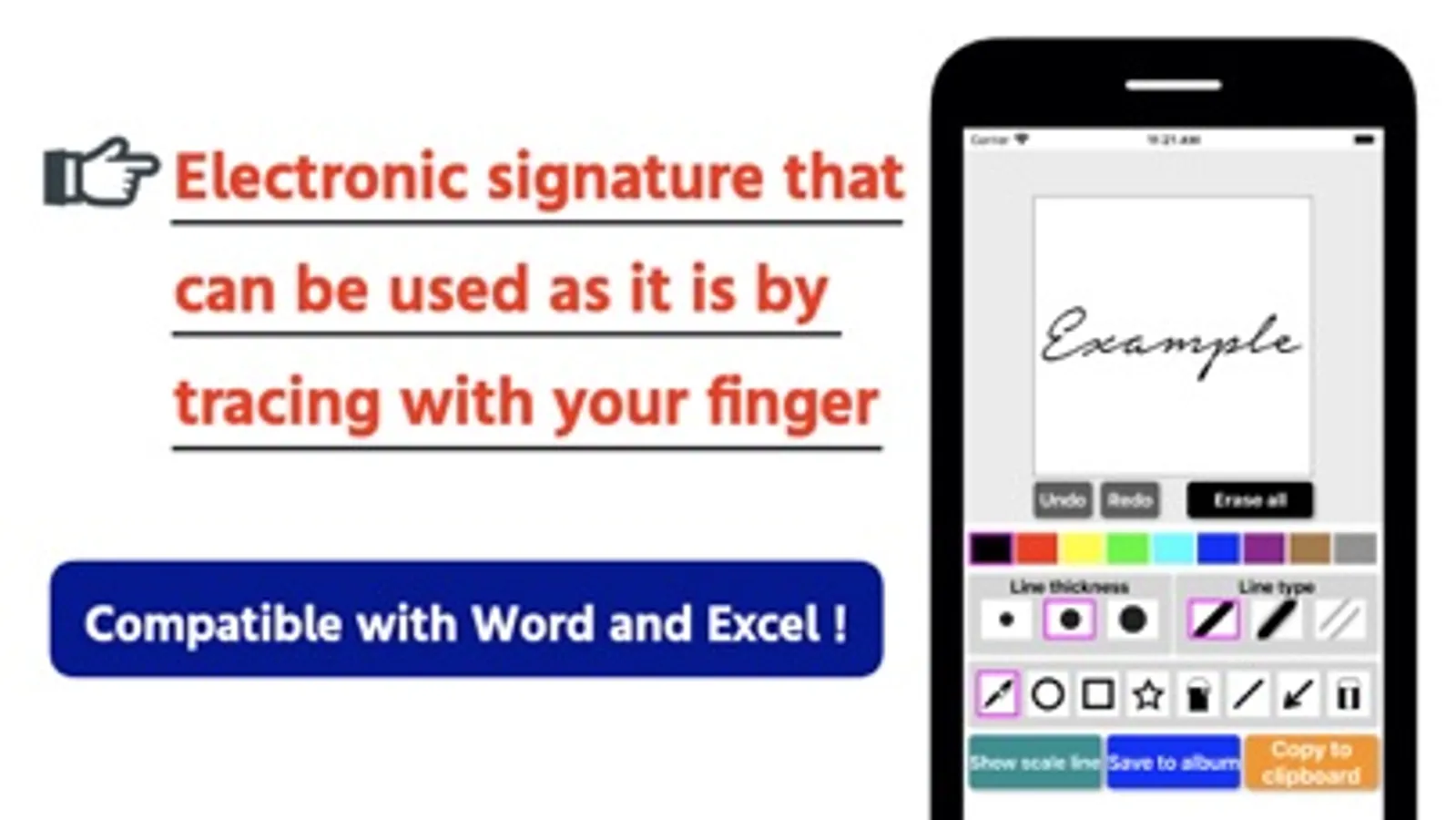
With this electronic signature app, you can create handwritten signatures, customize pen settings, and save signatures as images. Includes color and thickness options, undo and redo functions, and copying to clipboard.
AppRecs review analysis
AppRecs rating 3.3. Trustworthiness 62 out of 100. Review manipulation risk 34 out of 100. Based on a review sample analyzed.
★★★☆☆
3.3
AppRecs Rating
Ratings breakdown
5 star
61%
4 star
19%
3 star
11%
2 star
4%
1 star
4%
What to know
✓
High user satisfaction
80% of sampled ratings are 4+ stars (4.3★ average)
✓
Authentic reviews
Natural distribution, no red flags
⚠
Review quality concerns
45% of sampled 5-star reviews are very short
About Electronic Signature
Create a signature (sign) easily by handwriting! It can be saved as an image or used in copy and paste.
There is also an ad-free paid version called "Electronic Signature PRO". Please go from the link in the app.
【function】
- Selection of color
- Thickness of pen
- Line design
- Selection of pen and eraser
- Undo, Redo
- Scale display
- Save as image
- Copy to clipboard
※ tick marks are not displayed on the saved and copied ones.
Please contact the review section or DM here.
https://twitter.com/corasck
【Disclaimer】
This application does not assume any responsibility whatsoever caused by using this application.
There is also an ad-free paid version called "Electronic Signature PRO". Please go from the link in the app.
【function】
- Selection of color
- Thickness of pen
- Line design
- Selection of pen and eraser
- Undo, Redo
- Scale display
- Save as image
- Copy to clipboard
※ tick marks are not displayed on the saved and copied ones.
Please contact the review section or DM here.
https://twitter.com/corasck
【Disclaimer】
This application does not assume any responsibility whatsoever caused by using this application.