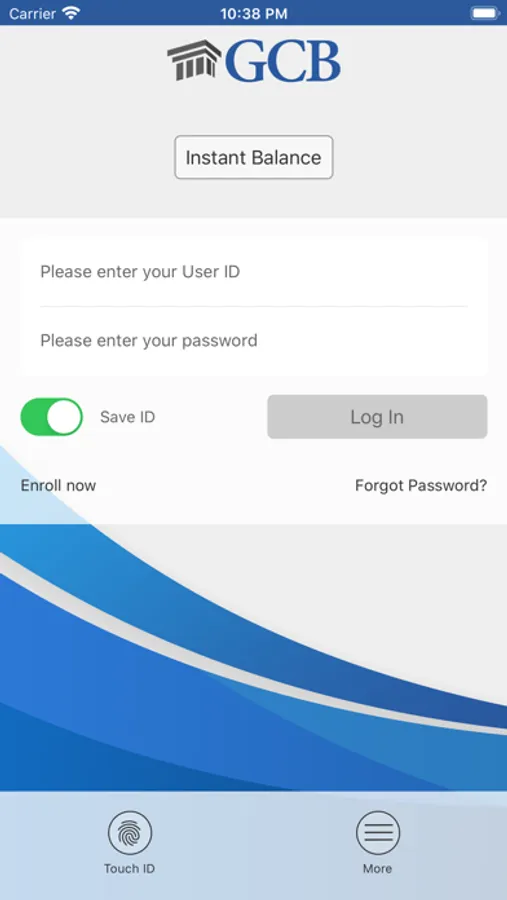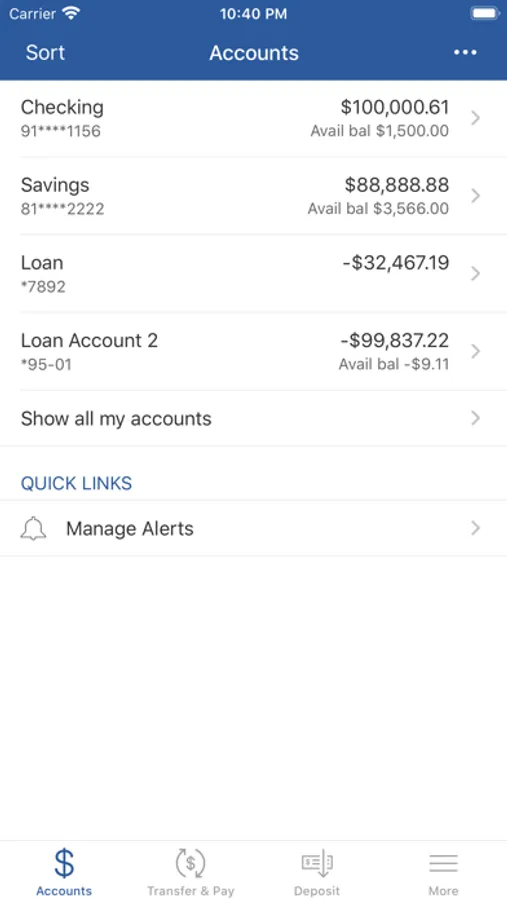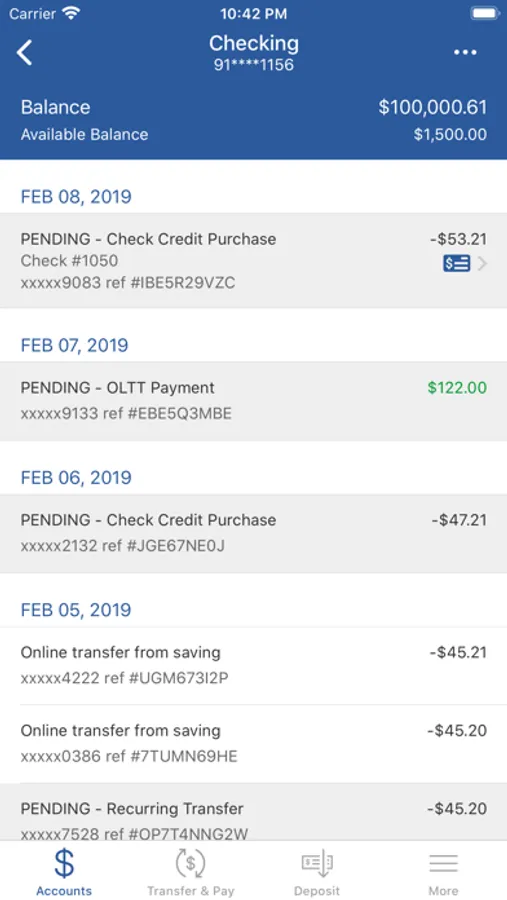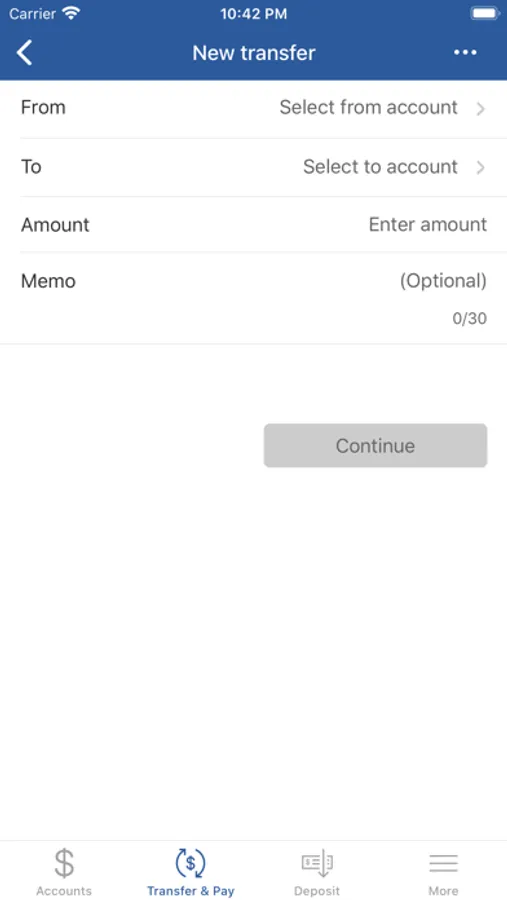
With this mobile banking app, you can view account balances, transfer funds, and pay bills. Includes balance monitoring, transaction search, and mobile check deposits.
AppRecs review analysis
AppRecs rating 4.8. Trustworthiness 0 out of 100. Review manipulation risk 0 out of 100. Based on a review sample analyzed.
★★★★☆
4.8
AppRecs Rating
Ratings breakdown
5 star
89%
4 star
6%
3 star
2%
2 star
1%
1 star
3%
What to know
✓
High user satisfaction
89% of sampled ratings are 5 stars
✓
Authentic reviews
No red flags detected
About GCB : Mobile Banking
Georgia Community Bank offers the flexibility to access your accounts in the way that is most convenient to you. With GCB Mobile Banking for the iPhone, you can access your personal banking account information anytime, anywhere.
At Georgia Community Bank, your safety is always our top priority. To help safeguard your financial and personal information, your accounts are protected by 128-bit encryption, just as they are when you bank online. This means that your full account number is never revealed on your mobile device and we do not store your personal account information on mobile devices, so your accounts remain protected even if your phone is lost or stolen.
GCB Mobile Banking App Features
• Account monitoring
– View available balances
– Search transaction history
• Funds transfer and payments
– Pay bills to existing payees
– Transfer funds between accounts
• Mobile Deposits
– Use your camera equipped iOS device to deposit checks
• Digital Receipts
• Use Touch ID or a PIN for a quick view of balances and completed transactions
Enrollment
For clients not already enrolled in Georgia Community Bank Online Banking, simply visit gcb.bank to self enroll.
For support, call: 229.995.4461 (verify contact number)
Georgia Community Bank does not charge a fee for mobile banking. However, third-party message and data rates may apply. A supported mobile device is needed to use the Mobile Banking App. Use of the Mobile Deposit feature requires a supported camera-equipped device. An eligible Georgia Community Bank banking account and gcb.bank access are required. Certain other restrictions apply. See the Georgia Community Bank Service Disclosure and Agreement for more information.
At Georgia Community Bank, your safety is always our top priority. To help safeguard your financial and personal information, your accounts are protected by 128-bit encryption, just as they are when you bank online. This means that your full account number is never revealed on your mobile device and we do not store your personal account information on mobile devices, so your accounts remain protected even if your phone is lost or stolen.
GCB Mobile Banking App Features
• Account monitoring
– View available balances
– Search transaction history
• Funds transfer and payments
– Pay bills to existing payees
– Transfer funds between accounts
• Mobile Deposits
– Use your camera equipped iOS device to deposit checks
• Digital Receipts
• Use Touch ID or a PIN for a quick view of balances and completed transactions
Enrollment
For clients not already enrolled in Georgia Community Bank Online Banking, simply visit gcb.bank to self enroll.
For support, call: 229.995.4461 (verify contact number)
Georgia Community Bank does not charge a fee for mobile banking. However, third-party message and data rates may apply. A supported mobile device is needed to use the Mobile Banking App. Use of the Mobile Deposit feature requires a supported camera-equipped device. An eligible Georgia Community Bank banking account and gcb.bank access are required. Certain other restrictions apply. See the Georgia Community Bank Service Disclosure and Agreement for more information.